- Age rating4+
- CategoryProductivity
- DeveloperSOOYEON CHO
- LanguagesEnglish+ 1 more
- Size2.0 MB
Links to the official App Store page
Download.org hosts no file of GridCal. The button opens its official App Store page, published by SOOYEON CHO. Listing last checked on Nov 6, 2026.
Screenshots


About
Most calendar apps open on a day or a week. GridCal opens on the month — the whole month, first.
On Apple Watch, the full month grid fills the screen. Turn the Digital Crown to move month by month, swipe up or down to change months, swipe sideways to jump a year, and tap any date to see that day's events. A circular complication shows today's date inside a ring that fills as the month goes by.
On iPhone, pick the view that fits how you plan:
• 1+ — one big month, wall-calendar style, with holiday names right in the cells
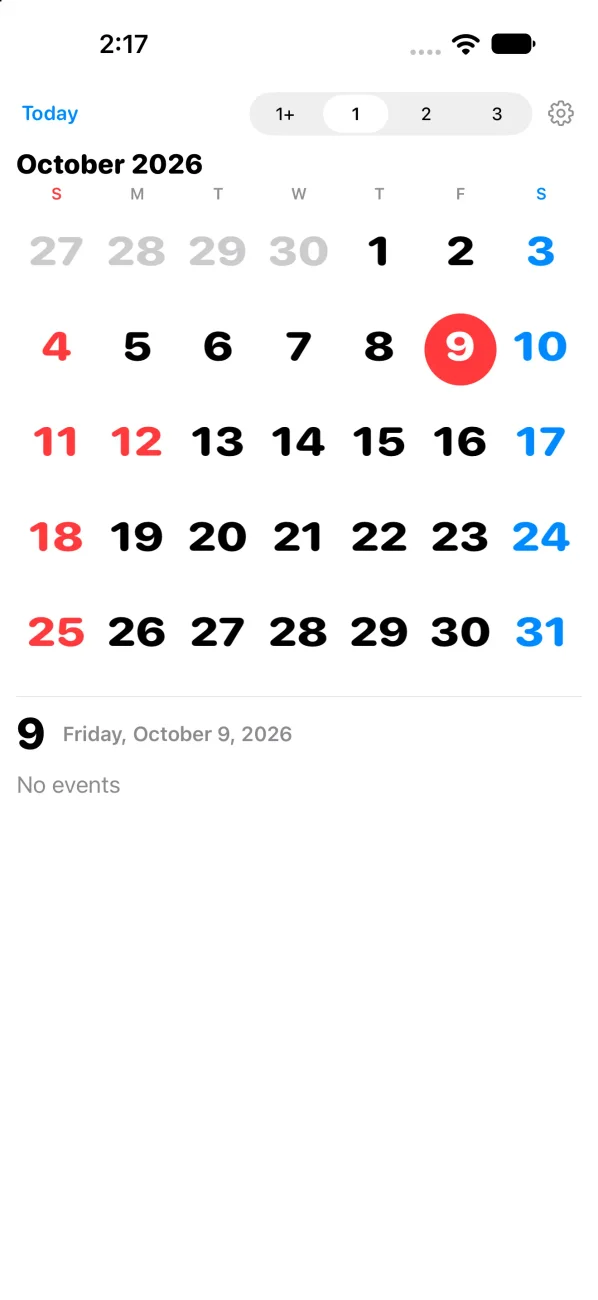
• 1 — one month plus a detail panel for the day you tap
• 2 — two months side by side
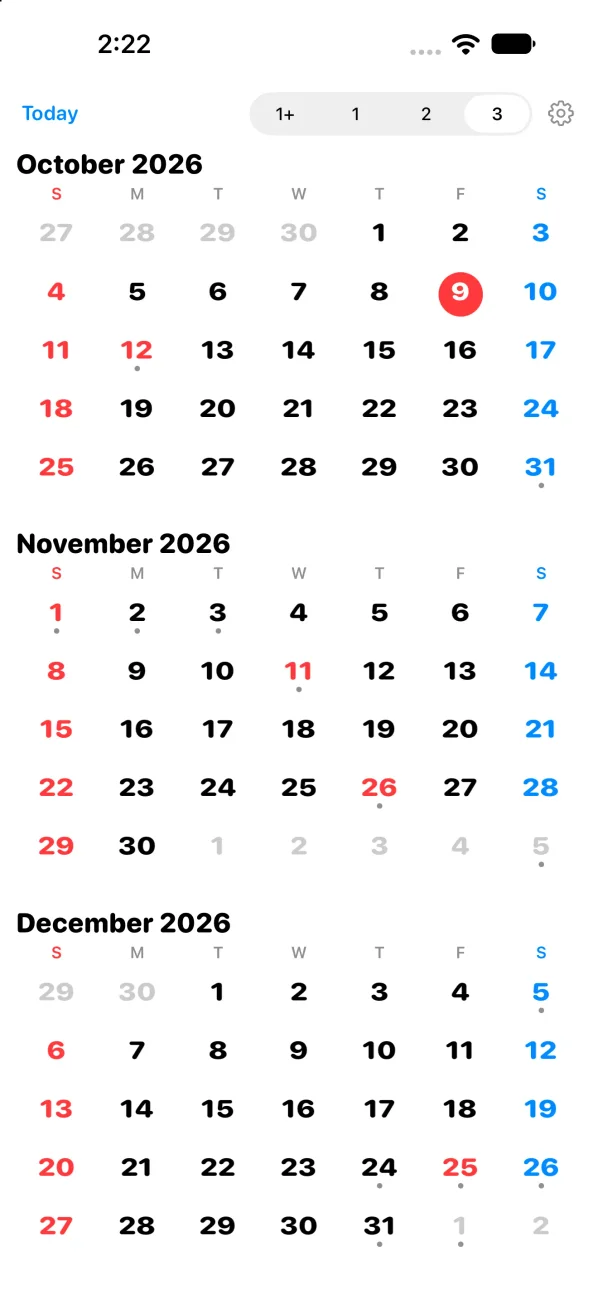
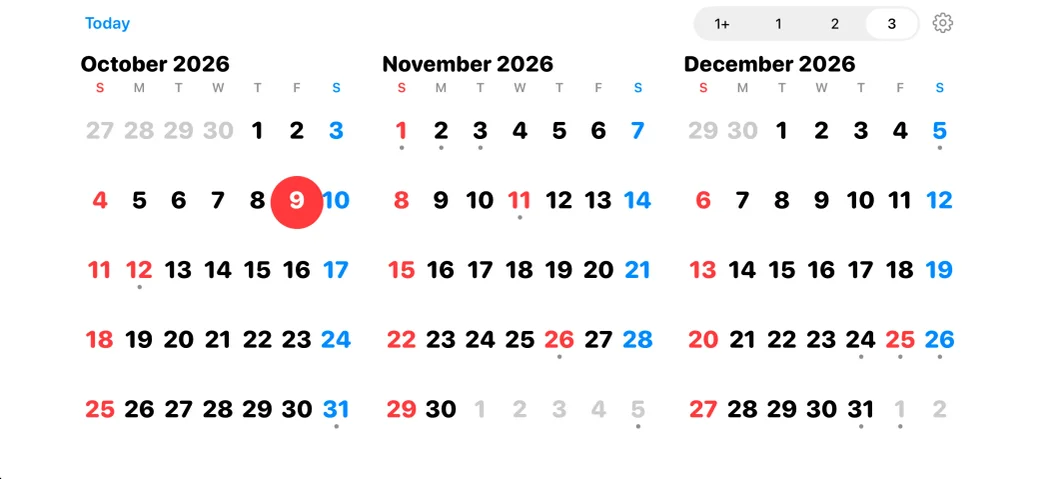
• 3 — three months at a glance
Swipe to move one month at a time, in every view.
Your calendar events appear right on the grid — a dot under days that have something on, and a full list when you tap a date.
Holidays for 16 countries are built in — no downloads, no subscriptions. Choose the countries you care about in Settings, and their holidays show in red with their names: United States, South Korea, Japan, China, Taiwan, Hong Kong, United Kingdom, Canada, Australia, Germany, France, Spain, Italy, Mexico, Brazil, and India. Holiday data covers 2025–2032.
GridCal follows your device's language and your region's first day of the week, automatically.
No account. No ads. No tracking. Your events never leave your device.
What’s new
Version 1.1 · Oct 16, 2026
• Now supports iOS 26 and watchOS 26.
• The watch complication's ring now fills with a gradient as the month progresses, and holidays show in red.
• Lunar day markers (the 1st, 8th, 15th and 23rd) can be shown on the calendar.
• On iPhone, months now turn in exact pages of one, two or three months.
• The 1+ view shows event titles right inside the month.
• Bug fixes and improvements.
App privacy
What SOOYEON CHO declares on the App Store about how this app handles data.
-
Data not collected
The developer does not collect any data from this app.
Privacy practices may vary, for example with the features you use or your age.
Information
- Seller
- SOOYEON CHO
- Category
- Productivity
- Version
- 1.1
- Updated
- Oct 16, 2026
- Released
- Oct 12, 2026
- Size
- 2.0 MB
- Requires
- iOS 26.0 or later
- Age rating
- 4+
- Price
- $1.99
- Languages
- English, Korean
- Copyright
- © 2026 Soo Yeon Cho
You might also like
-
 Walli - Yearly CalendarYour whole year in one place
-
 Birthday Reminder Plus+Cards, Wishes & Notifications
-
 Birthdays – Reminder AppNever forget a birthday again
-
 Days Go By: Birthday ReminderWedding anniversary countdown
-
 Year Calendar & Weekly PlannerDaily Schedule Widget & Tasks
-
 Today's BirthdaysNever miss a birthday again!
-
 Calendar ۬Task Planner & Calendar
-
 윈챗 - WinChatProductivity
-
 Yearli – Yearly CalendarYear at a Glance Planner 2027
-
 Timescape: Year PlannerThe Big Picture Calendar