
Grideo Social Media Post Maker
Story & Thumbnail Templates
Designed for iPhone, iPad, Mac, iPod touch
Free · In-app purchases
- Age rating4+
- CategoryGraphics & Design
- DeveloperApp Toro
- LanguagesEnglish+ 30 more
- Size150.7 MB
Links to the official App Store page
Download.org hosts no file of Grideo Social Media Post Maker. The button opens its official App Store page, published by App Toro. Listing last checked on Nov 22, 2026.
Screenshots


About
Create scroll-stopping social media posts and stories in minutes – pick a template, add your photos and text, and share.
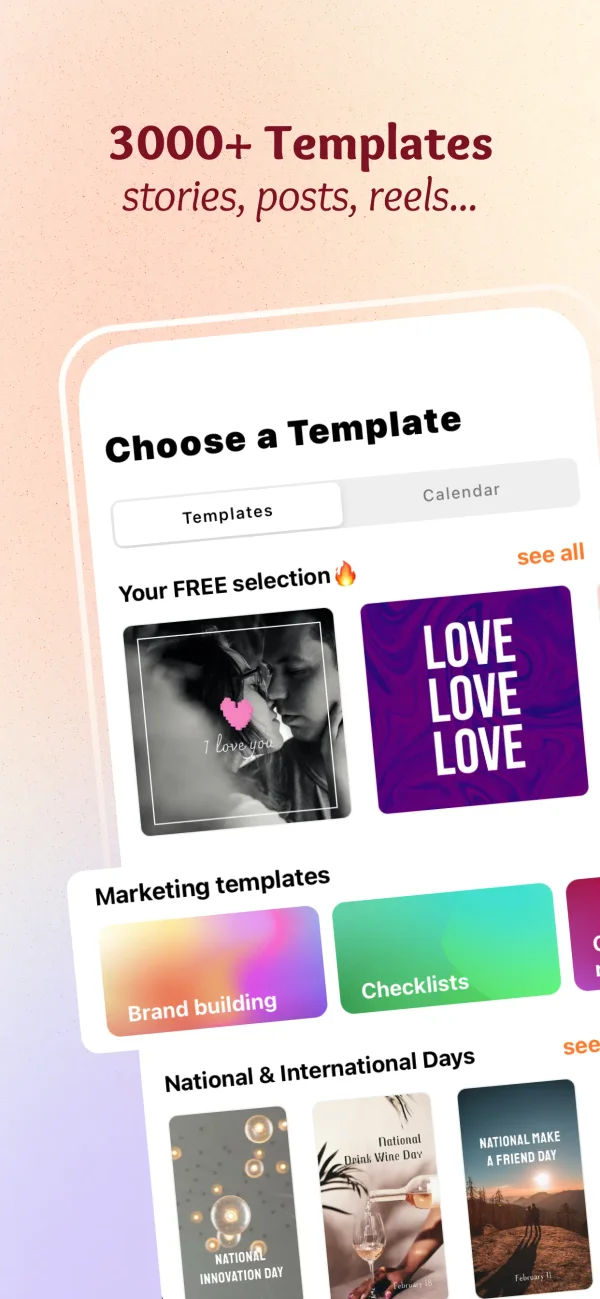
TEMPLATES FOR EVERY OCCASION
• 2,300+ designer templates: marketing, sales and Black Friday, quotes, aesthetic, travel, food, fashion and every holiday
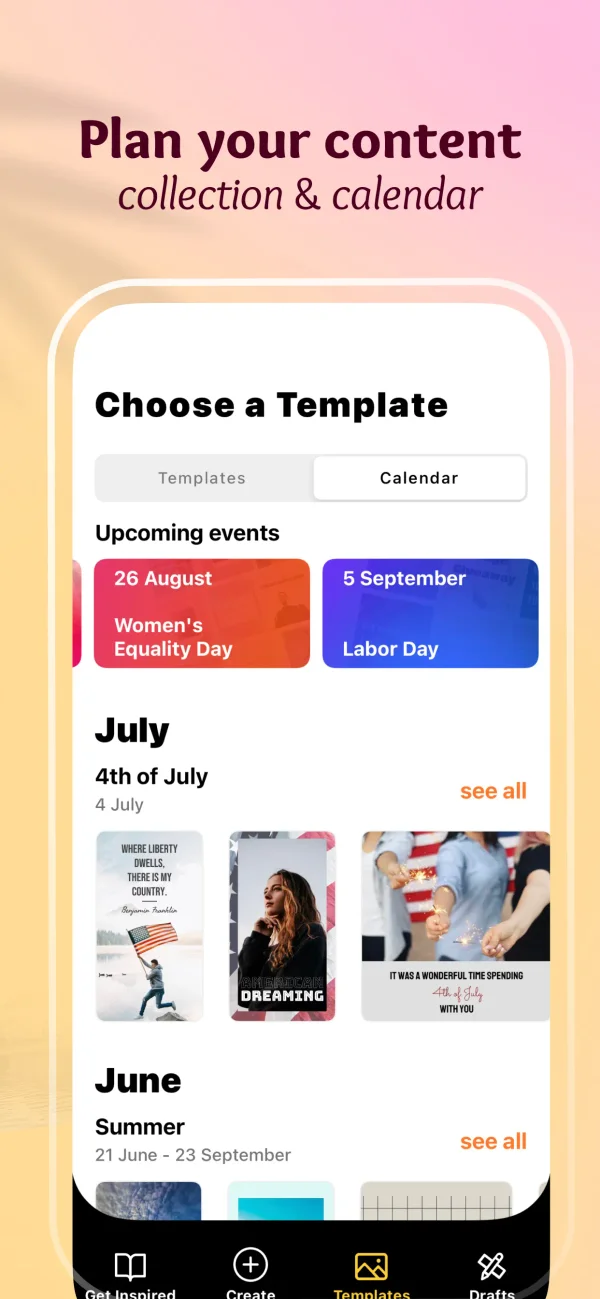
• Holiday calendar so you always have a post ready for the next occasion
• Animated templates and stickers that turn into video posts
ANY SIZE YOU NEED
• Instagram post and story, Facebook, LinkedIn, Pinterest, YouTube thumbnail and channel header, Snapchat story
• Flyers, posters, A4, resumes and business cards – or start from a blank canvas in 40 sizes
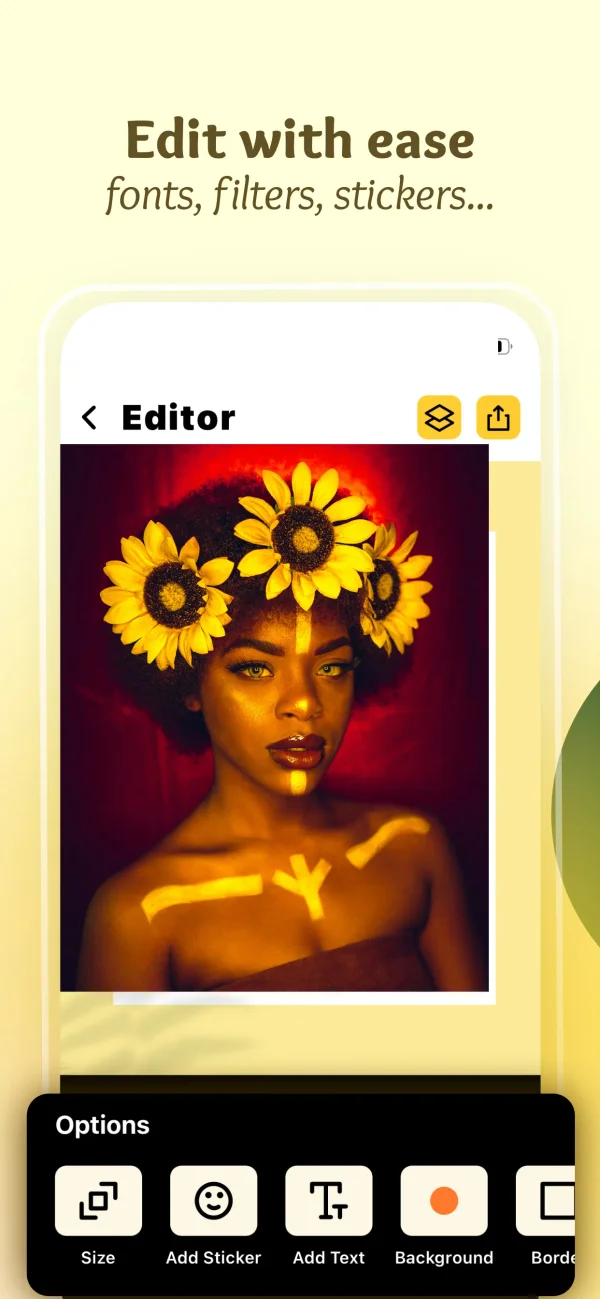
EDIT IT YOUR WAY
• 1,100+ font families, colors and text alignment
• 580+ stickers plus Giphy, or draw your own
• 49 photo filters, backgrounds, patterns, borders and photo collage layouts
• Fade, zoom and slide animations
• Millions of free stock photos from Unsplash
SHARE IN ONE TAP
• Export as image or video and share to Instagram, Facebook, WhatsApp or Messages
• Drafts save automatically
• Works on iPhone, iPad and Mac
FREE AND PREMIUM
Free templates and layouts can be exported with a small Grideo watermark. Premium unlocks every template and layout without the watermark.
Payment will be charged to your Apple Account at confirmation of purchase based on your subscription plan. Subscriptions will automatically renew unless auto-renew is turned off at least 24 hours before the end of the current period. Manage or turn off auto-renewal in your Account settings after the purchase. Subscription cancellation will keep your current subscription plan active until the end of the period. Auto-renewal will be disabled but any unused portion of the current subscription cannot be refunded.
Let us know how much you like Grideo and share your experience by leaving a review on the App Store. We'd love to hear your feedback!
Privacy Policy: https://madduck.com/privacy-policy/
Terms of Use: https://madduck.com/terms-of-use/
What’s new
Version 1.63 · Nov 15, 2026
We’ve polished up Grideo to make your creative process even smoother. In the latest update, you can enjoy:
• Bug fixes and stability improvements
Let us know what you think of Grideo by leaving a review. Thank you!
App privacy
What App Toro declares on the App Store about how this app handles data.
-
Data used to track you
May be used to track you across apps and websites owned by other companies.
- Usage data
- Diagnostics
-
Data linked to you
May be collected and linked to your identity.
- Purchases
- User content
- Identifiers
- Diagnostics
-
Data not linked to you
May be collected but is not linked to your identity.
- Usage data
- Diagnostics
Privacy practices may vary, for example with the features you use or your age.
Information
- Seller
- App Toro s.r.o.
- Category
- Graphics & Design
- Version
- 1.63
- Updated
- Nov 15, 2026
- Released
- Mar 18, 2020
- Size
- 150.7 MB
- Requires
- iOS 15.0 or later
- Age rating
- 4+
- Price
- Free
- In-app purchases
- Yes
- Languages
- English, Catalan, Croatian, Czech, Danish, Dutch, Finnish, French, German, Greek, Hindi, Hungarian + 19 more
- Copyright
- © App Toro
You might also like
-
 Social Media Post MakerPlanner, Creator, Scheduler
-
 Content Creator: Post MakerStory templates for Instagram
-
 Quote Maker - Poster CreatorInstagram Post, Graphic Design
-
 Template Planner for InstagramDesign Reels, Stories & Feeds
-
 Social Media Posts MakerAds & Content Creator
-
 Social Media Posts DesignPost Content Creator & Editor
-
 Social Media Post & Ad MakerPost Maker, Marketing Promo
-
 Post Maker-Social Media DesignMarketing & Advertising Post
-
 Storyluxe: Templates & FiltersSLXE Film Frames and Collages
-
 Design Lab: Logo Graphic MakerPhoto Editor, Post Creator App