GridLens Pro
AR Ground Grid Overlay
Designed for iPhone, iPad
Free · In-app purchases
- Age rating9+
- CategoryUtilities
- Developer贺 周
- LanguagesEnglish
- Size3.4 MB
Links to the official App Store page
Download.org hosts no file of GridLens Pro. The button opens its official App Store page, published by 贺 周. Listing last checked on Nov 17, 2026.
Screenshots

About
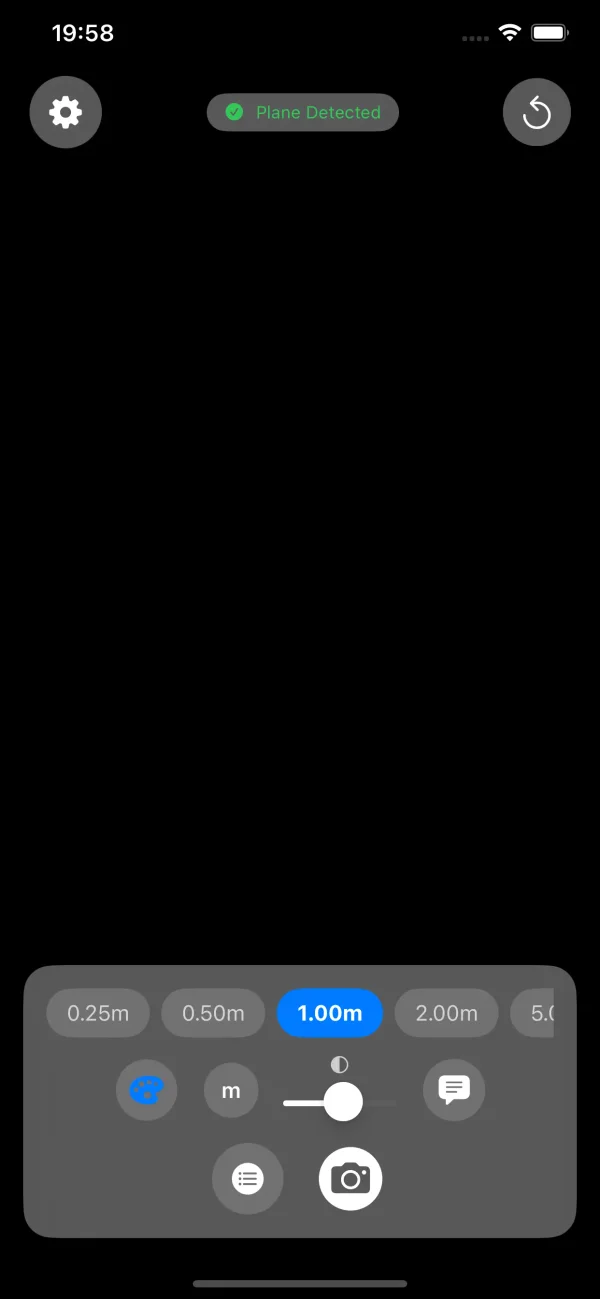
GridLens turns your iPhone into a professional AR ground grid overlay tool. See customizable grid patterns directly on the ground through your camera - perfect for archaeologists, architects, construction workers, landscape designers, and DIY enthusiasts.
KEY FEATURES:
REAL-TIME AR GRID OVERLAY
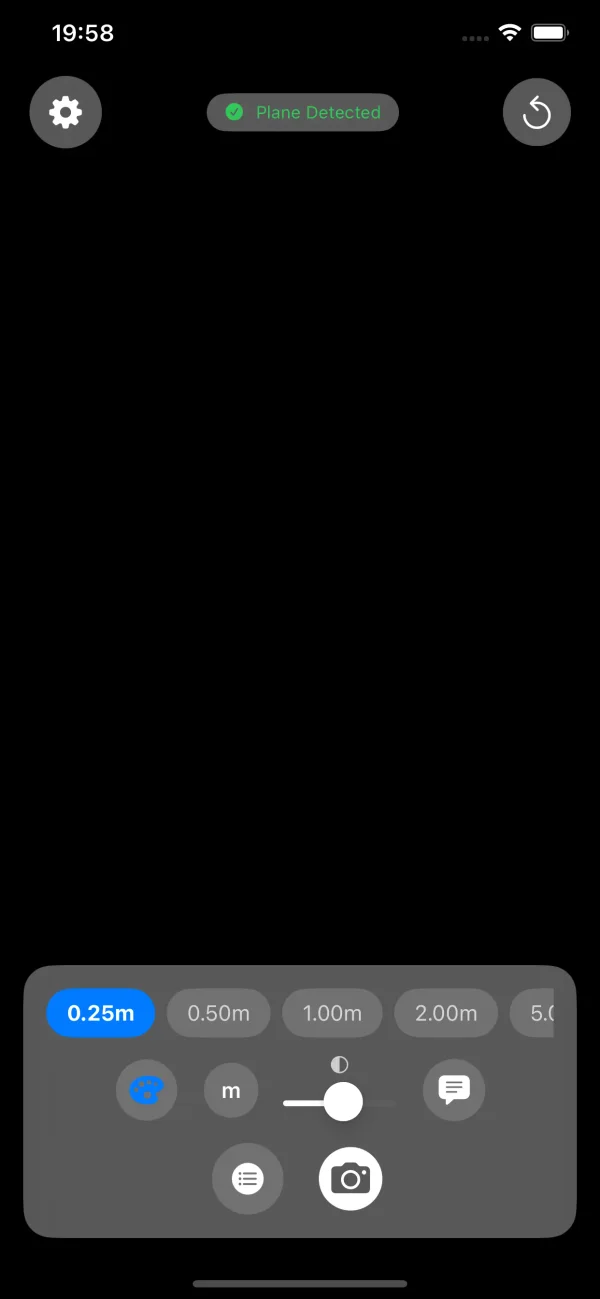
See grid lines overlaid on detected horizontal surfaces in real-time through your iPhone camera. No more guessing distances - the grid is right there on the ground.
ADJUSTABLE GRID SIZES
Choose from 6 preset grid sizes: 0.25m, 0.5m, 1m, 2m, 5m, and 10m. Whether you need fine detail or large area coverage, GridLens has you covered.
MULTIPLE MEASUREMENT UNITS
Switch between meters, feet, centimeters, and inches with a single tap. Work in the unit that is most natural for you.
CUSTOMIZABLE GRID COLORS
5 grid color options (Blue, Green, Red, Yellow, White) ensure visibility in any lighting condition or surface type.
GRID LABELS WITH COORDINATES
Enable coordinate labels on your grid for precise documentation and professional reporting.
SCREENSHOT WITH GPS METADATA
Capture screenshots with a single tap. Photos are automatically tagged with GPS coordinates for field documentation.
SAVE CUSTOM PRESETS
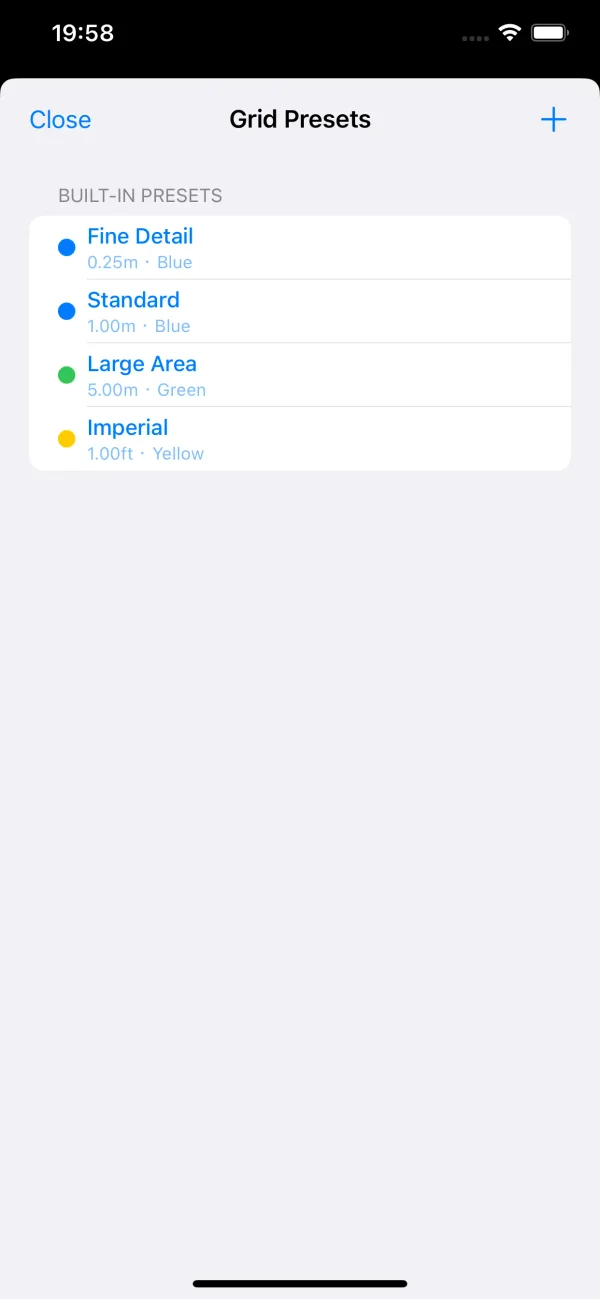
Save your favorite grid configurations as presets for quick access on future projects.
APPLE NATIVE AR
Built with ARKit and RealityKit for the highest tracking accuracy and smoothest AR experience on iPhone.
PERFECT FOR:
- Archaeologists documenting excavation grids
- Architects planning floor layouts
- Construction workers measuring ground areas
- Landscape designers planning garden layouts
- DIY enthusiasts measuring for home projects
Note: GridLens requires an iPhone 6s or later with iOS 17.0+. Devices with LiDAR (iPhone 12 Pro and later) provide faster and more accurate plane detection.
SUBSCRIPTION INFORMATION:
- Payment will be charged to your Apple ID account at confirmation of purchase.
- Subscription automatically renews unless it is canceled at least 24 hours before the end of the current period.
- You can manage and cancel your subscriptions by going to your account settings on the App Store after purchase.
- Any unused portion of a free trial period, if offered, will be forfeited when the user purchases a subscription.
What’s new
Version 1.1 · May 7, 2026
- Improved feedback system with direct in-app submission
- Enhanced error handling and stability
- Performance optimizations for AR rendering
App privacy
What 贺 周 declares on the App Store about how this app handles data.
-
Data not collected
The developer does not collect any data from this app.
Privacy practices may vary, for example with the features you use or your age.
Information
- Seller
- 贺 周
- Category
- Utilities
- Version
- 1.1
- Updated
- May 7, 2026
- Released
- May 7, 2026
- Size
- 3.4 MB
- Requires
- iOS 17 or later
- Age rating
- 9+
- Price
- Free
- In-app purchases
- Yes
- Languages
- English
- Copyright
- © 202605061911
You might also like
-
 BPaaS Image RulerMeasure your Images!
-
 WakeUP - Chat-based ReminderUnique to-do & habits app
-
 SearchAppsFind Your Perfect App
-
 Greeedy – Ratio Grid OverlayGrids for photo, crop & ratios
-
 GTRS CloudUtilities
-
 Ensu - Ente's Local LLMAn on-device LLM app by Ente
-
 Cat® GRADE AssistantUtilities
-
 GemlinkUtilities
-
 Ente LockerEnd-to-end encrypted vault
-
 Live ReadText Reader Blind & Low Vision