GridMind Power
Solar & Battery Intelligence
Designed for iPhone, iPad
Free · In-app purchases
- Age rating4+
- CategoryUtilities
- DeveloperScott Brant
- LanguagesEnglish
- Size26.1 MB
Links to the official App Store page
Download.org hosts no file of GridMind Power. The button opens its official App Store page, published by Scott Brant. Listing last checked on Nov 18, 2026.
Screenshots



About
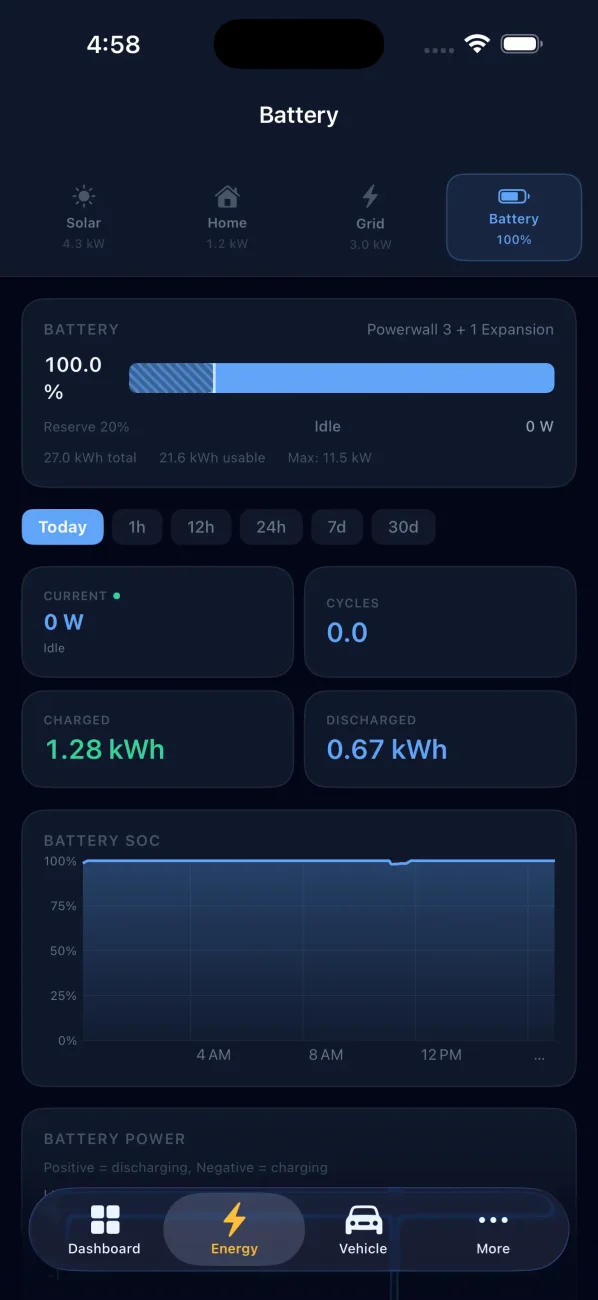
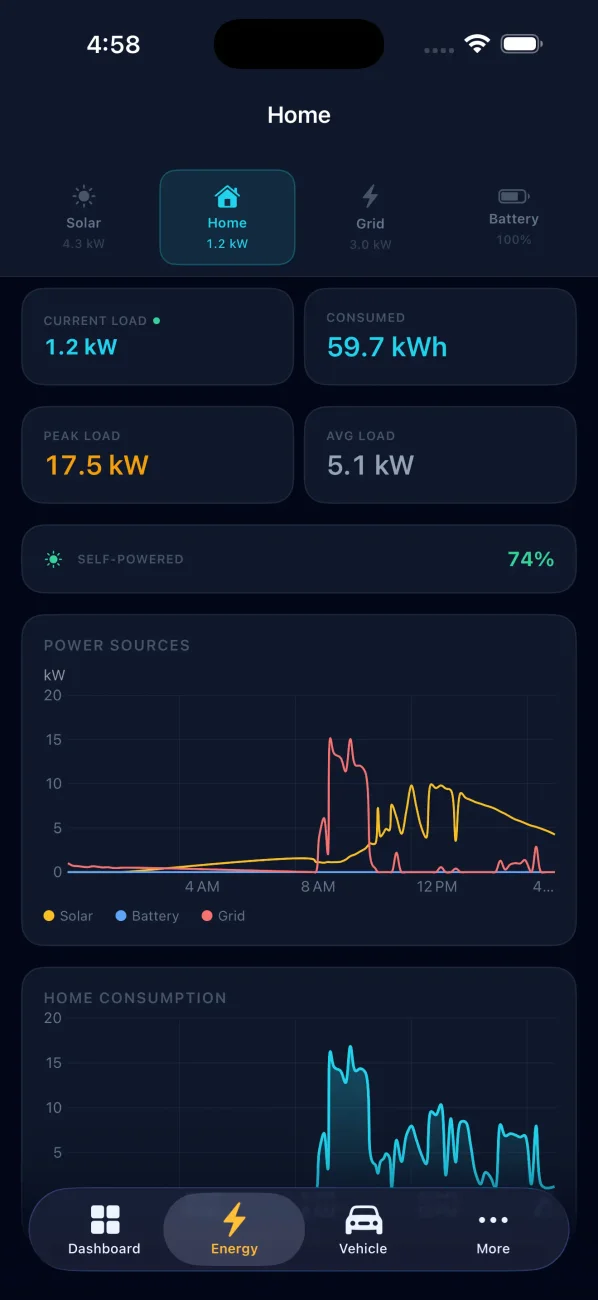
GridMind gives you complete visibility and control over your home energy system — solar panels, battery storage, EV charging, and grid interaction — all in one beautifully designed app.
REAL-TIME POWER FLOW
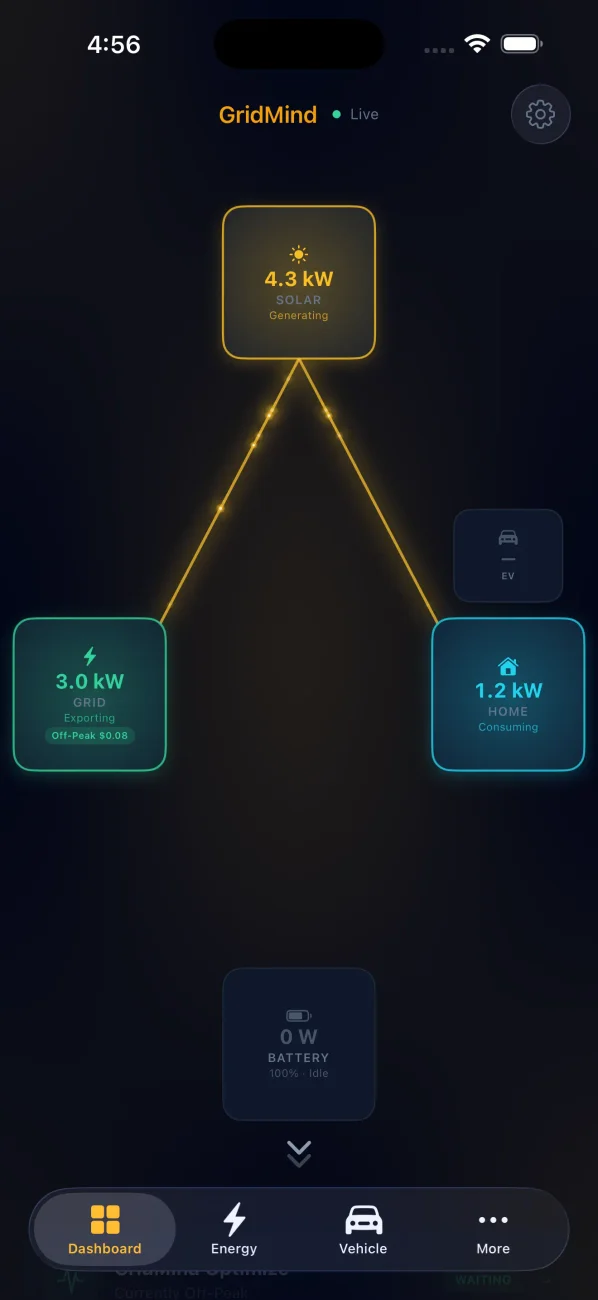
Watch energy move through your home in real time. An animated flow diagram shows exactly where your power is going — from solar panels to battery, home, grid, and up to four EVs simultaneously. Tap any node to drill into detailed metrics.
SMART PEAK OPTIMIZATION
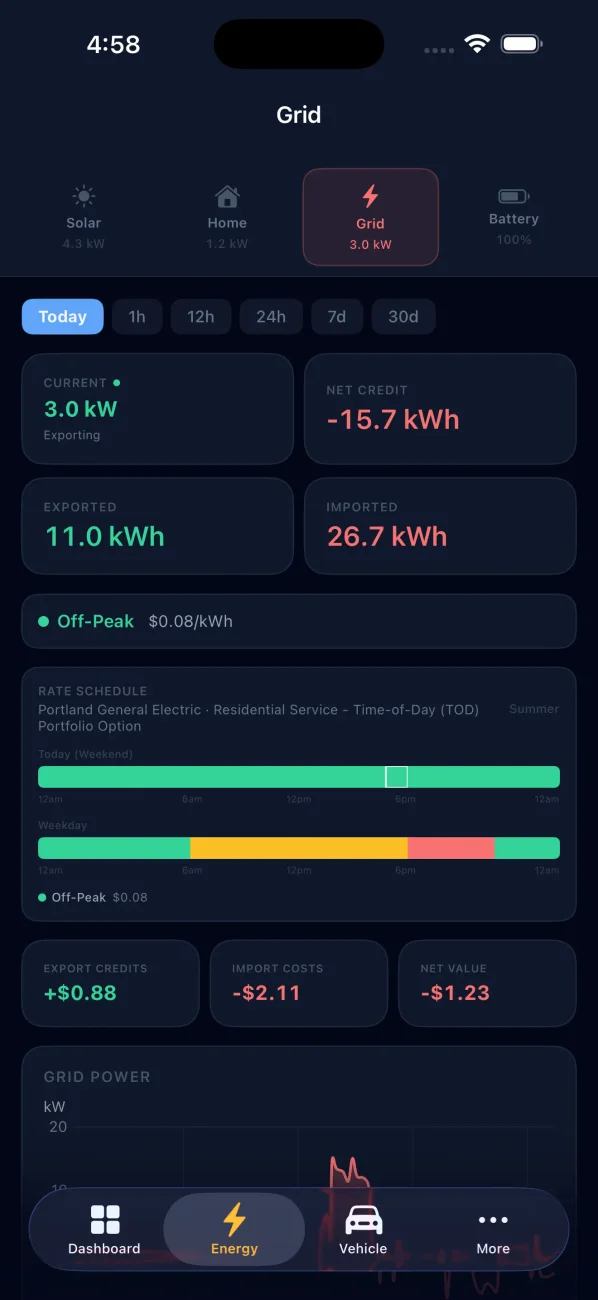
GridMind's optimizer automatically manages your battery during Time-of-Use rate windows. It calculates the ideal moment to export stored energy to the grid at peak rates, maximizing your earnings while keeping your home powered. Track live progress on your Lock Screen and Dynamic Island.
EV CHARGING INTELLIGENCE
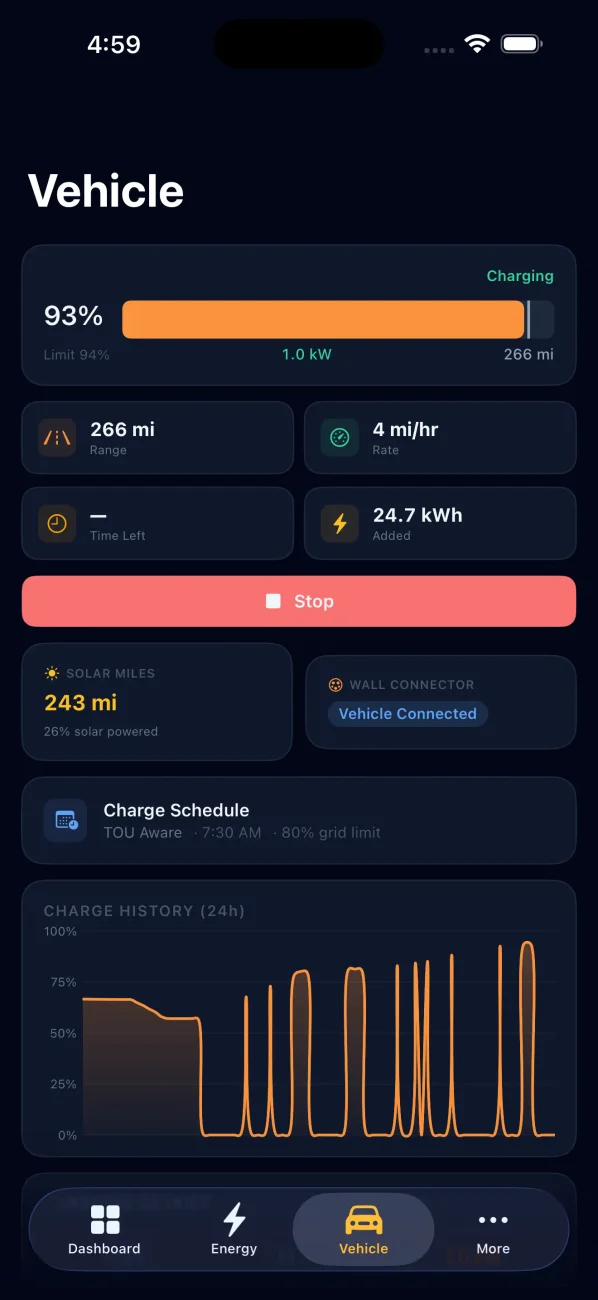
Monitor and control EV charging across multiple vehicles. See real-time charge rate, battery level, and estimated completion. GridMind tracks how much of your charging comes from solar vs. grid — down to the "solar miles" driven.
FINANCIAL TRACKING
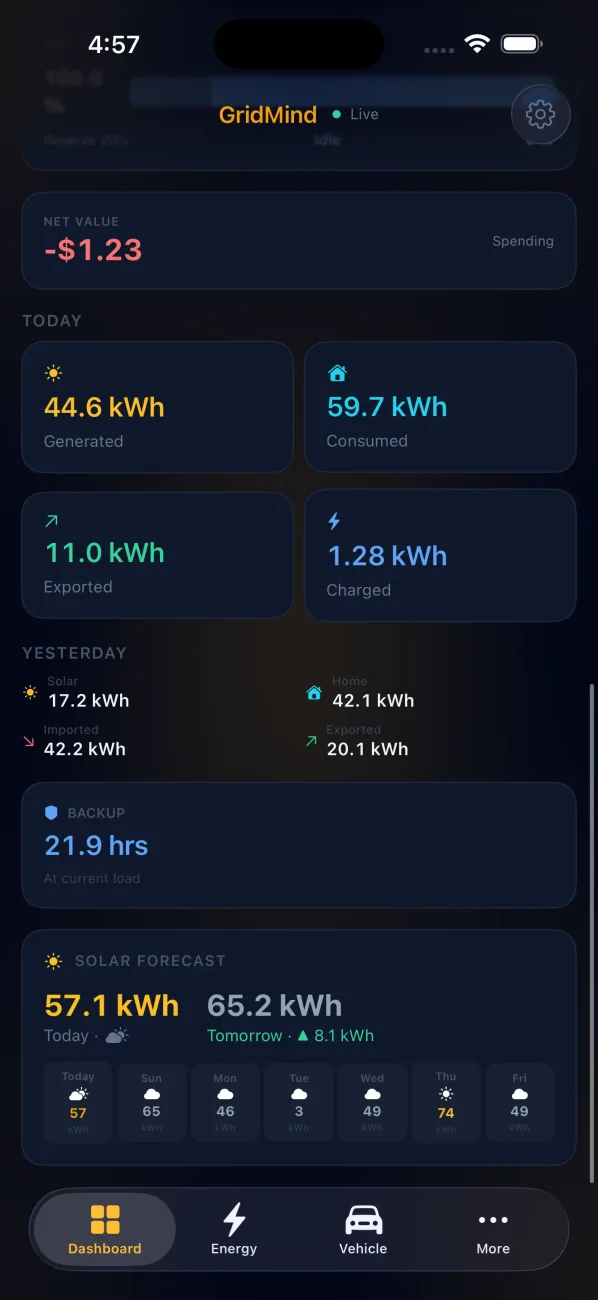
Know exactly what your energy system earns. Track daily net value, export credits, solar savings, and import costs. Compare billing cycles, view hourly breakdowns, and watch your lifetime ROI grow.
SOLAR FORECASTING
7-day solar production forecasts help you plan around the weather. See today's expected output, compare to tomorrow, and track how actual generation stacks up against predictions.
ACHIEVEMENTS & GOALS
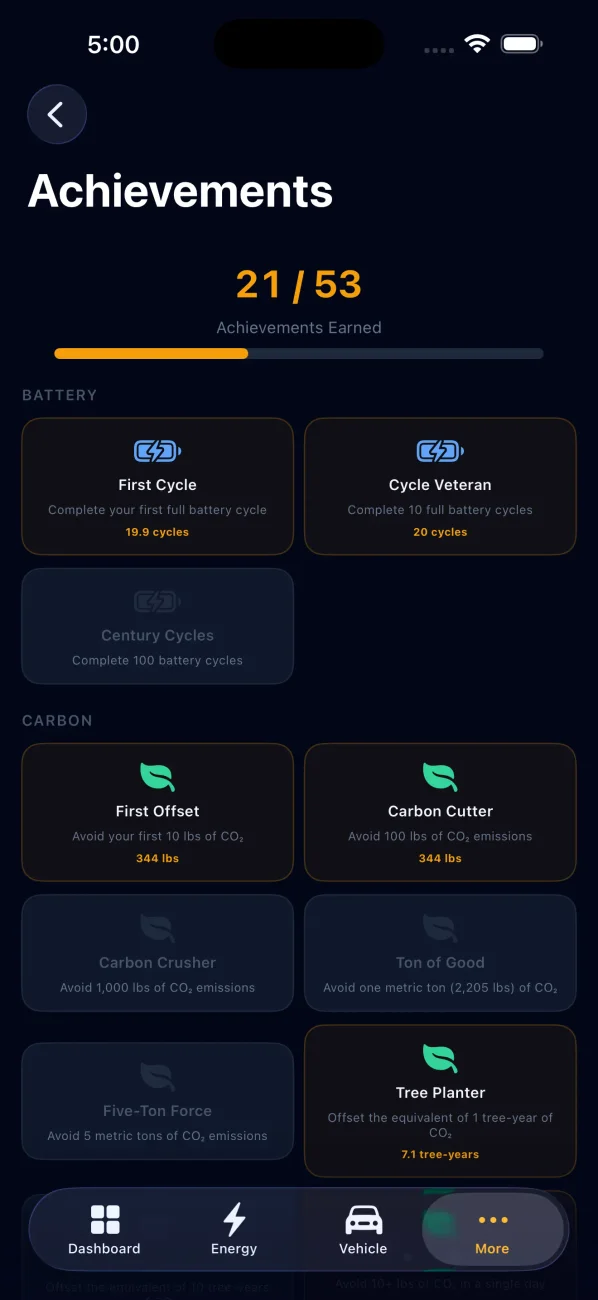
Set daily targets for solar production, energy value, and carbon reduction. Earn achievements as you hit milestones — from your first solar kWh to your thousandth dollar saved.
AI-POWERED INSIGHTS
Machine learning monitors your system for anomalies and surfaces actionable recommendations. Ask follow-up questions to understand what's happening and why.
HOME SCREEN WIDGETS & LIVE ACTIVITIES
Glance at your energy status without opening the app. Widgets show solar output, battery level, and net value. During peak optimization, Dynamic Island displays live export rate and earnings.
AUTOMATION RULES
Build custom automation rules with a visual editor, or use preset templates for common scenarios like storm preparation and peak shaving.
WORKS WITH
• Tesla Solar, Powerwall, and Wall Connector
• Enphase solar inverters
• More integrations coming soon
REQUIRES
A GridMind account and a connected energy system. Free tier available; GridMind Pro unlocks advanced optimization, and multiple vendor connections.
Terms of Use: https://gridmindpower.com/terms/
What’s new
Version 1.9.3 · Oct 27, 2026
Added
“Charge EVs from the grid”, a switch on the Vehicle tab. While a car charges and the Powerwall would feed it, GridMind holds the battery at its current level so the grid carries the car, and puts the reserve back when charging stops.
Improved
iPhone Duo: GridMind now fills both of the Duo’s screens instead of running in a phone-shaped box. Closed, the tabs and Settings sit in a rail beside the status column; open, the app uses the whole inner screen.
A car plugged in somewhere other than your home charger now reads “Away from home charger” under its status instead of “Plugged in”, and shows no Start or Stop. GridMind only sees and controls your car through your own charger.
The Vehicle tab’s Solar and Off-peak modes now carry a note about the Tesla app’s own schedulers: if Charge on Solar or the Wall Connector Schedule is on for the car, use one or the other, since two schedulers take turns pausing the car.
Wide screens: on an iPad or an iPhone Duo opened flat, the dashboard’s banners now sit at the top of the card column instead of above the power-flow diagram, so the diagram always fits the first screen even with two banners showing.
App privacy
What Scott Brant declares on the App Store about how this app handles data.
-
Data not collected
The developer does not collect any data from this app.
Privacy practices may vary, for example with the features you use or your age.
Information
- Seller
- Scott Brant
- Category
- Utilities
- Version
- 1.9.3
- Updated
- Oct 27, 2026
- Released
- Apr 7, 2026
- Size
- 26.1 MB
- Requires
- iOS 26.0 or later
- Age rating
- 4+
- Price
- Free
- In-app purchases
- Yes
- Languages
- English
- Copyright
- © 2026 Scott Brant
You might also like
-
 SolDial for PowerwallSolar, Battery & EV Automation
-
 Netzero for PowerwallHome energy management
-
 Plex DashMonitor your Plex Server
-
 mySolarEdgeUtilities
-
 Enphase EnlightenUtilities
-
 Ubiquiti WiFimanUtilities
-
 SunrunPower Your Future
-
 Moen Floformerly Smart Water Network
-
 My LevitonUtilities
-
 US MobileYour Mobile lines, simplified.