- Age rating4+
- CategoryProductivity
- LanguagesEnglish+ 1 more
- Size7.5 MB
Links to the official App Store page
Download.org hosts no file of Gridpaper: To-Do & Diary. The button opens its official App Store page, published by . Listing last checked on Nov 12, 2026.
Screenshots



About
Gridpaper doesn't draw the picture for you. It just makes a blank page easier to start.
Gridpaper brings your to-dos, events, yearly goals, and a diary you can decorate into one place.
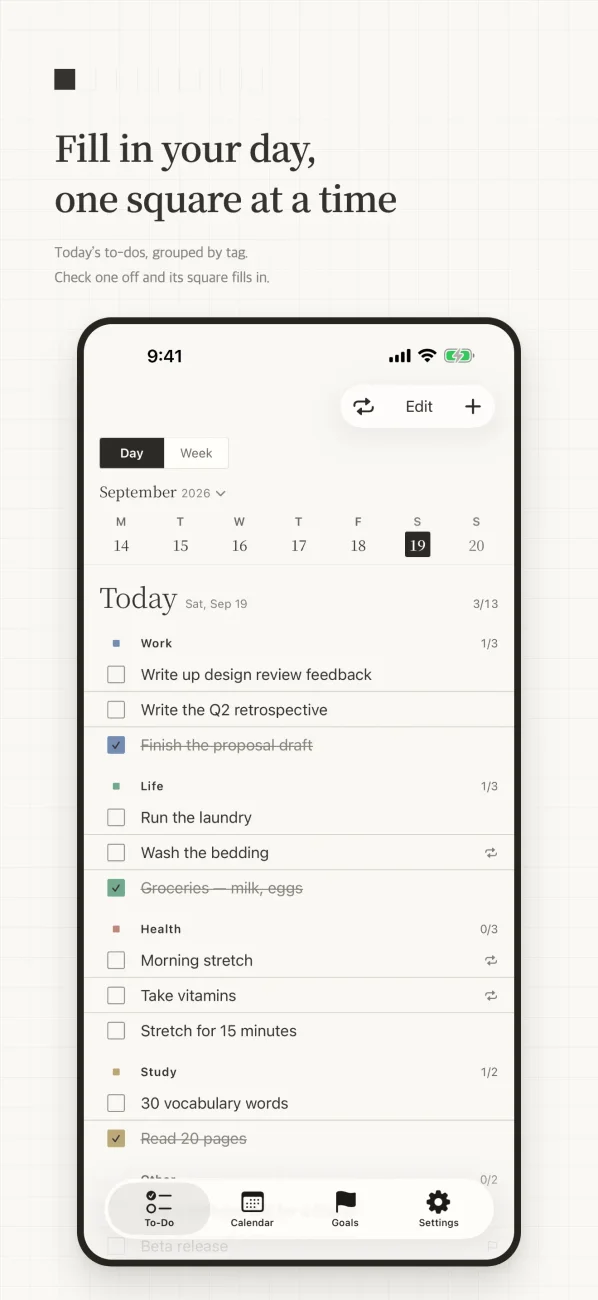
■ Fill in your day, one square at a time
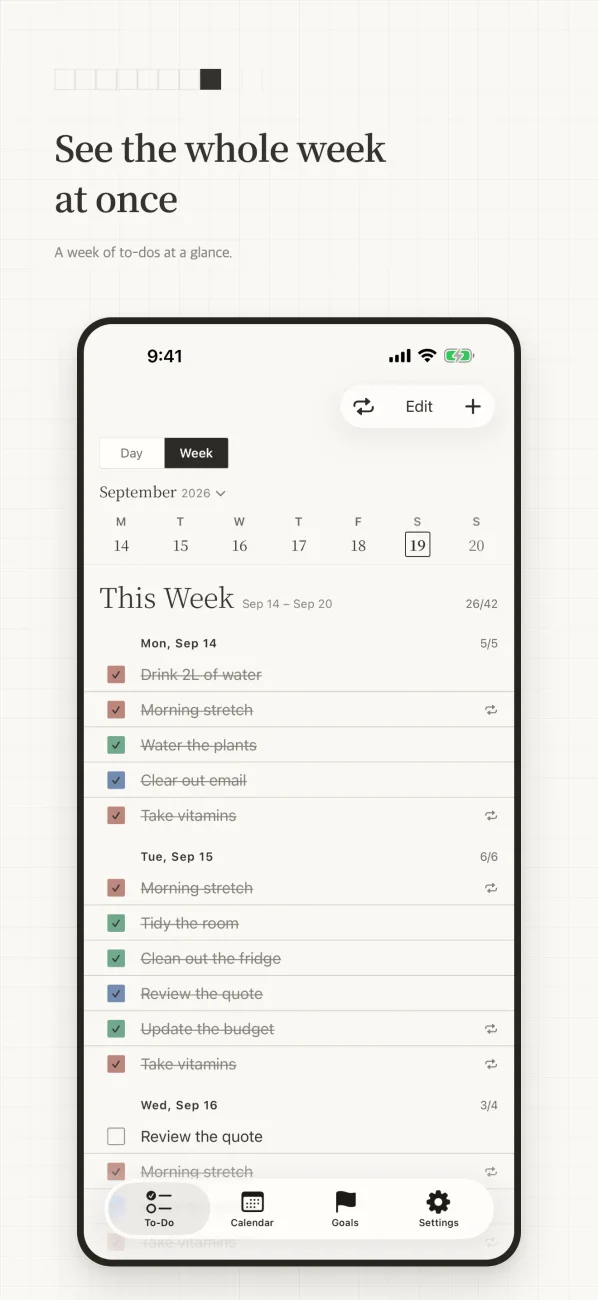
Move between Day and Week as you write. Tag a to-do and it joins that tag's own section, marked with a small patch of color.
Check something off to fill its square in. Nothing disappears — the line just moves down the list.
Press and hold a to-do to move it to tomorrow, repeat it tomorrow, or send it to another date.
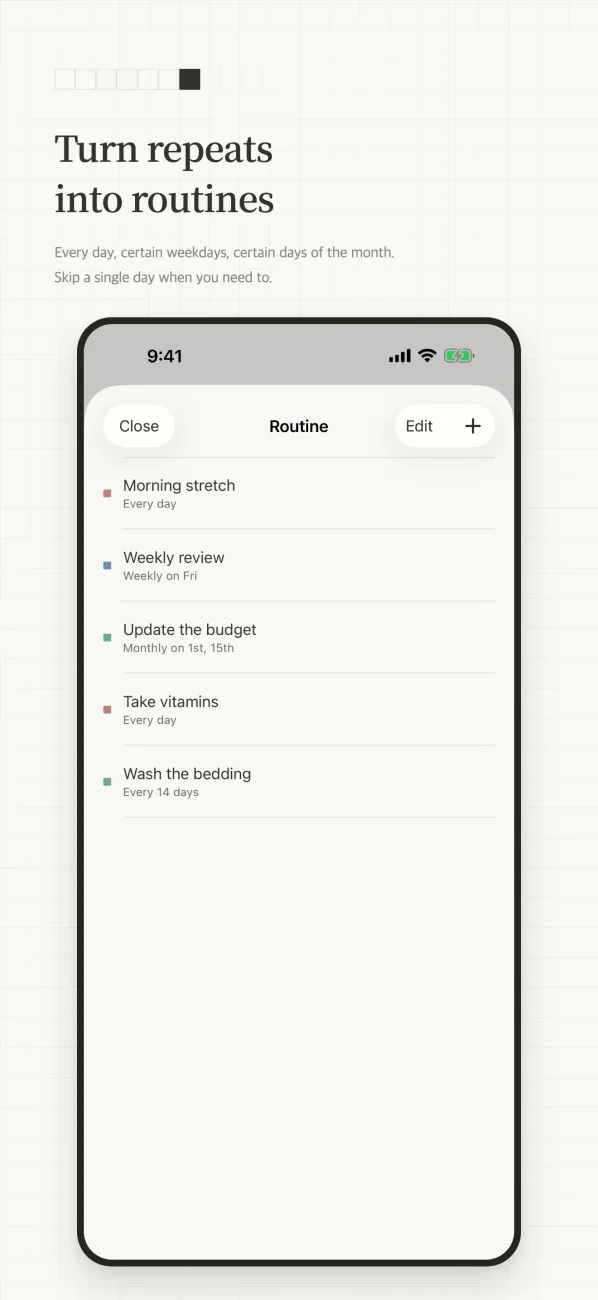
■ Turn repeats into routines
Set a to-do to come back daily, on certain weekdays, or on whatever schedule suits it.
Skip a single day when you need to, and the rule stays as it is.
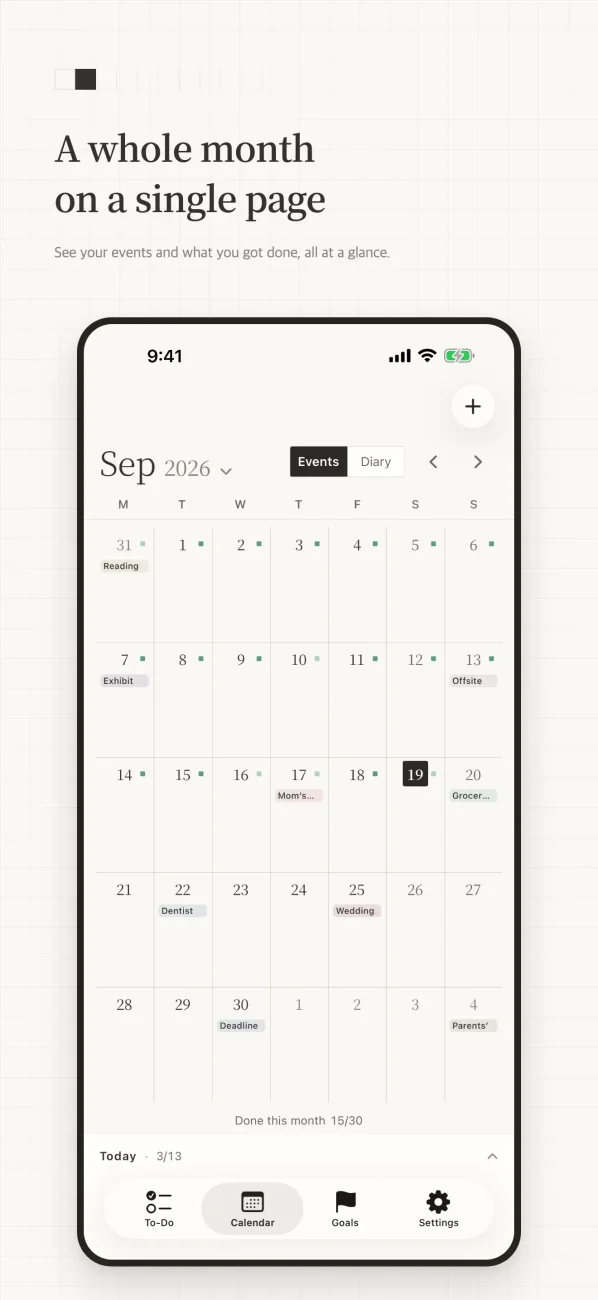
■ A whole month on a single page
Keep events and diary entries together on the calendar.
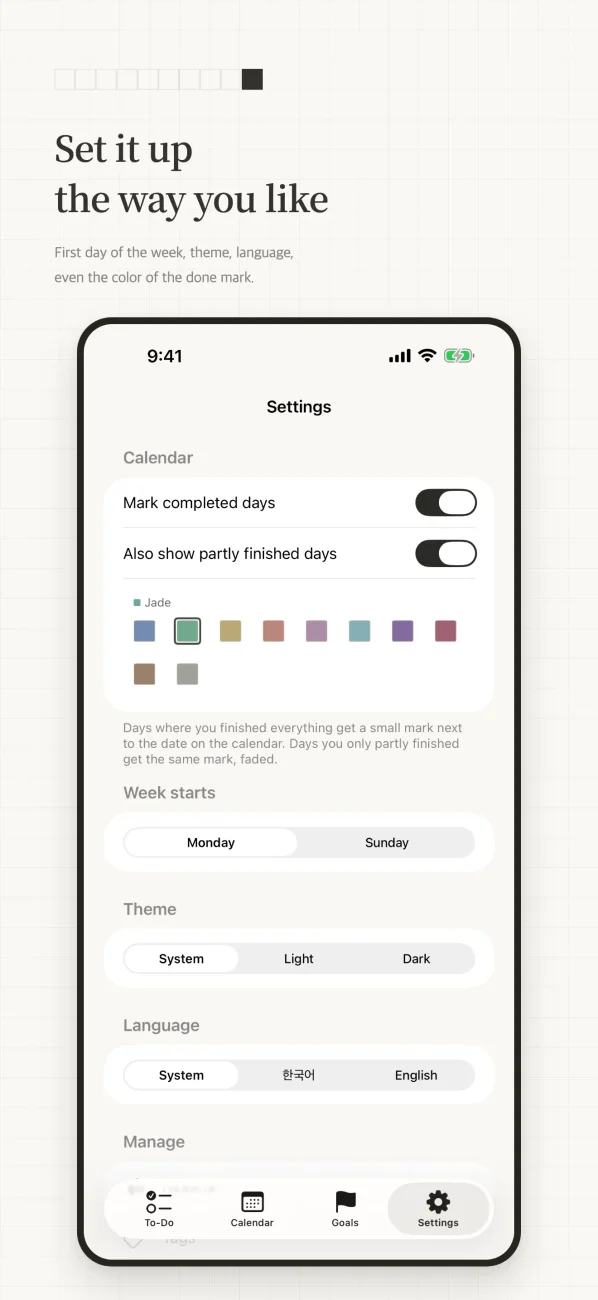
If you like, days you finished your list can keep a small mark — in a color you choose.
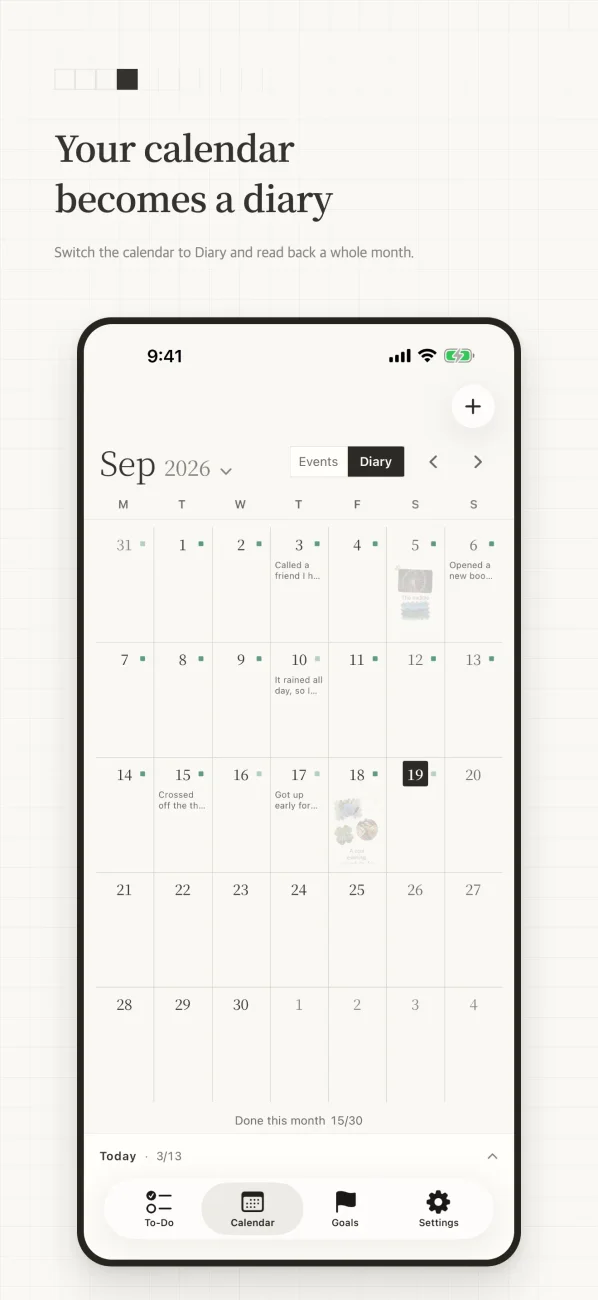
■ A diary you can decorate
Add photos, tilt them, and trim them into the shape you want.
Lay text and stickers on top to make the page your own.
Every entry you write sits as a small thumbnail on its day in the calendar.
■ Count your year in squares
Set a yearly goal and break it into milestones — or into a count, like 24 books, with a grid you fill one cell at a time.
Send a milestone to your to-do list whenever you're ready to work on it.
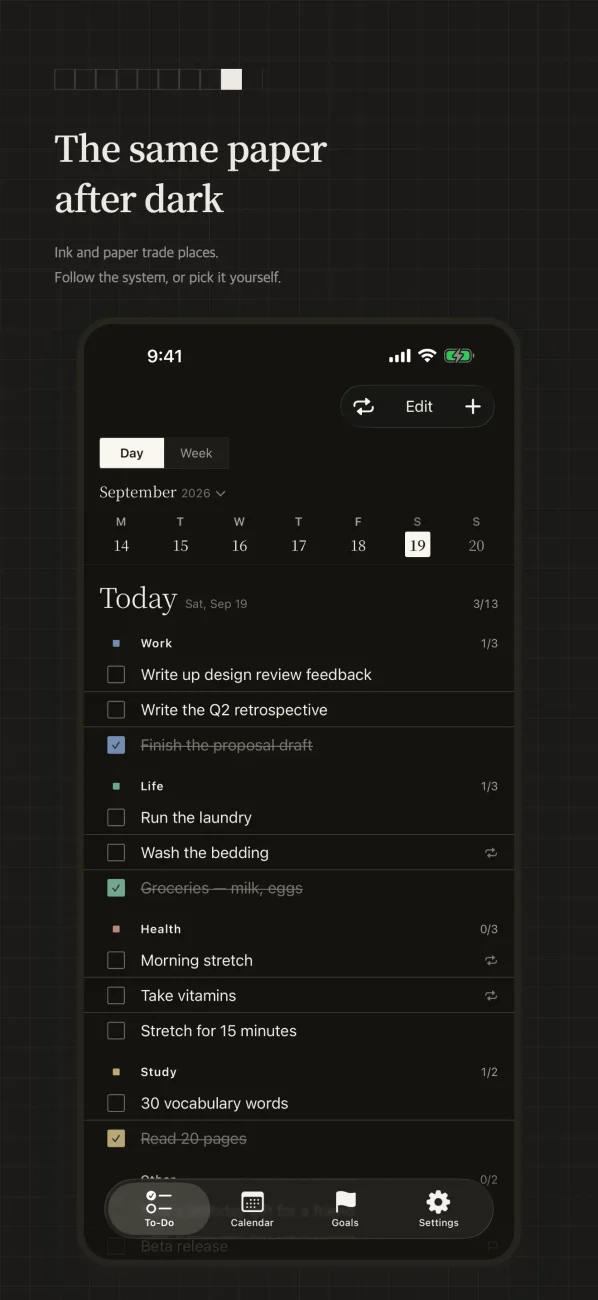
■ Paper and ink
Clay-white paper, ink-dark text.
Ink is the only color the app puts down on its own — the rest is yours to add. Ten traditional Korean colors, drawn from dancheong painting and jogakbo patchwork, color your tags and goals.
■ Where your writing lives
Everything stays on your device and in your own iCloud. Nothing is sent to a developer's server, and the person who made this app cannot read it.
Your records show up on every device signed in to the same Apple Account.
■ Two languages
Gridpaper is written in Korean and English. If your device is in one language but you'd rather read the app in the other, you can set the app's language on its own.
What’s new
Version 1.2.0 · Oct 21, 2026
- Long-press a to-do from another day to bring it straight to today.
- Edit a routine’s note right in the routine editor.
- When decorating your diary, line things up right between two photos.
- The app now moves to the new day at midnight, even while it’s open.
- Fixed an issue where a repeating to-do disappeared after moving it to another day.
App privacy
What declares on the App Store about how this app handles data.
-
Data not collected
The developer does not collect any data from this app.
Privacy practices may vary, for example with the features you use or your age.
Information
- Seller
- IEUMGYEOL
- Category
- Productivity
- Version
- 1.2.0
- Updated
- Oct 21, 2026
- Released
- Oct 30, 2026
- Size
- 7.5 MB
- Requires
- iOS 18.0 or later
- Age rating
- 4+
- Languages
- English, Korean
- Copyright
- © 2026 IEUMGYEOL
You might also like
-
 Flowdi - Visual Time TrackerTime Flow Insight
-
 TodayPin - Never Miss a TodoToday’s tasks on Lock Screen
-
 Runn: To-Do List & WidgetSimple Tasks, Checklist & Sync
-
 Split: Task SplittingHow to plan well
-
 Dumpie - AI Life PlannerDump it. AI sorts. Do three.
-
 Snuumo: Chat-style NotesWrite now. Organize later.
-
 다짐 - todo,투두,루틴,데일리 앱Productivity
-
 Tend – A Cozy To-Do ListA calmer to-do list
-
 Oh! RightCapture it before it's gone