GridQuilt - Long Screenshots
Long screenshots & photo grids
Designed for iPhone, iPad
Free · In-app purchases
- Age rating4+
- CategoryGraphics & Design
- Developer文阳 贺
- LanguagesEnglish+ 6 more
- Size10.4 MB
Links to the official App Store page
Download.org hosts no file of GridQuilt - Long Screenshots. The button opens its official App Store page, published by 文阳 贺. Listing last checked on Nov 24, 2026.
Screenshots
About
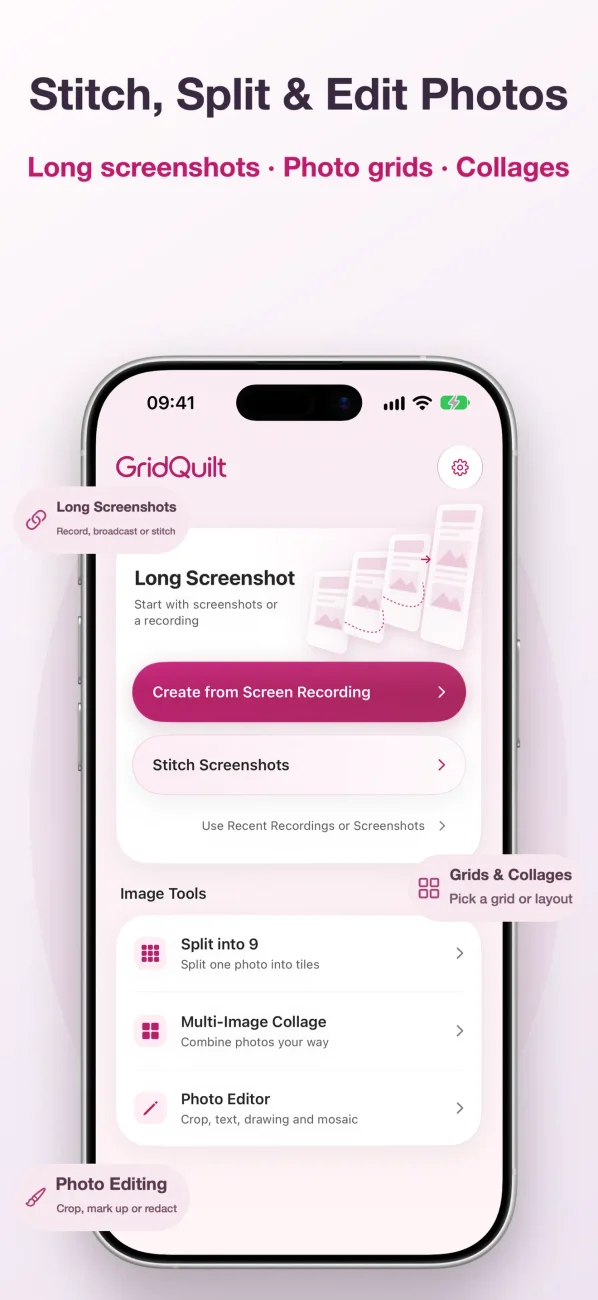
GridQuilt is a focused image tool for splitting photos, creating collages, and making long screenshots.
Organize chat history, web pages, tutorials, receipts, and social media images with a fast, local workflow.
Key features
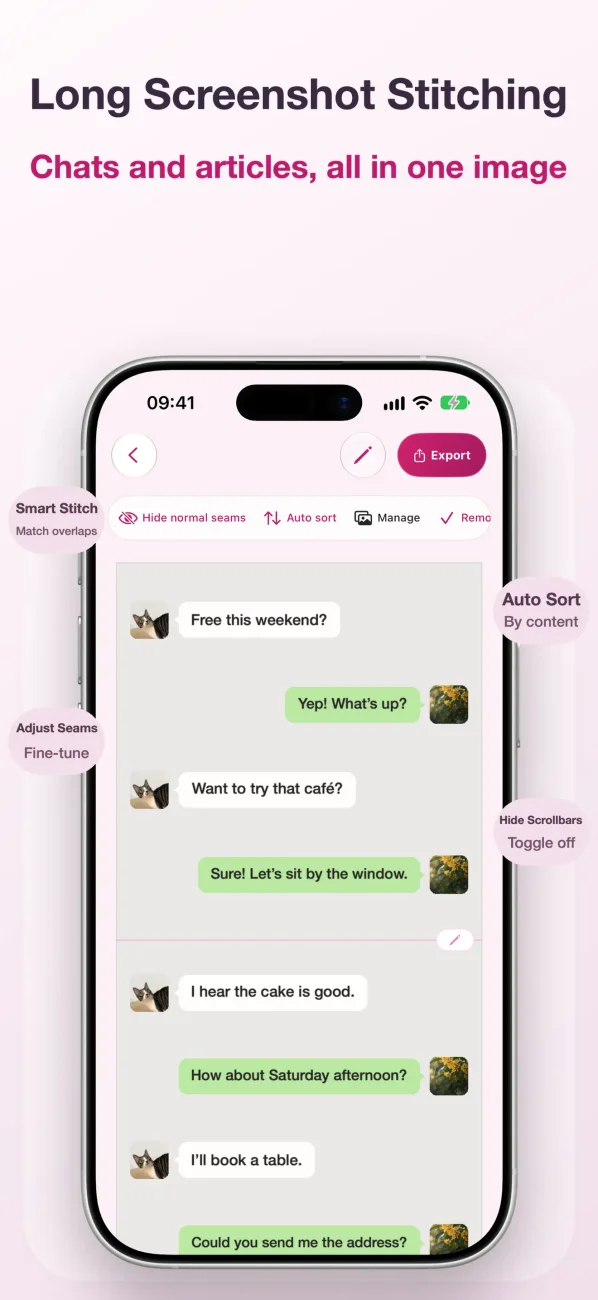
• Long screenshot stitching
Select consecutive screenshots and automatically remove overlapping areas as they are stitched into one long image. Open any seam for precise manual adjustment when needed.
• Scrolling screen capture
Use the system screen broadcast to capture scrolling content and create a long screenshot. Frames are analyzed on your device and are not uploaded to a server.
• Grid image splitting
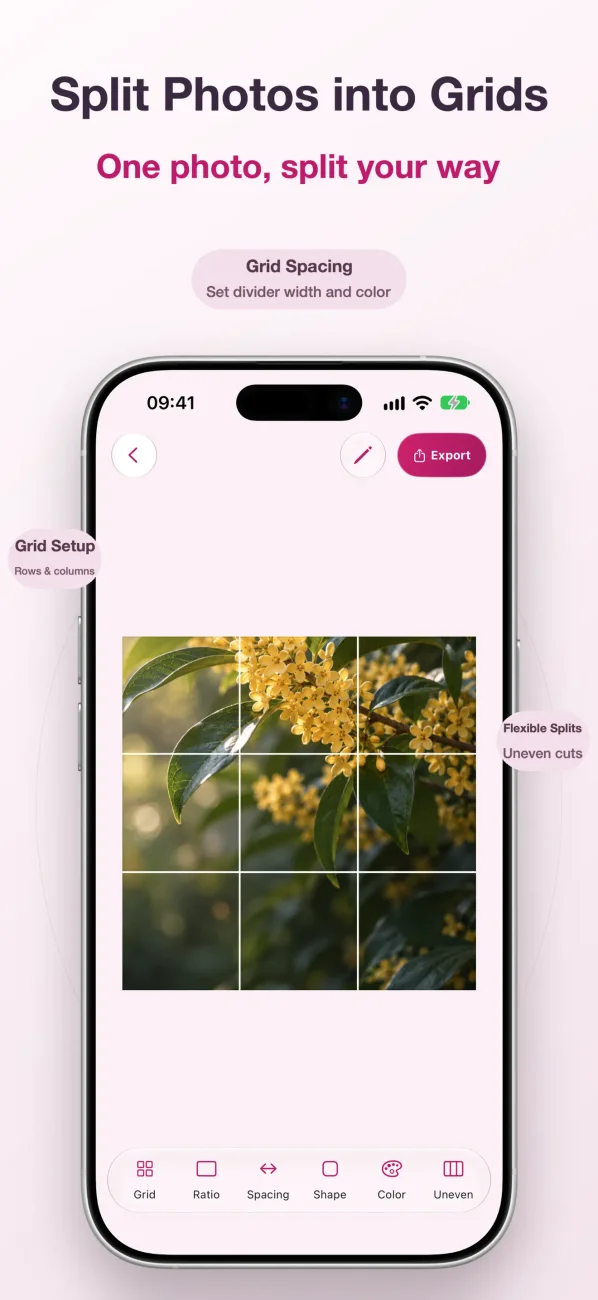
Split one photo into 2×2, 3×3, and other grid layouts. Adjust grid size, spacing, aspect ratio, and shapes for social media layouts and image slicing.
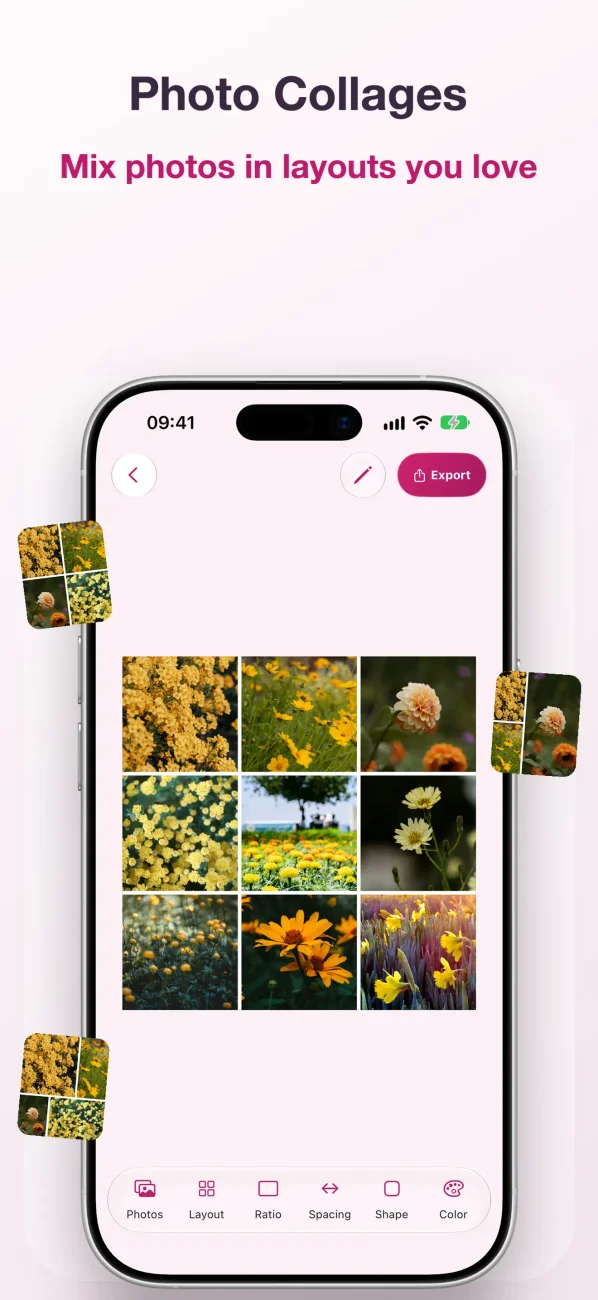
• Photo collages
Combine multiple photos into horizontal, vertical, or grid layouts. Adjust spacing, color, ratio, and crop position.
• Flexible export
Export as PNG, JPEG, HEIC, or PDF. Save to Photos, export to Files, or share with the system share sheet.
Privacy first
Photo processing, screen-recording frame analysis, and long screenshot stitching happen locally on your device. Screen capture starts only after you explicitly confirm the system screen broadcast.
Core features are available to use. GridQuilt Pro adds larger grids, higher output limits, and higher-quality screen-recording long screenshots.
What’s new
Version 2.5.0 · Nov 23, 2026
• Fixed duplicated or missing content at the end of long screenshots when a screen recording returns to the top.
• See progress while generating a long screenshot, then pinch to zoom in or out on the result.
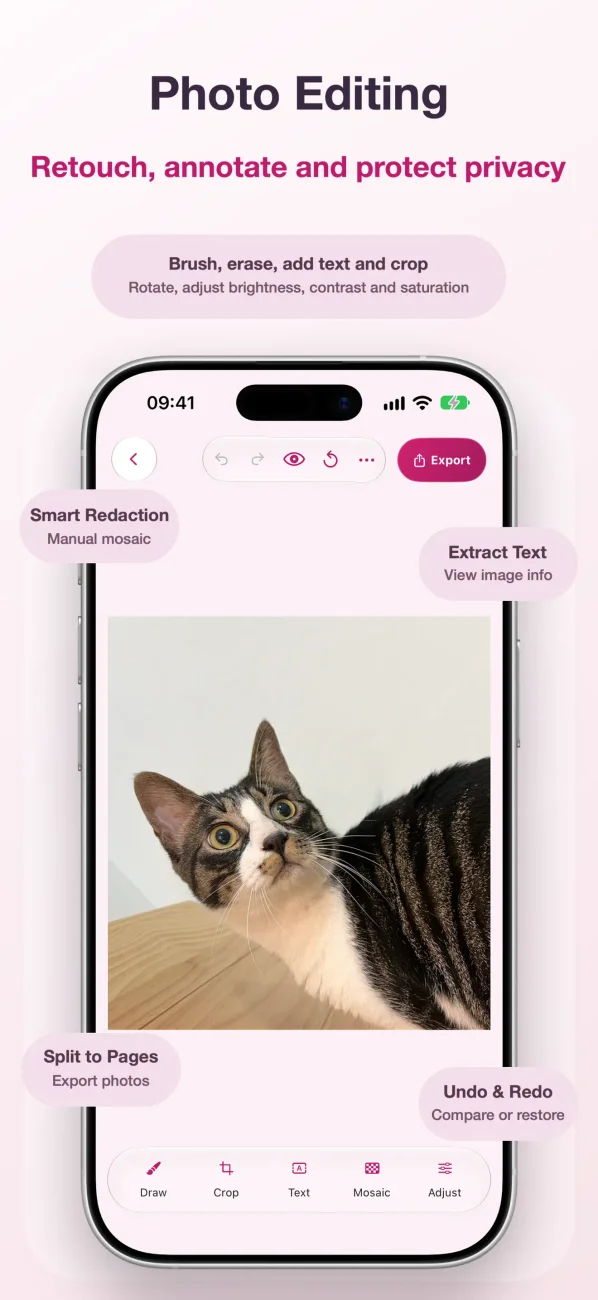
• Refined the selected appearance of the Mosaic tool in the photo editor.
App privacy
What 文阳 贺 declares on the App Store about how this app handles data.
-
Data not collected
The developer does not collect any data from this app.
Privacy practices may vary, for example with the features you use or your age.
Information
- Seller
- 文阳 贺
- Category
- Graphics & Design
- Version
- 2.5.0
- Updated
- Nov 23, 2026
- Released
- Jul 8, 2024
- Size
- 10.4 MB
- Requires
- iOS 16.0 or later
- Age rating
- 4+
- Price
- Free
- In-app purchases
- Yes
- Languages
- English, French, German, Japanese, Simplified Chinese, Spanish, Traditional Chinese
- Copyright
- © hewenyang
You might also like
-
 AR Builder: Pixel Art 3D VoxelCreate 3D Cube Designs in AR
-
 ImageBatch: Resize & CompressHEIC to JPG, shrink & convert
-
 ImageLab: AI Anime GeneratorLocal Art, Photo & Images
-
 CoverForge: Thumbnail MakerPoster, Collage and Resizer
-
 Sketch & Paint-Creative CanvasDigital Drawing & Sketching
-
 FrameGlimpse: Video to PhotoFrame Grabber, Live Photo, GIF
-
 Edit Text In Photo - ForgeitAdd Text, Erase & Translate
-
 JT File ViewerOpen JT Files offline
-
 Conjure: Offline AI ImagesPrivate AI Image Generator
-
 Sticker Maker KeyboardMake & Add Custom Stickers