GroupKeeper: Group Toolbox
Group Maker & Team Activities
Designed for iPhone, iPad
Free · In-app purchases
- Age rating4+
- CategoryEducation
- DeveloperSteve Plavetzky
- LanguagesEnglish
- Size32.4 MB
Links to the official App Store page
Download.org hosts no file of GroupKeeper: Group Toolbox. The button opens its official App Store page, published by Steve Plavetzky. Listing last checked on Nov 20, 2026.
Screenshots
About
GroupKeeper is your all-in-one toolbox for creating balanced groups, spinning a name or prize wheel, tracking participation, rotating jobs, managing learning stations, and running tournaments.
Whether you're a teacher, coach, team leader, or club organizer, spend less time managing activities and more time engaging your group.
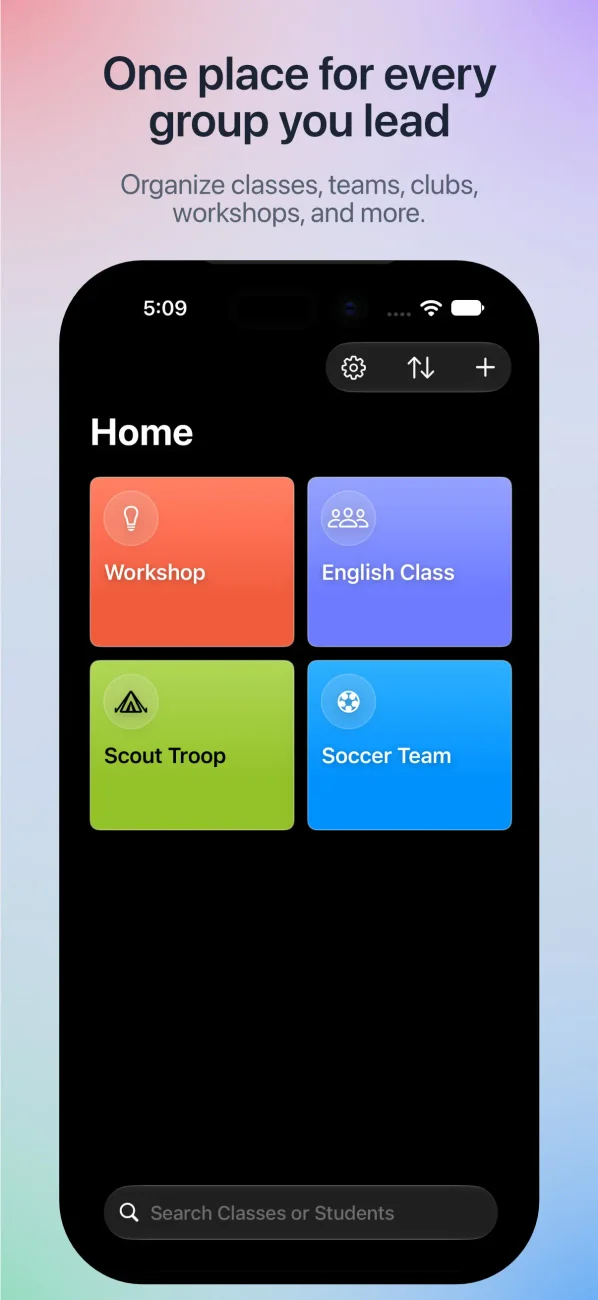
Create workspaces for classes, teams, clubs, or events. Add people manually or import a CSV roster, then choose from six activities that work together.
CREATE BALANCED GROUPS
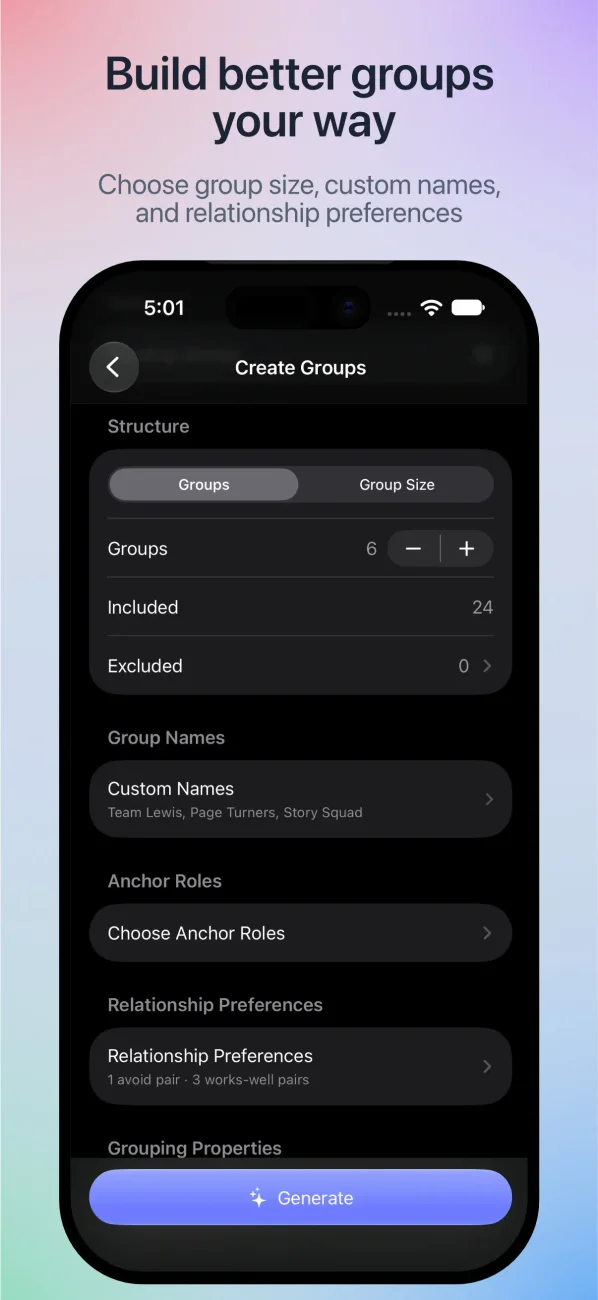
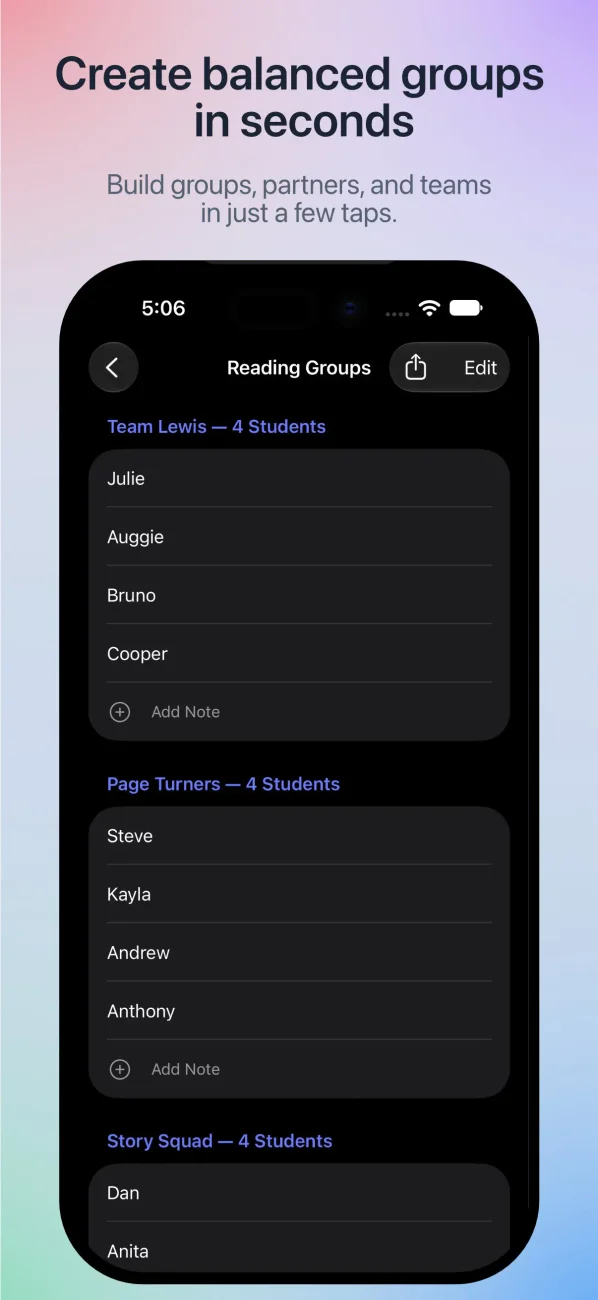
Build groups, partners, and teams in seconds while staying in control.
• Choose group count or preferred size
• Balance or cluster skill levels and custom properties
• Distribute Anchor Roles
• Respect preferred and avoided pairings
• Reduce repeated groups and recent pairings
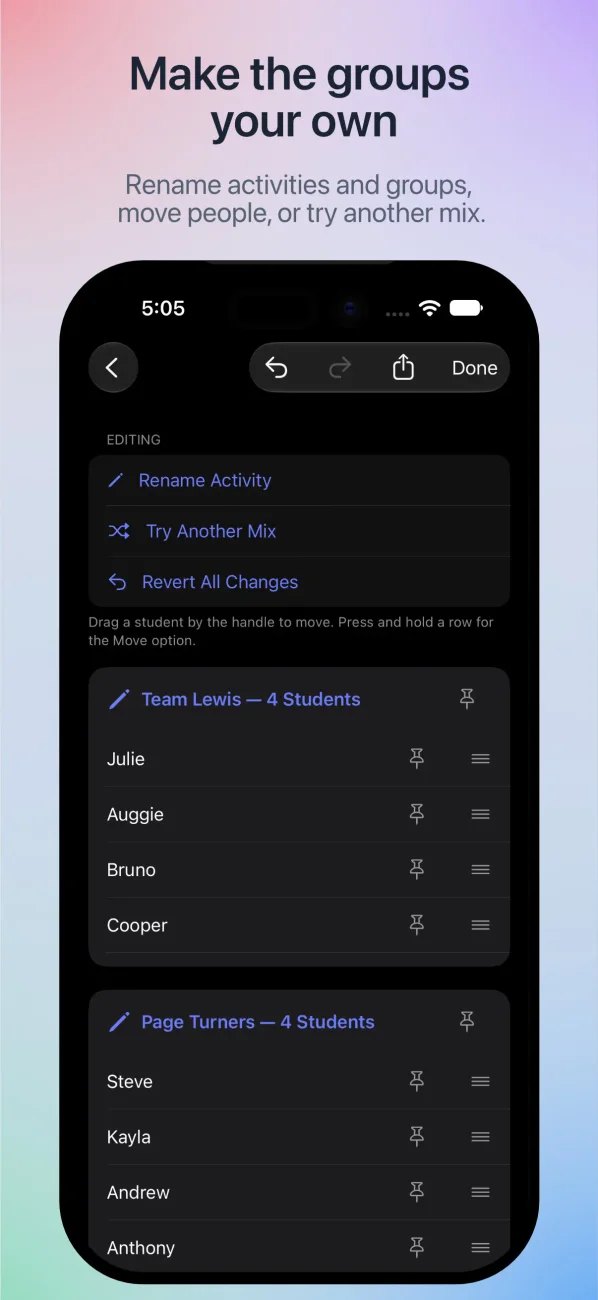
• Rename groups, move people, and adjust results
• Save reusable grouping templates
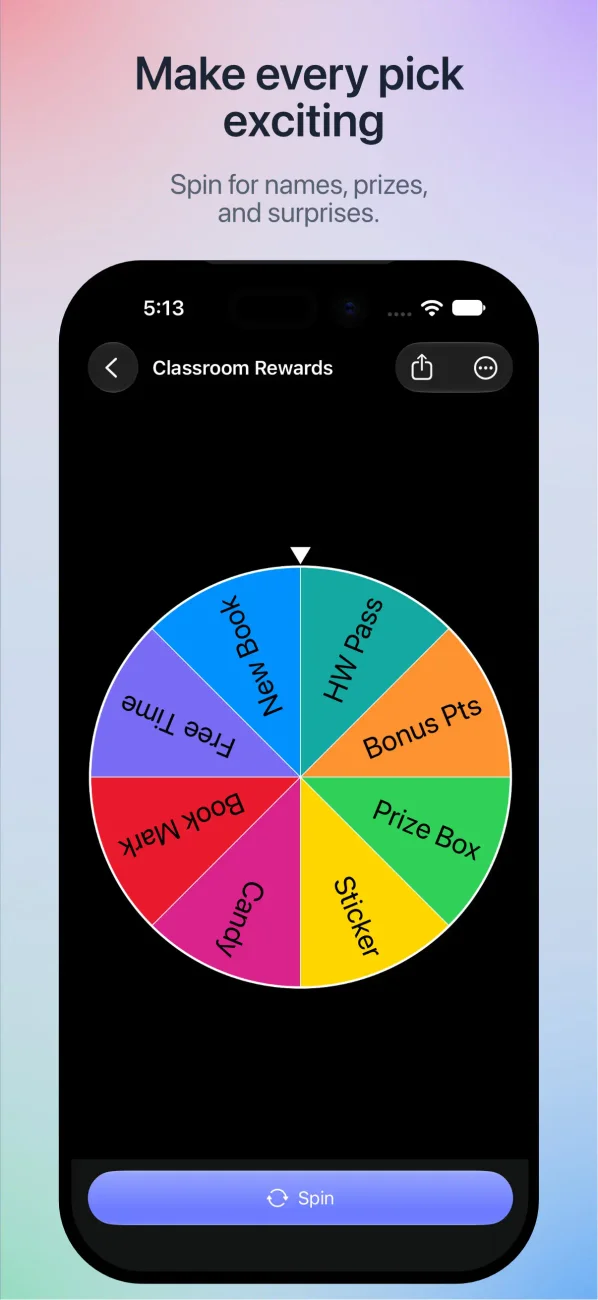
SPIN THE WHEEL
Make random picks fun with Wheel Spinner. Choose people or classroom prizes.
• Spin a colorful wheel for names or prizes
• Create reusable prizes with optional quantity limits
• Keep winners eligible or remove names after selection
• Use Mystery Mode for surprise reveals
• Toggle sounds and haptics
• Track selections, recipients, and prizes won
• Review history and undo eligible picks
KEEP PARTICIPATION FAIR
Give everyone a chance to take part.
• Select people in random order without repeats
• Skip, go back, or move to the next person
• Track participation and attendance
• Use timers that continue while you use other activities
• Add notes and resume later
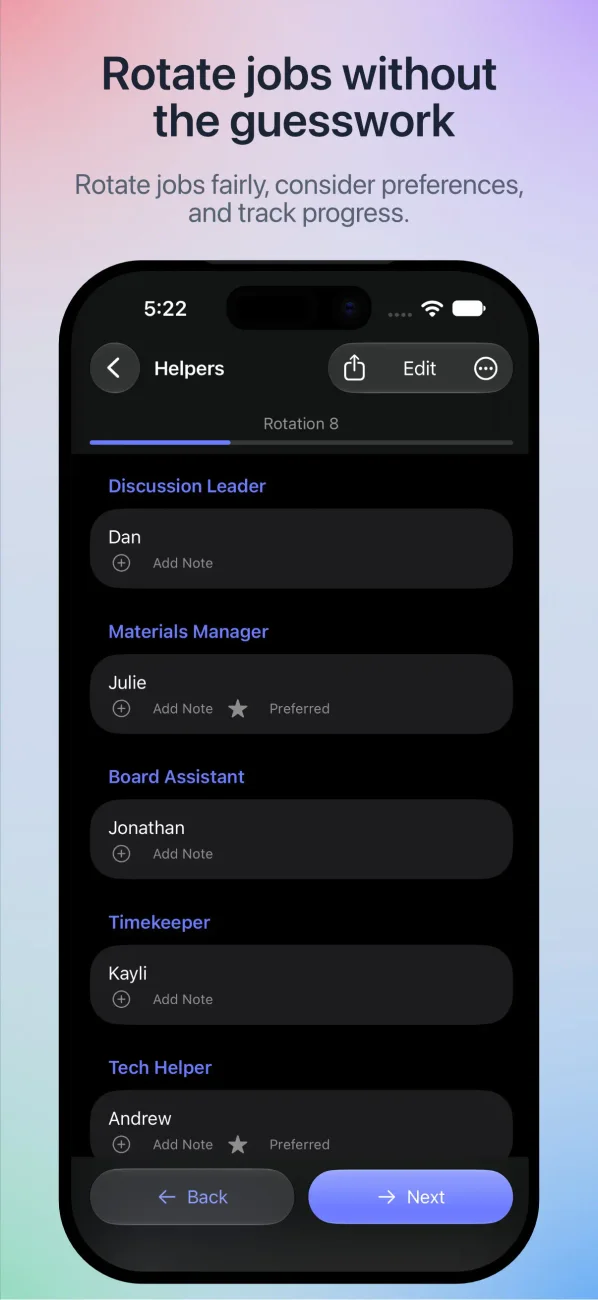
ROTATE CLASSROOM JOBS
Share responsibilities fairly with Rotating Jobs.
• Create reusable jobs
• Rotate assignments based on previous turns
• Set Preferred and Avoid Jobs
• Adjust assignments and track progress
• Save history and start again
MOVE THROUGH LEARNING STATIONS
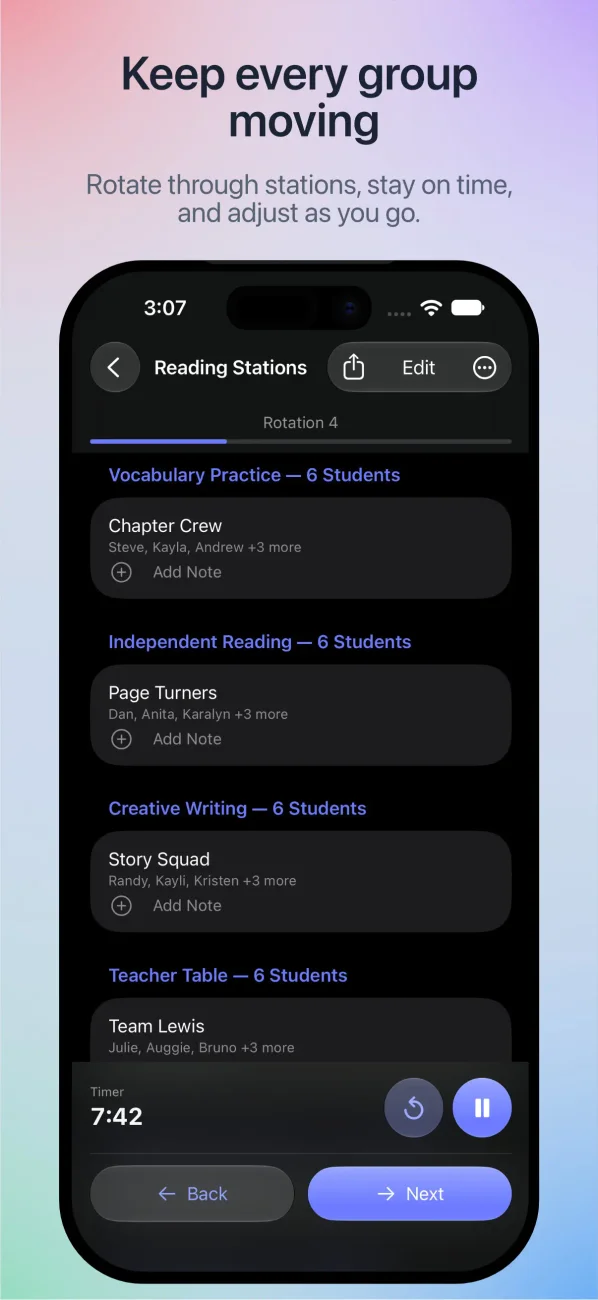
Organize rotations with Station Rotation (Pro).
• Rotate individuals or groups through stations
• Reuse stations with descriptions and capacities
• Configure how participants are distributed
• Keep timers running while you switch activities
• Adjust placements and review rotation history
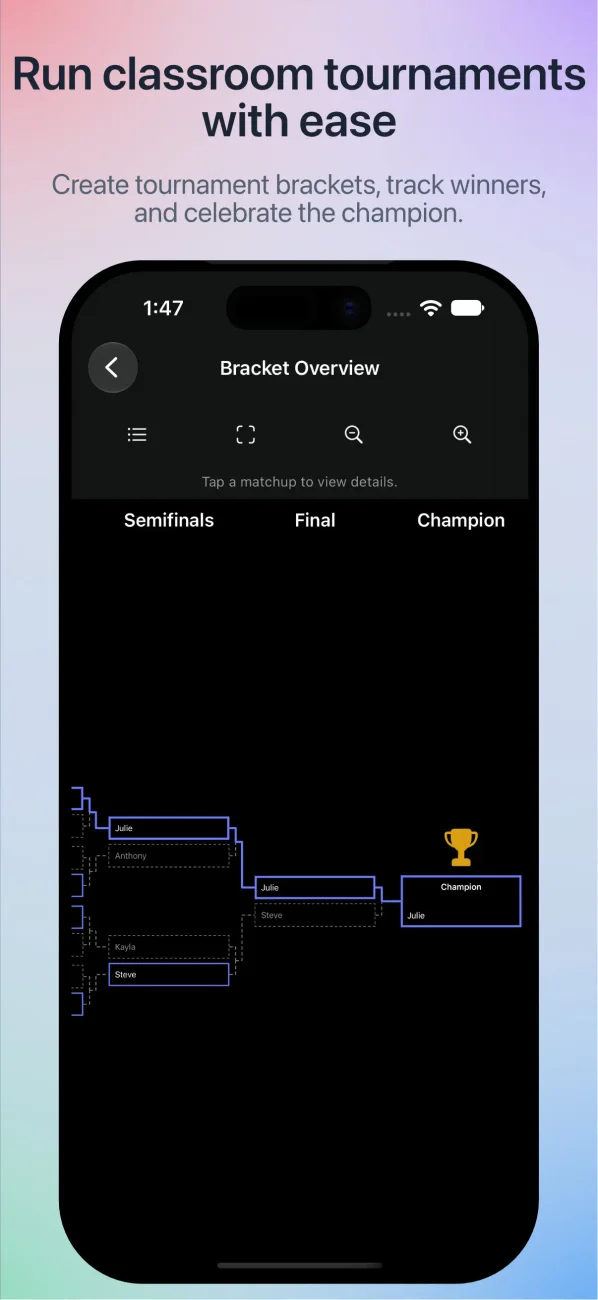
RUN TOURNAMENT BRACKETS
Organize friendly competitions with Tournament Brackets (Pro).
• Create single-elimination brackets for people or groups
• Preview and shuffle matchups
• Explore interactive brackets, rounds, and byes
• View the bracket and live matchup together with Dual View on supported devices
• Select winners and track champions
• Use timers that continue when you leave the activity
• Add notes and review tournament history
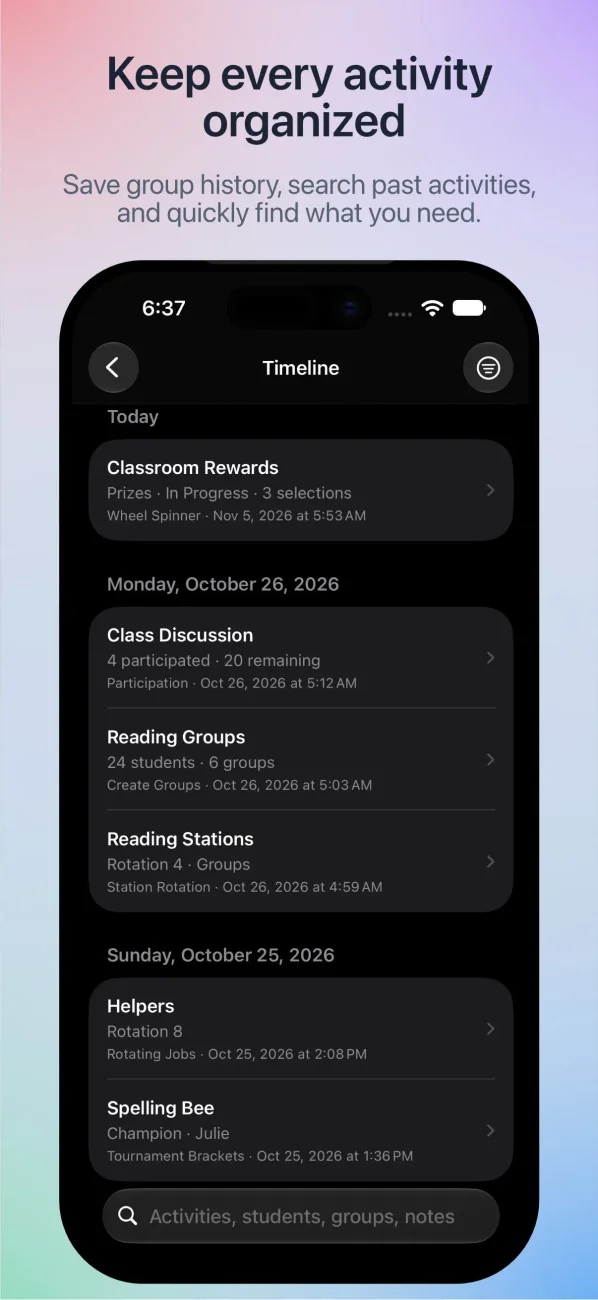
STAY ORGANIZED WITH TIMELINE
Keep your activity history in one place.
• Search and filter past activities
• Resume supported activities or start again
• Review results, notes, and progress
• Rename activities and edit notes
• Share as text, or with Pro, PDF and print
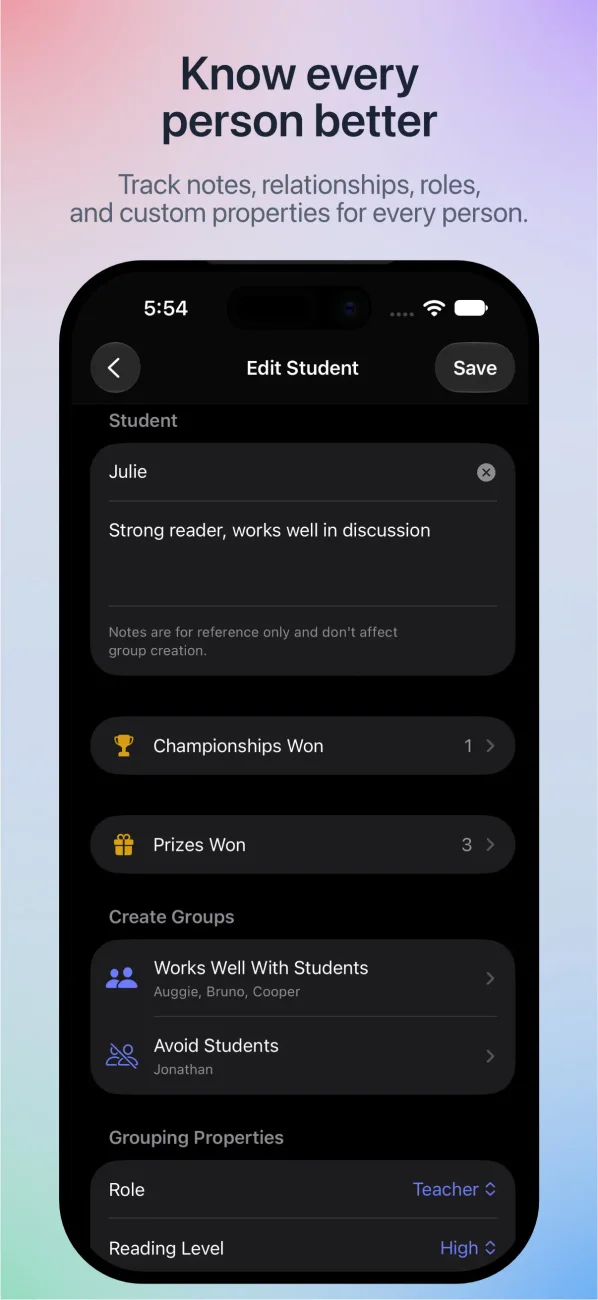
MAKE GROUPKEEPER YOURS
• Customize workspace names, colors, icons, and terminology
• Track notes, relationships, and grouping properties
• View championships and prizes won
• Copy reusable properties, jobs, and stations between workspaces
• Learn with built-in Activity Guides
• Sync across Apple devices with iCloud
• Enjoy adaptive iPhone Duo and iPad layouts
• Use VoiceOver, Dynamic Type, Dark Mode, and Reduce Motion
• Control Participation, Station Rotation, and Tournament timers from Lock Screen Live Activities and the expanded Dynamic Island
GROUPKEEPER FREE
One active workspace, the five newest Timeline items per workspace, Wheel Spinner, and text sharing.
GROUPKEEPER PRO
Unlimited active workspaces, full Timeline, PDF and print sharing, Station Rotation, and Tournament Brackets.
Terms of Use (EULA):
https://www.apple.com/legal/internet-services/itunes/dev/stdeula/
Terms of Service:
https://groupkeeperapp.github.io/terms.html
Privacy Policy:
https://groupkeeperapp.github.io/privacy.html
What’s new
Version 1.6.0 · Nov 18, 2026
What's New in GroupKeeper 1.6.0
iPhone Duo Support
- GroupKeeper now adapts to iPhone Duo's folded and unfolded displays, giving you more room to organize groups and manage activities.
Tournament Brackets Dual View
- View your tournament bracket alongside the current matchup on supported devices, including iPhone Duo and iPad. Follow tournament progress and select winners without constantly switching screens.
Interactive Live Activities
- Pause, resume, or reset activity timers directly from your Lock Screen or expanded Dynamic Island. Keep track of countdowns without reopening GroupKeeper.
Timers That Keep Going
- Station Rotation and Tournament Brackets timers now continue counting down when you leave the activity or switch apps, just like Participation. Return to your activity without losing your countdown.
More Improvements
- Quickly return to timed activities from Live Activities and Time's Up notifications.
- Review other running timers before starting a new one.
- Enjoy smoother navigation, more reliable iCloud workspace syncing, and improved layouts.
Thanks for using GroupKeeper!
App privacy
What Steve Plavetzky declares on the App Store about how this app handles data.
-
Data not linked to you
May be collected but is not linked to your identity.
- Purchases
Privacy practices may vary, for example with the features you use or your age.
Information
- Seller
- Steve Plavetzky
- Category
- Education
- Version
- 1.6.0
- Updated
- Nov 18, 2026
- Released
- Sep 1, 2026
- Size
- 32.4 MB
- Requires
- iOS 26.0 or later
- Age rating
- 4+
- Price
- Free
- In-app purchases
- Yes
- Languages
- English
- Copyright
- © 2026 Steve Plavetzky Jr.
You might also like
-
 Pocket PEPE Prep for Teachers
-
 Alphabing HI HindiLearn Hindi Alphabets.
-
 School AdminSchool - Principal
-
 HallTrak Hall Passby Appazur
-
 AVA Veterinary Assistant ExamNAVTA Test Prep & Quizzes 2026
-
 Twin Falls School DistrictEducation
-
 Clear Khutbah - AI TranslatorLive Arabic Sermon Translation
-
 Drawing games for toddler 2-5Kids Draw App 3 year olds
-
 Blackjack Drill TrainerPractice basic strategy
-
 UCLan London Mobile AppEducation