- Age rating4+
- CategoryDeveloper Tools
- DeveloperShanghai Tangzixiang Information Technology Co., Ltd
- LanguagesEnglish
- Size47.7 MB
Links to the official App Store page
Download.org hosts no file of gterm: Ghostty SSH. The button opens its official App Store page, published by Shanghai Tangzixiang Information Technology Co., Ltd. Listing last checked on Nov 12, 2026.
Screenshots
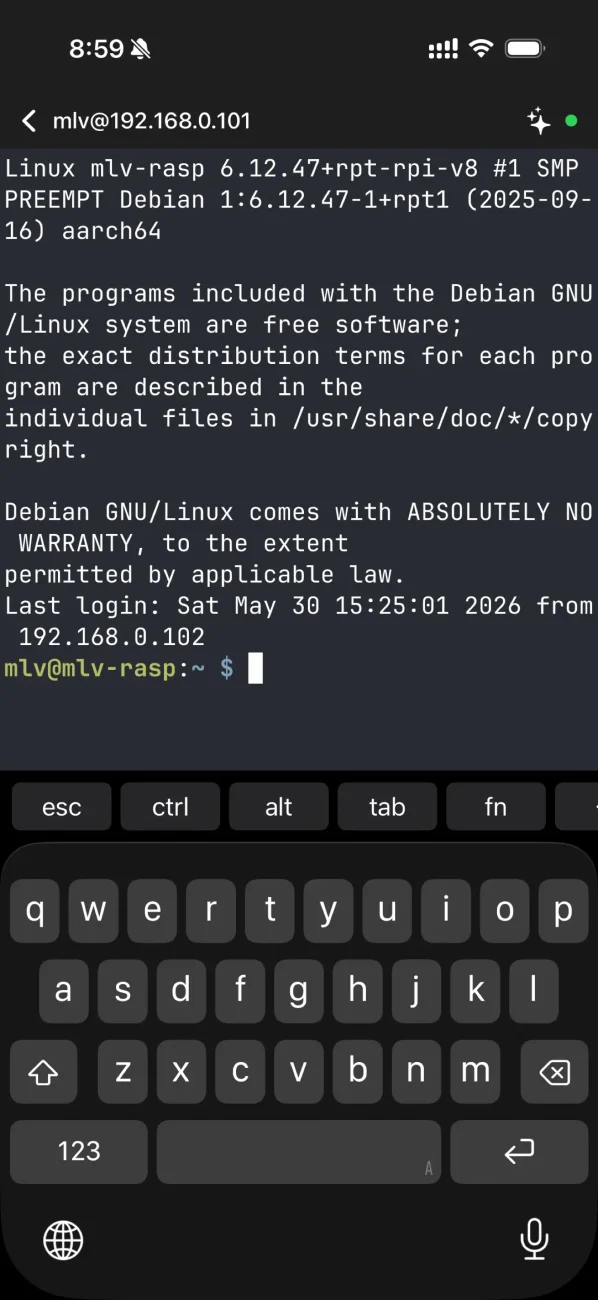
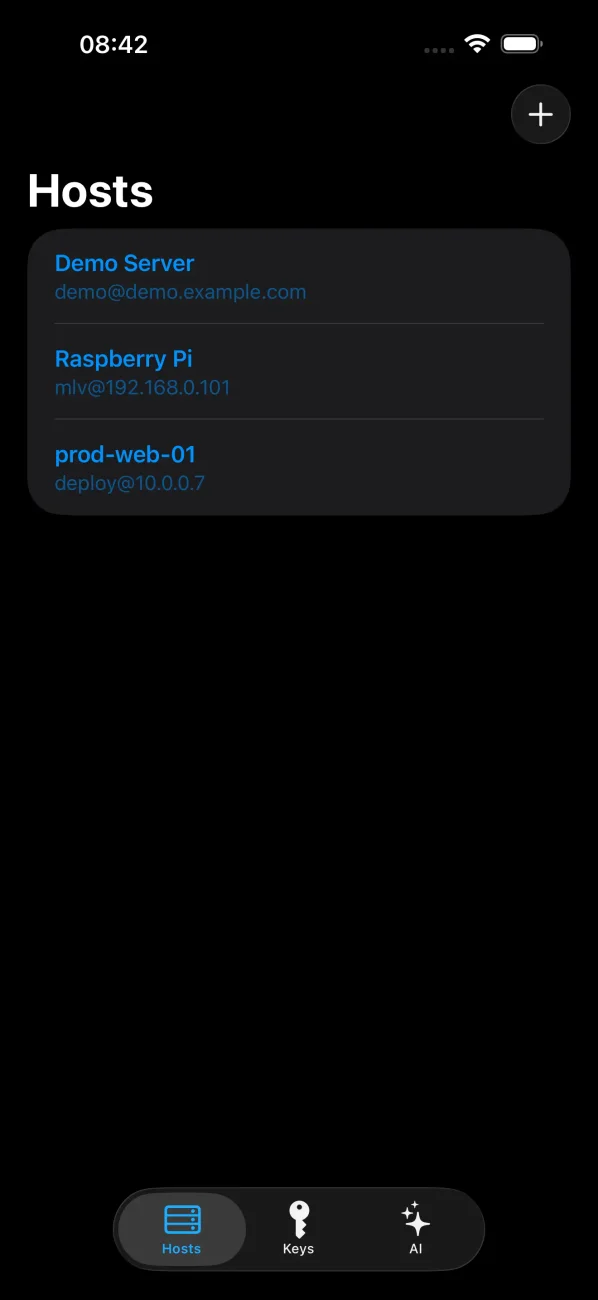
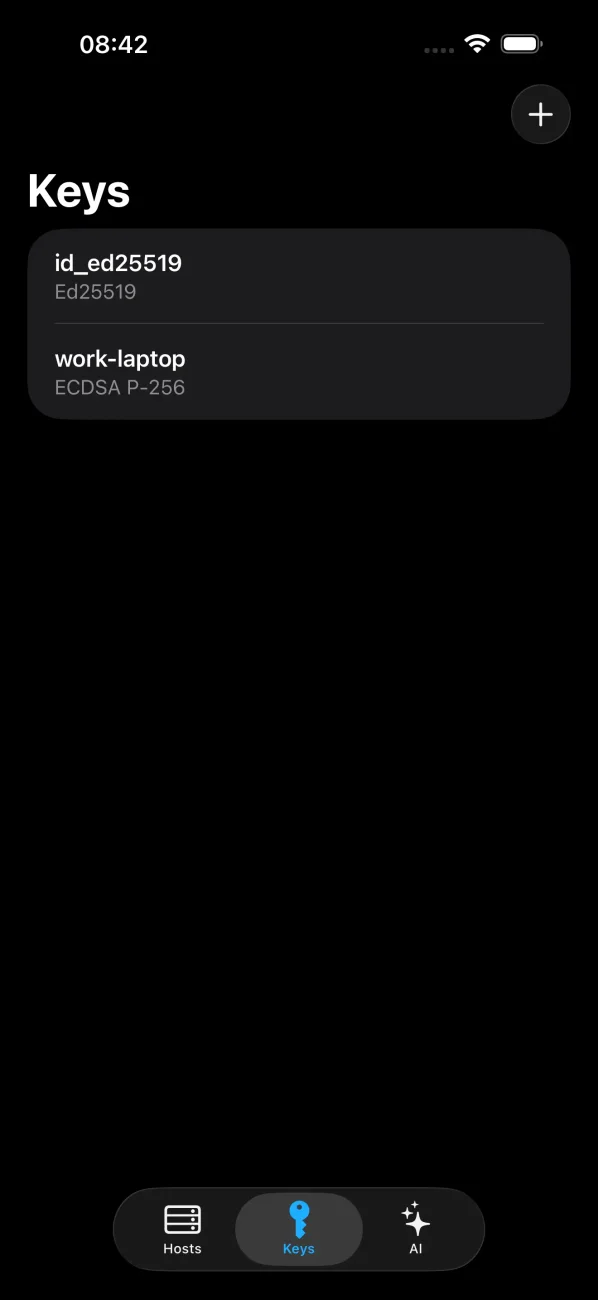
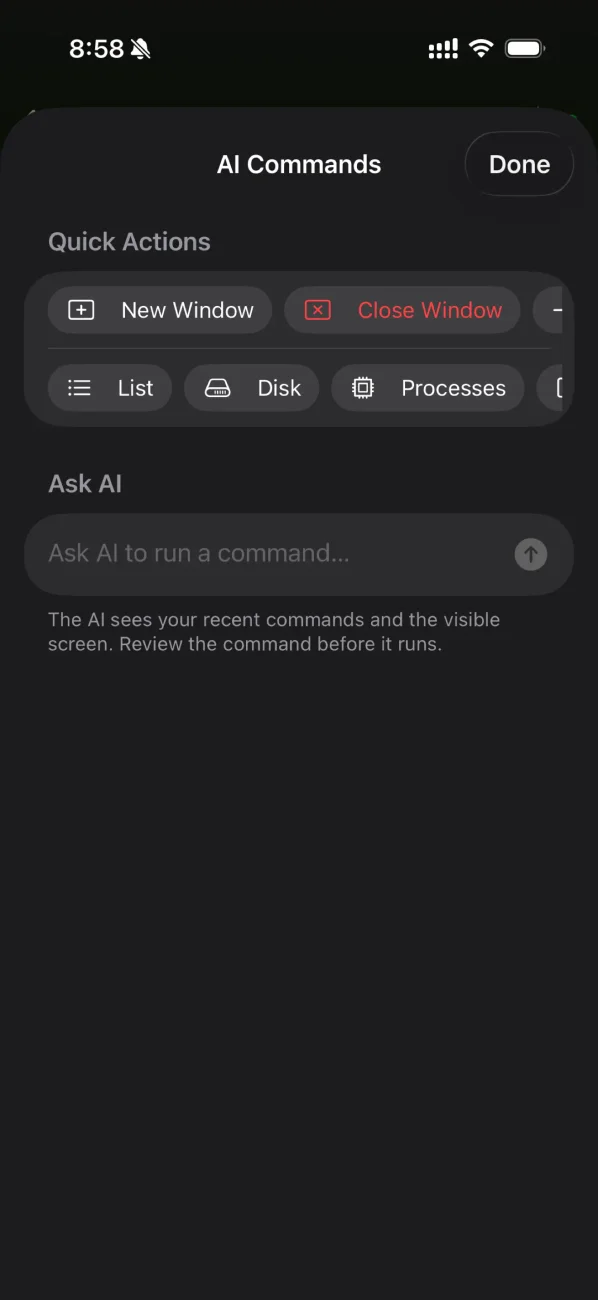
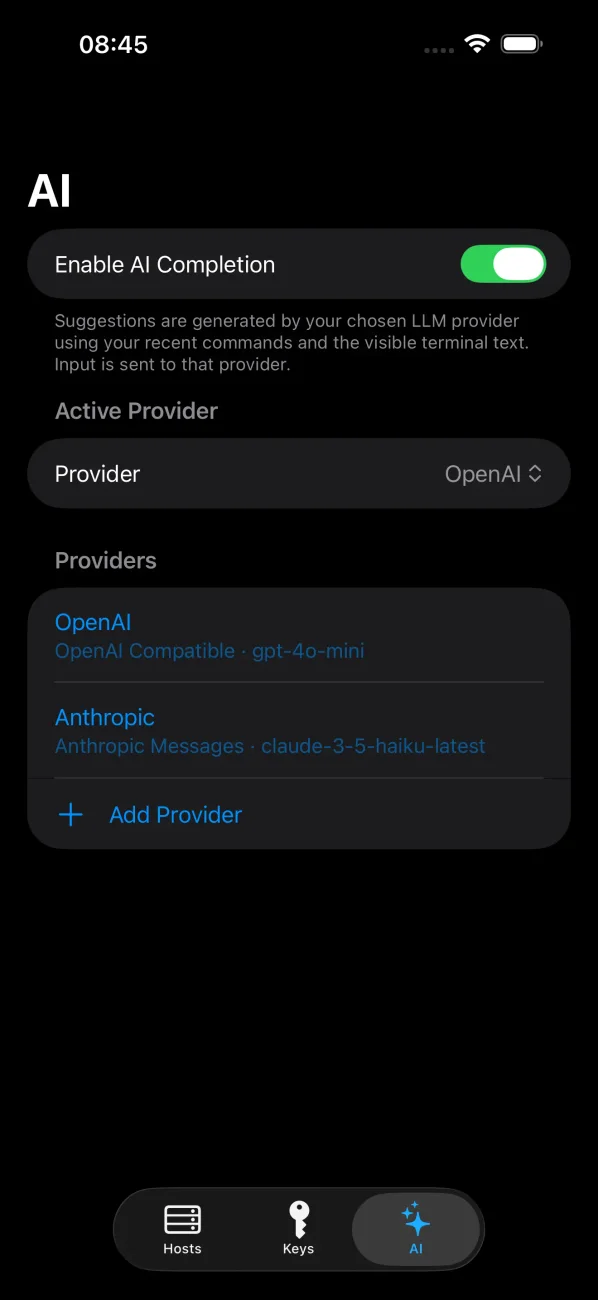
About
gterm is a real terminal for iOS. It renders with Ghostty's GPU engine for true xterm/VT emulation, connects straight to your servers over SSH, keeps your keys on device, and ships an AI command assistant that writes the commands for you.
It's the same renderer and VT parser as the Ghostty desktop app. iOS can't fork/exec a local shell, so gterm drives the terminal straight from the SSH stream through a custom passthru IO backend added to libghostty — giving you a real terminal in a sandboxed iOS surface.
GPU-RENDERED TERMINAL
Real xterm/VT emulation via Ghostty's libghostty, drawn on Metal. Colors, ligatures, and reflow that feel native — not a web shim.
SSH-NATIVE
Connects with swift-nio-ssh — password and public-key auth, a PTY shell, live window resizing, and trust-on-first-use host-key verification.
KEYS STAY ON DEVICE
Import Ed25519 / ECDSA private keys into the iOS Keychain — device-only, never synced. Pick one or more keys to try per host.
SHELL-GRADE KEYBOARD
A custom accessory keyboard with the keys iOS forgets — Esc, Ctrl, Alt, Tab, arrows, and sticky modifiers for real TUI navigation.
AI COMMAND ASSISTANT
Describe what you want in plain English. The AI reads your recent commands and visible screen, proposes a command, and shows it to you for review before it runs.
AI AUTO-COMPLETION
As you type, suggestions surface above the keyboard — from your history and from your provider. Bring your own key; it's stored masked in the Keychain.
Open source: https://github.com/madeye/gterm
What’s new
Version 1.3 · Oct 22, 2026
- New "Attach with Herdr" option per connection: launches or attaches to a Herdr session on the remote host, with taps delivered as mouse clicks and pinch-to-zoom for panes
- SSH sessions stay alive when you return to the connection list
- The terminal closes automatically when the remote session ends
- Collapse and expand the on-screen keyboard
- Fixes for SSH, AI completion, and saved-connection persistence
App privacy
What Shanghai Tangzixiang Information Technology Co., Ltd declares on the App Store about how this app handles data.
-
Data not collected
The developer does not collect any data from this app.
Privacy practices may vary, for example with the features you use or your age.
Information
- Seller
- Shanghai Tangzixiang Information Technology Co., Ltd
- Category
- Developer Tools
- Version
- 1.3
- Updated
- Oct 22, 2026
- Released
- Jun 4, 2026
- Size
- 47.7 MB
- Requires
- iOS 17.0 or later
- Age rating
- 4+
- Price
- $1.99
- Languages
- English
- Copyright
- © 2026 Chao Lv
You might also like
-
 FlitraYour agents. In your pocket.
-
 MeadReaderMarkdown Reader · Local & SSH
-
 Synapse Console ProRemote SSH terminal with SFTP
-
 wmux - Workspace for AI agentsRemote for your wmux desktop
-
 CodexBar Usage MonitorAI usage, limits, and balances
-
 Cosmo: mobile postmanPostman mobile API access
-
 GitoxAI Git repo automation
-
 LLM App ShortcutDifyで作成したアプリを実行するためのアプリです。
-
 Code - Compile & Run ProgramStart coding instantly!
-
 LEAPS ManagerAll-in-One Ultra-Wideband Demo