Guess The Note: Ear Training
Piano ear training made simple
Designed for iPhone, iPad, Mac
Free · In-app purchases
- Age rating4+
- CategoryEducation
- DeveloperYAHYA RASHWAN
- LanguagesEnglish
- Size7.1 MB
Links to the official App Store page
Download.org hosts no file of Guess The Note: Ear Training. The button opens its official App Store page, published by YAHYA RASHWAN. Listing last checked on Nov 26, 2026.
Screenshots

About
Guess The Note is a simple, focused ear-training game for anyone who wants to
get better at recognizing piano notes, intervals, and chords by ear.
15 free rounds every day, and Free Play is always available.
Three things to train
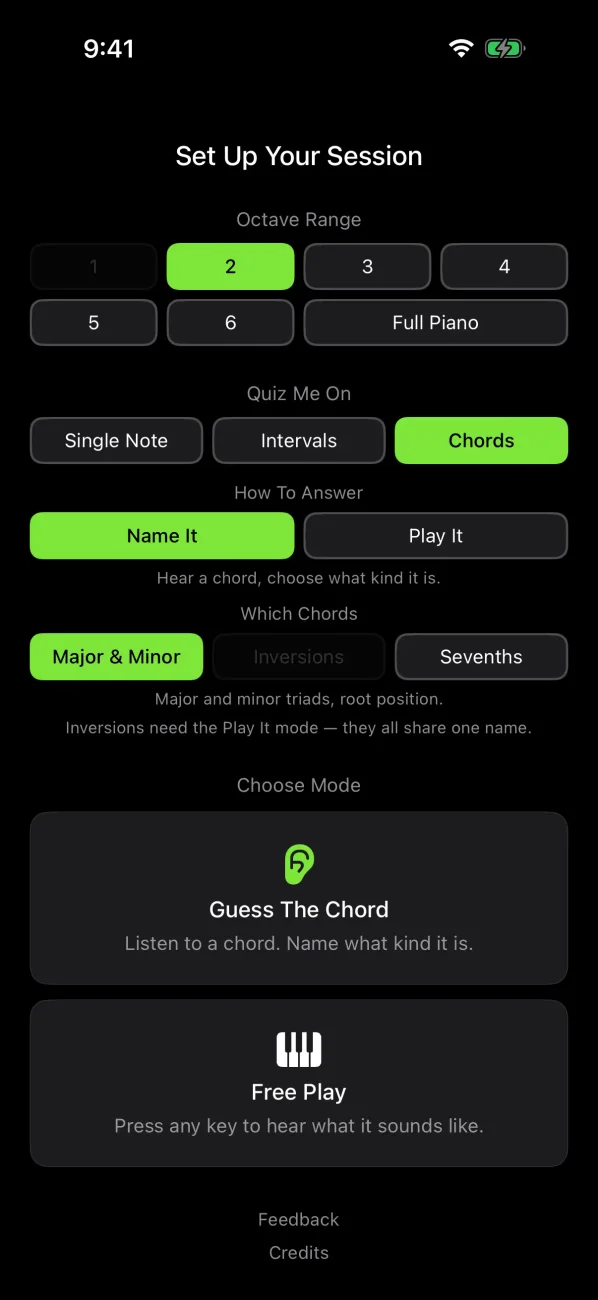
Single notes, intervals, and chords.
Pick one on the setup screen and switch whenever you like.
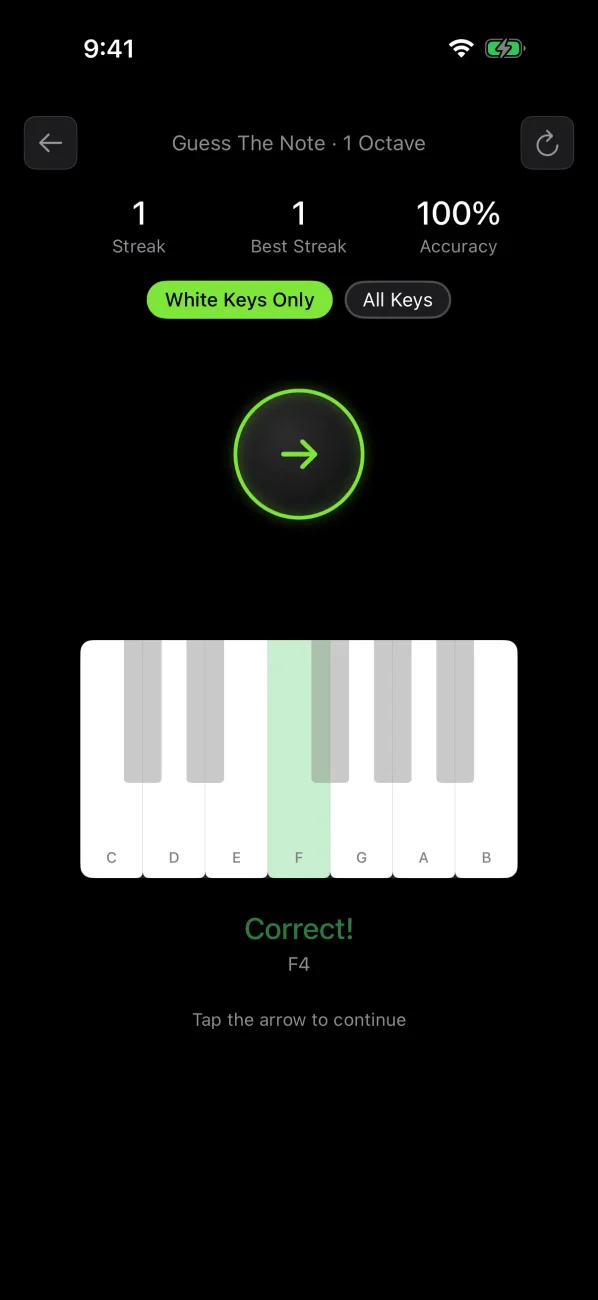
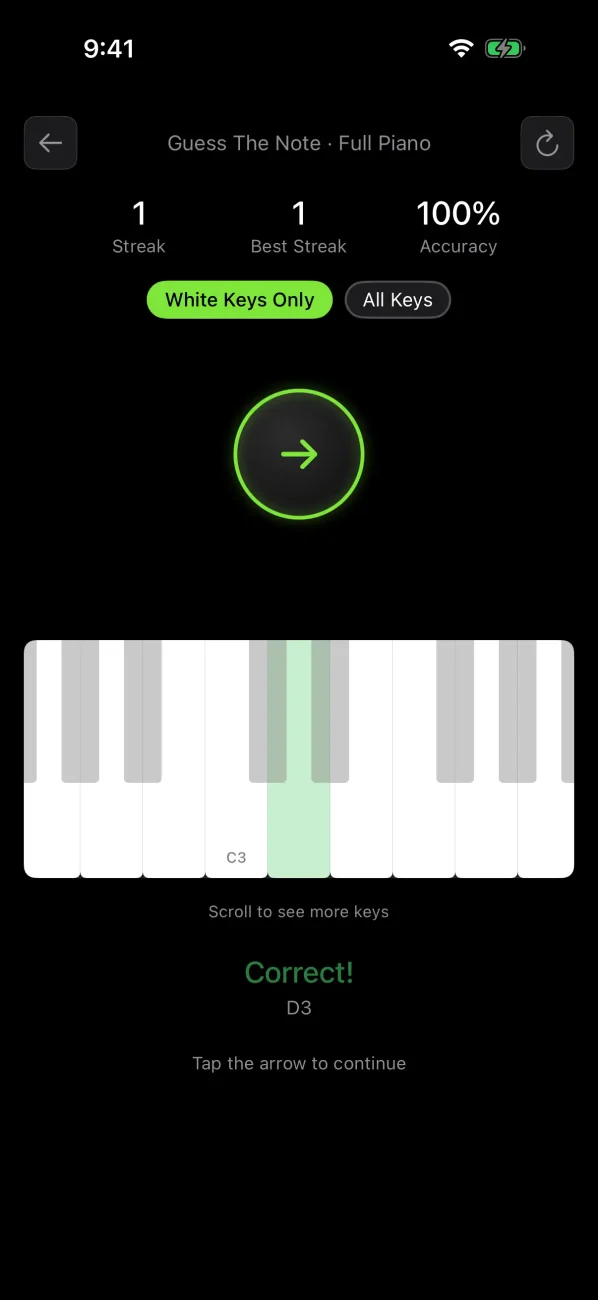
Single Note
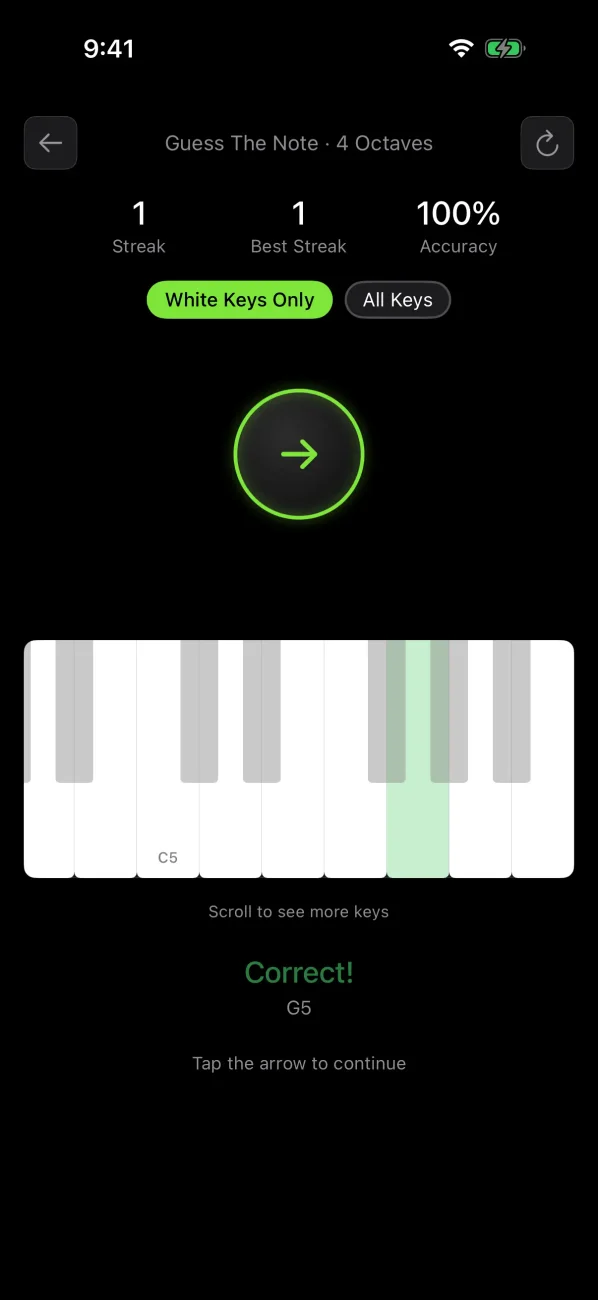
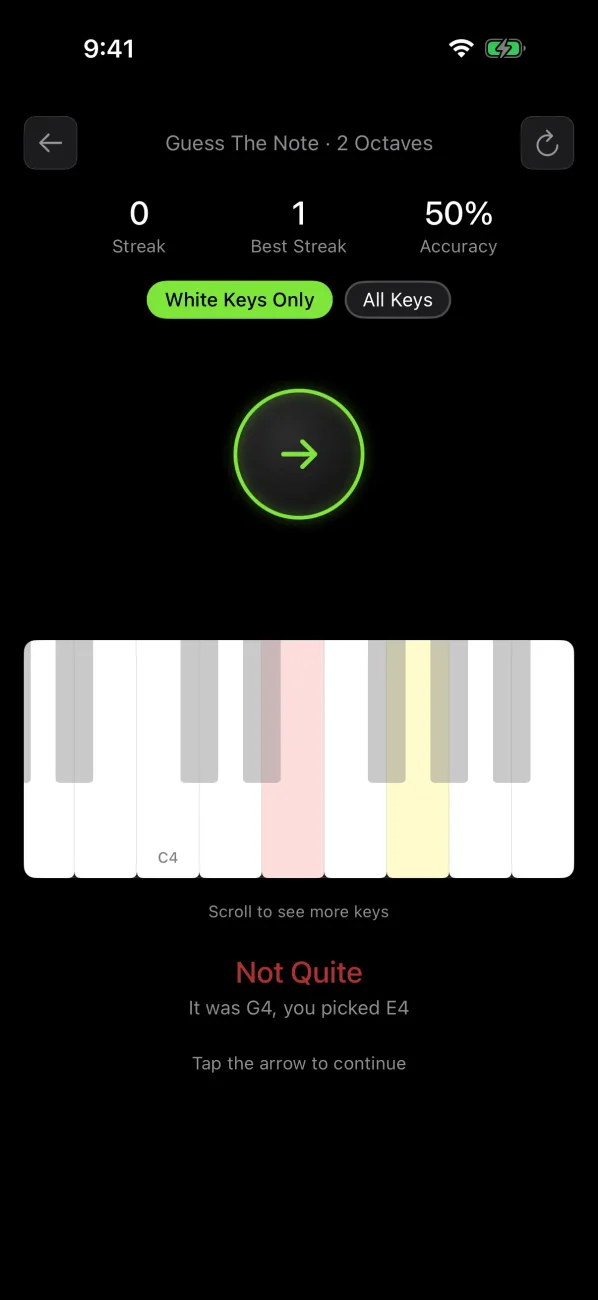
Listen to a note and tap the matching key.
Instant feedback, a running streak, and accuracy you can watch climb.
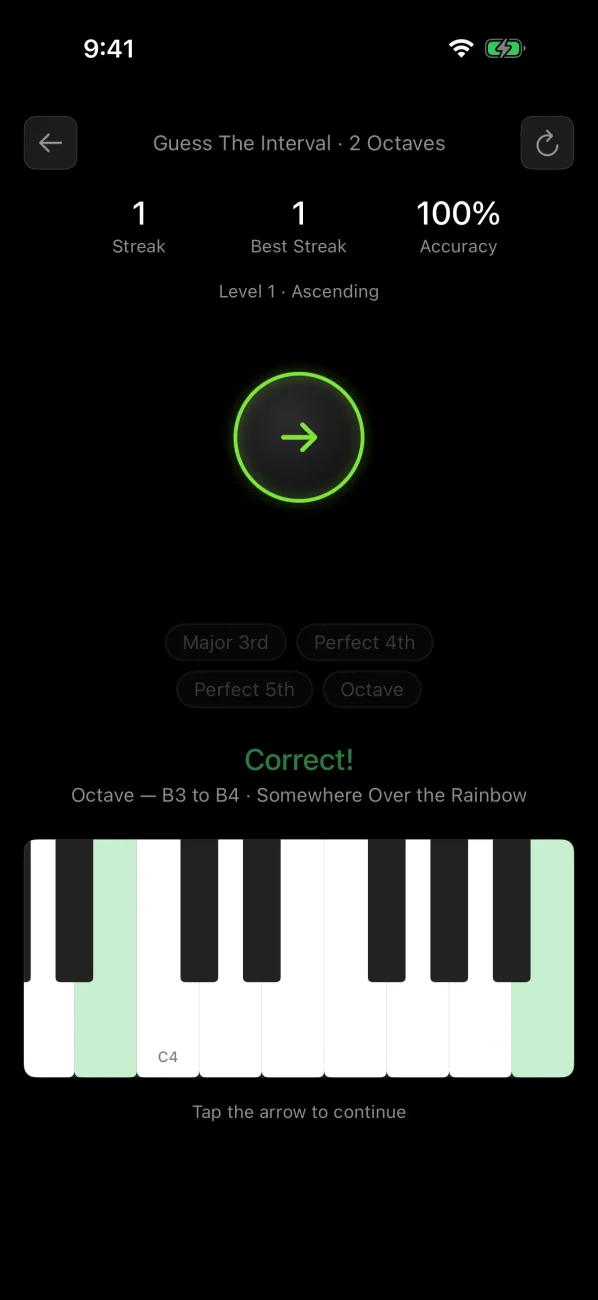
Intervals
Hear two notes and name the distance between them — all twelve, from a minor 2nd up to the octave.
Play them ascending, descending, or both at once (the hardest to separate).
Three levels ease you in: Level 1 is major 3rds, 4ths, 5ths, and octaves; Level 3 is everything, including tritones and 7ths.
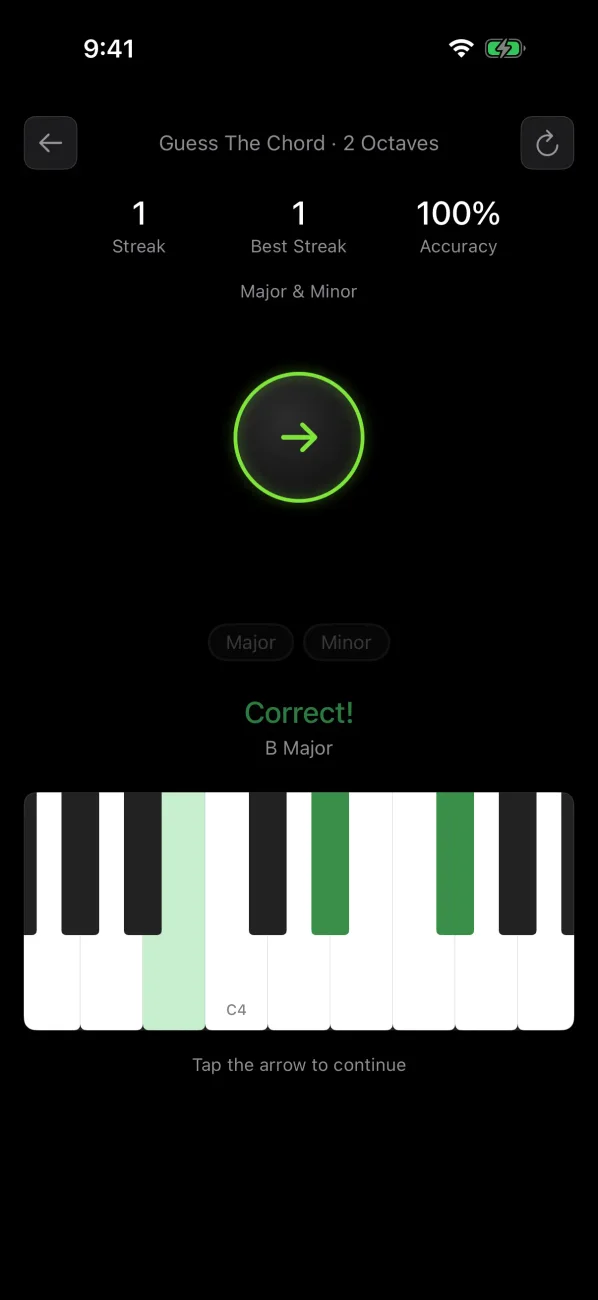
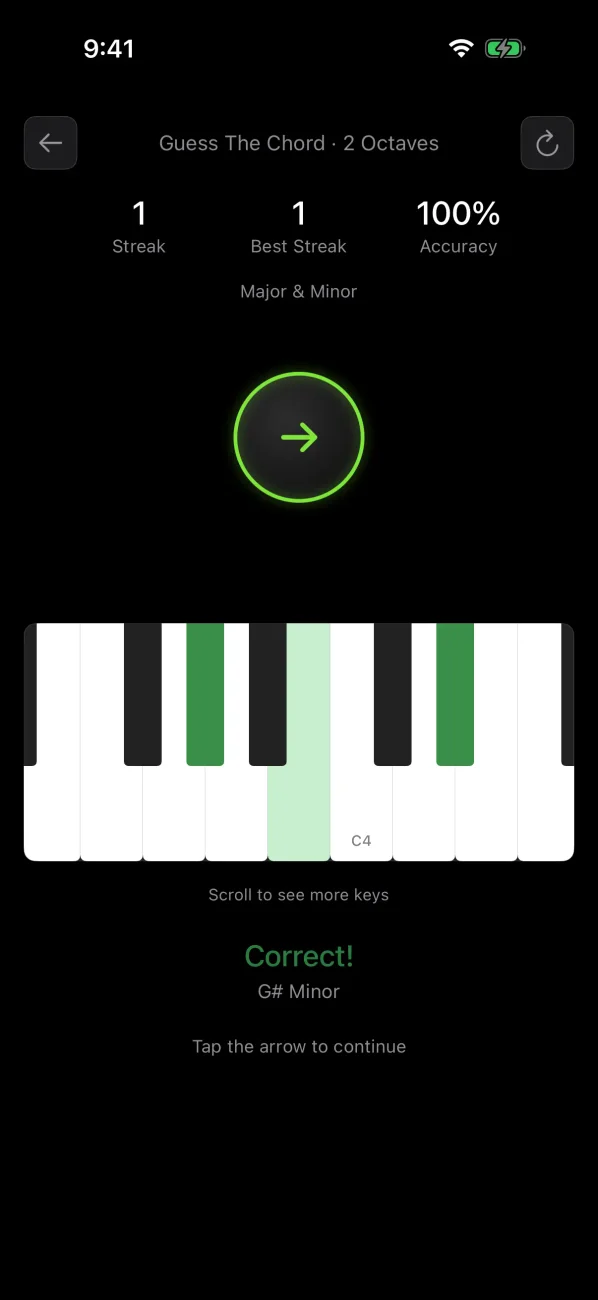
Chords
Two ways to answer: Name It, where you hear a chord and choose what kind it is, or Play It, where you press every note of it on the keys.
Start on major and minor triads, move on to inversions, then add diminished, augmented, and seventh chords.
Free Play
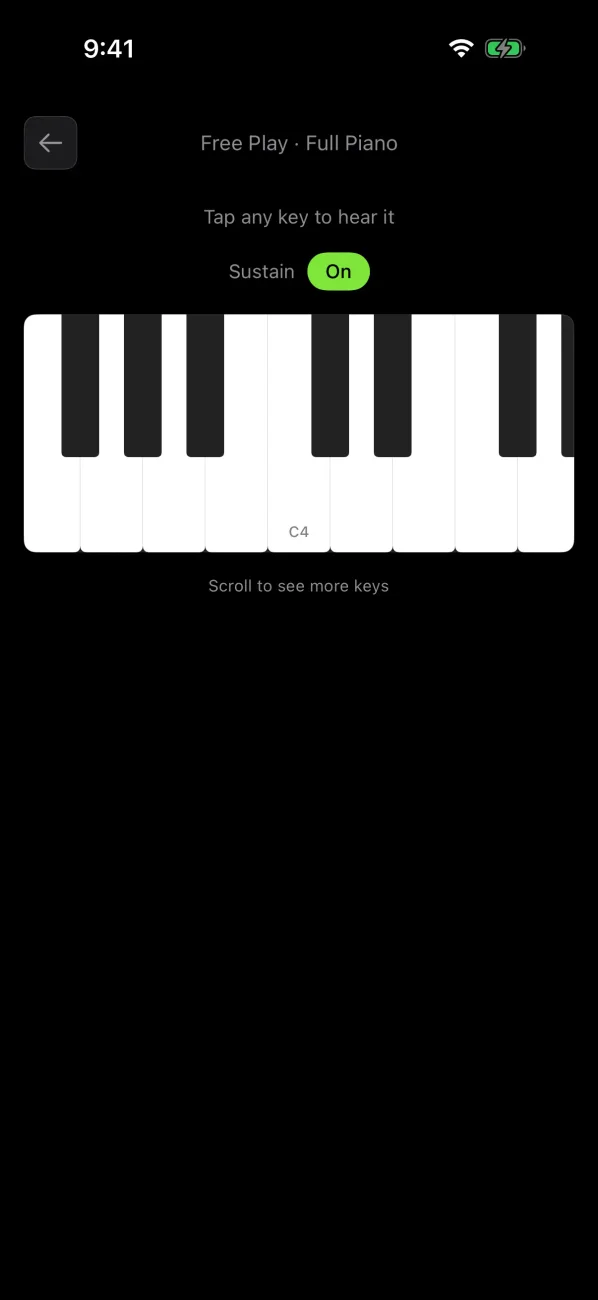
Tap any key to play freely — no scoring, no pressure, no limits. Sustain on or off.
Free to everyone, no purchase required.
MIDI keyboard support
Connect your MIDI keyboard and play on real keys. Got a 61-key controller?
Plug it in, and the app offers to calibrate: press your lowest and highest key once, and the game fits itself to your range.
Practice at your level
Start with a single octave around Middle C, or open it up to the full 88 keys.
White keys only while you are finding your feet, all keys — sharps and flats included — when you want the challenge.
The on-screen keyboard shows as many keys as your screen allows.
Real piano sound
Every note is sampled from a real grand piano, not a synthesizer, so what you hear is what you would hear on an actual instrument.
Track your progress
Streak, best streak, and accuracy are always on screen.
Works beautifully on iPhone, iPad, and Mac.
What’s new
Version 1.1.0 · Nov 25, 2026
Interval training!
Hear two notes and name the distance between them — all twelve intervals, ascending, descending or sounded together, across three levels.
Each answer comes with a familiar tune to anchor it.
Free rounds now reset every day instead of running out for good, so you get 15 a day rather than a one-off allowance.
App privacy
What YAHYA RASHWAN declares on the App Store about how this app handles data.
-
Data not linked to you
May be collected but is not linked to your identity.
- Contact info
- User content
Privacy practices may vary, for example with the features you use or your age.
Information
- Seller
- YAHYA RASHWAN
- Category
- Education
- Version
- 1.1.0
- Updated
- Nov 25, 2026
- Released
- Aug 3, 2026
- Size
- 7.1 MB
- Requires
- iOS 16.0 or later
- Age rating
- 4+
- Price
- Free
- In-app purchases
- Yes
- Languages
- English
- Copyright
- © 2026 Black Hole Labs
You might also like
-
 B# or Bb: ear & vocal trainerTrain your ear & voice
-
 Piano Pals Piano CoachAI-coached daily practice
-
 SwarIT Ear TrainerRecognise notes by ear.
-
 Musicated Ear TrainingEducation
-
 FretMasterMaster the Fretboard, for Real
-
 NGN Next Generation NCLEX ExamNCLEX-PN Test Prep LPN Mastery
-
 Chemical Structures Quizorganic chemistry,biochemistry
-
 Memorize Music TheoryEducation
-
 Widget Vocabulary: EnglishWord of the Day on Lock Screen
-
 Learn Polish Language!Polish Language For Beginners