- Age rating4+
- CategoryMusic
- DeveloperHineman Music Services, LLC
- LanguagesEnglish
- Size44.9 MB
Links to the official App Store page
Download.org hosts no file of GuitarParrot. The button opens its official App Store page, published by Hineman Music Services, LLC. Listing last checked on Nov 14, 2026.
Screenshots


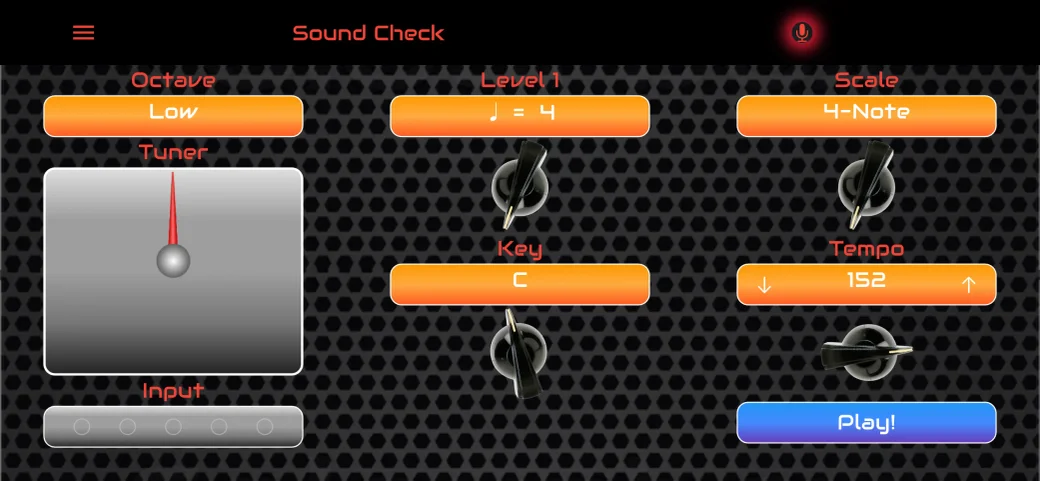
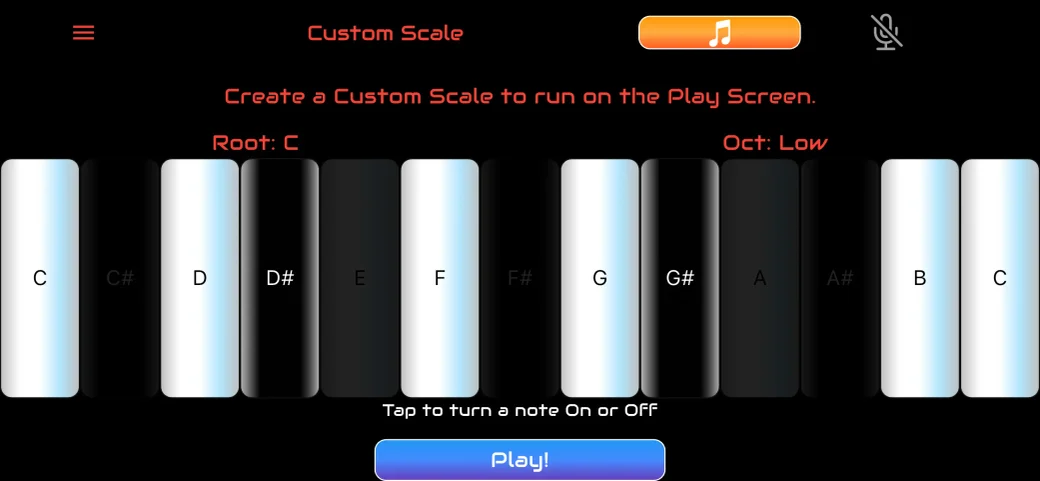

About
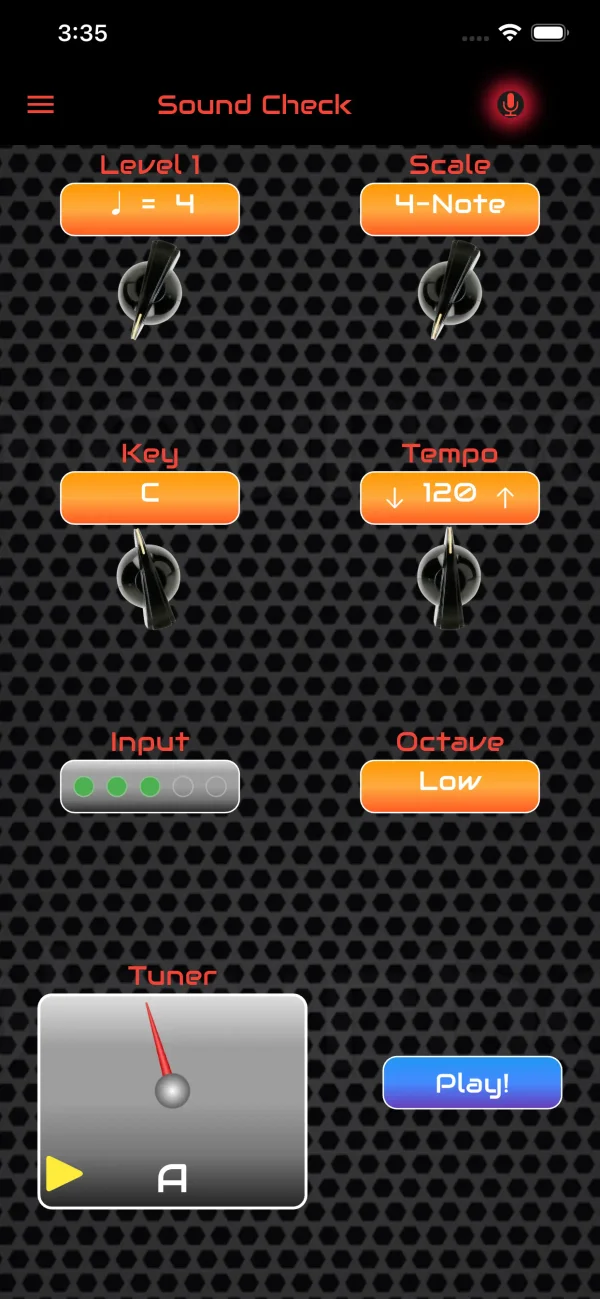
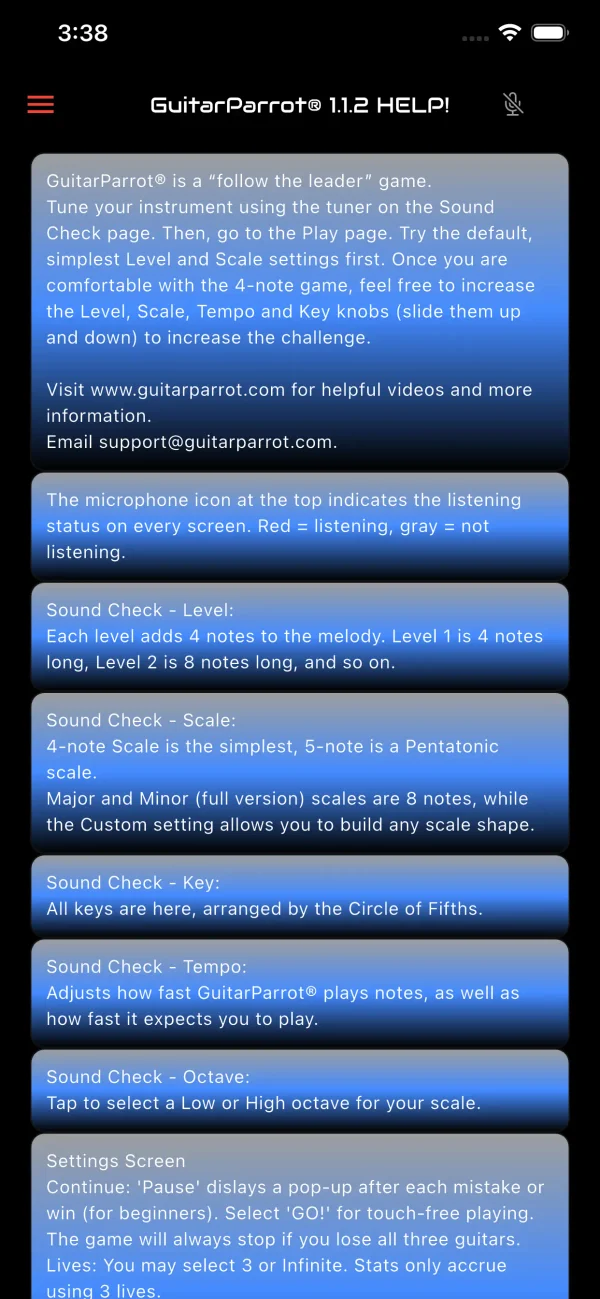
GuitarParrot® brings the classic "Follow the Leader" game to a whole new place - your phone or tablet! Start off easy, then increase the level as you improve! Work in all 12 keys, with many scale choices. Develop your abilities to hear notes and melodies and instantly land them on your guitar! Why is that useful? If you are a musician trying to improvise or learn songs, it becomes much easier as you connect your ear to your instrument. Any virtuoso musician will tell you that ear training is extremely important to musical growth. As an instructor, this is a game I play with students of all levels. I created this app to expand the game beyond what a normal human (me) could offer:
Scale - choose from 4-note, 5-note, Major, Minor, and Custom scales.
Keys - all 12 keys are available.
Octaves - two octave settings let you explore the neck more completely.
Levels - each level adds 4 notes to the melody. Level 10 is 40 notes long. Can you beat it? How about with a Chromatic scale?
The "Custom" scale setting makes it possible to drill intervals, triads, or any other 1-octave arrangement of notes.
The game can be played on iPad, iPhone or Silicon Mac, using the built-in mic or a guitar interface like iRig or a similar device. You can also use wired headphones with or without a built-in mic. Bluetooth playback is supported, but not Bluetooth mic. Although it is intended for Guitar, you can use any instrument or even sing.
Instead of poking a note on the screen or touching colored lights in sequence, this app makes you listen and play your own instrument. There is no visual assistance, just rely your ear.
This app is an incredible practice tool that should be a part of a complete program. A good instructor will show you how to apply the scales and notes to songs you may be learning.
Visit www.guitarparrot.com for videos and more!
What’s new
Version 1.1.3 · Feb 21, 2026
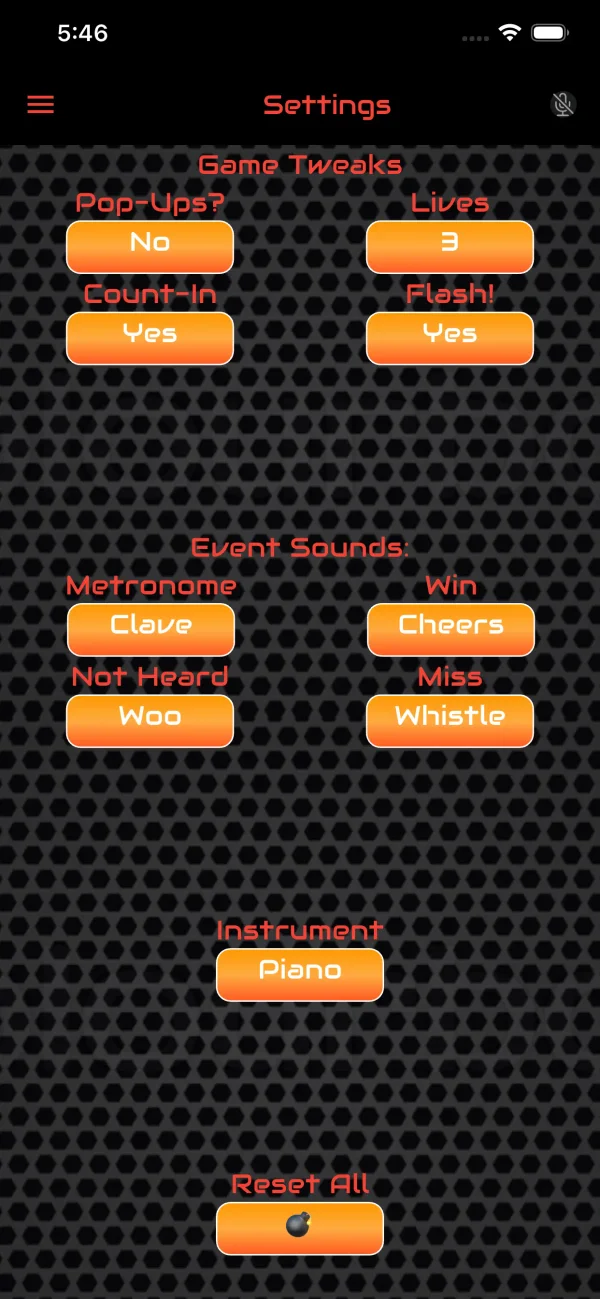
1.1.3 adds features to the Settings screen. In addition to the gameplay adjustments, there are now settings for changing the event sounds (win, miss, etc.) and the instrument sound that GuitarParrot uses for a more personalized experience. It might even make it more fun! A reset button puts all settings back to defaults.
The "Continue" button has been renamed "Pop-Ups?" to make it more clear that this button turns the in-play pop-up messages on and off. Pop-Ups are now Off by default.
As always, the app is can be played with any device orientation for maximum convenience. Available for iPhone, iPad and Silicon Mac.
App privacy
What Hineman Music Services, LLC declares on the App Store about how this app handles data.
-
Data not collected
The developer does not collect any data from this app.
Privacy practices may vary, for example with the features you use or your age.
Information
- Seller
- Hineman Music Services, LLC
- Category
- Music
- Version
- 1.1.3
- Updated
- Feb 21, 2026
- Released
- Oct 14, 2020
- Size
- 44.9 MB
- Requires
- iOS 26.0 or later
- Age rating
- 4+
- Price
- $1.99
- Languages
- English
- Copyright
- © 2020 David Hineman
You might also like
-
 Deckline DJTwo decks, on-device stems
-
 Set Clock: Setlist & MetronomeDrum click track & gig timer
-
 Note the ChordsJazz Improvisation Assistant
-
 Guitar Chords in ColoursFor the creative guitar player
-
 shortReverseAUv3 effect(real-time reverse)
-
 FretPulse: Guitar PracticeDaily Routines & Speed Trainer
-
 Poco a Poco: Music NotesLearn and practice music notes
-
 Guitar Relative Pitch TrainerEasy Ear Training for Beginner
-
 RITMO: Social Music StreamingMusic • Connection • Support
-
 Play with ear practiceReproduce melody with ear