
Habit Ace - Routine Tracker
Daily,Weekly,Monthly Checklist
Designed for iPhone, iPad
Free · In-app purchases
- Age rating4+
- CategoryProductivity
- DeveloperProductiveTap
- LanguagesEnglish
- Size10.2 MB
Links to the official App Store page
Download.org hosts no file of Habit Ace - Routine Tracker. The button opens its official App Store page, published by ProductiveTap. Listing last checked on Nov 14, 2026.
Screenshots
About
Habit Ace helps you build powerful habits in a fun way. Whether it is a daily, weekly, or monthly habit, Habit Ace tracks your progress and keeps you motivated.
Your mission is to complete your progress charts and make your streaks as long as possible. By doing so, you are building habits that make you feel fulfilled.
FEATURES
* Add daily/weekly/monthly habits.
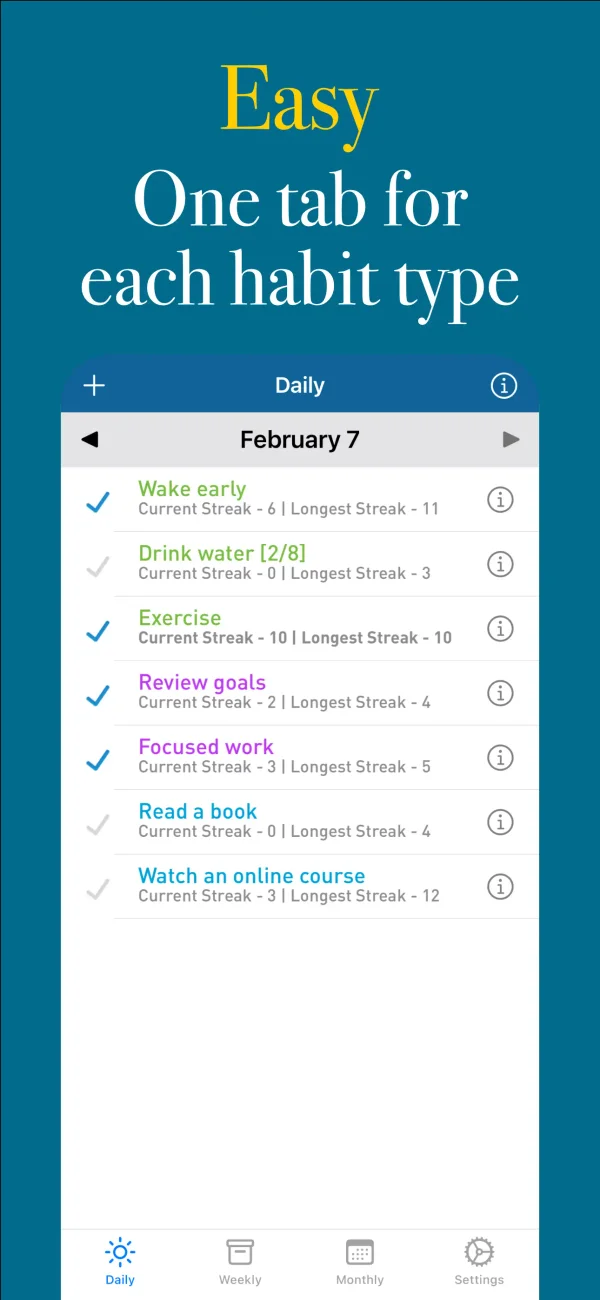
You can track not only daily, but also weekly and monthly habits. Each type has its own tab for your convenience.
* Track how you maintain the habits.
You can give a check mark to a habit whenever you do it. If you forget, you can still give the check mark anytime you want.
* See how good you are at maintaining the habits.
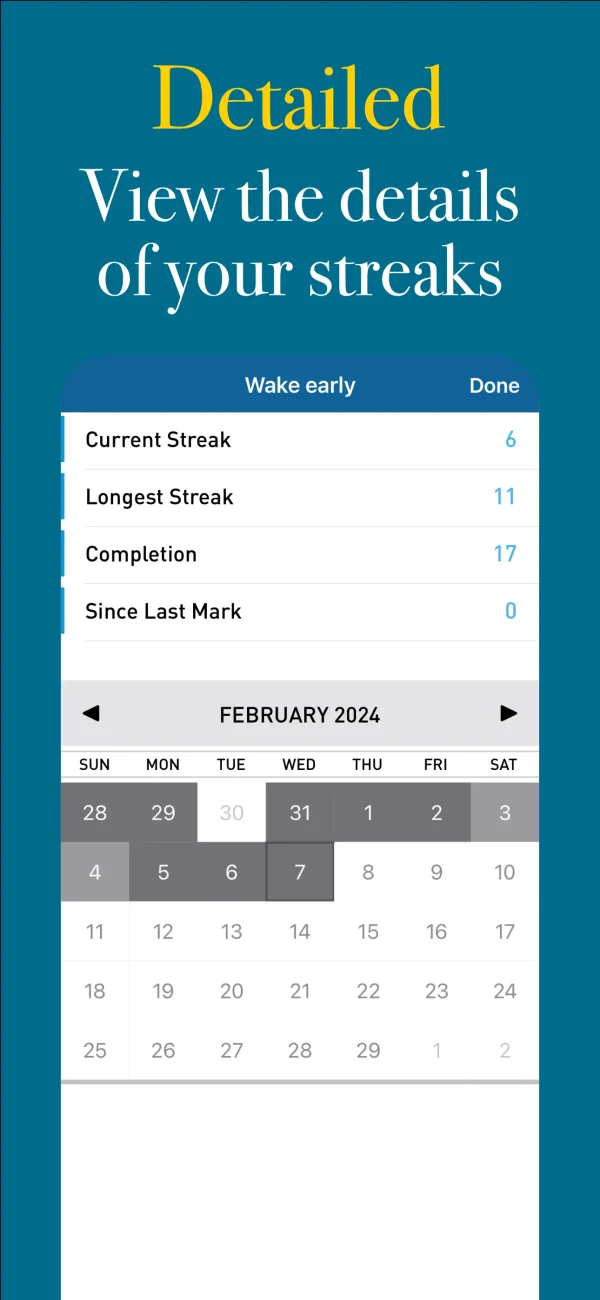
For each habit, you can see the current and longest streak. You can also see the details of the streak. This way, you can easily see when you succeeded and when you didn’t.
* Add widgets to your Lock Screen and Home Screen.
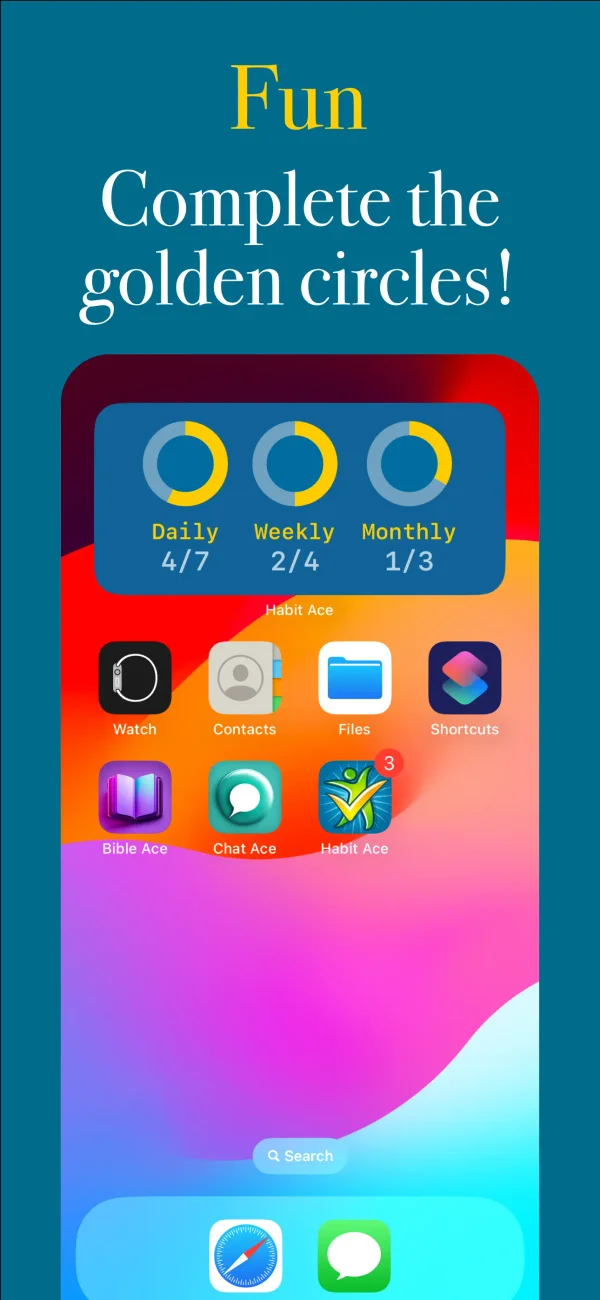
You can view your progress right on your Lock Screen and Home Screen. Feel the satisfaction of seeing completed charts when you have done all your habits.
* Do a habit multiple times a day (or a week or a month).
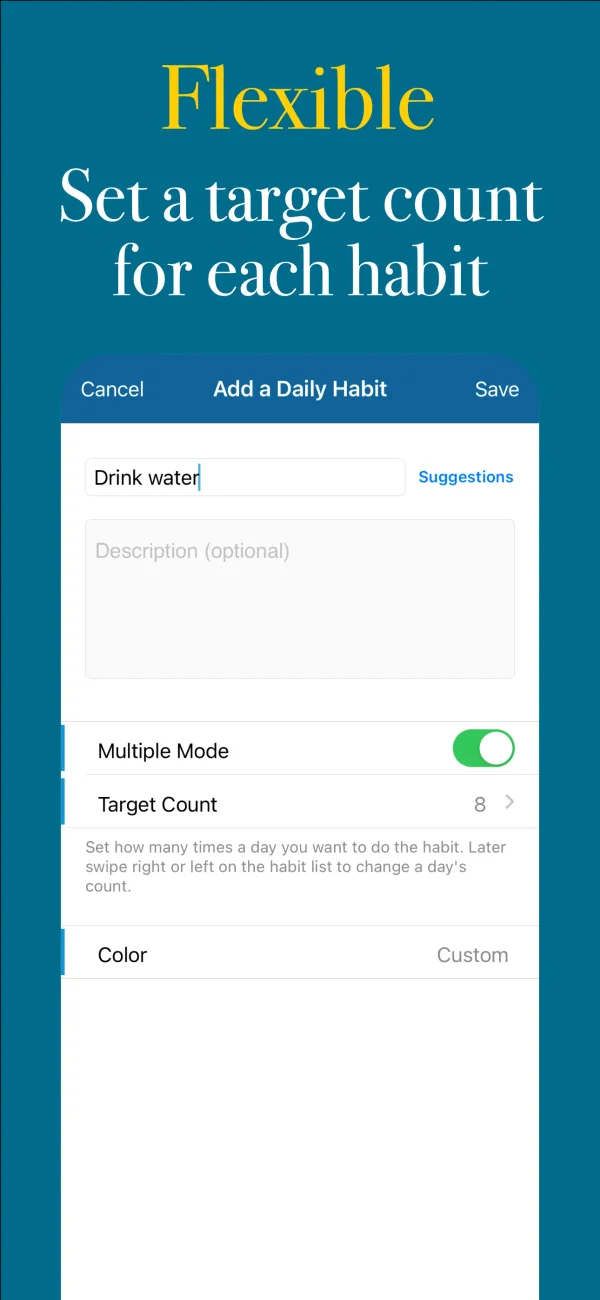
If you want to do a habit multiple times per time period, you can do that. Just turn on Multiple Mode when adding a new habit. Then swipe right or left to reveal the + and - buttons to change the count.
* Set reminders to do your habits.
The reminders will appear automatically according to the type of habit (daily, weekly, or monthly).
* Set custom colors for your habits.
Setting custom colors will help you locate your habits easily (e.g., morning habits).
* Archive inactive habits.
When you decide not to do a habit for some time, you can archive it. This way, your data will stay intact and you can reactivate the habit at any time.
* Create notes on a habit.
Do you want to record why you failed to do a habit yesterday? You can do that by creating a note for that day. The same thing applies to weekly and monthly habits.
* For daily habits, choose the days that are okay to skip.
Your streak will continue through these days. If you choose not to do the habit on the weekend, for example, you won’t break your streak.
* Automatic backup & sync.
Your data is automatically backed up and synchronized through your iCloud account.
The optional Premium subscription costs $1.99/month USD. Premium users can track an unlimited number of habits. It will be charged to your iTunes account after the purchase. Your account will be charged for renewal 24 hours prior to the end of the current period. Auto-renewal may be turned off at any time by going to your Account Settings.
What’s new
Version 4.2 · Jul 17, 2024
This app has been updated by Apple to prepare for watchOS 27 compatibility. No new features are included.
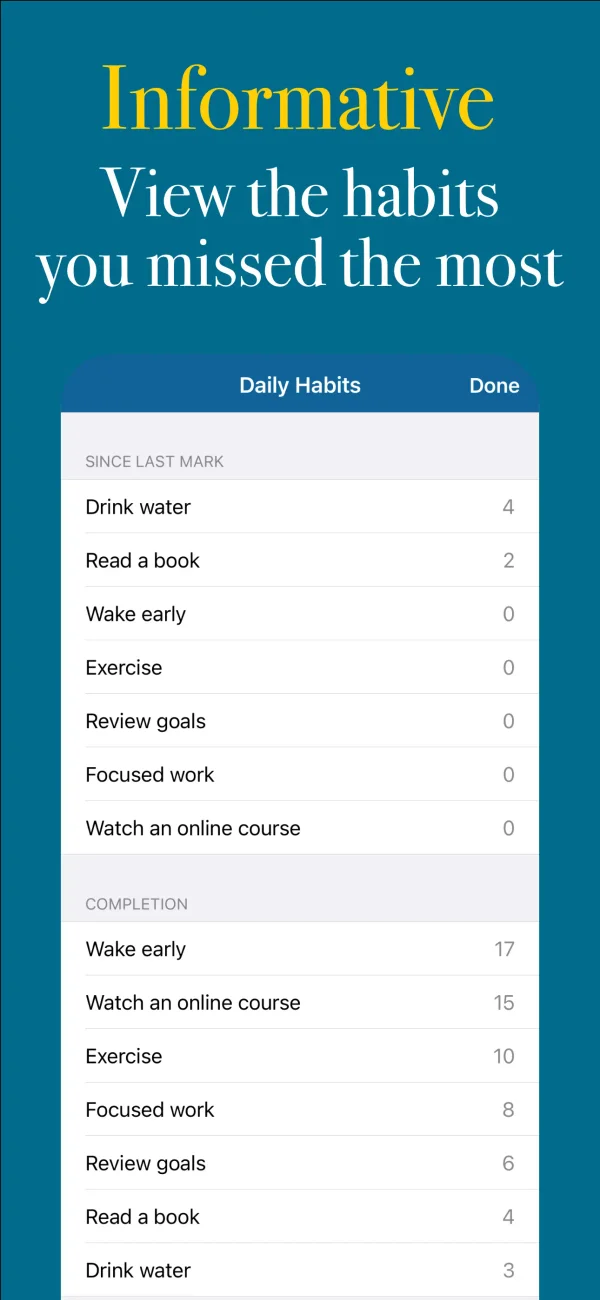
There is now an option to show 'Since Last Mark' data in habit rows.
App privacy
What ProductiveTap declares on the App Store about how this app handles data.
-
Data not collected
The developer does not collect any data from this app.
Privacy practices may vary, for example with the features you use or your age.
Information
- Seller
- Donald Latumahina
- Category
- Productivity
- Version
- 4.2
- Updated
- Jul 17, 2024
- Released
- Nov 29, 2017
- Size
- 10.2 MB
- Requires
- iOS 16.0 or later
- Age rating
- 4+
- Price
- Free
- In-app purchases
- Yes
- Languages
- English
- Copyright
- © 2024 Donald Latumahina
You might also like
-
 Habit Trackers AppDaily Routine goal planner
-
 Recurrence: Recurring TasksReminders for Habits & Chores
-
 Daily Habit List: Goal TrackerRoutine Planner, Task Reminder
-
 Habit Tracker: Streaks & GoalsDaily routine & self care plan
-
 Streakly: Simple Habit TrackerVisual Routine & Streak Daily
-
 Daily Checklist: CheckYourListRepeat Routine Task List Maker
-
 Habit Tracker with WidgetDaily routine planner & goals
-
 Habit Tracker - Your GoalsSimple goal reminder app!
-
 Daily Habit Tracker - RoutiHealthy, Simple, Atomic Goals
-
 Daily Routines & Planner AppSelf Care & ADHD Tracker