Hai Robo
AI companion, reimagined
Designed for iPhone, iPad, Mac
Free · In-app purchases
- Age rating4+
- CategoryLifestyle
- DeveloperKoreidea Innovations Private Limited
- Size109.9 MB
Links to the official App Store page
Download.org hosts no file of Hai Robo. The button opens its official App Store page, published by Koreidea Innovations Private Limited. Listing last checked on Nov 17, 2026.
Screenshots


About
Hai Robo turns your iPhone into the face of a desk robot.
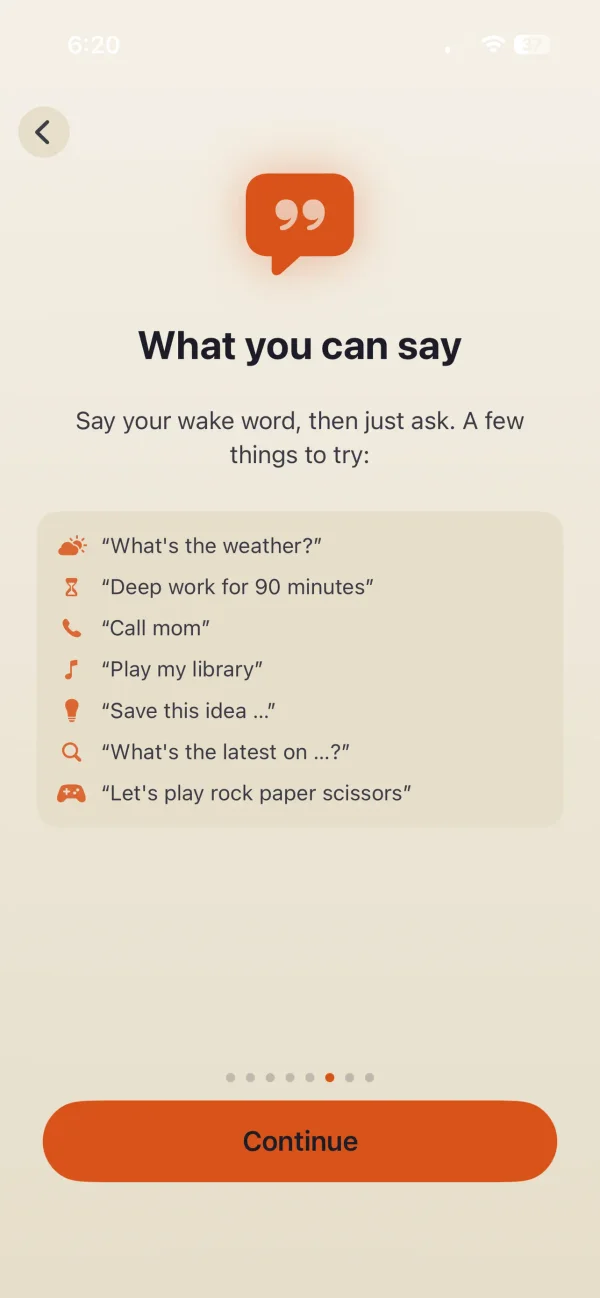
Dock the phone and it wakes: the eyes open, the head lifts, and it turns to look at you. Say "hai robo" from across the room and it answers. No button, no unlock, no tapping a microphone.
A FACE THAT WATCHES BACK
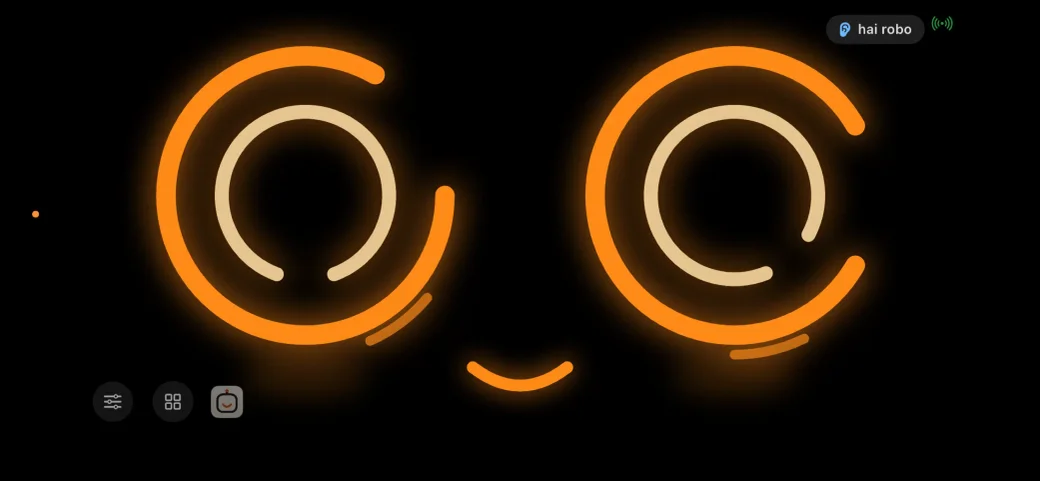
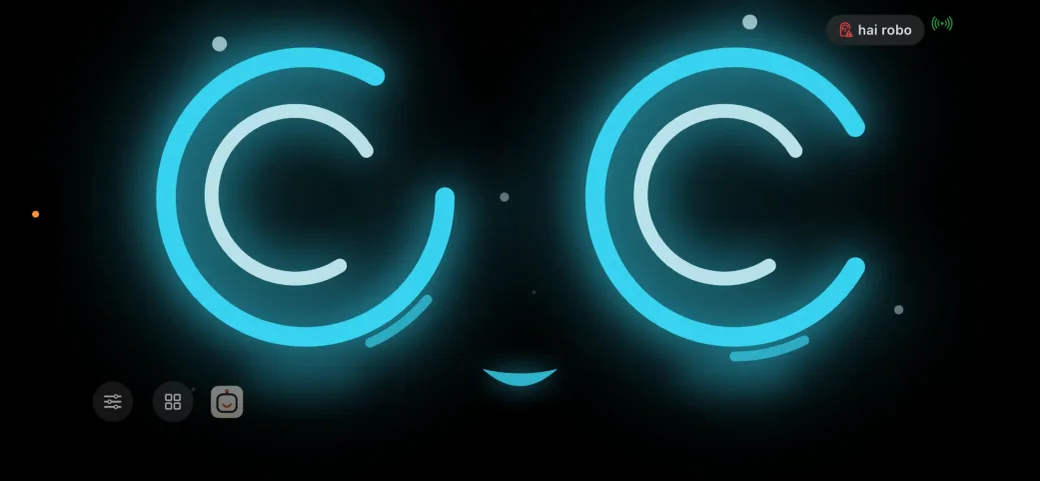
Seven eye designs, each with its own personality: glowing rings, neon sunglasses, a mechanical iris. The eyes follow your face as you move around the desk, blink, glance about while idle, and go to sleep when you do. Ask for a different look any time.
TALK TO IT
Ask a question and it answers out loud. Ask again without repeating the wake word. Interrupt it mid-sentence and it stops, like a person would. It reads out your next meeting, sets reminders, tells you the weather, and remembers what you were talking about.
IT TURNS, LOOKS AND LEANS
Paired with a Hai Robo desk, the phone is mounted on a head that pans, tilts and lifts. It follows your face while you talk, turns toward whoever is speaking, straightens up when you dock it, and nudges you when you have been slouching for too long.
WORKS WITH YOUR MAC
Pair your Mac by scanning a code and Hai Robo can see what is on your screen when you ask it to: design feedback, an error you cannot place, a page you want summarised. Copy on one device, paste on the other. Files move across without a cable.
CAMERA THAT UNDERSTANDS
Hold something up and ask what it is. Show it text and it reads it. Ask it to take your photo and it frames the shot. It can learn faces so it greets the people who sit at your desk by name, and that runs entirely on the phone.
PLUGINS
Small apps that live on the robot's face: games, clocks, ambient scenes, dashboards. They run in a sandbox with no network access, and each one asks before it uses the camera or moves the robot.
GAMES
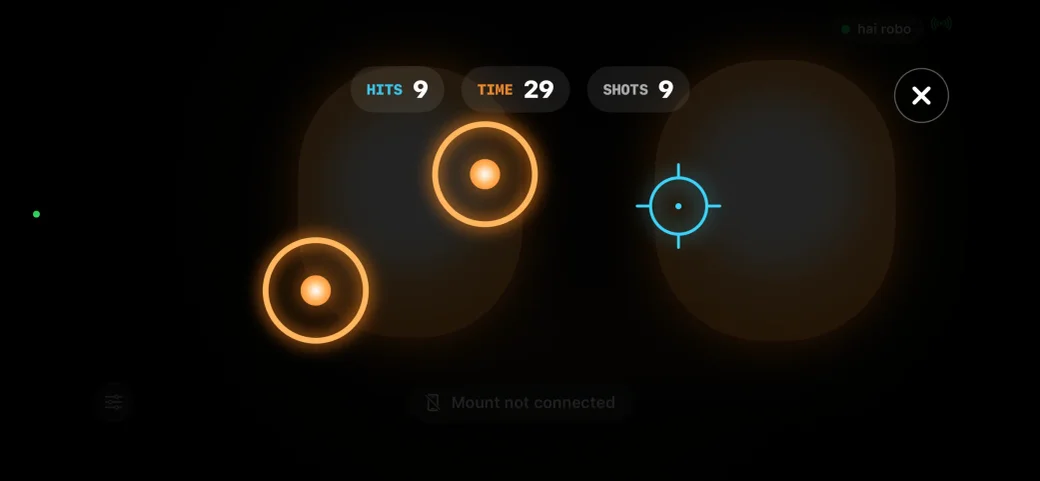
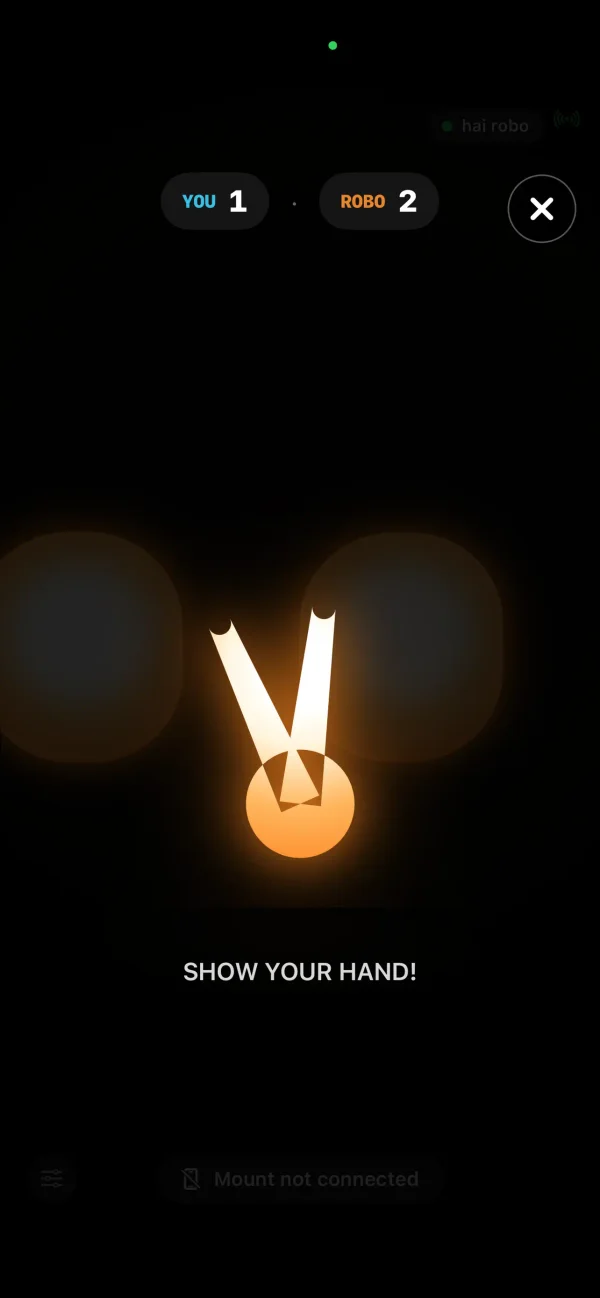
Rock paper scissors, cricket and more, played with your hands in front of the camera. The robot reacts to winning and losing. It is a poor loser.
NO DESK? STILL WORKS.
The voice assistant, camera, plugins and Mac features all work on the phone alone. The Hai Robo desk adds the movement.
PRIVACY
Face tracking, face recognition and recognising what you show the camera all run on your device. Nothing from the camera is uploaded unless you start a feedback session and turn video on. Faces are never uploaded, and you can delete them all in one tap. Hai Robo only responds once you say its name, what you ask isn't stored on our servers, and each permission is asked for only when you use the feature that needs it.
Hai Robo Plus (optional subscription)
Hai Robo is free to use. Hai Robo Plus raises the daily limits for
conversations, camera questions, translations, web searches and image
generation. Current prices and plan lengths are shown in the app before
you subscribe.
Payment is charged to your Apple ID at confirmation of purchase.
Subscriptions renew automatically unless auto-renew is turned off at least
24 hours before the end of the current period. You can manage or cancel a
subscription in your Apple ID account settings after purchase.
Terms of Use (EULA):
https://www.apple.com/legal/internet-services/itunes/dev/stdeula/
Privacy Policy:
https://www.hairobo.com/privacy
What’s new
Version 1.8.3 · Sep 21, 2026
Characters, and plugins that answer when you speak.
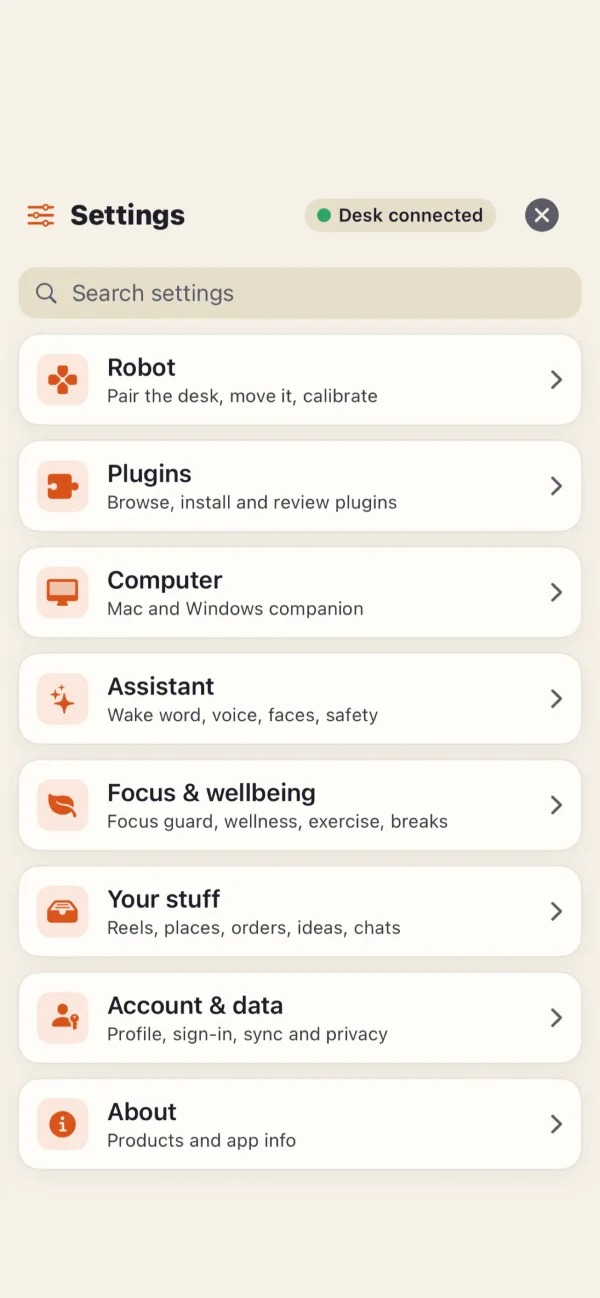
A plugin can now be the robot's face. Pick one in Settings, under Plugins, and it takes over the eyes: it looks around, listens, thinks and sleeps like the built-in face does. Tap again to go back. Pip, a small character, comes with the app.
A plugin can also answer a phrase you say. Say it and the plugin does the work, with its name shown on the face so you always know it was a plugin answering and not Hai Robo. The app's own commands always come first, so nothing you already say can be taken over.
The cab example that comes with the app shows both: say "heading to the office" and it opens your cab app with the office set.
Also in this version:
- The plugin list now says which plugins can be the face, and what tapping one does.
- Small fixes throughout.
App privacy
What Koreidea Innovations Private Limited declares on the App Store about how this app handles data.
-
Data linked to you
May be collected and linked to your identity.
- Purchases
- Location
- Contact info
- User content
- Search history
- Identifiers
- Diagnostics
Privacy practices may vary, for example with the features you use or your age.
Information
- Seller
- KOREIDEA INNOVATIONS PRIVATE LIMITED
- Category
- Lifestyle
- Version
- 1.8.3
- Updated
- Sep 21, 2026
- Released
- May 28, 2026
- Size
- 109.9 MB
- Requires
- iOS 16.0 or later
- Age rating
- 4+
- Price
- Free
- In-app purchases
- Yes
- Copyright
- © 2026 KOREIDEA INNOVATIONS PRIVATE LIMITED
You might also like
-
 loody: Your AI CompanionSmart AI, Real Conversations
-
 Scowld - AI Voice CompanionAI Voice Chat With Memory
-
 Bhajan Book & AI WallpapersBhakti with Bhajan & Wallpaper
-
 The Montecito ClubLifestyle
-
 Pal Agent: Your Personal AgentReminder,Habit,Companion
-
 pau. - adult coloring bookRelaxing Art for Apple Pencil
-
 Naam Jap Counter 108 - JapTapRadha naam jap counter app
-
 Diary! SmartDiaryLifestyle
-
 AI Friend 3D: Talking BuddyVoice Chat with 3D AI Friends