
- Age rating4+
- CategoryEducation
- DeveloperWylder Everett
- LanguagesEnglish
- Size2.9 MB
Links to the official App Store page
Download.org hosts no file of HajimeNow. The button opens its official App Store page, published by Wylder Everett. Listing last checked on Nov 20, 2026.
Screenshots
About
HajimeNow is a focused, distraction-free Japanese study app designed around the JLPT curriculum — from your very first hiragana stroke to advanced N1 kanji.
WHAT YOU'LL STUDY
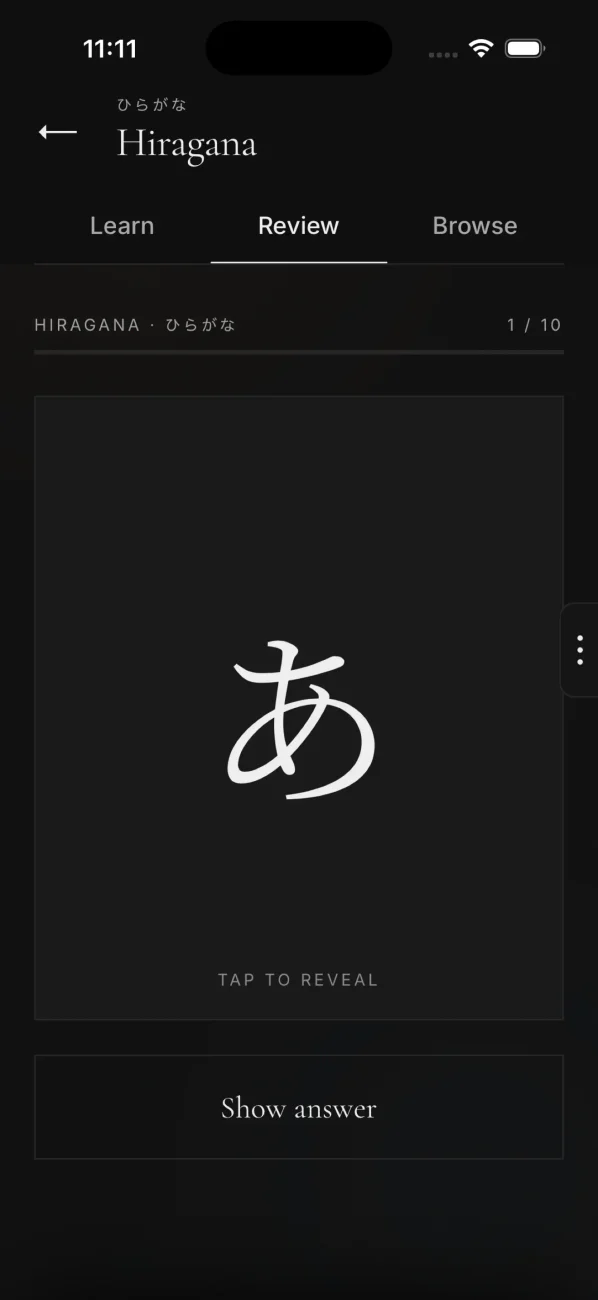
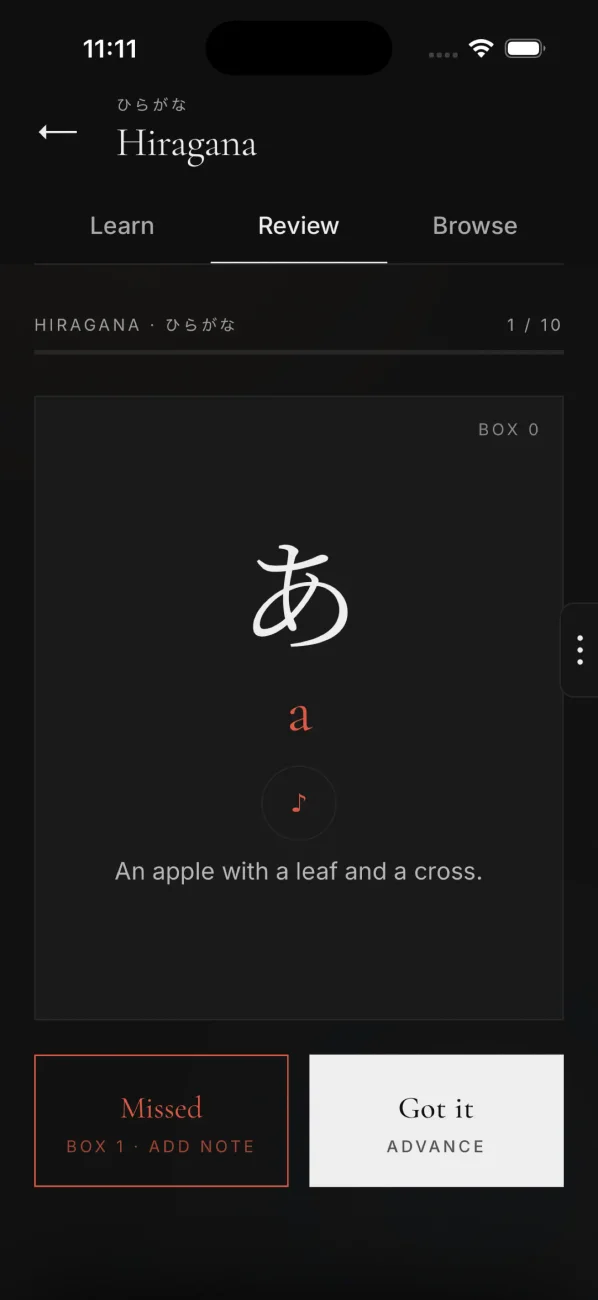
• Hiragana & Katakana — learn every kana with mnemonics, stroke order, and audio pronunciation
• Kanji — N5 through N1 characters with meanings, readings, stroke order animations, and spaced repetition
• Vocabulary — thousands of JLPT-graded words with example sentences and native audio
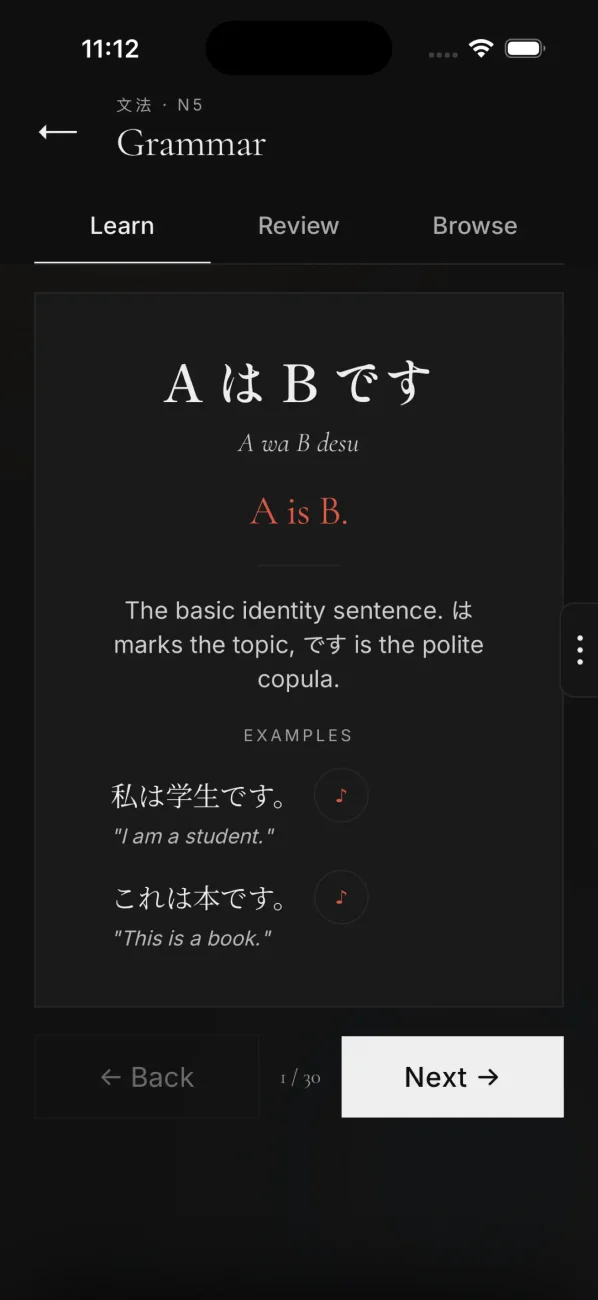
• Grammar — structured grammar points for every JLPT level with clear explanations and examples
• Reading — graded reading passages with comprehension questions
• Listening & Dictation — train your ear with native Japanese text-to-speech
• Writing Practice — trace and free-draw characters on a canvas with adjustable brush thickness and ink color; supports Apple Pencil
HOW IT WORKS
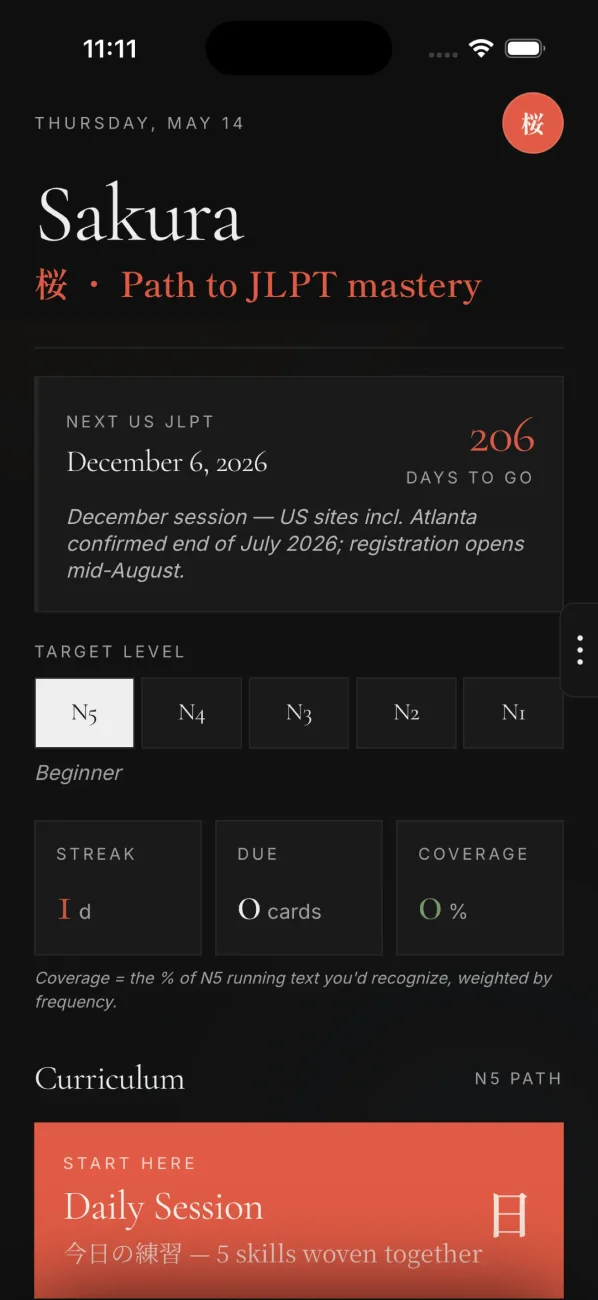
HajimeNow uses a built-in spaced repetition system (SRS) that surfaces the cards you need to review most — so your study time is always efficient. Your streak and progress are tracked automatically, and your data syncs seamlessly across all your Apple devices via iCloud.
TRACK YOUR JLPT JOURNEY
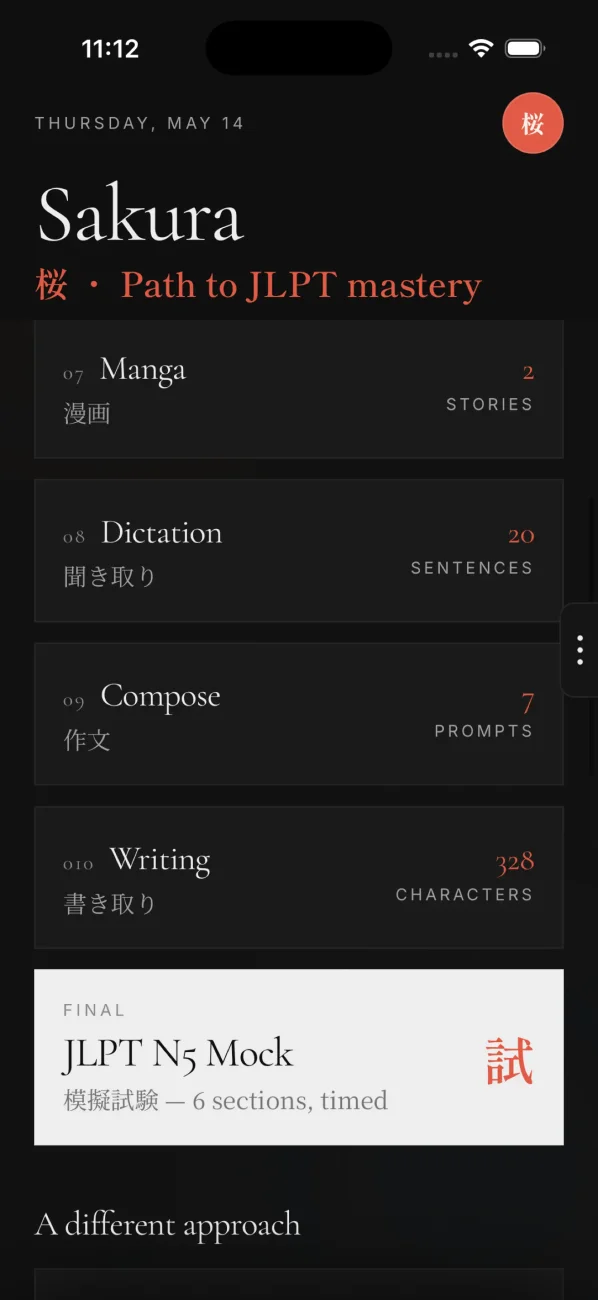
Choose your target JLPT level (N5–N1) and the app counts down to the next exam date. Every module shows your completion percentage so you always know where you stand.
BEAUTIFULLY DESIGNED
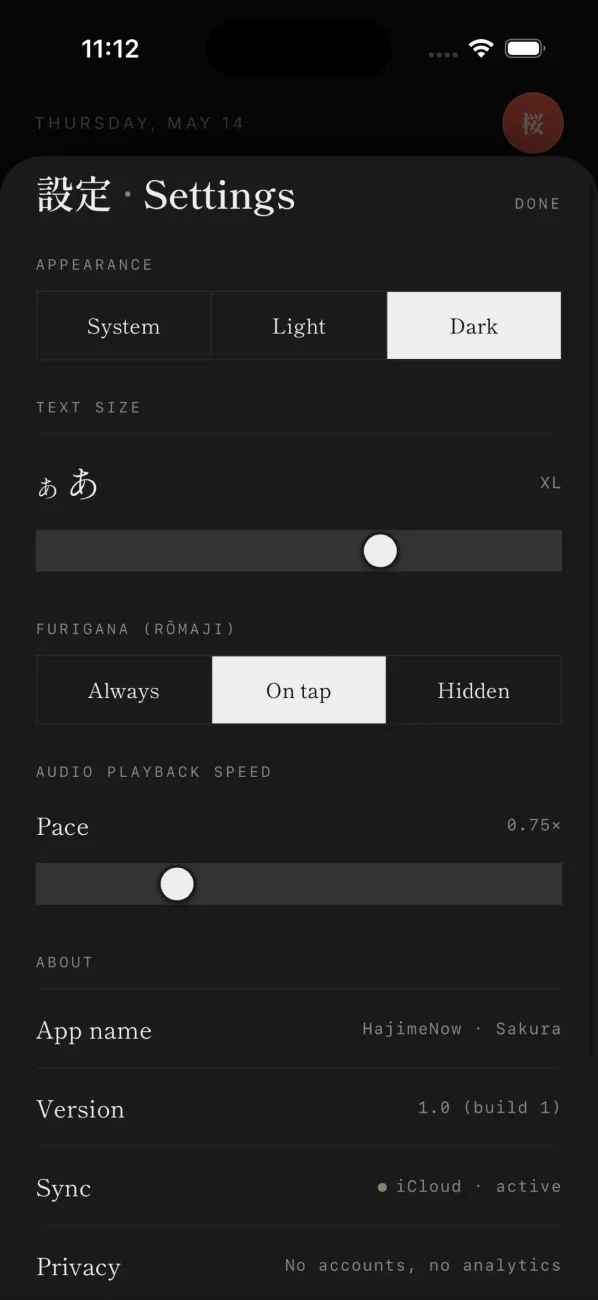
Inspired by Japanese washi paper and traditional ink aesthetics. Supports dark mode, adjustable font size, furigana toggle, and TTS audio speed control. Designed for portrait use — clean, focused, and easy to navigate one-handed.
NO SUBSCRIPTIONS. NO ACCOUNTS.
Everything is included. No paywalls, no sign-in required. Your progress is yours.
App privacy
What Wylder Everett declares on the App Store about how this app handles data.
-
Data not collected
The developer does not collect any data from this app.
Privacy practices may vary, for example with the features you use or your age.
Information
- Seller
- Wylder Everett
- Category
- Education
- Version
- 1.0
- Updated
- May 15, 2026
- Released
- May 15, 2026
- Size
- 2.9 MB
- Requires
- iOS 26.0 or later
- Age rating
- 4+
- Price
- Free
- Languages
- English
- Copyright
- © 2026 Wylder Everett
You might also like
-
 ShishoLearn Japanese, Ace the JLPT
-
 Little BeastsEducational app for toddlers
-
 Kapi: Learn Japanese KanjiLock Screen flashcard widget
-
 PatapaA Japanese story a day
-
 Smart Dictionary AIJapanese Dictionary with AI
-
 Narau Kanji - Learn JapaneseKana, Vocabulary & JLPT N5-N1
-
 jMinna - Learn JapaneseMinna no Nihongo, Kanji & JLPT
-
 Try NihongoLearn Japanese with JLPT
-
 Learn Russian - LuvLinguaLanguage, Alphabet, Grammar
-
 Yukigo: Learn Japanese & KanjiHiragana, Katakana & JLPT Prep