- Age rating4+
- CategoryUtilities
- DeveloperHalcyon Touch Software
- LanguagesEnglish
- Size13.1 MB
Links to the official App Store page
Download.org hosts no file of Halcyon Calc Lite. The button opens its official App Store page, published by Halcyon Touch Software. Listing last checked on Nov 15, 2026.
Screenshots
About
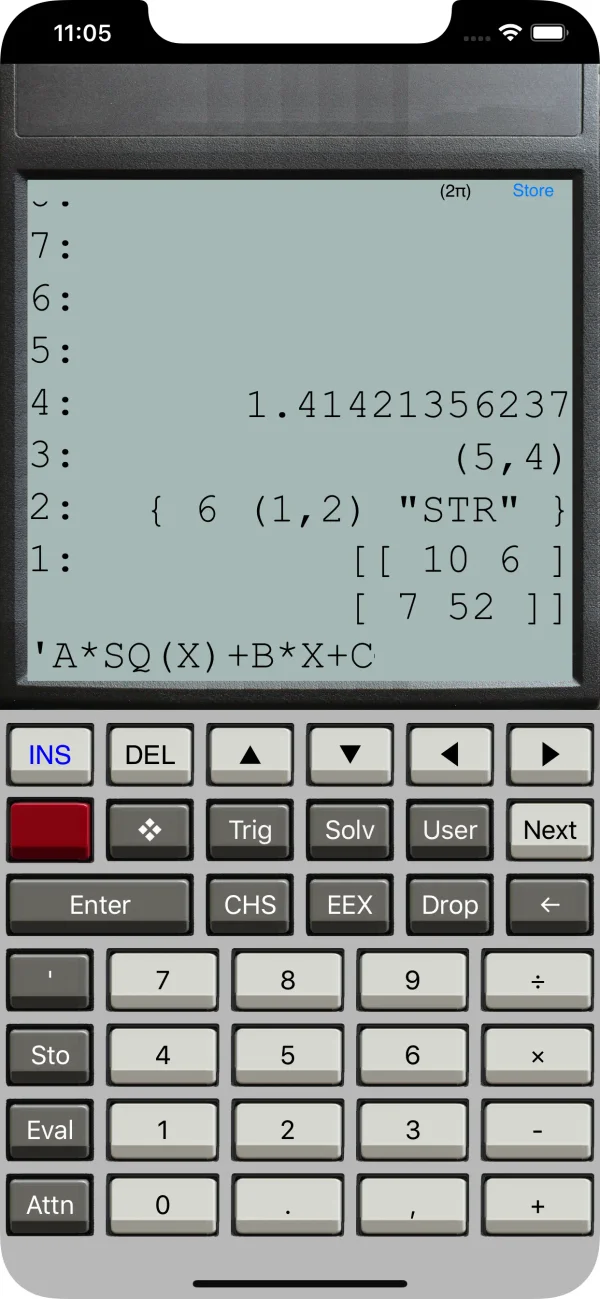
For students, engineers, scientists or people who fondly remember classic calculators, Halcyon Calc Lite is a great application for manipulating numbers and even symbolic expressions.
Features:
- Use this calculator on an iPhone, iPod Touch or an iPad
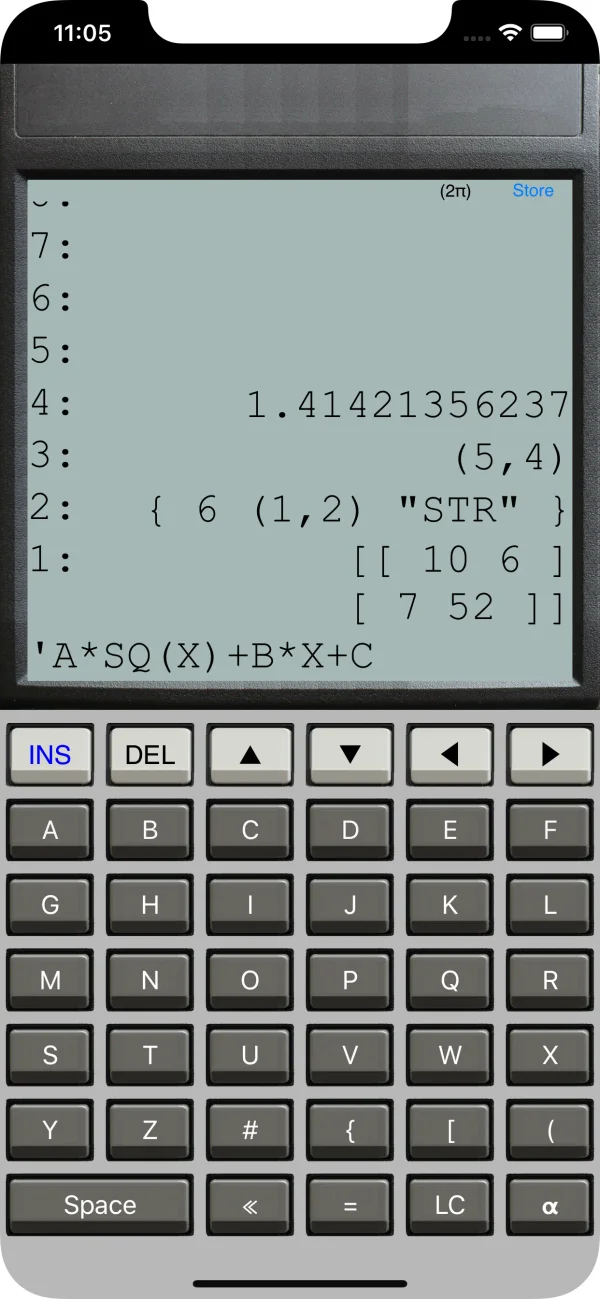
- Use your finger to quickly scroll through the stack to review intermediate results
- Copy and paste support
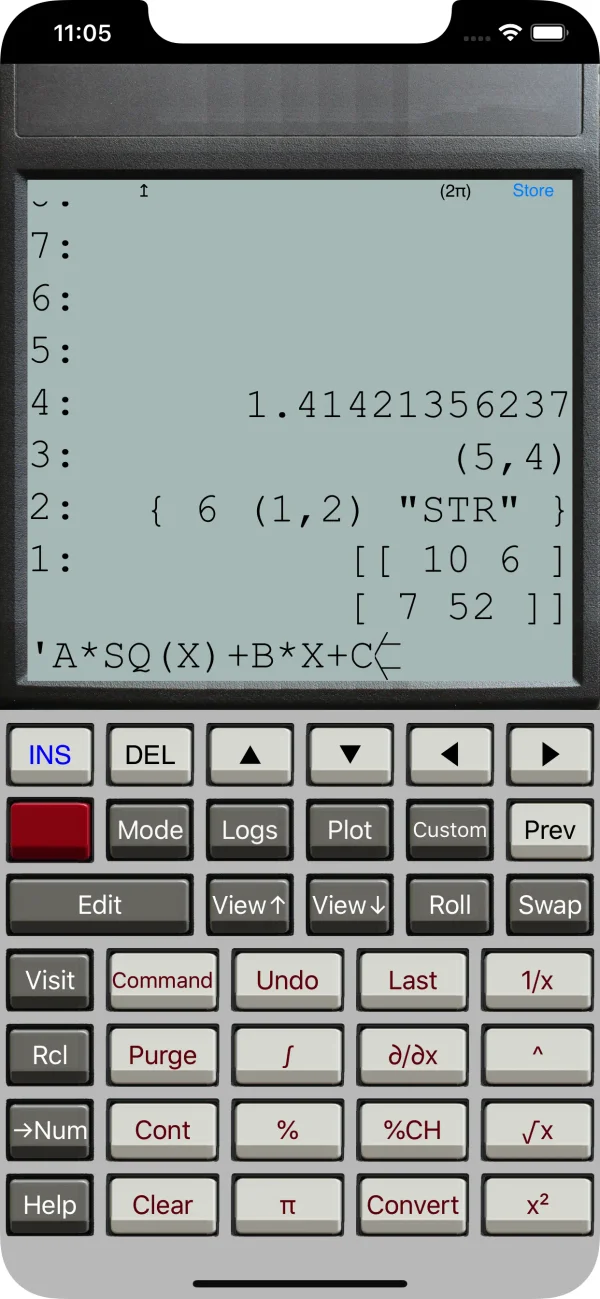
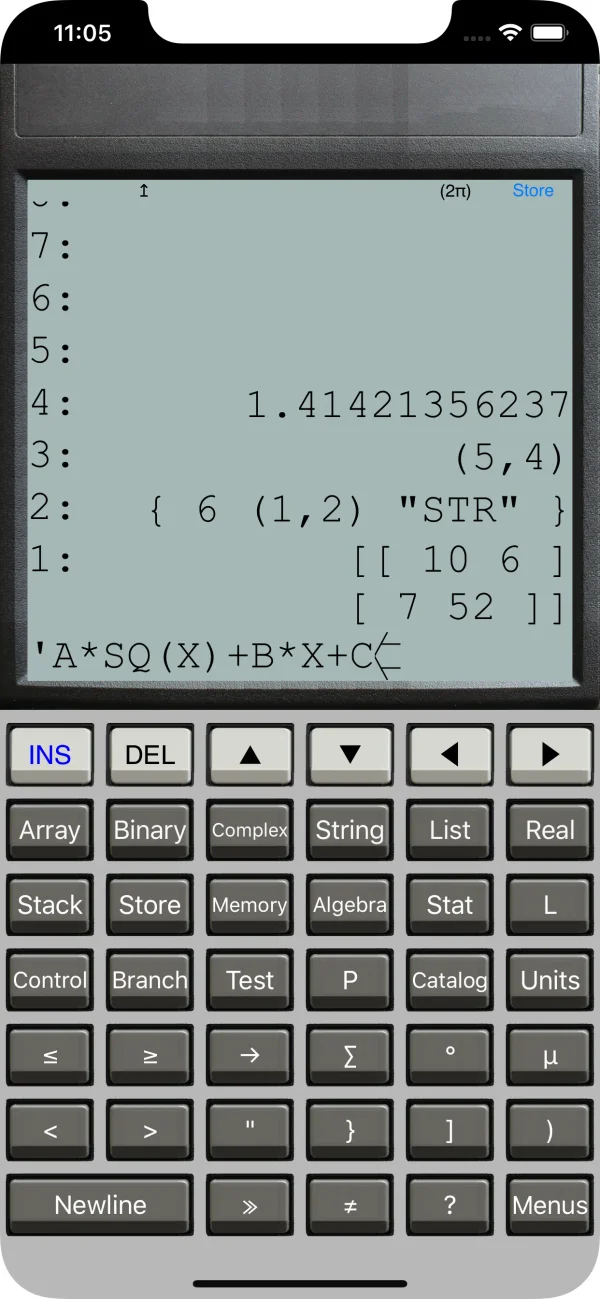
- Over 225 built-in operations, including trig, logarithms, real functions, complex operations and more
- Allows you to work with real, complex and integer numbers.
- Real and complex numbers can be displayed in standard, fixed, scientific and engineering format
- Integer numbers can be displayed in decimal, hexadecimal, octal and binary bases
- Work with real and complex matrices and vectors
- Enter symbolic expressions and solve them for different values. Even better, solve quadratic formulas, collect and expand factors and terms, find minima, maxima and roots of any expression.
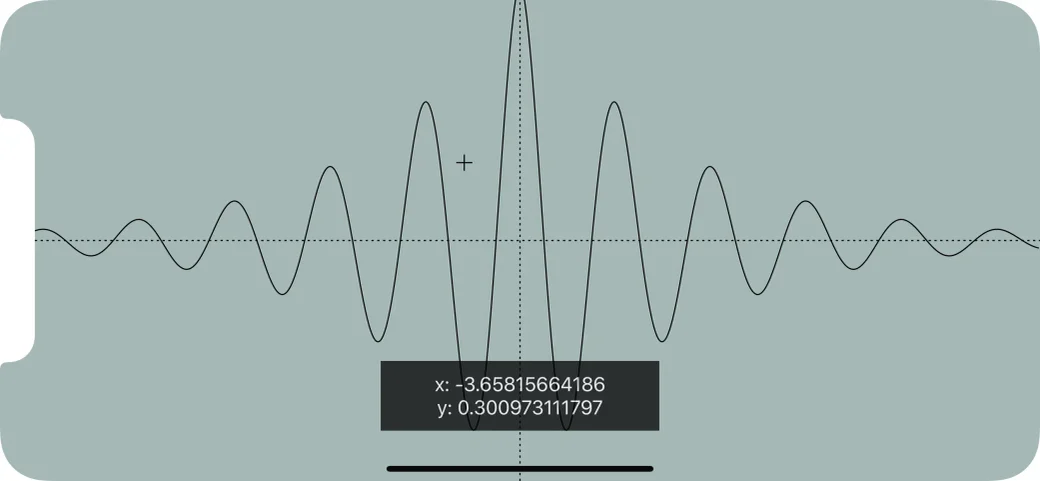
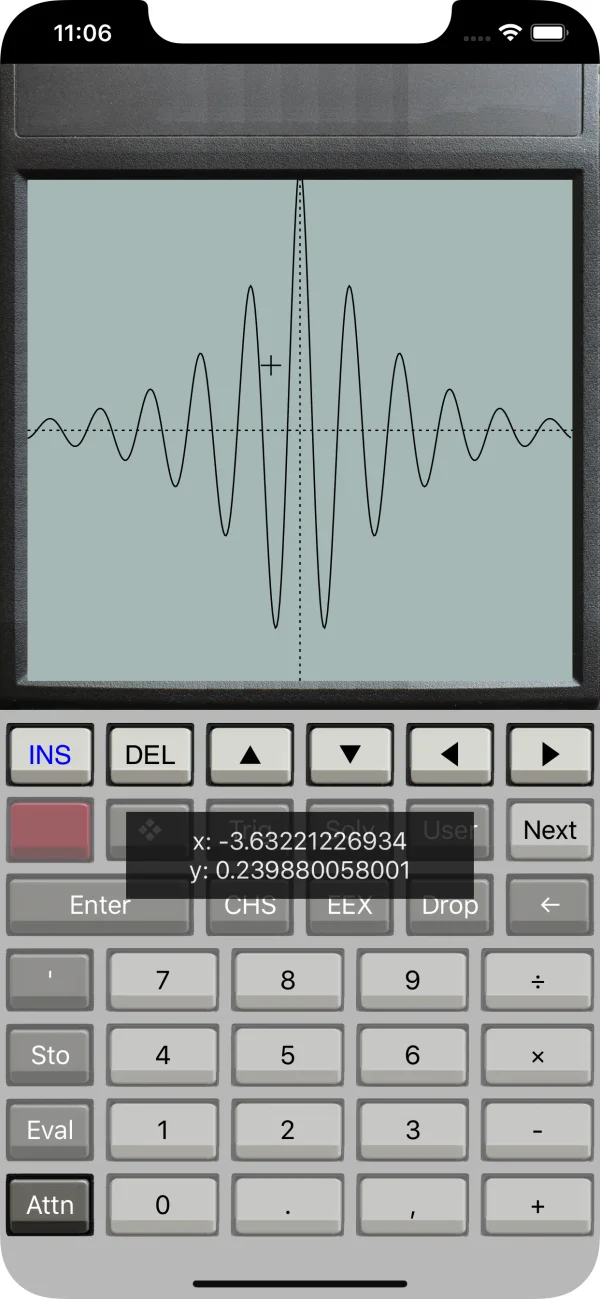
- Plot symbolic expressions in X/Y coordinates. Pan the coordinate space by dragging the plot in any direction. Zoom in and out using a pinch gesture.
- Determine symbolic derivative, taylor series or numeric integral of an expression.
- Store numbers, lists, strings and expressions in symbols.
- Store statistical data and calculate totals, averages, standard deviations, linear regressions, etc over that data.
- Calculate the probabilities associated with standard distributions like the normal, F and T distributions.
What’s new
Version 4.3 · May 6, 2026
In this version, the size of the font in the display area will grow or shrink based on the user's "Text Size" setting in the "Display & Brightness" section of the system settings. So, if you have your text size increased from default, you should find that the text in the display of the calculator will also be somewhat larger and easier to read. If you have the setting low so that your text tends to be smaller than default, you should find that the text in the display of the calculator will also be smaller and show more content on your screen.
Let us know if the behaviour is not to your liking and we can tweak this behaviour in future versions.
App privacy
What Halcyon Touch Software declares on the App Store about how this app handles data.
-
Data used to track you
May be used to track you across apps and websites owned by other companies.
- Identifiers
- Usage data
- Diagnostics
-
Data not linked to you
May be collected but is not linked to your identity.
- Identifiers
- Usage data
- Diagnostics
Privacy practices may vary, for example with the features you use or your age.
Information
- Seller
- Halcyon Touch Software
- Category
- Utilities
- Version
- 4.3
- Updated
- May 6, 2026
- Released
- Dec 15, 2010
- Size
- 13.1 MB
- Requires
- iOS 16.6 or later
- Age rating
- 4+
- Price
- Free
- In-app purchases
- Yes
- Languages
- English
- Copyright
- © Copyright 2022 Halcyon Touch Software
You might also like
-
 RLM-10CXScientific Calculator
-
 RLM-11CXProgramable RPN Calculator
-
 ThetaCalcUtilities
-
 Plottron3D graphing calculator
-
 bcRPNUtilities
-
 Complex RPN CalculatorComplex Numbers RPN Calculator
-
 RCL-57Utilities
-
 Calculator Plus - Math SolverCalculate with photos.
-
 HP-35RPN Calculator. HP-35, 45, 21
-
 Omega CalculatorBasic & Scientific Calculator