
Hanaso Talk
10-language voice translation
Designed for iPhone, iPad
In-app purchases
- Age rating4+
- CategoryTravel
- LanguagesEnglish+ 9 more
- Size55.1 MB
Links to the official App Store page
Download.org hosts no file of Hanaso Talk. The button opens its official App Store page, published by . Listing last checked on Nov 10, 2026.
Screenshots
About
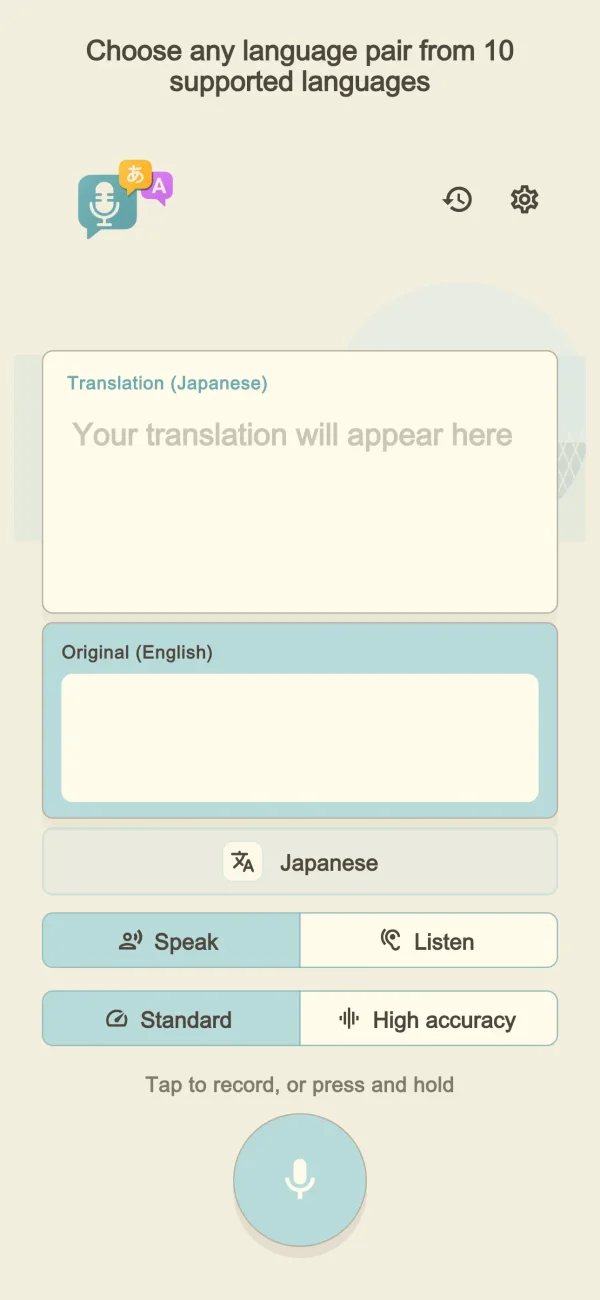
For ordinary speech and text translation, Hanaso Talk is a conversation aid that quickly translates short speech and shows the result in large, easy-to-read text. Choose any two different languages from Japanese, English, Simplified Chinese, Traditional Chinese (Taiwan), Korean, Thai, Vietnamese, Spanish, Brazilian Portuguese, and French. You select My Language and Partner’s Language explicitly; automatic language detection is not used.
Written conversations
Choose the same language for both people to display typed text or standard device speech recognition results in large text without translating them. Copy text, read it aloud on your device, and keep the three most recent results. Written conversation actions do not use the translation API or external High Accuracy speech recognition, consume credits, or request ads. Typed text can be displayed offline. Speech recognition and read-aloud availability depend on your device and installed language models.
Key features
• Choose any different pair from 10 supported languages
• Switch between speaking yourself and listening to your partner
• Show translations in large text for face-to-face conversation
• Correct the source text and retranslate only when you choose
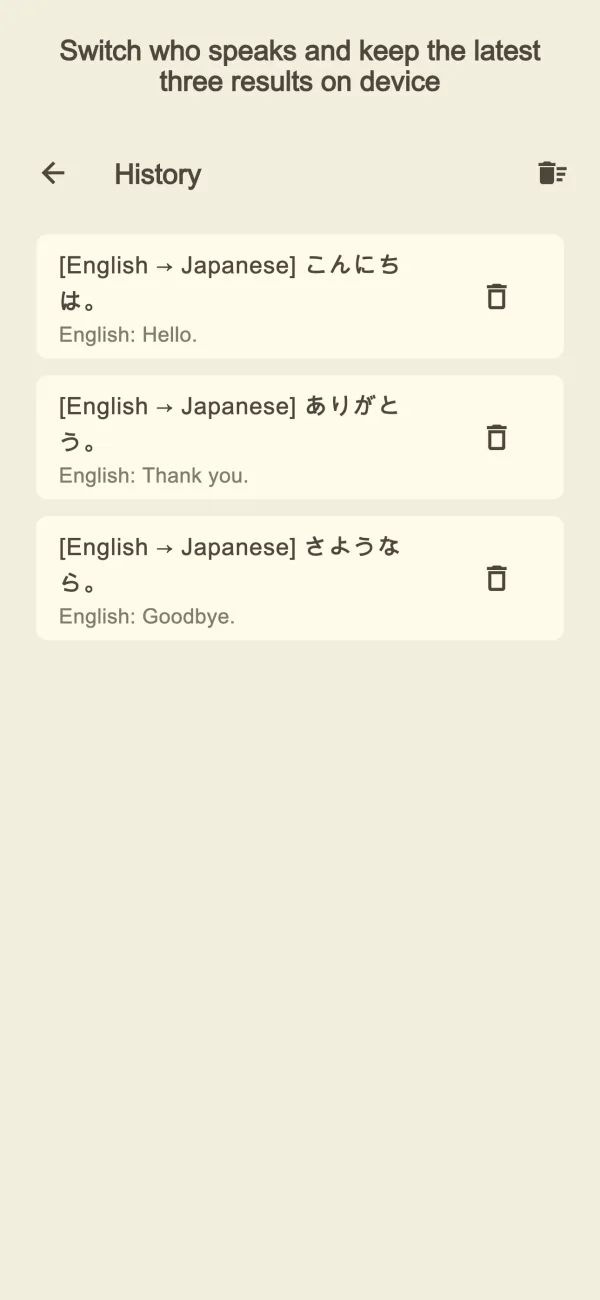
• Keep the three most recent translations on your device
• Choose Standard or High Accuracy speech recognition
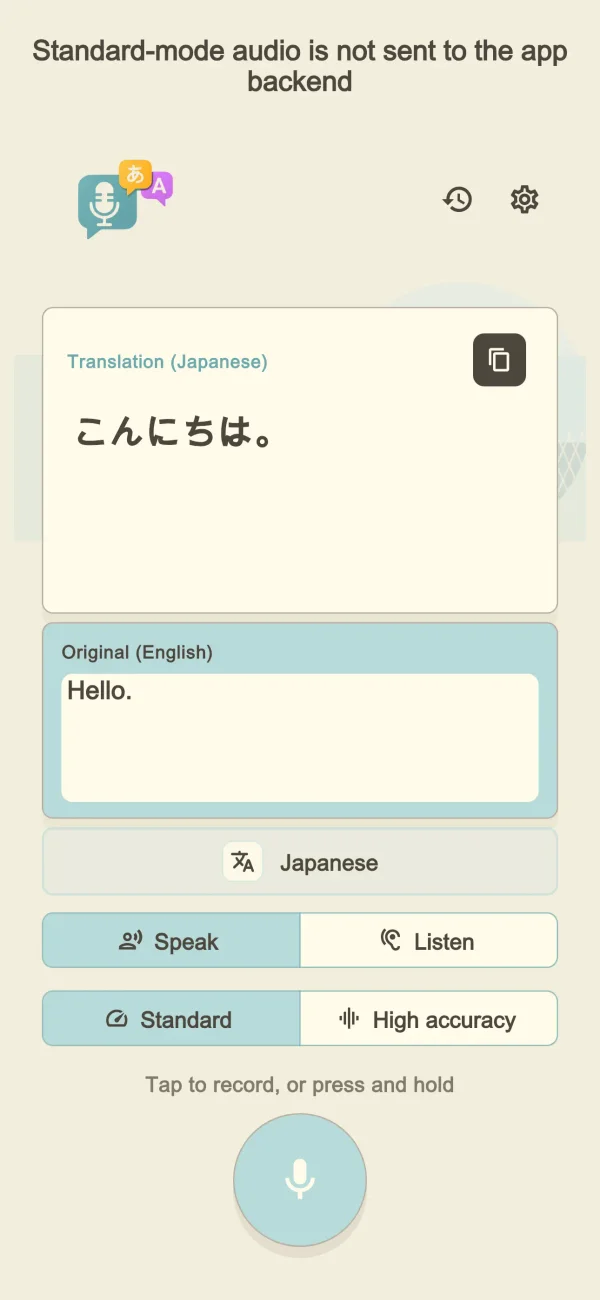
Standard mode uses your device’s speech recognizer. Hanaso Talk does not send recorded audio to its backend in Standard mode; only recognized text is sent for translation. Any processing by your operating system or its speech-recognition provider is governed by your device settings and that provider’s terms.
High Accuracy mode is optional and available only when you explicitly select it and have purchased credits. Recorded audio is sent temporarily through the backend to an external speech-to-text service for transcription. It is not stored or logged. One purchased credit is consumed only when both transcription and translation succeed. Free ad-supported uses do not enable High Accuracy mode.
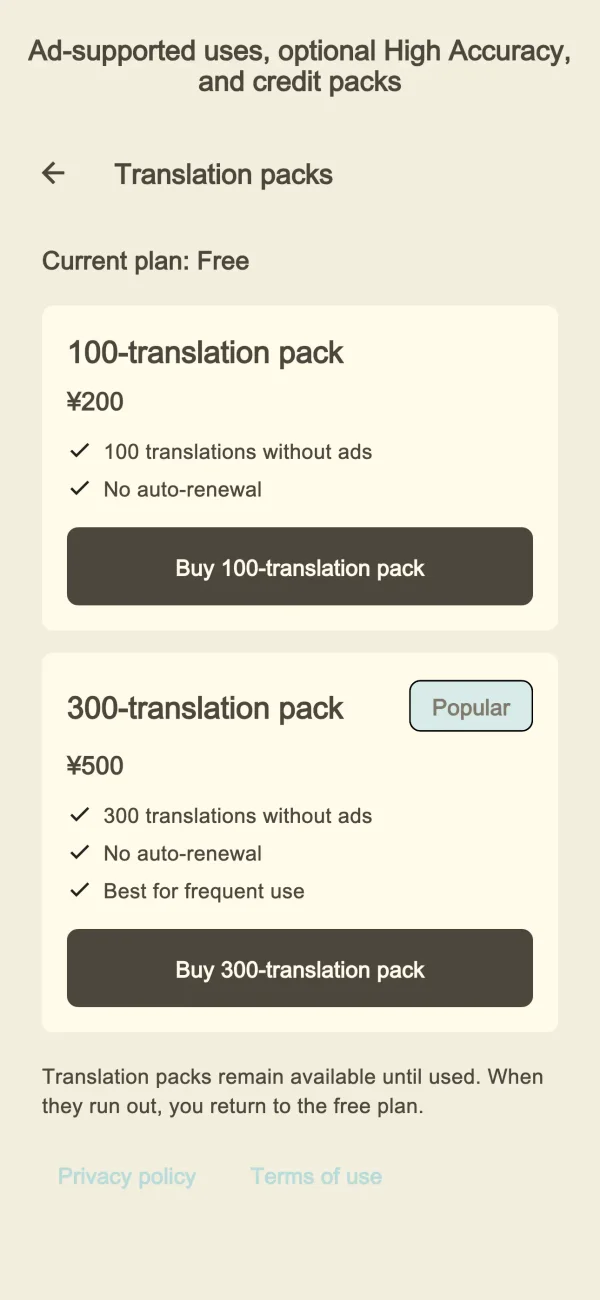
The free plan holds up to five translations. When the allowance is empty, an interstitial ad may be required to restore it; ad availability depends on region, consent, network conditions, and the ad provider. The 100-use and 300-use packs provide ad-free translations as consumable, non-renewing in-app purchases. They are not subscriptions.
An internet connection is required for translation. Speech recognition and AI translation can contain errors. Do not rely on the app alone for medical, legal, financial, contractual, emergency, or other safety-critical communication; obtain confirmation from a qualified professional or public authority.
Cloud photo translation (purchased credits)
With purchased credits and consent to send the photo, read the whole image or adjust the frame first. Review and edit the recognized text in one field, confirm source and target languages, then translate mixed-language text and display translations over the image. Up to 200 characters uses 2 credits; 201–600 uses 3, only when all translations succeed. Capture, reading and range selection use no credits. Narrow the frame if the text exceeds 600 characters.
Free users and written conversation retain on-device OCR. This mode does not send images; ordinary translation allows 200 characters and uses 1 credit on success.
What’s new
Version 1.5.1 · Oct 14, 2026
After taking a photo, adjust the full-image frame before reading the text. Review and edit the text together, without checking each passage. Improved translation language controls and reading progress. Added Check for updates in Settings.
App privacy
What declares on the App Store about how this app handles data.
-
Data linked to you
May be collected and linked to your identity.
- Purchases
- Location
- User content
- Identifiers
- Usage data
-
Data not linked to you
May be collected but is not linked to your identity.
- Diagnostics
Privacy practices may vary, for example with the features you use or your age.
Information
- Seller
- Strive Trading Inc.
- Category
- Travel
- Version
- 1.5.1
- Updated
- Oct 14, 2026
- Released
- Jun 29, 2026
- Size
- 55.1 MB
- Requires
- iOS 16.0 or later
- Age rating
- 4+
- In-app purchases
- Yes
- Languages
- English, French, Japanese, Korean, Portuguese, Simplified Chinese, Spanish, Thai, Traditional Chinese, Vietnamese
- Copyright
- © 2026 Strive Trading Inc.
You might also like
-
 LingoDuetReal-Time Offline Translator
-
 HaruTabi — 春の旅Conquer All Japan — Landmarks
-
 Travel Packing List: Zip2TripTrip Checklist & Countdown
-
 GPS Measure Distance MapArea, Fields & Measurement
-
 NLink-VNavigation
-
 Emblem: Digital SouvenirsTravel passport, places & art
-
 Gomi Navi JapanFind Bins & Disposal in Japan
-
 Public transport map BarcelonaMetro, tram and bus routes
-
 SNAP TALLY – AI Travel ExpenseScan, Translate & Track
-
 Premium Charging AllianceNavigation