
- Age rating4+
- CategoryProductivity
- DeveloperJonathan Benlolo
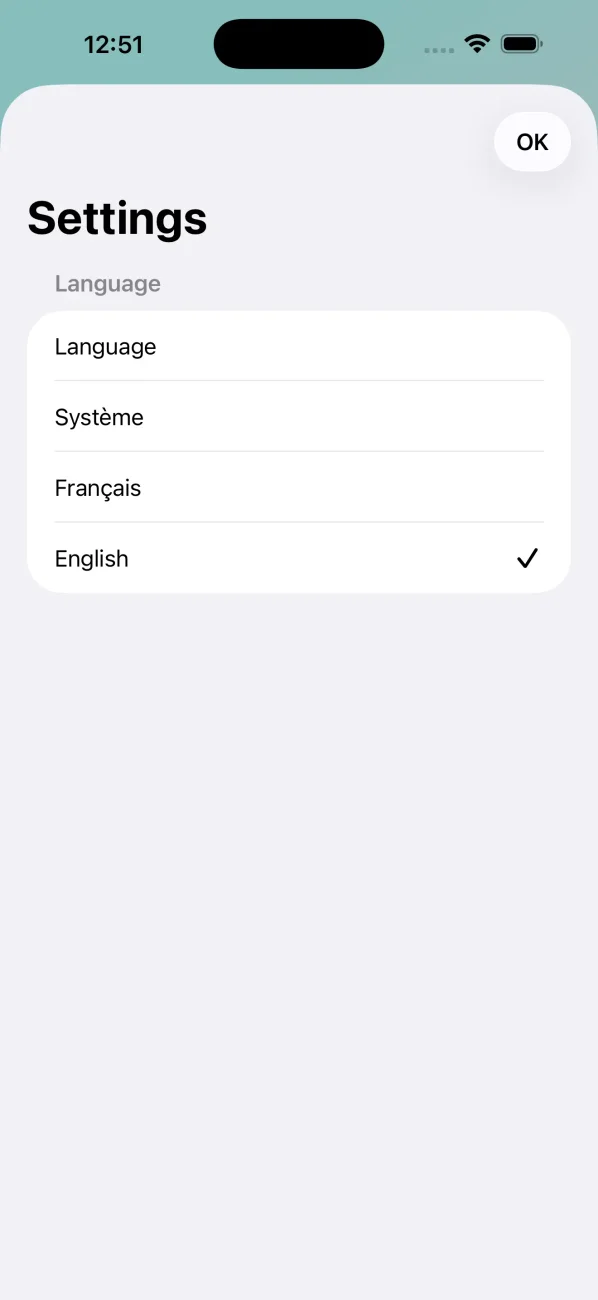
- LanguagesEnglish+ 1 more
- Size7.4 MB
Links to the official App Store page
Download.org hosts no file of HandToDo. The button opens its official App Store page, published by Jonathan Benlolo. Listing last checked on Nov 20, 2026.
Screenshots

About
HandToDo is an elegant and intuitive task and note management app, designed for those who value both handwriting and efficient organization.
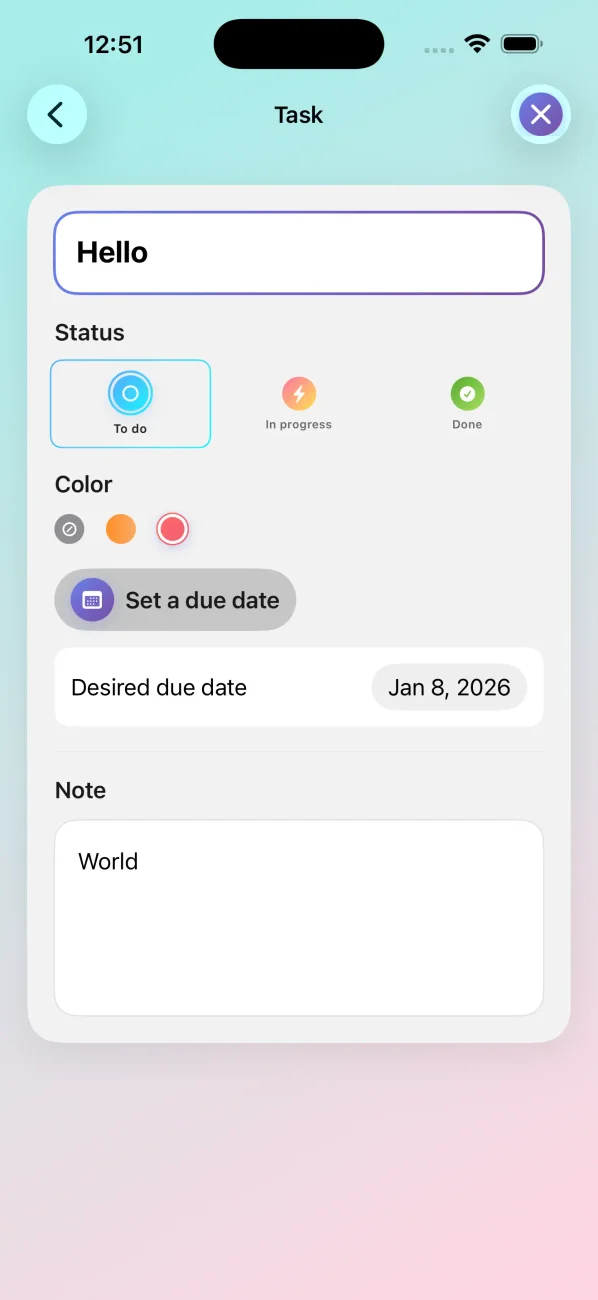
Write your tasks by hand with Apple Pencil or type them on the keyboard, then let the app automatically recognize your handwriting and turn your handwritten notes into searchable, actionable items. Each task can be enriched with notes, due dates, colors, and clear statuses: to do, in progress, or completed.
Multiple Views for Every Workflow
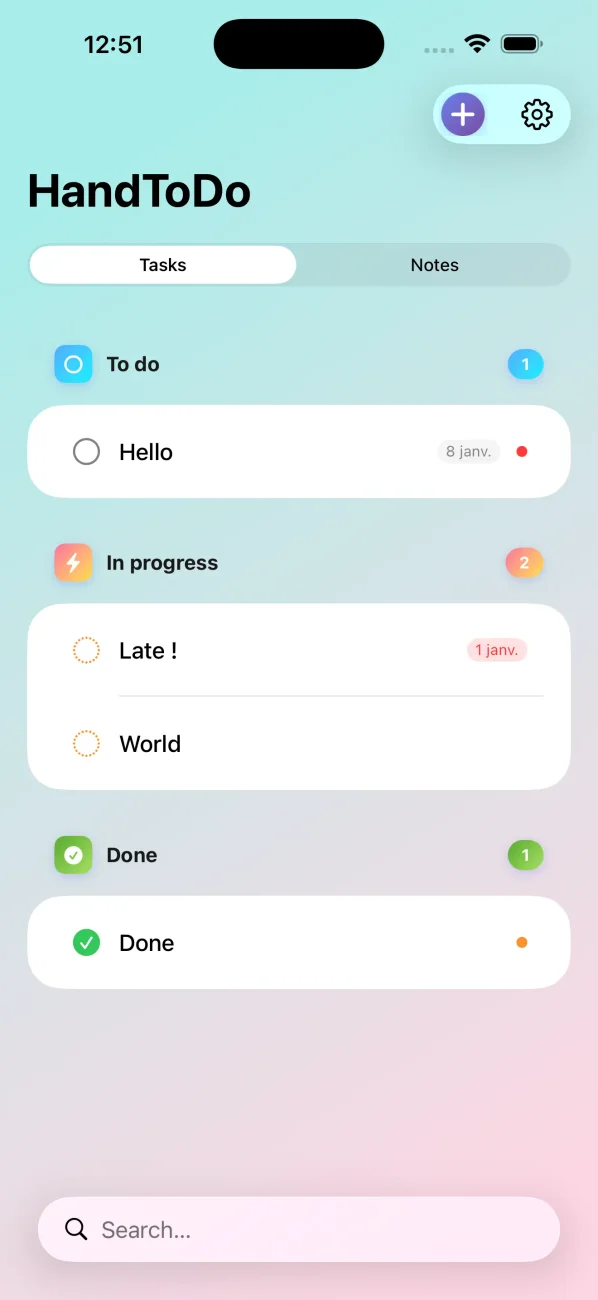
Dashboard View: Get an at-a-glance overview of your tasks with stats, filters, and quick actions.
List View: Classic organized view with sections by status for focused work.
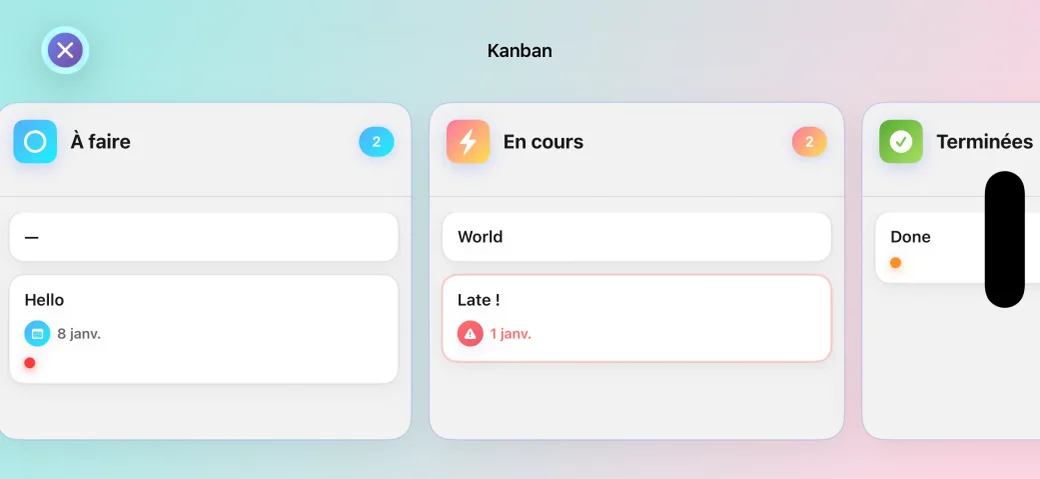
Kanban Board: Visualize your workflow with drag-and-drop columns. Move tasks seamlessly between "To Do," "Doing," and "Done" for an agile approach to productivity.
Calendar View: See all your tasks with due dates on a monthly calendar. Perfect for deadline management and planning ahead.
Handwriting & Keyboard Input
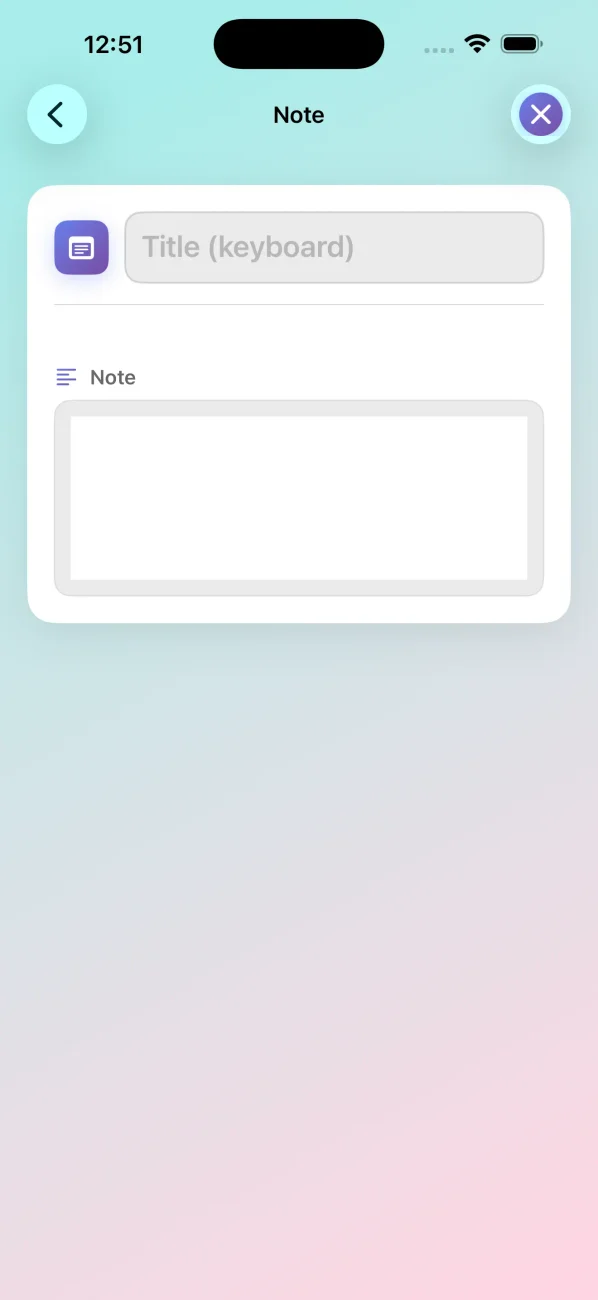
Seamlessly combine handwritten input with Apple Pencil and keyboard typing. Write titles and notes naturally with your hand, and the app will recognize the text for search and organization.
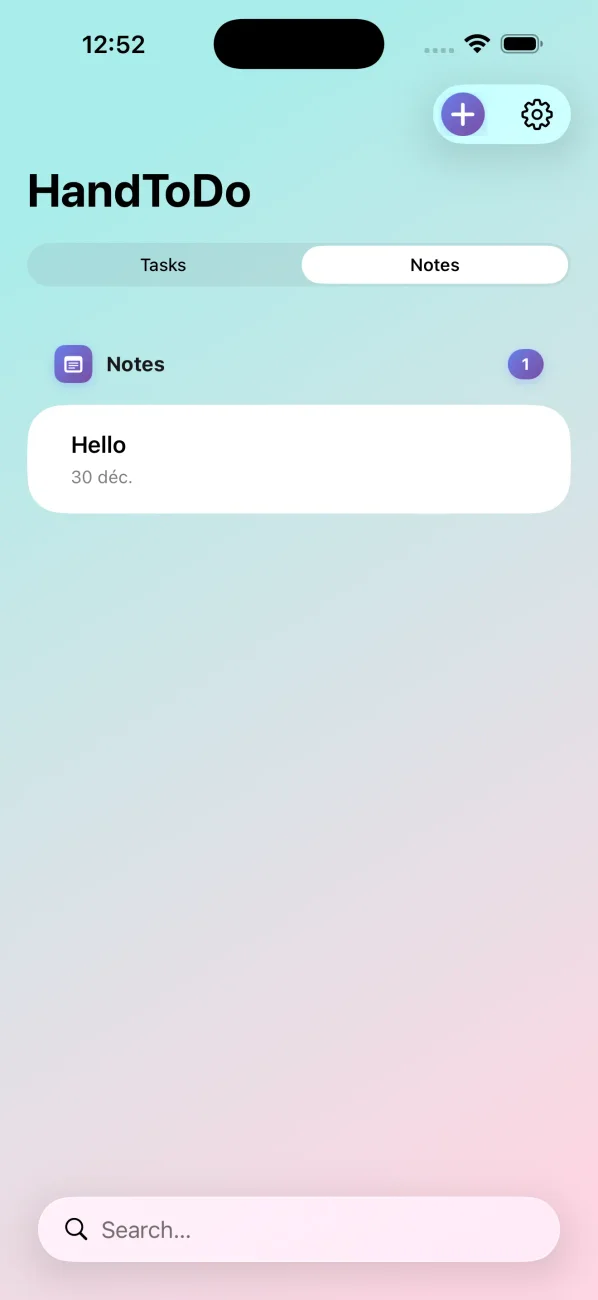
Notes Section
Beyond tasks, HandToDo includes a dedicated Notes section. Capture ideas, meeting notes, or quick thoughts with the same handwriting recognition capabilities.
Complete Task Management
Clear statuses: To Do, In Progress, Done
Due dates with overdue indicators
Optional color coding to highlight priorities
Rich notes with handwriting or typing
Search across all your tasks and notes
iCloud Synchronization
Automatically access your tasks and notes across iPad and Mac. Everything stays in sync, always.
Dashboard Widget
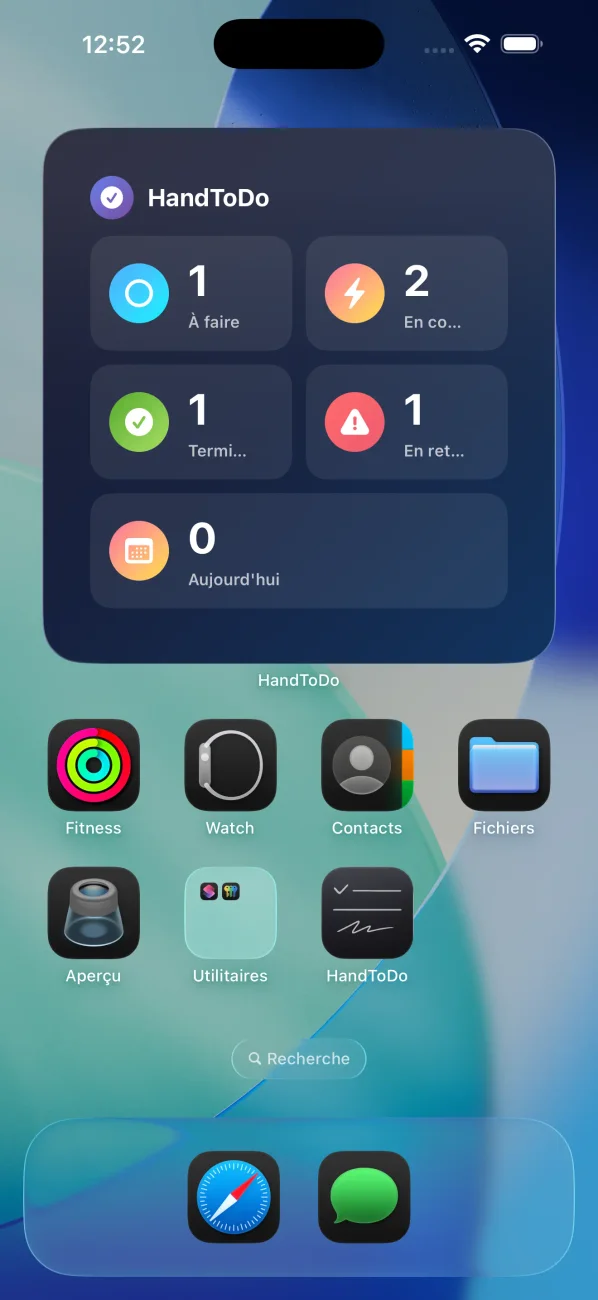
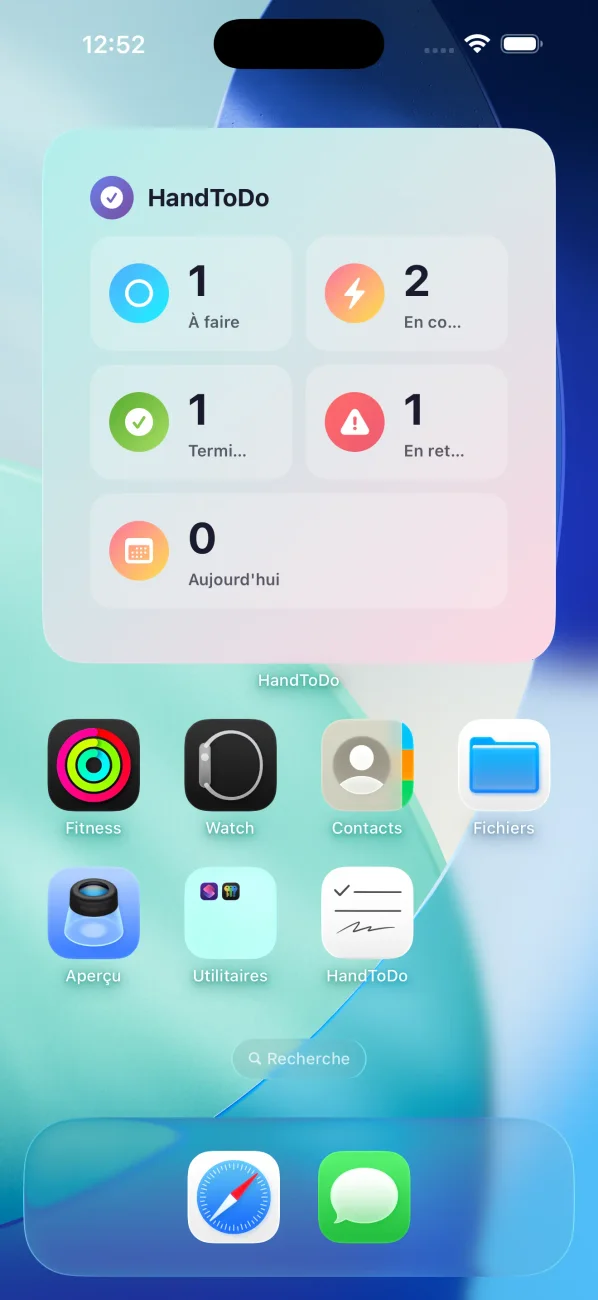
Monitor your tasks directly from your home screen with a live widget showing your to-do, in-progress, and completed counts.
Clean & Modern Design
A smooth, subtle interface perfectly integrated into the Apple ecosystem. Materials, animations, and gestures feel natural and responsive.
Perfect for:
Students managing assignments and projects
Professionals balancing multiple responsibilities
Creative thinkers who prefer handwriting
Anyone seeking a beautiful, functional productivity tool
Teams using agile methodologies (Kanban board)
HandToDo adapts to the way you think and work, putting handwriting at the heart of modern productivity. Whether you prefer lists, boards, or calendars, HandToDo has the view you need.
Download HandToDo today and rediscover the pleasure of handwritten productivity with the power of digital organization.
What’s new
Version 3.1 · Jan 7, 2026
HandToDo 3.1 - What's New
Complete Visual Redesign
Beautiful gradients, modern styling, and enhanced dark mode with deep purple/blue tones.
iPad Full-Screen Views
Kanban board and Calendar now open in full-screen for immersive experience.
Ultra-Responsive Apple Pencil
60% Faster Performance
Lightning-fast navigation, optimized memory, smooth 60fps animations.
Refined Details
Gradient buttons, animated feedback, polished cards, professional typography.
HandToDo 3.1 is faster, more beautiful, and more reliable than ever.
Every pixel has been carefully crafted to give you the best possible experience. This is the HandToDo you deserve.
App privacy
What Jonathan Benlolo declares on the App Store about how this app handles data.
-
Data not collected
The developer does not collect any data from this app.
Privacy practices may vary, for example with the features you use or your age.
Information
- Seller
- Jonathan Benlolo
- Category
- Productivity
- Version
- 3.1
- Updated
- Jan 7, 2026
- Released
- Jan 2, 2026
- Size
- 7.4 MB
- Requires
- iOS 18.6 or later
- Age rating
- 4+
- Price
- $0.99
- Languages
- English, French
- Copyright
- © 2025 Jonathan BENLOLO
You might also like
-
 PenciloFocus Tasks, Notes & AI
-
 Tratto - Handwritten todo listHandwrite Your Tasks
-
 WeekleeOrganize your schedule with AI
-
 FreelanceKit: Time TrackingMulti-Project & Live Earnings
-
 Company Cars MéxicoProductivity
-
 InkThink - Handwritten PlannerDiary, To-Do List & Calendar
-
 Penlog: Handwriting JournalApple Pencil tasks to Notion
-
 SwiftKanbanProductivity
-
 Todols: Daily Schedule PlannerDaily Agenda, Routine & Tasks
-
 Clepside - Planner & RoutinesPlan. Focus. Beat ADHD.