- Age rating4+
- DeveloperMobisoft Labs
- LanguagesEnglish
- Size5.6 MB
Links to the official App Store page
Download.org hosts no file of Handwritten Stickers!. The button opens its official App Store page, published by Mobisoft Labs. Listing last checked on Nov 12, 2026.
Screenshots
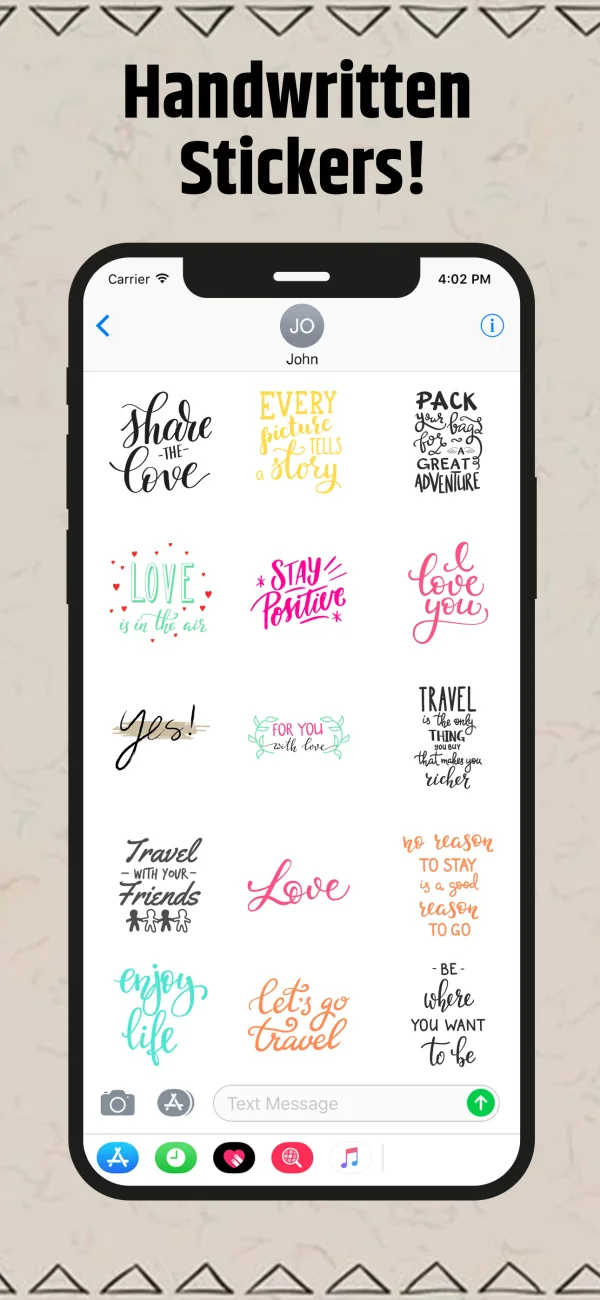
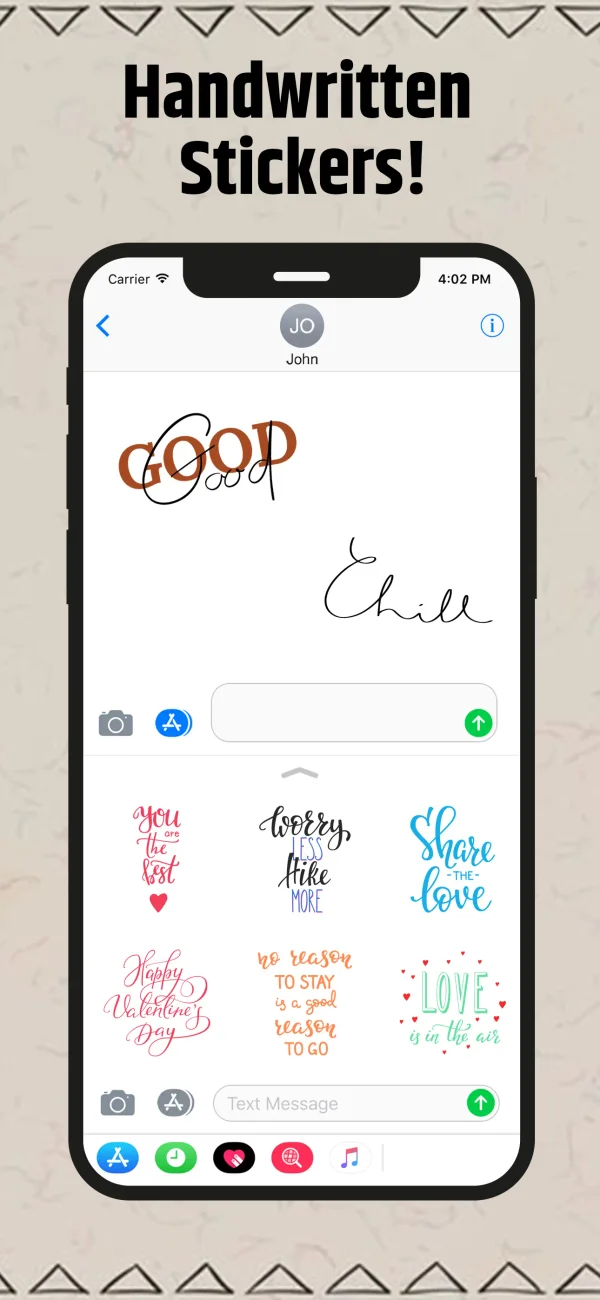
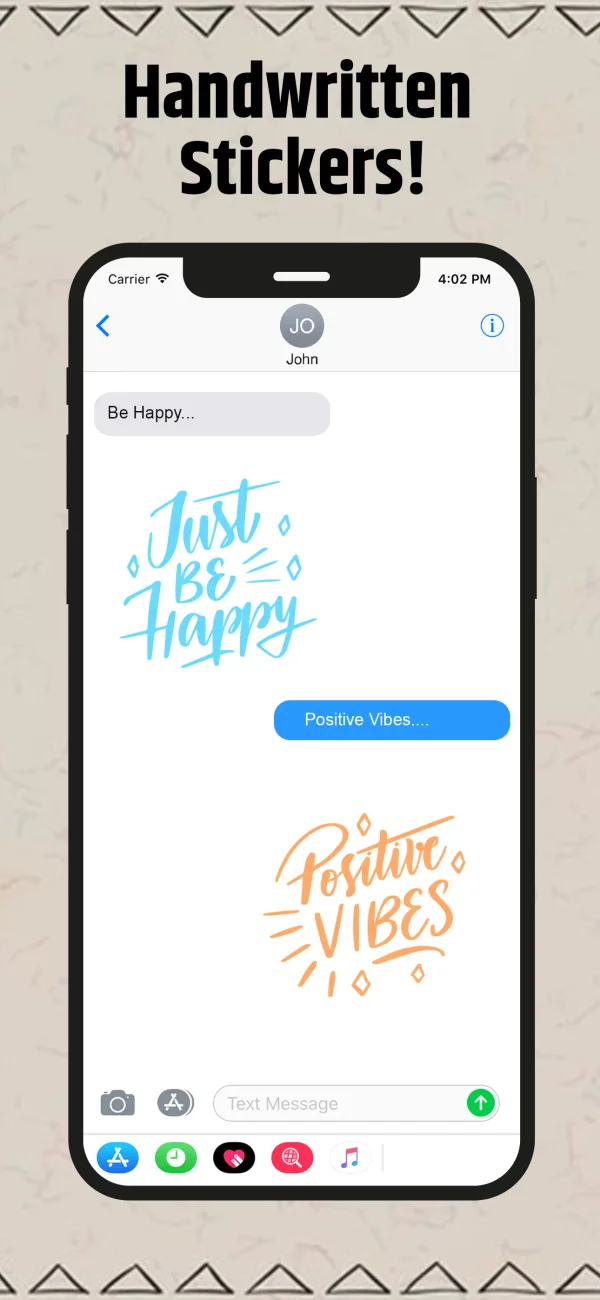
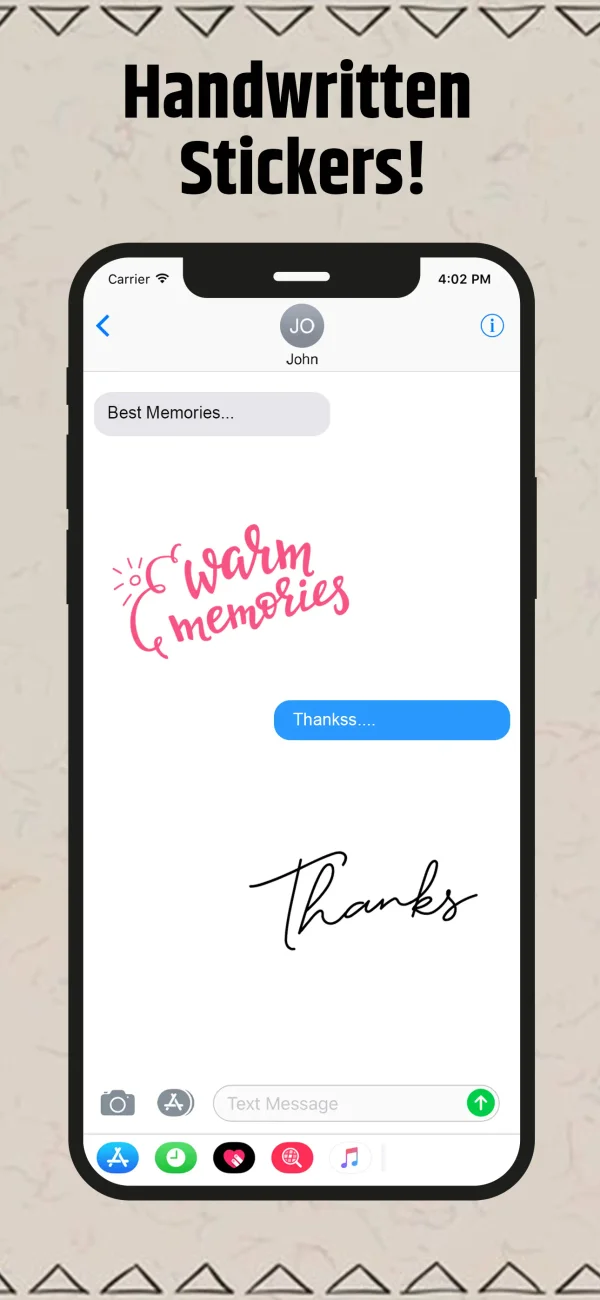
About
Download and enjoy with Handwritten stickers for beautiful conversations in iMessage.
How to Access Stickers in iMessage:
1. Open messages app
2. Compose a new message to anyone
2. Tap App Store icon in top left corner
3. Tap four circles icon in bottom left corner
4. Sticker Pack icon should appear in your iMessage App Drawer
5. If Stickers don’t appear, tap “Store" icon and then tap “Manage" tab to add sticker pack to iMessage Sticker Drawer
What’s new
Version 1.2 · Dec 1, 2023
-Stability Fixes and Enhancement in Stickers.
App privacy
What Mobisoft Labs declares on the App Store about how this app handles data.
-
Data not collected
The developer does not collect any data from this app.
Privacy practices may vary, for example with the features you use or your age.
Information
- Seller
- Mobisoft Labs
- Version
- 1.2
- Updated
- Dec 1, 2023
- Released
- Aug 11, 2017
- Size
- 5.6 MB
- Requires
- iOS 12.0 or later
- Age rating
- 4+
- Price
- $1.99
- Languages
- English
- Copyright
- © Mobisoft Labs
You might also like
-
 Grammar StickersBee Lea Teo
-
 Quote Motivation StickersBee Lea Teo
-
 Written WishesBrush-Lettered Greetings
-
 Sayings & QuotesEnglish Proverbs Sticker Pack
-
 Hipster Stylish StickersFashion Stickers
-
 Congrats Stickers °Celebration, Party & Good Job
-
 Cute Calendar StickersPlan, Schedule & Daily Tasks
-
 Everyday eGreetings StickersHimanshu Yadav
-
 Happy Chinese New Year Set 1New Year, new beginnings.
-
 Shout out in colorful wayannapig sticker