
- Age rating4+
- CategoryEducation
- DeveloperAlexander Baratti
- LanguagesEnglish
- Size26.2 MB
Links to the official App Store page
Download.org hosts no file of HappyKey. The button opens its official App Store page, published by Alexander Baratti. Listing last checked on Nov 17, 2026.
Screenshots


About
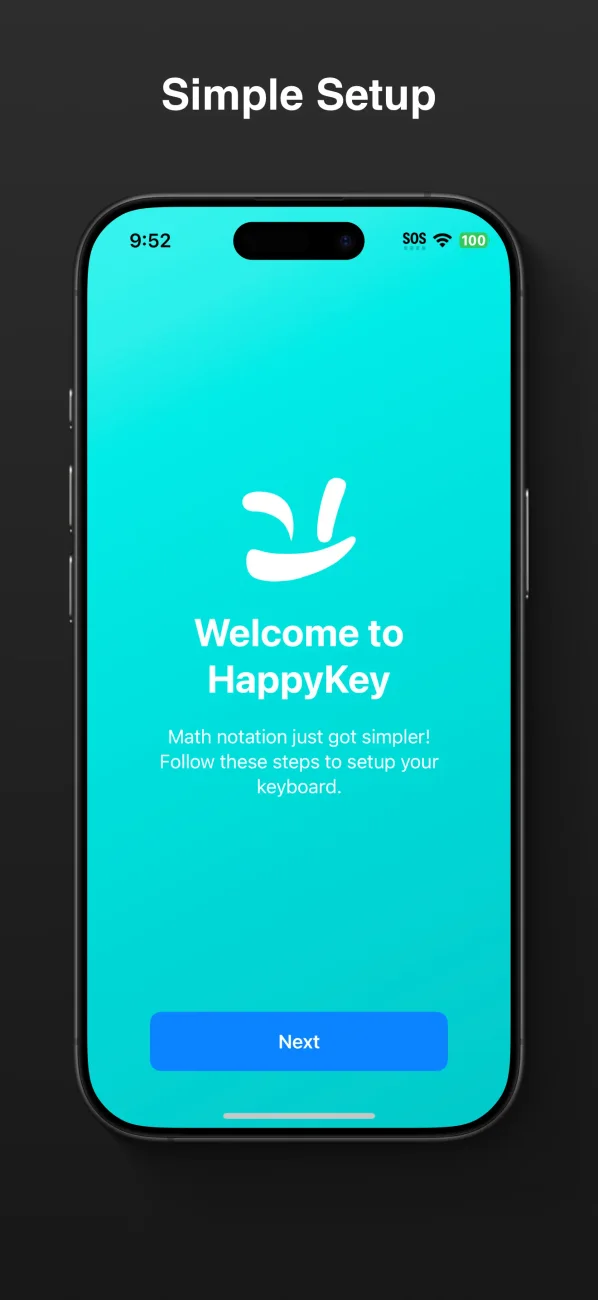
HappyKey provides you with a simple keyboard with many useful math symbols. It will fulfill all of your math notation needs with numbers, superscripts, pi, math operators and relations, infinity, and beyond.
Install the app first, then to setup the keyboard go to Settings > General > Keyboard > Keyboards > Add New Keyboard > HappyKey
Note: This is not a calculator. This is an additional keyboard that makes it easier to type math notation.
Credit for the keyboard functionality and design goes to the open source Tasty Imitation Keyboard by Alexei Baboulevitch (GitHub user archagon).
What’s new
Version 5.3 · Oct 25, 2026
iPhone Duo Support
Preliminary support for iPhone Duo has been added.
General Stability Improvements
Minor improvements have been implemented.
App privacy
What Alexander Baratti declares on the App Store about how this app handles data.
-
Data not collected
The developer does not collect any data from this app.
Privacy practices may vary, for example with the features you use or your age.
Information
- Seller
- Alexander Baratti
- Category
- Education
- Version
- 5.3
- Updated
- Oct 25, 2026
- Released
- Mar 1, 2015
- Size
- 26.2 MB
- Requires
- iOS 17.6 or later
- Age rating
- 4+
- Price
- Free
- Languages
- English
- Copyright
- © 2017 Jeff Simon Software
You might also like
-
 ArithmeTypeMath Keyboard
-
 PhysKey Custom数式・記号入力に特化したキーボード
-
 Math Symbol HelperLearn & Master Math Notation
-
 Public Health Exam Review AppNotes flashcards & Concepts
-
 Commtech USAEducation
-
 Bug & Insect Identifier: PetIDAI Spider ID, Scanner & Finder
-
 AureviaStudent Financial Learning
-
 Livingston ESAEducation
-
 Math ComposerEducation
-
 Virtual Educational SchoolEducation