
Haptics Explorer
Explore haptic feedbacks
Designed for iPhone, iPad
Free · In-app purchases
- Age rating4+
- CategoryDeveloper Tools
- DeveloperAlok Singh
- LanguagesEnglish+ 98 more
- Size140.3 MB
Links to the official App Store page
Download.org hosts no file of Haptics Explorer. The button opens its official App Store page, published by Alok Singh. Listing last checked on Nov 20, 2026.
Screenshots
About
Haptics Explorer is the ultimate tool for iOS developers to explore, test, and implement haptic feedback in their apps. Discover all available haptic patterns in one place and learn how to integrate them seamlessly into your projects.
**Key Features:**
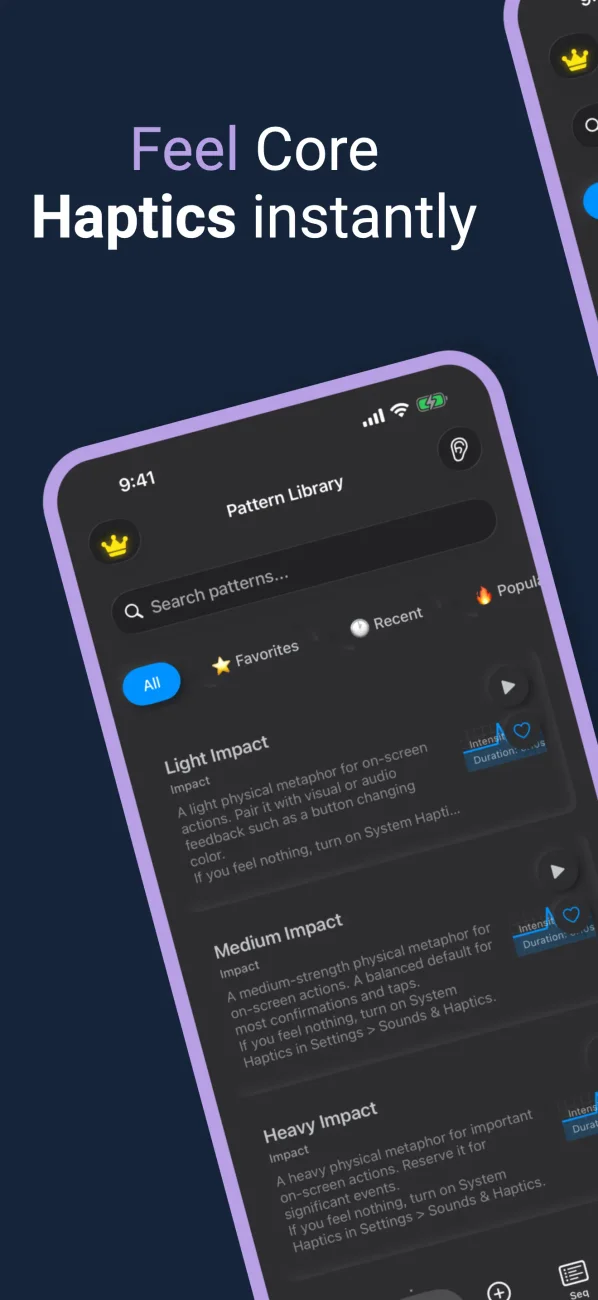
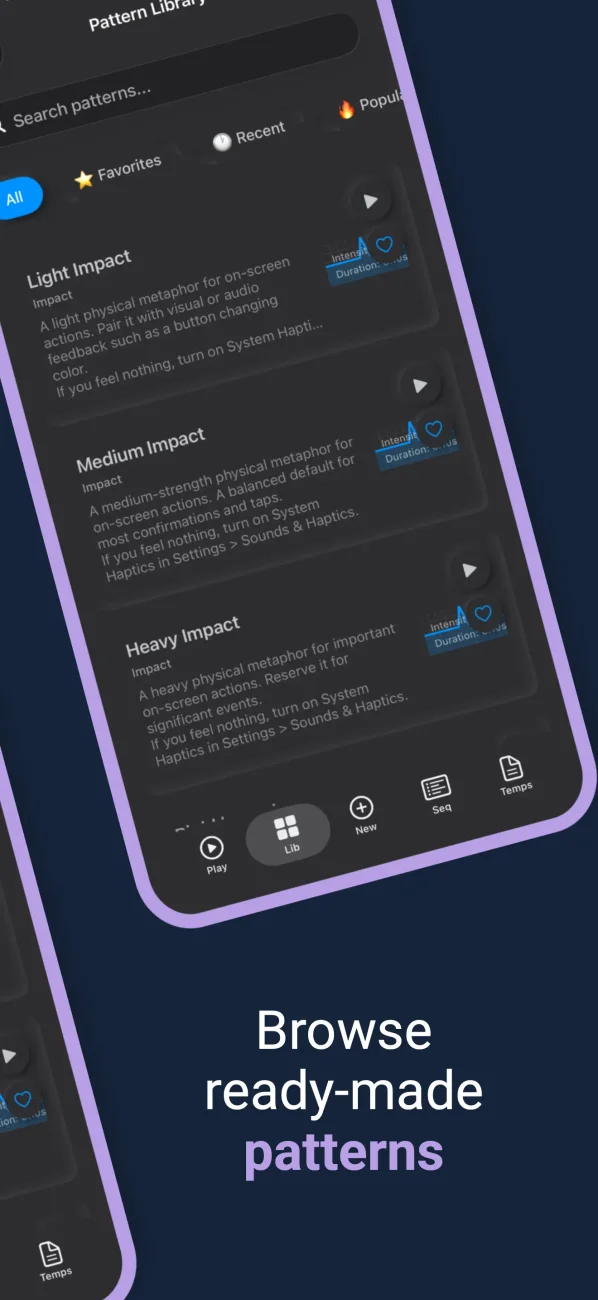
• **Comprehensive Pattern Library** - Browse 8 categories of haptic patterns:
- Impact (Light, Medium, Heavy, Rigid, Soft)
- Notifications (Success, Error, Warning)
- Selection feedback
- Rhythm patterns (Heartbeat, Double/Triple Tap, Tick Tock)
- Gesture feedback (Swipe, Pinch, Long Press)
- Game patterns (Explosion, Power Up, Collision)
- Accessibility patterns
- Custom patterns
• **Live Testing** - Test haptic feedbacks instantly with play, loop, a long test, and speed controls. Feel the vibrations in real-time and adjust intensity and sharpness to perfect your experience.
• **Code Generation** - Generate ready-to-use code snippets in multiple formats:
- UIKit
- SwiftUI
- Combine
- Async/Await
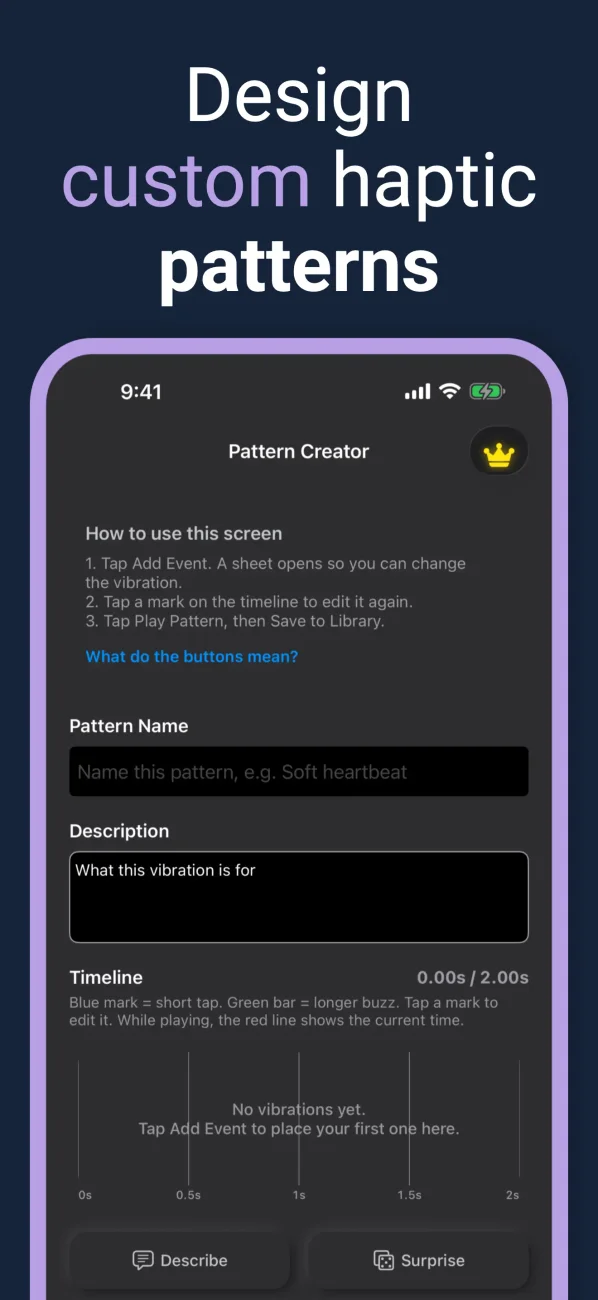
• **Custom Pattern Creator** - Design your own haptic patterns with advanced controls for intensity, sharpness, duration, and timing.
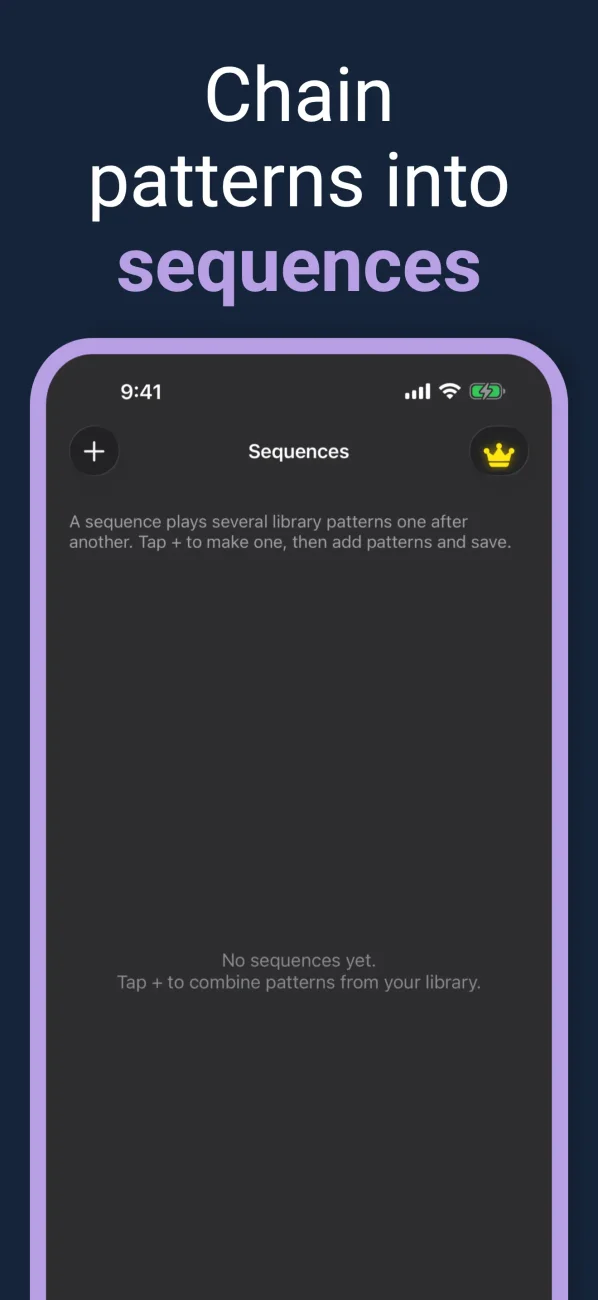
• **Sequence Editor** - Create complex haptic sequences by combining multiple patterns. Build sophisticated feedback experiences for your apps.
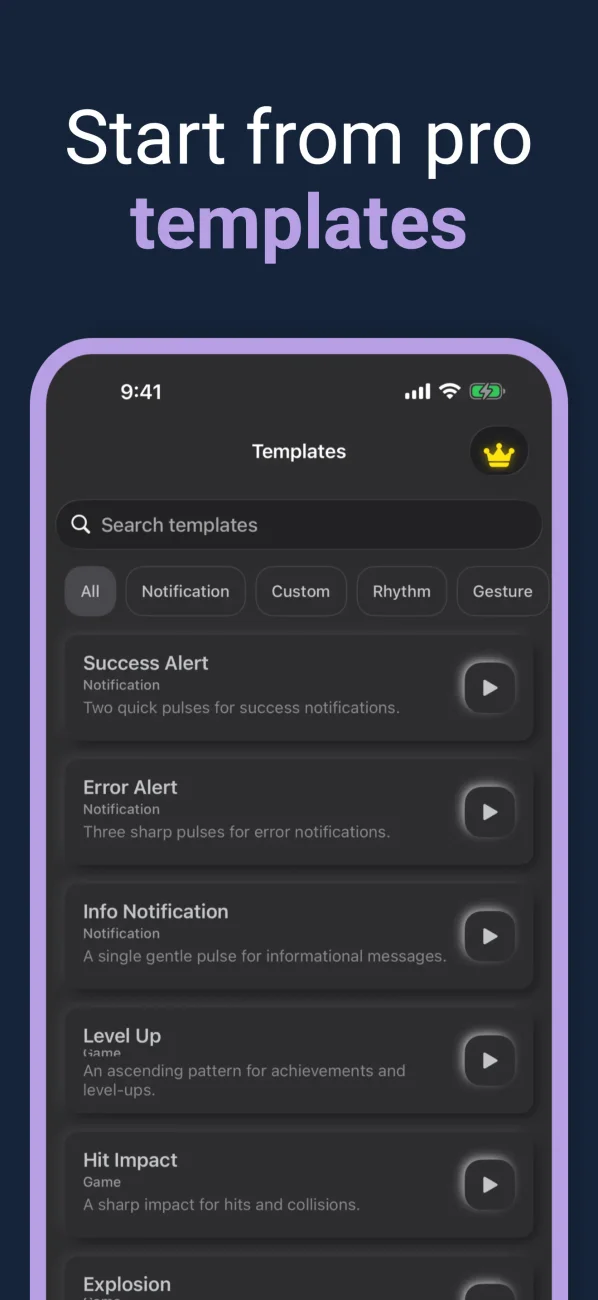
• **Pattern Templates** - Start with pre-built templates and customize them for your needs.
• **Advanced Controls** - Fine-tune haptic feedback with:
- Intensity sliders (0-100%)
- Sharpness adjustment
- Speed control (0.5x, 1x, 2x)
- Live preview mode
• **Share & Export** - Share haptic code snippets with your development team. Export patterns and sequences for easy integration.
• **Smart Organization** - Find patterns quickly with:
- Category filtering
- Search functionality
- Favorites
- Recently played
- Most played tracking
• **Beautiful Neumorphic UI** - Enjoy a modern, elegant interface with dark mode support and smooth animations.
• **Long test** - Replay a pattern for 15 seconds, 60 seconds, or until you stop.
• **Record and audio** - Tap a rhythm, or turn a short sound into taps.
• **Tell them apart** - Play success, warning, and error, or focus and selection, in a row.
• **Widgets, Control Center, and Siri** - Play the last pattern from outside the library.
• **AHAP** - Import a haptic file. Exporting an AHAP file is Premium.
• **Premium** - Unlock:
- Remove all ads
- Describe a pattern on your device
- Export AHAP files
- Priority support
Perfect for iOS developers, UX designers, and anyone interested in creating exceptional tactile experiences. Whether you're building games, productivity apps, or accessibility features, Haptics Explorer helps you implement the perfect haptic feedback.
Start exploring haptic feedbacks today and elevate your app's user experience!
Terms of Use and Privacy Policy
Terms of Use (EULA): https://www.apple.com/legal/internet-services/itunes/dev/stdeula/
Our Terms of Use: https://bestlatestapps.com/apps/haptics-explorer/terms
Privacy Policy: https://bestlatestapps.com/apps/haptics-explorer/privacy
What’s new
Version 2026.10.03 · Oct 7, 2026
What's New:
• Long test — Replay a pattern for 15 seconds, 60 seconds, or until you stop, with the elapsed time on screen.
• Code that matches the feel — Copied Swift uses the same events Play uses, including intensity and sharpness. System impacts stay on UIKit. The Core Haptics block is labeled as an AHAP approximation.
• Record a rhythm — Tap the timeline for up to 4 seconds, then play it back.
• Audio to taps — Pick a short sound and place taps on the loud peaks.
• Tell them apart — Play success, warning, and error, or focus and selection, in a row.
• A starting question — Choose building an app, designing a feel, or exploring. The matching tab opens.
• Widgets, Control Center, and Siri — Play the last pattern without opening the library.
• Describe a pattern — Turn a sentence into a vibration on your device with Apple Intelligence. Premium.
• AHAP — Import a haptic file for free. Export is Premium.
• Customize, Surprise, Duplicate, and Rename.
Premium is no ads, describe a pattern, AHAP export, and support. Intensity and dark mode stay available to everyone.
App privacy
What Alok Singh declares on the App Store about how this app handles data.
-
Data used to track you
May be used to track you across apps and websites owned by other companies.
- Identifiers
-
Data not linked to you
May be collected but is not linked to your identity.
- Identifiers
Privacy practices may vary, for example with the features you use or your age.
Information
- Seller
- Alok Singh
- Category
- Developer Tools
- Version
- 2026.10.03
- Updated
- Oct 7, 2026
- Released
- Dec 20, 2022
- Size
- 140.3 MB
- Requires
- iOS 17.0 or later
- Age rating
- 4+
- Price
- Free
- In-app purchases
- Yes
- Languages
- English, Afrikaans, Albanian, Amharic, Arabic, Armenian, Azerbaijani, Basque, Bengali, Bosnian, Bulgarian, Burmese + 87 more
- Copyright
- © 2026 Best Latest Apps
You might also like
-
 Haptics - Test Device FeedbackHaptic Vibration Dev Tool
-
 Haptic Testing: Developer ToolExplorer Vibration: Device Use
-
 Haptic ProCraft Perfect Haptic Patterns
-
 Haptics StudioCompose haptics for iPhone
-
 Haptic HeroHaptic testing for devs
-
 Hapticlabs: Haptic designCreate & prototype vibrations
-
 HapticSync - Vibration StudioCreate Haptics Fast & Easy
-
 HaptrixExperience Core Haptics
-
 HapticHubDeveloper Tools
-
 Sharetribe HorizonSharetribe Horizon