- Age rating4+
- CategoryBusiness
- DeveloperHVD Ltd.
- LanguagesEnglish
- Size109.0 MB
Links to the official App Store page
Download.org hosts no file of Haru POS. The button opens its official App Store page, published by HVD Ltd. Listing last checked on Nov 23, 2026.
Screenshots





About
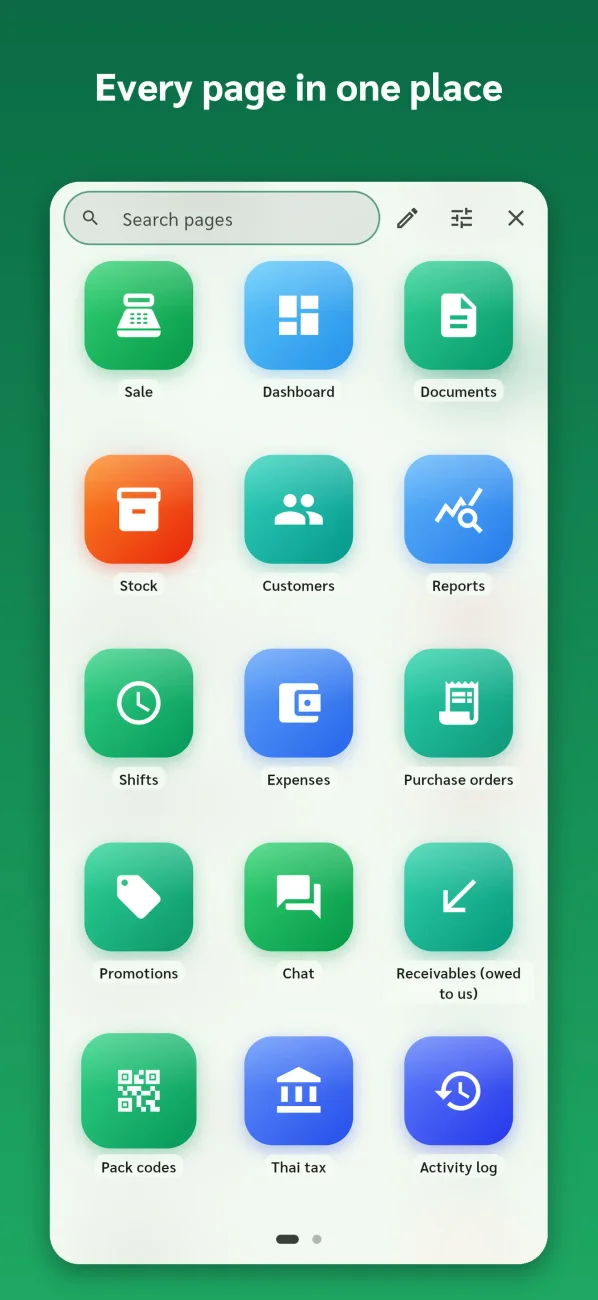
Haru POS is an easy point of sale for retail shops, wholesalers, minimarts and multi-branch businesses. Sell, manage stock and see your reports in one app on iPhone, iPad and Mac.
Selling
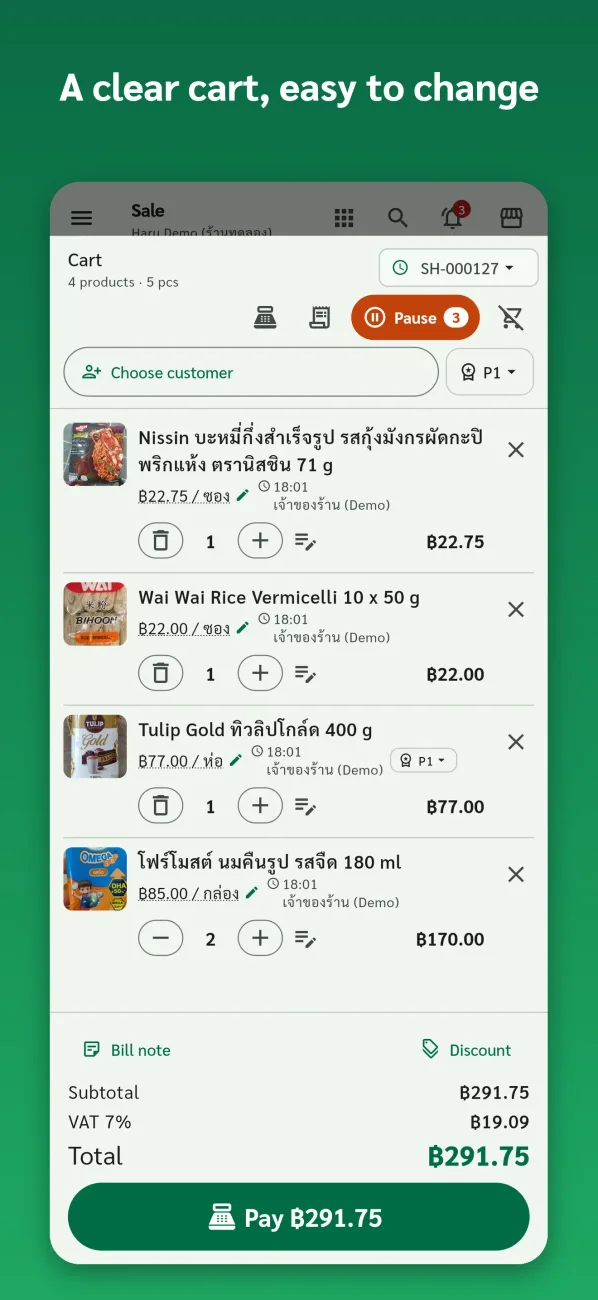
• Search products or scan barcodes with the camera or a USB / Bluetooth scanner
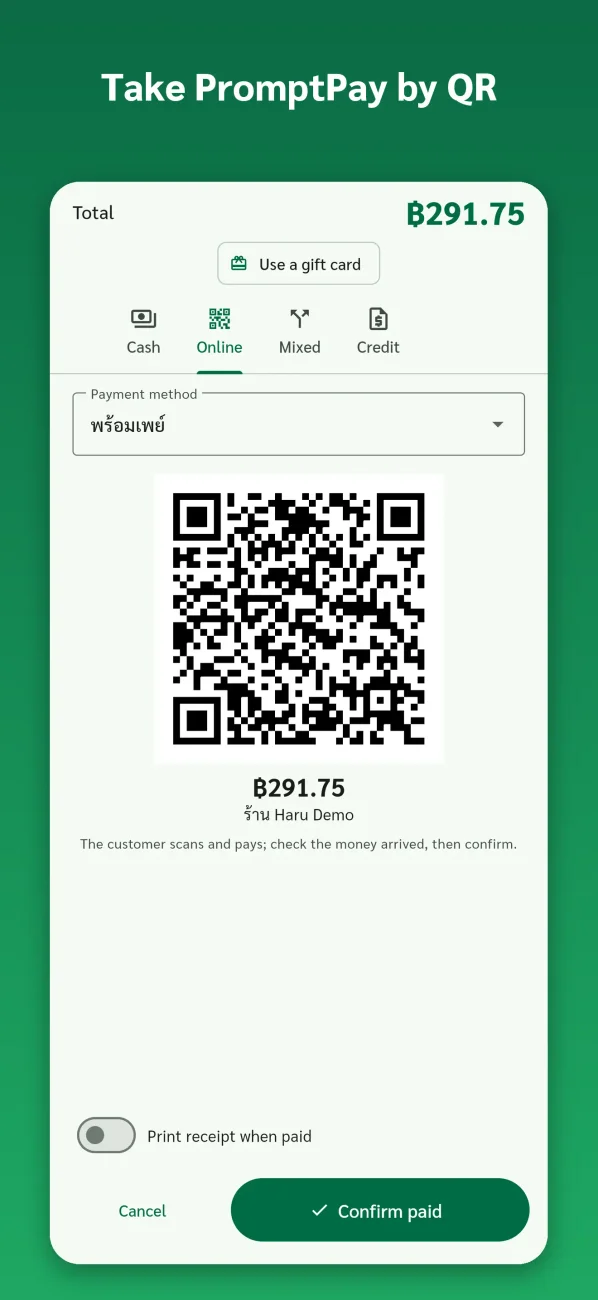
• Cash (with change), PromptPay QR, TrueMoney, card terminal (EDC) and credit sales
• Wholesale quantity prices, price levels 1–10 and customer-specific prices
• Hold bills, discounts, promotions, loyalty points and gift cards
• Keeps selling when the internet drops, and syncs automatically when it's back
• Customer-facing display with the cart, total and payment QR
Stock & products
• Products, categories, units, multiple barcodes and images
• Stock adjustments, stock counts, transfers between branches and a full history of every change
• Purchase orders (received in parts) and stock requisitions
• Expiry dates by lot, storage locations and low-stock alerts
• Excel and CSV import / export
Documents & printing
• Receipts, abbreviated and full tax invoices, and billing notes
• Thermal receipt printers (58/80 mm) over Bluetooth or network, and dot matrix printers
• Design and print product labels and price tags with barcodes and QR codes
• Opens the cash drawer automatically
Shifts & cash
• Open and close shifts, count the drawer by banknote and coin, record over / short
• Hand the drawer over to the next cashier
Reports & dashboard
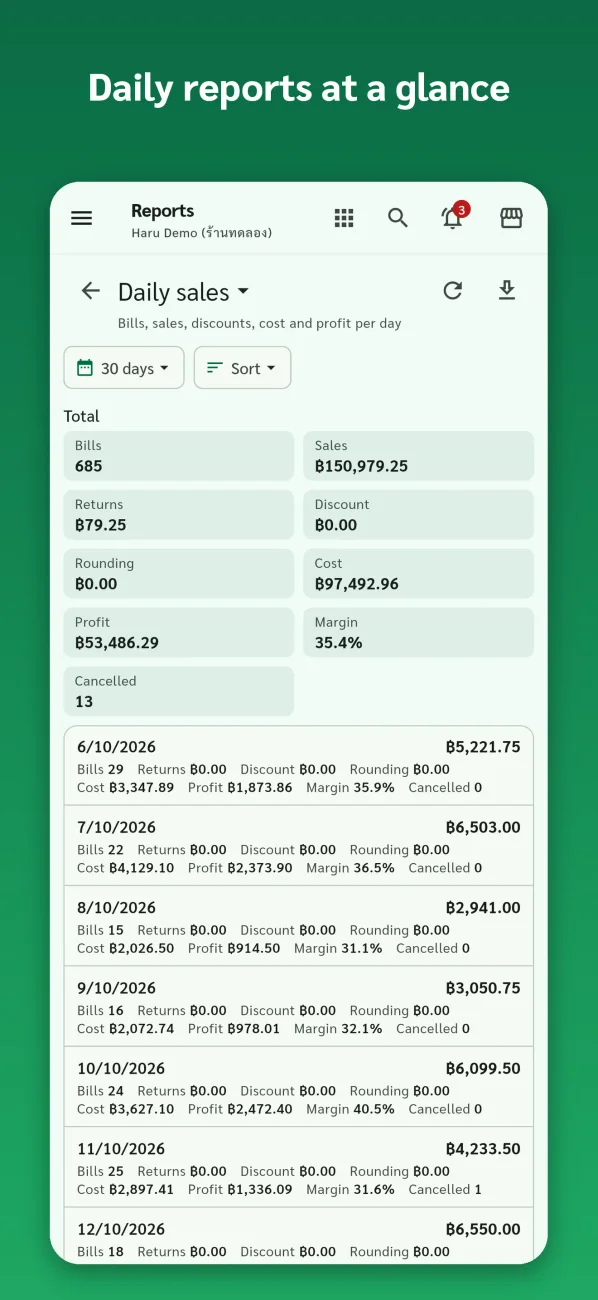
• Sales, profit, bills and top products, live, for one branch or all of them
• Daily sales, payments, staff, sales and purchase tax, stock value and more
• Notifications: low stock, cancelled bills, cash short and payments due
• Home screen widget with today's figures
Shop & staff
• Several branches in one account
• Staff logins with roles: owner, admin, supervisor, stock, accountant and cashier
• Manager PIN approval for discounts and low prices, and a full activity log
• Sign in with passkeys (Face ID / Touch ID)
A Haru shop account is required. Printers, scanners and cash drawers are optional.
What’s new
Version 1.1.645 · Nov 21, 2026
• The cash drawer opens only through the default printer ticked "A cash drawer is plugged in": a receipt printed on another printer leaves it shut, and no other printer's drawer is opened instead
• Printing stickers: choose the product code or a barcode (the code is the default)
• Barcodes in the product details are easy to read in light and dark mode
• Product playground, Add from a purchase order: look through the products with pictures before adding
• Online billing note: tap a bill to open its full invoice
• VAT registration setting: asks you to confirm before changing, and every page that shows VAT updates right away
App privacy
What HVD Ltd. declares on the App Store about how this app handles data.
-
Data linked to you
May be collected and linked to your identity.
- Contact info
- User content
- Identifiers
Privacy practices may vary, for example with the features you use or your age.
Information
- Seller
- HVD Ltd.
- Category
- Business
- Version
- 1.1.645
- Updated
- Nov 21, 2026
- Released
- Oct 8, 2026
- Size
- 109.0 MB
- Requires
- iOS 15.1 or later
- Age rating
- 4+
- Price
- Free
- Languages
- English
- Copyright
- © 2026 HVD