Havenly Parental Control
Screen Time & App Blocker
Designed for iPhone, iPad
Free · In-app purchases
- Age rating4+
- CategoryUtilities
- DeveloperMetzzo LLC
- LanguagesEnglish+ 14 more
- Size11.2 MB
Links to the official App Store page
Download.org hosts no file of Havenly Parental Control. The button opens its official App Store page, published by Metzzo LLC. Listing last checked on Nov 12, 2026.
Screenshots



About
Havenly lets you:
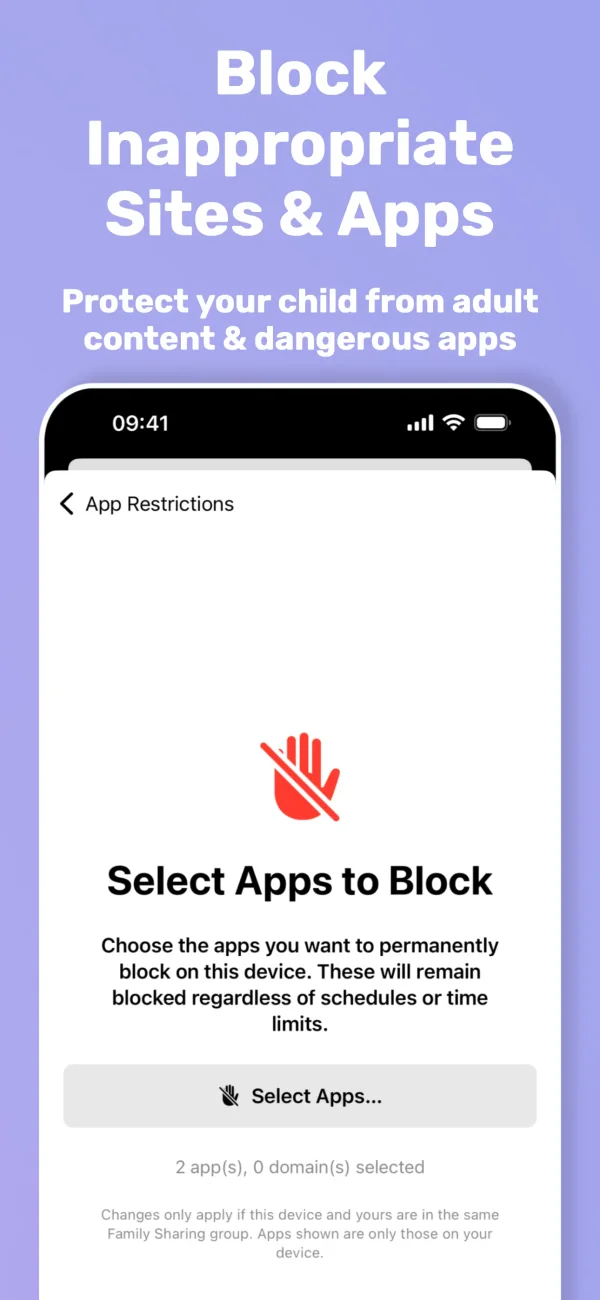
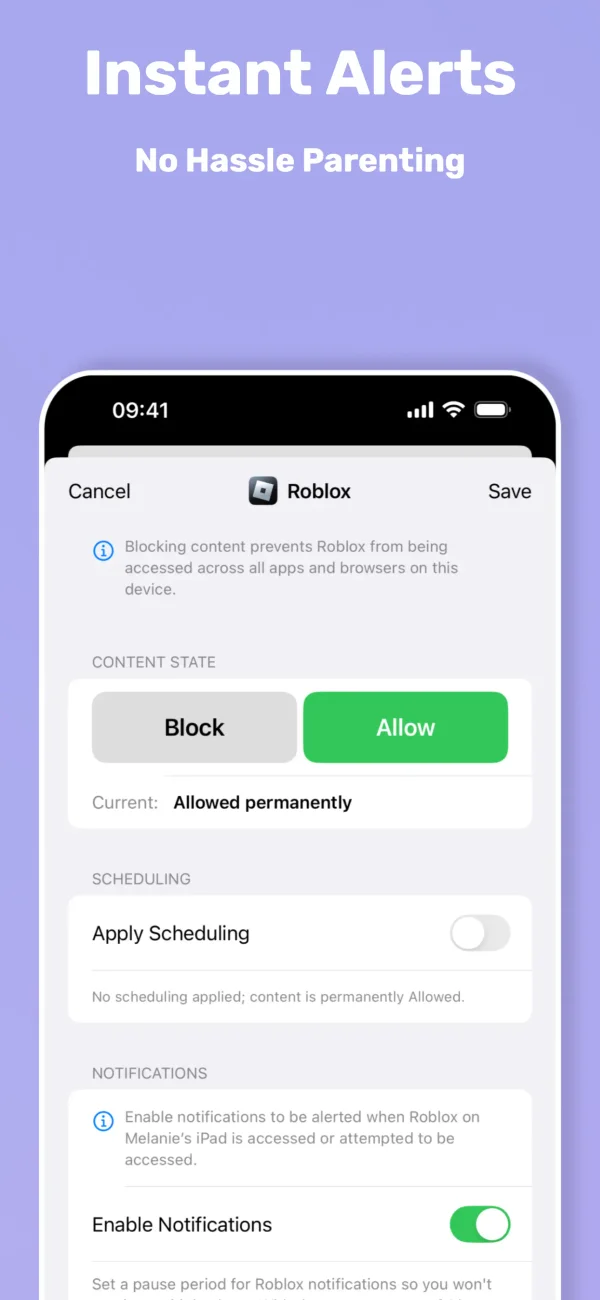
- Block websites and in-app content everywhere on the device—TikTok clips inside Instagram, YouTube links in Safari, you name it
- Block mobile game ads from Unity, Google, TikTok Pangle, and other major ad networks
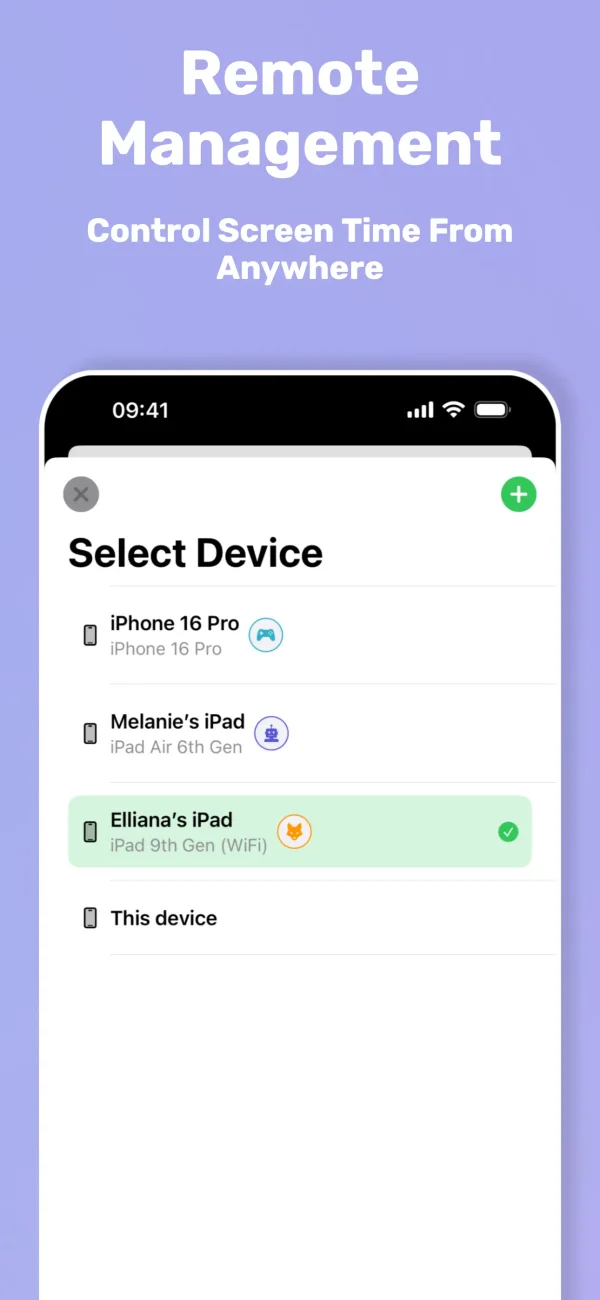
- Remote-control rules from your own phone—no account or login required
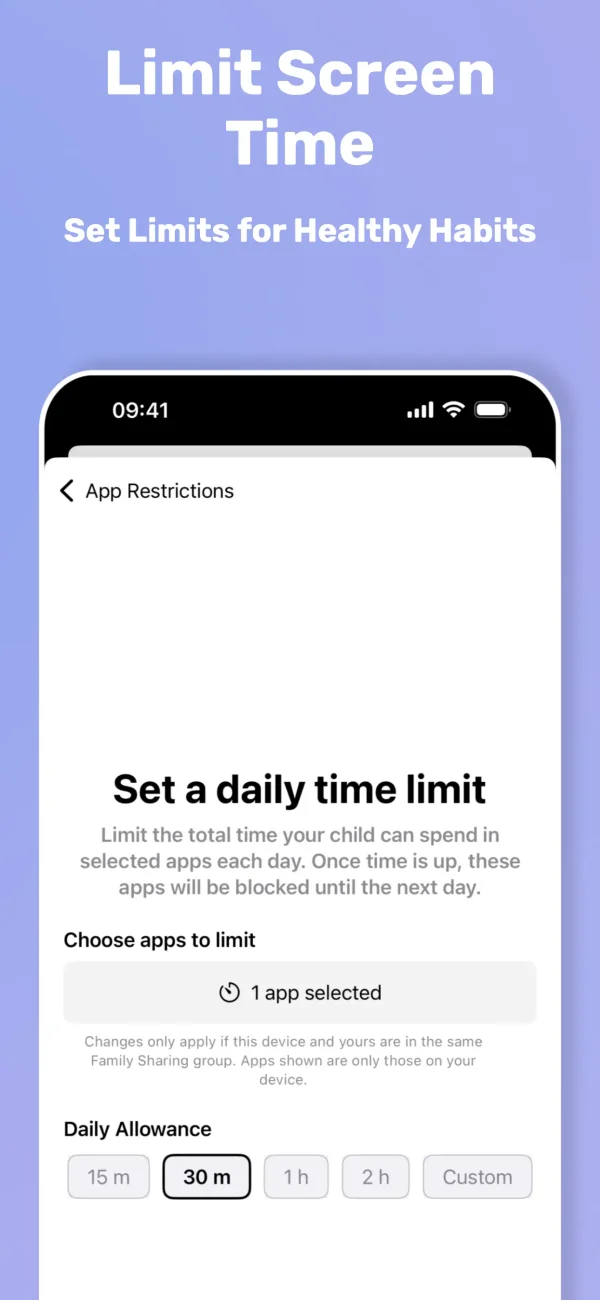
- Set daily screen-time limits that reset automatically
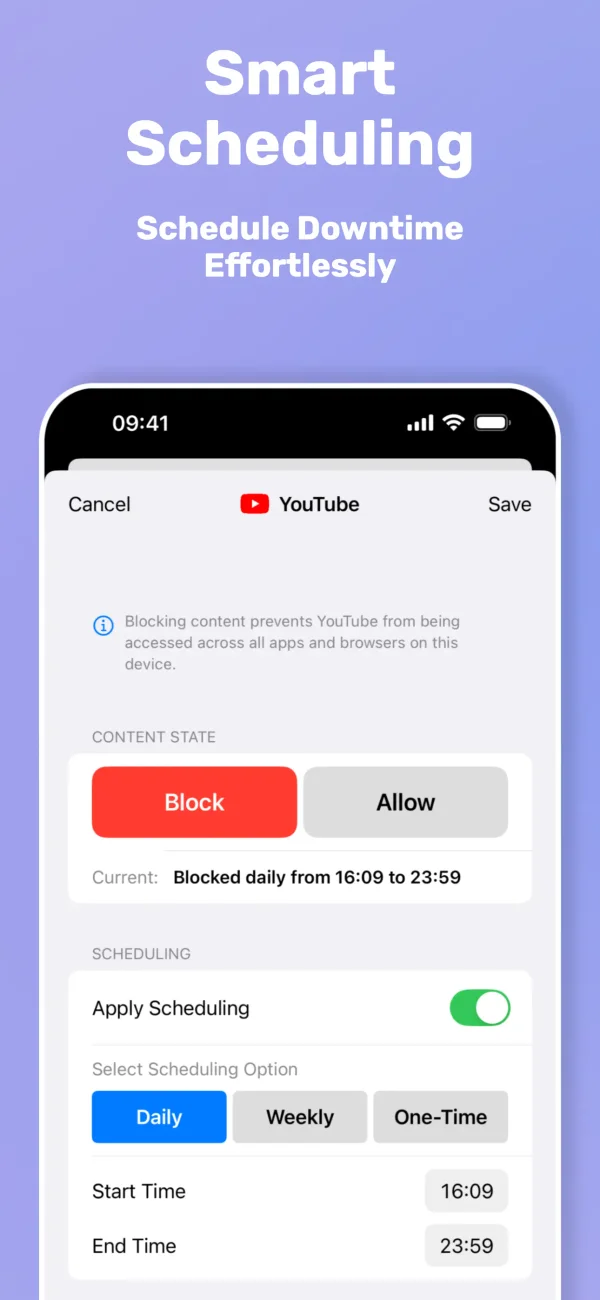
- Schedule downtime for homework, bedtime, or family time
- Pre-block risky apps before they’re ever installed
- Get instant alerts when a blocked site or app is opened
- Lock settings behind a parent-only passcode
Total protection without the hassle:
Kids are tech-savvy: if YouTube is gone from Safari, they’ll find it through Instagram. Havenly stops those work-arounds by filtering at the device level, so harmful content stays blocked everywhere—no matter which app tries to serve it.
Why parents choose Havenly:
- Zero accounts, zero logins – Pair devices with a quick QR code and start managing in seconds.
- Remote management – Edit rules from anywhere; changes reach the child’s device almost instantly.
- Granular schedules – Create one-off, daily, or weekly rules tailored to each child’s routine.
- Advanced ad blocking – Keep kids focused on gameplay without constant ad interruptions
- Privacy first – Data is processed on-device whenever possible and never sold to third parties.
How it works:
1- Install Havenly on your device and your child’s.
2- Choose what to block, limit, or schedule. Havenly enforces it automatically.
3- Scan the on-screen QR code to remotely control your child's device —no usernames or authentication needed.
No more app-hopping work-arounds, late-night scrolling, or constant nagging. Just peace of mind for you and healthier digital habits for them.
Download Havenly today and take back control of screen time—straight from your own phone.
What’s new
Version 1.17 · Feb 11, 2026
• Faster, simpler onboarding - get set up in fewer steps.
• Improved mobile game ad blocking for a cleaner, safer play experience.
App privacy
What Metzzo LLC declares on the App Store about how this app handles data.
-
Data linked to you
May be collected and linked to your identity.
- Identifiers
Privacy practices may vary, for example with the features you use or your age.
Information
- Seller
- Metzzo LLC
- Category
- Utilities
- Version
- 1.17
- Updated
- Feb 11, 2026
- Released
- Mar 24, 2025
- Size
- 11.2 MB
- Requires
- iOS 16.0 or later
- Age rating
- 4+
- Price
- Free
- In-app purchases
- Yes
- Languages
- English, Arabic, Catalan, Dutch, French, German, Italian, Japanese, Korean, Portuguese, Russian, Simplified Chinese + 3 more
- Copyright
- © MorlockStudios LLC
You might also like
-
 boundrees: Parental ControlKids Safety: Real-time Alerts
-
 ScreenSpy: See PC/Mac ScreenChild PC Monitor & Tracker
-
 Parental Control DeviceLinkGPS,Screen time,App blocking
-
 Parental Control App KidsLinkScreen time,Screen mirroring
-
 MMGuardian App for Child PhoneBest Parental Control App
-
 Kids Mode & Child Lock :SuzyParental Control & Screen Time
-
 SPIN Safe BrowserBlock Porn & Unsafe Websites
-
 Norton Family Parental ControlOnline Safety App
-
 Alli360 by Kids360Parental Control Companion
-
 FlashGet KidsafeFlashGet Parental Control