
- Age rating4+
- CategoryUtilities
- DeveloperErfan Reed
- LanguagesEnglish
- Size4.1 MB
Links to the official App Store page
Download.org hosts no file of HDMeye. The button opens its official App Store page, published by Erfan Reed. Listing last checked on Nov 14, 2026.
Screenshots

About
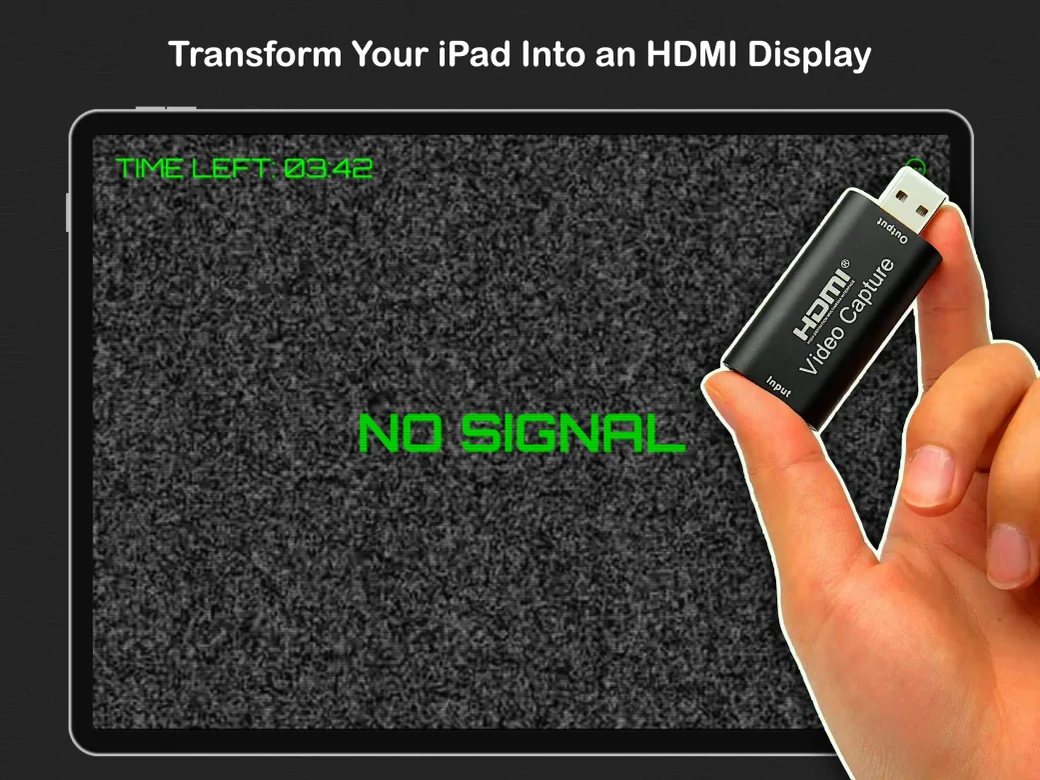
Transform your iPad into a powerful, versatile HDMI display with HDMeye – the app for gamers, creators, and professionals who need a flexible external screen anywhere.
Compatibility:
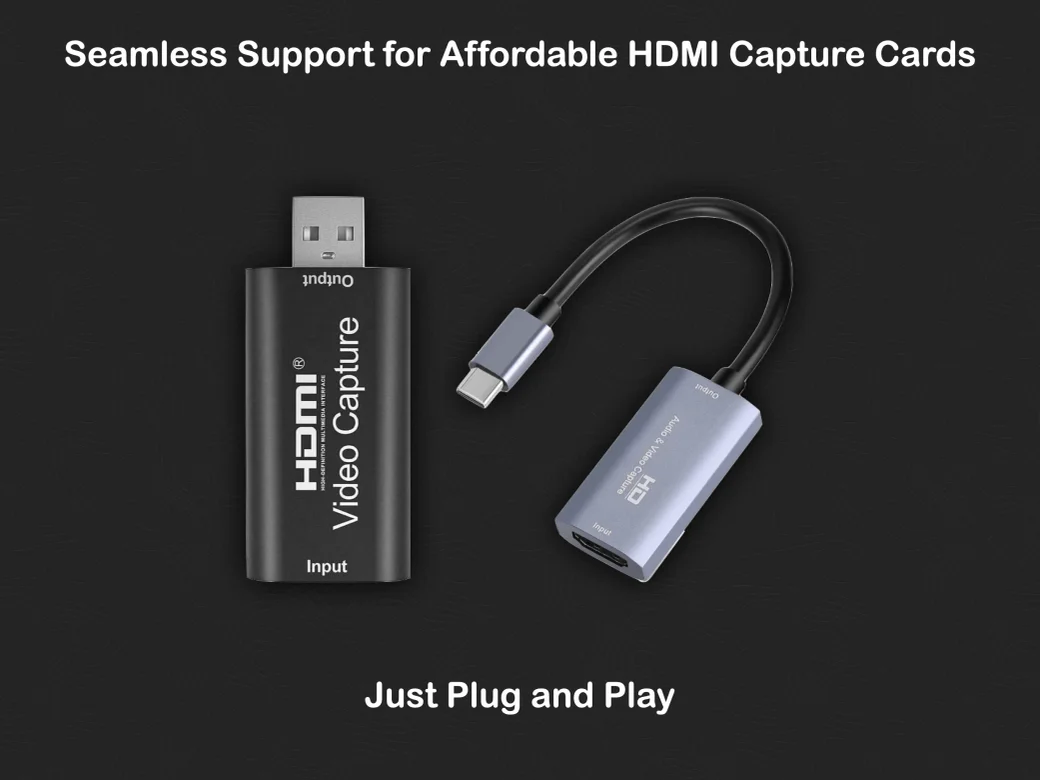
- Connect an HDMI source through a compatible HDMI-to-USB capture card, including affordable options available on Amazon and AliExpress.
- Tested with MACROSILICON-based capture hardware.
- Requires a USB video capture device. Standard USB-C-to-HDMI display adapters do not provide capture input.
Key Features:
- Real-Time HDMI Viewing
Connect your gaming console, camera, or other HDMI source and view its video directly on your iPad. Video quality and latency depend on your capture hardware and source.
- Picture in Picture
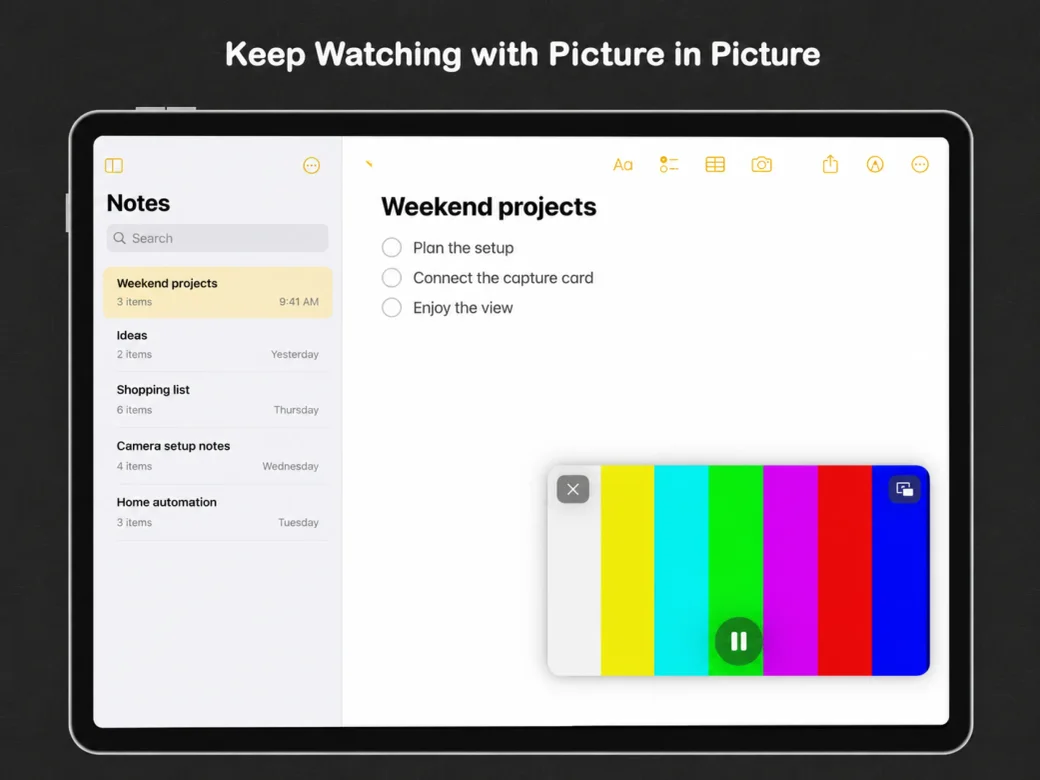
Keep your HDMI feed visible in a floating window while using other apps. Take notes, browse, or multitask without losing sight of your video. Pause and resume playback, then return to HDMeye when you’re ready. Rotation and mirroring carry over into Picture in Picture.
- Immersive Audio Experience
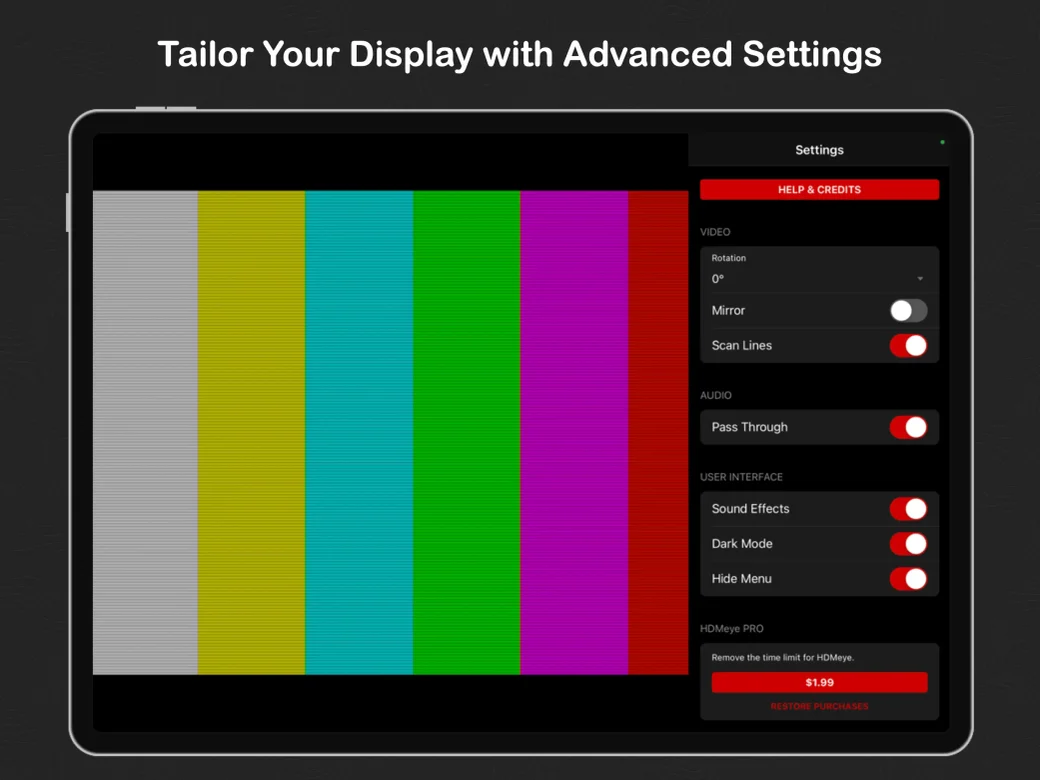
Enjoy audio passthrough through your iPad’s speakers or headphones.
- Retro Gaming Magic
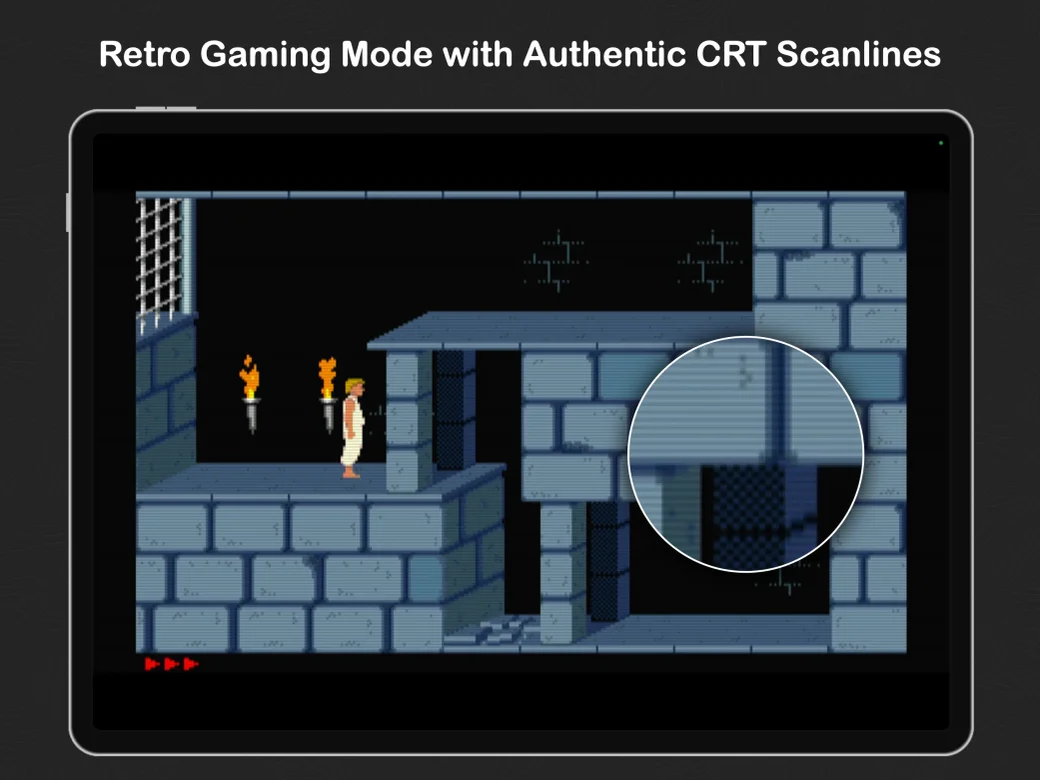
Relive classic gaming moments with scanlines that recreate the nostalgic CRT display experience in the main viewing screen.
- Flexible Display Controls
Customize your view with rotation, mirroring, and a tap-to-fill viewing mode to suit your setup.
- Eye-Friendly Dark Mode
Work or play comfortably in low-light environments with a sleek, modern dark theme.
Pricing:
- Try Before You Buy: Enjoy a free one-hour trial. Trial time counts only during connected playback.
- Unlock Unlimited: A one-time purchase of HDMeye Pro removes the time limit.
Perfect For:
- Retro gaming enthusiasts
- Content creators
- Streamers and video producers
- Professionals needing portable display solutions
- Anyone wanting to view an HDMI source on an iPad
Terms of Use:
https://www.apple.com/legal/internet-services/itunes/dev/stdeula/
Privacy Policy:
https://justshare.me/hdmeye/privacy
What’s new
Version 1.3 · Oct 28, 2026
This update makes HDMeye more reliable and easier to use:
- Added Picture in Picture with smooth transitions, pause/resume controls, and matching rotation and mirroring.
- Improved USB audio passthrough and added clearer audio connection status.
- Improved capture startup, reconnection, and recovery after interruptions.
- Trial time now counts only during connected playback, preserving your time while idle or disconnected.
- Refreshed the retro no-signal display with larger static and support for Reduce Motion.
App privacy
What Erfan Reed declares on the App Store about how this app handles data.
-
Data not collected
The developer does not collect any data from this app.
Privacy practices may vary, for example with the features you use or your age.
Information
- Seller
- Erfan Reed
- Category
- Utilities
- Version
- 1.3
- Updated
- Oct 28, 2026
- Released
- Dec 2, 2024
- Size
- 4.1 MB
- Requires
- iOS 17 or later
- Age rating
- 4+
- Price
- Free
- In-app purchases
- Yes
- Languages
- English
- Copyright
- © Erfan Reed
You might also like
-
 Mobile Display – HDMI MonitorUse your iPad as HDMI monitor
-
 Screen Link: HDMI MonitorHDMI input on your tablet
-
 CapView - Capture MonitorUtilities
-
 HDMI Monitor - Video CaptureWired Display for Duet Use
-
 DongledOpen Source UVC Monitor
-
 USB Monitor & Camera ViewerHDMI Capture Card & Audio
-
 PadDisplayA simple mobile display!
-
 FitDisplay - HDMI Monitor UVCFull Screen PC/Console Gaming
-
 HDMIDisplay for your device
-
 MoniConiPad as HDMI console monitor