
- Age rating4+
- CategoryUtilities
- DeveloperIntegretti LLC
- LanguagesEnglish
- Size2.3 MB
Links to the official App Store page
Download.org hosts no file of Hello Nexus. The button opens its official App Store page, published by Integretti LLC. Listing last checked on Nov 18, 2026.
Screenshots


About
Nexus turns your phone into a live dashboard and control surface for the computer you game and work on.
Pair once with the free Nexus app on your Windows PC, Apple Silicon Mac or Linux PC, then build a panel of widgets you can reach from the couch, the desk, or the other side of the house.
WHAT YOU CAN DO
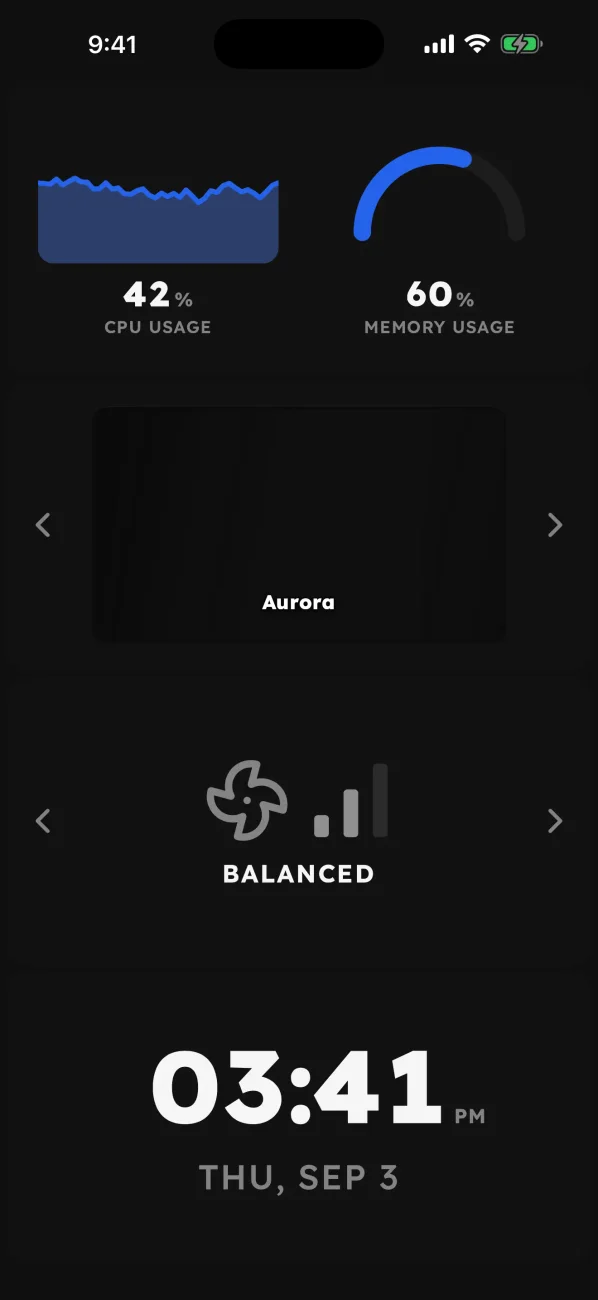
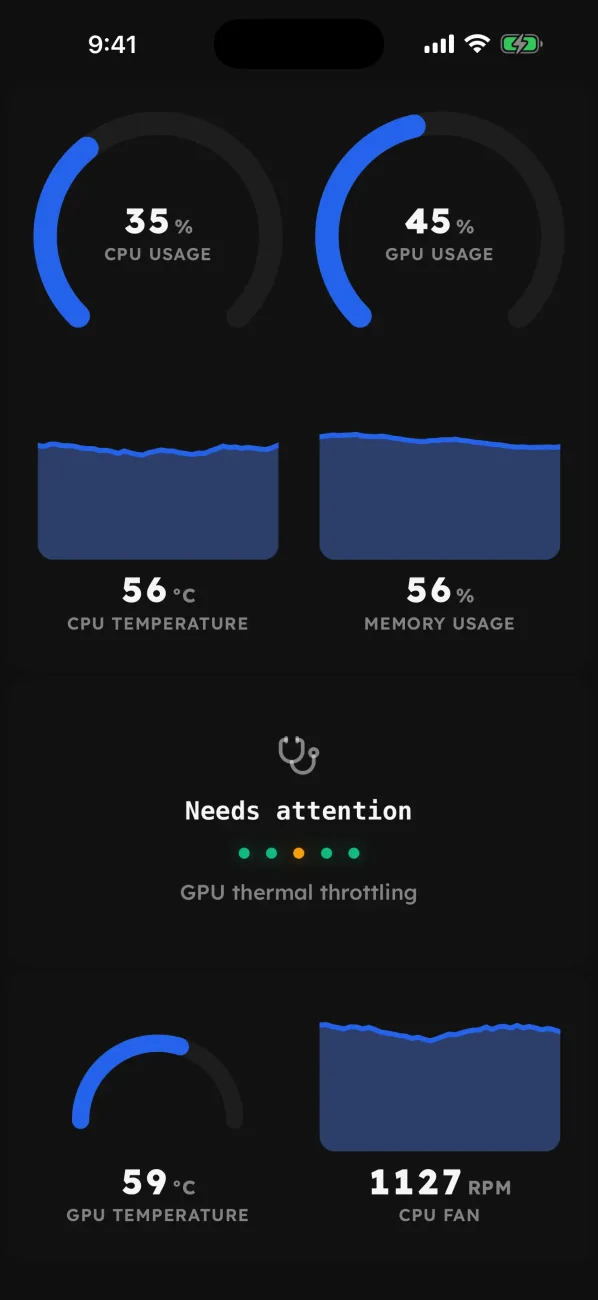
- Watch CPU, GPU, memory, temperature and fan readings update live, as gauges, sparklines or full-screen charts.
- Control your RGB lighting: pick an effect, set colors and brightness, and give each device its own look.
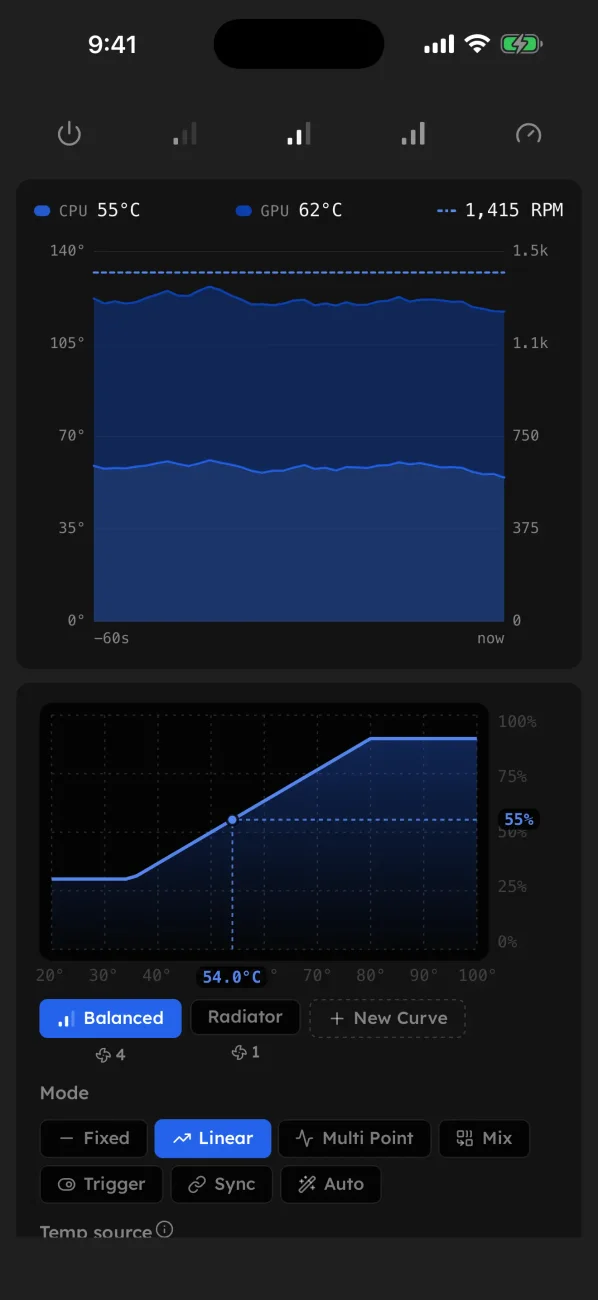
- Tune cooling: switch presets, edit fan curves against any temperature sensor, and see every fan respond.
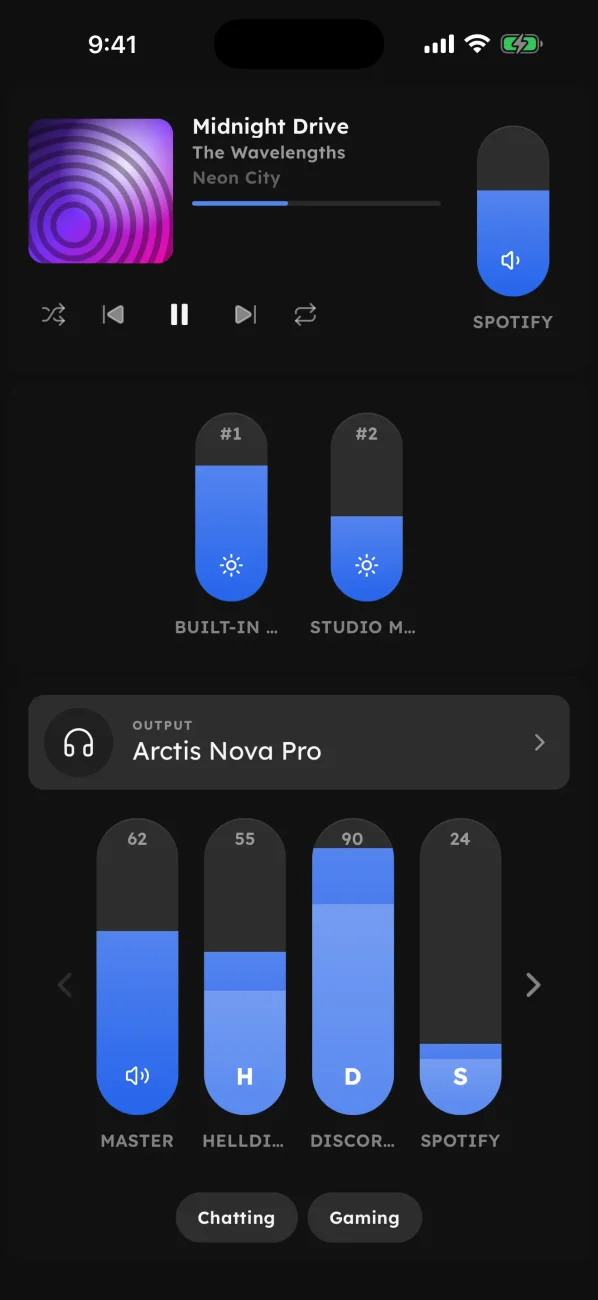
- Run playback, system volume, the per-app audio mixer and your monitors' brightness.
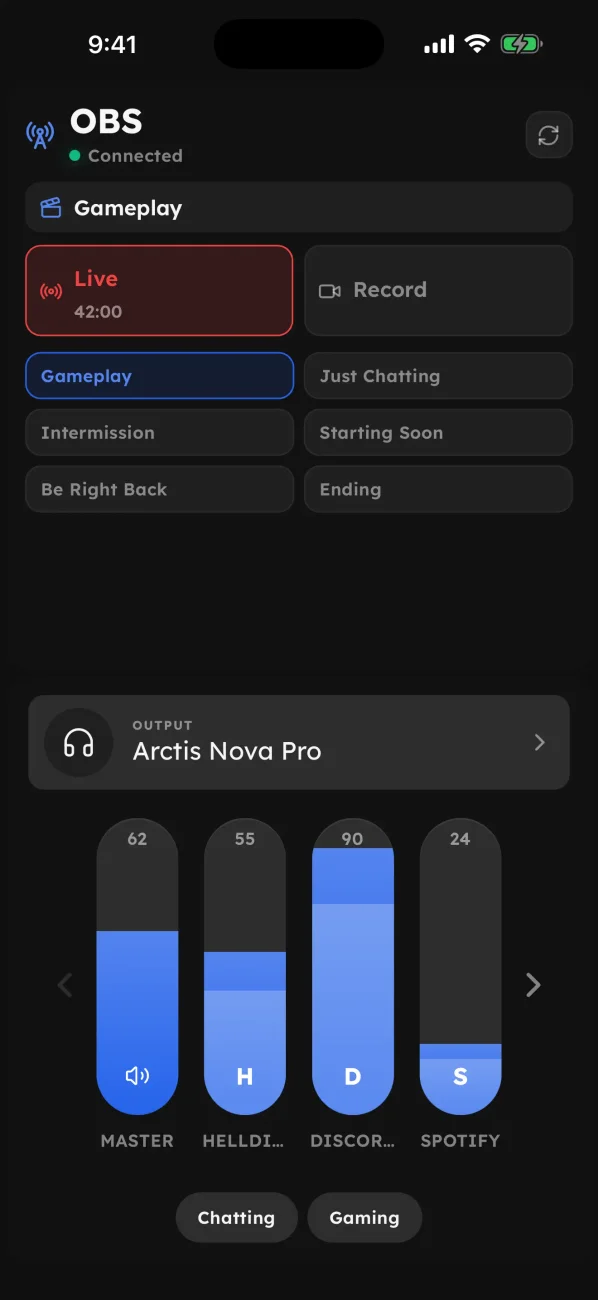
- Drive OBS: switch scenes, start and stop streaming or recording.
- Build a deck of custom keys for shortcuts, hotkeys, launching apps and one-tap system actions.
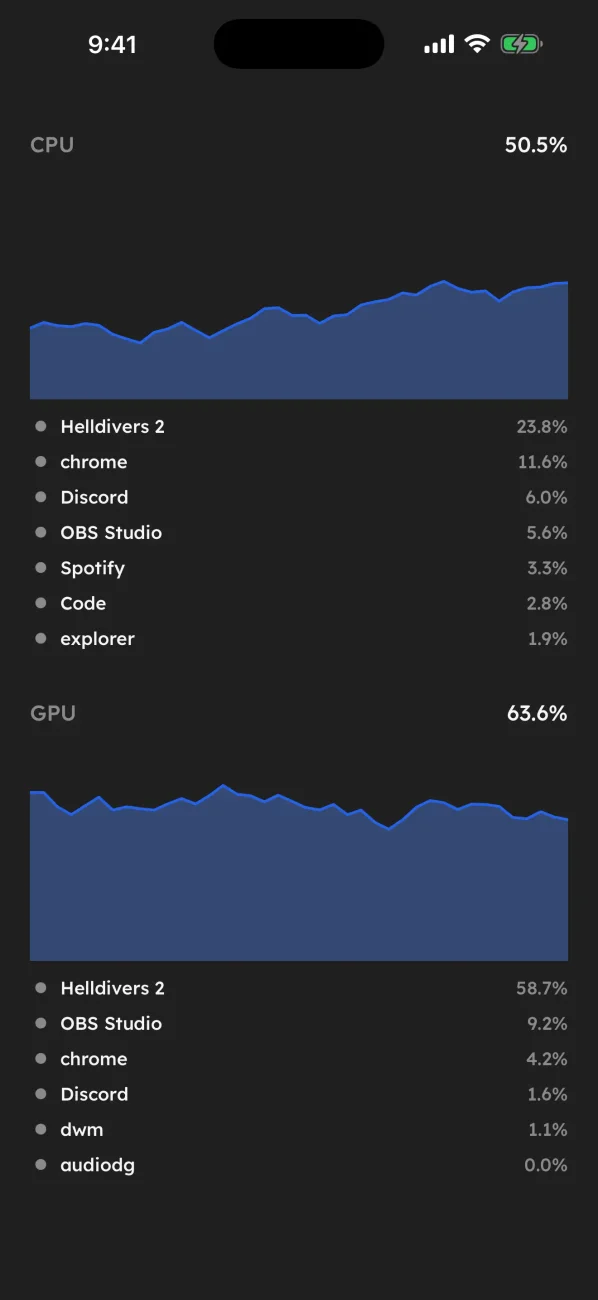
- Keep an eye on processes, storage, network and overall system health.
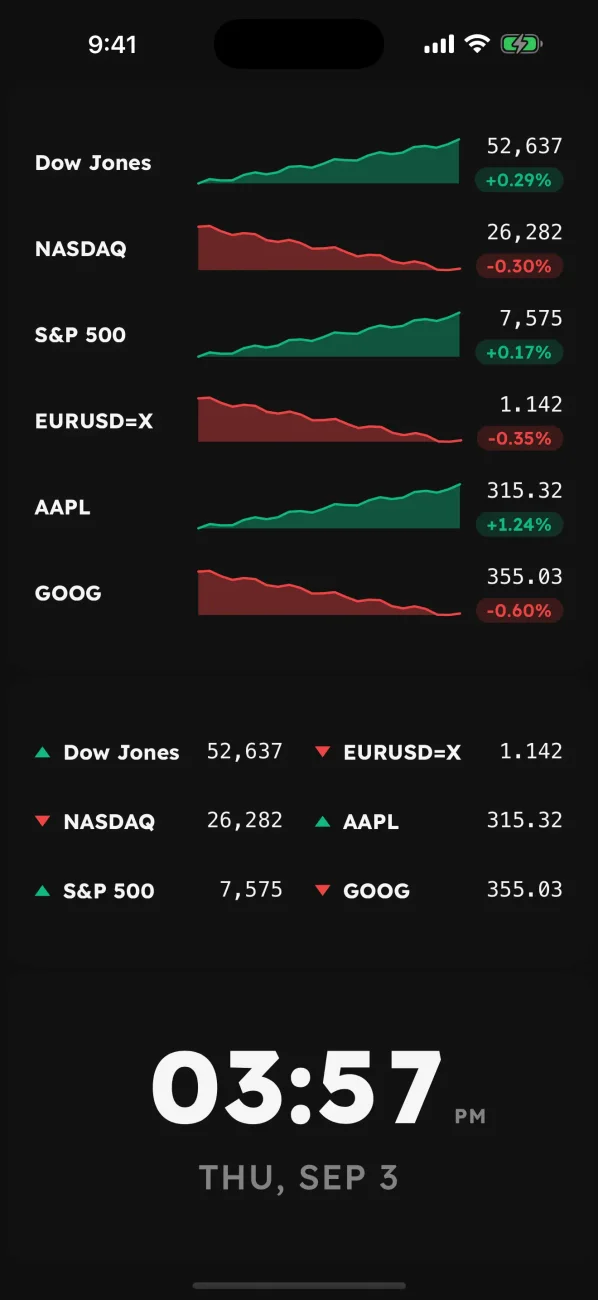
- Fill the rest of the grid with clock, weather, stocks, calendar, photo gallery and more.
A PANEL YOU DESIGN
Drag widgets around the grid, resize them, spread them over several pages, and tap any of them to open a full-screen view with the detailed controls. Your layout stays in sync with your computer.
SEND THINGS TO YOUR PC
Share files, photos and links from any app straight to your computer, or push clipboard text across in a tap.
CONNECTED TO YOUR OWN MACHINE
Your phone talks to your computer, not to a middleman. Pairing is confirmed on both ends, the session is pinned to your computer's own certificate, and an encrypted relay carries the connection only when you are away from your network.
WHAT YOU NEED
Nexus for Windows, macOS or Linux, a free download from hellonexus.com. The app on your phone is free too, with no account required.
What’s new
Version 3.0.1 · Oct 8, 2026
Nexus Sentry is now available!
If you lock your PC and want to know if anyone is trying to access it without your permission, activate Sentry mode from swipe down menu after pairing your device.
This will send a push notification to all of your paired iOS devices.
App privacy
What Integretti LLC declares on the App Store about how this app handles data.
-
Data not collected
The developer does not collect any data from this app.
Privacy practices may vary, for example with the features you use or your age.
Information
- Seller
- Integretti LLC
- Category
- Utilities
- Version
- 3.0.1
- Updated
- Oct 8, 2026
- Released
- Sep 29, 2026
- Size
- 2.3 MB
- Requires
- iOS 16.0 or later
- Age rating
- 4+
- Price
- Free
- Languages
- English
- Copyright
- © 2026 Hello Nexus
You might also like
-
 Wake Me Up - Wake-on-LANWake your computer up
-
 BuildCores: 3D PC Builder3D PC Part Picker and Builder
-
 ARMOURY CRATEUtilities
-
 SteelSeries Arctis CompanionGet an instant audio advantage
-
 Camo CameraWebcam for Mac and PC
-
 Comet - AI Browser & AssistantBrowser and AI assistant
-
 Anker PowerFormerly Anker
-
 uBlock Origin LiteAn efficient content blocker
-
 Ubiquiti WiFimanUtilities
-
 LocalSendCross-Platform File Sharing