
- Age rating4+
- CategoryBusiness
- DeveloperKristian Wanderaas
- LanguagesEnglish
- Size23.0 MB
Links to the official App Store page
Download.org hosts no file of HelloSign. The button opens its official App Store page, published by Kristian Wanderaas. Listing last checked on Nov 13, 2026.
Screenshots




About
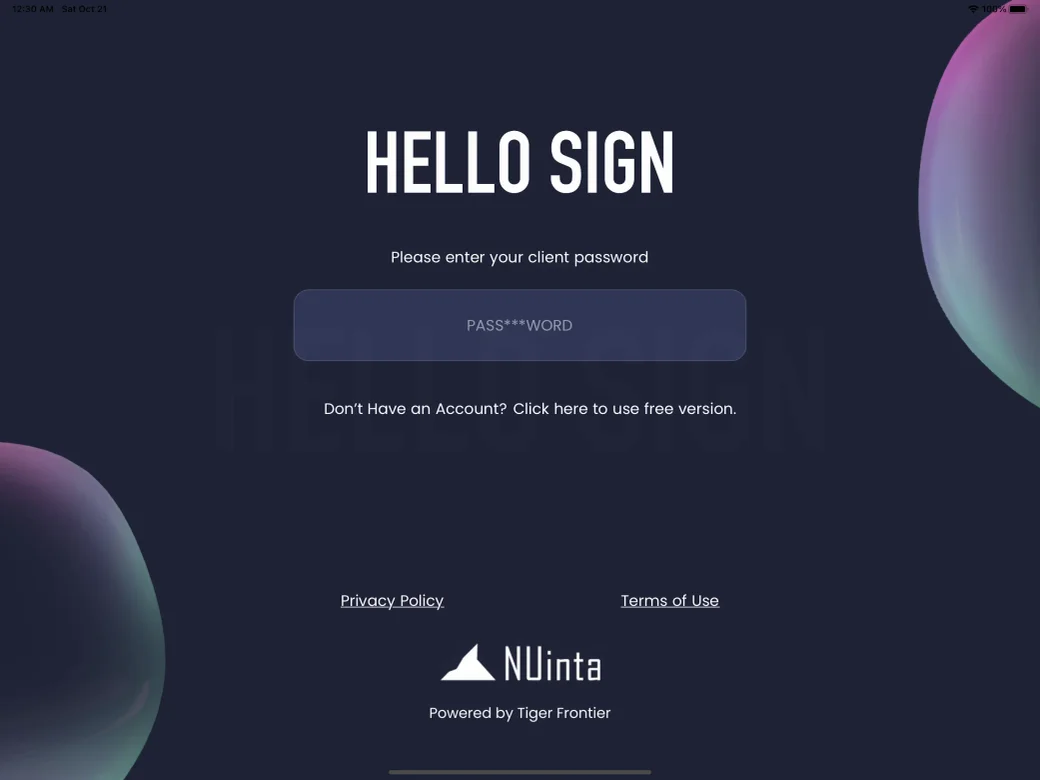
This application will help you to replace paper signs with digital custom signage on the go. The impression for the signage is professional and are being used by several of the best hotels and Limousine companies in the World as well as for Conventions.
Once creating a sign, it will stay on until you exit the signage created by swiping from left to right in the middle of the screen.
Professional Signage at your fingertips. HelloSign can do custom backgrounds, animated backgrounds in loop and it is ready to use with default standard backgrounds for signage by just installing the application on your mobile device.
Please contact us for more information or help through:
http://nuinta.com/contact/
Terms of Use (EULA): [https://www.apple.com/legal/internet-services/itunes/dev/stdeula/]
What’s new
Version 1.3.1 · Nov 11, 2026
Thank you for using Welcome! Enjoy animated video backgrounds on your signs.
App privacy
What Kristian Wanderaas declares on the App Store about how this app handles data.
-
Data used to track you
May be used to track you across apps and websites owned by other companies.
- Usage data
-
Data not linked to you
May be collected but is not linked to your identity.
- Usage data
Privacy practices may vary, for example with the features you use or your age.
Information
- Seller
- Kristian Wanderaas
- Category
- Business
- Version
- 1.3.1
- Updated
- Nov 11, 2026
- Released
- Oct 21, 2023
- Size
- 23.0 MB
- Requires
- iOS 16.0 or later
- Age rating
- 4+
- Price
- Free
- In-app purchases
- Yes
- Languages
- English
- Copyright
- © NUinta LLC
You might also like
-
 SalesPro, formerly LeapDigital In-Home Sales Solution
-
 JetSign: Fill & Sign PDF DocsForm Filler, e-Signature App
-
 ProViaBusiness
-
 PandaDoc - Create & Send docsSign, fill & send PDFs or Docs
-
 Docusign for IntuneSign PDFs & Contracts
-
 Ingage PresentationsInteractive Sales Content
-
 Jotform Sign: eSign PDF & DocsSign PDFs, Contracts & Forms
-
 Zoho Sign - Fill & eSign Docse-Sign PDF docs & forms
-
 BatchLeadsFind Real Estate Deals with AI
-
 Adobe Acrobat SignFill and Send PDF for eSign