
- Age rating4+
- CategoryEducation
- DeveloperCoffee & Fun LLC
- LanguagesEnglish
- Size58.1 MB
Links to the official App Store page
Download.org hosts no file of Helperbird. The button opens its official App Store page, published by Coffee & Fun LLC. Listing last checked on Nov 15, 2026.
Screenshots

About
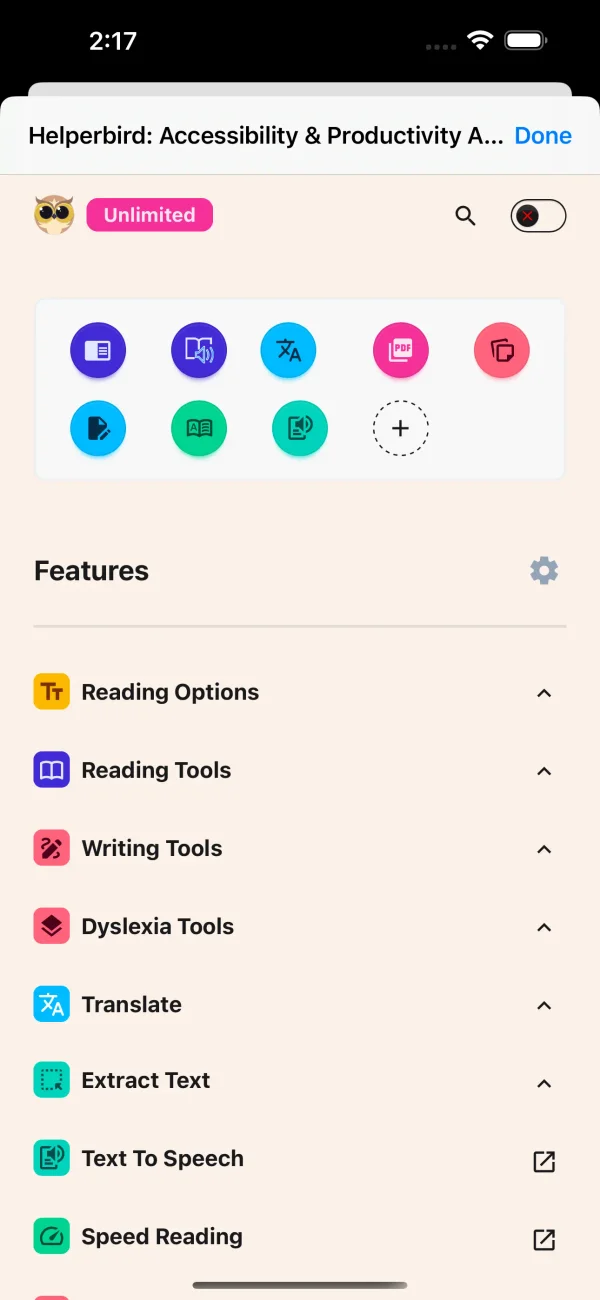
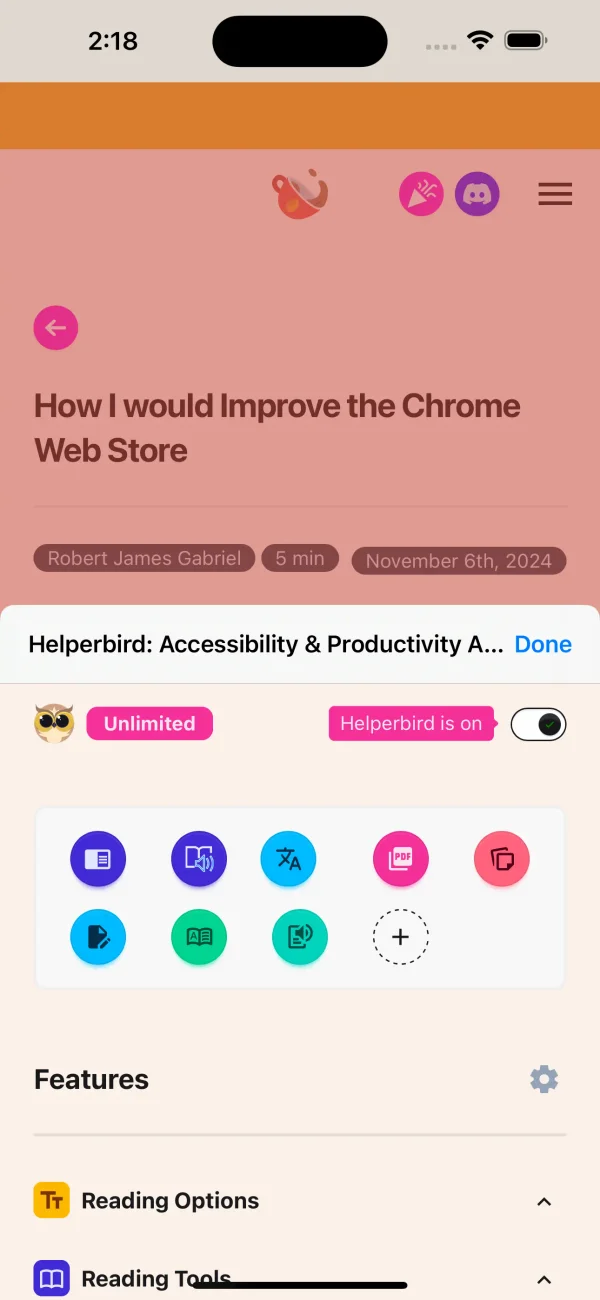
Helperbird is your go-to for advanced reading, writing, and accessibility controls. Our features include voice typing, dyslexia support, an immersive reader, and a reading mode. Tailored to fit diverse abilities and learning styles, making the web accessible for all.
What’s included in Helperbird?
Reading features
Immersive Reader by Microsoft
Simplify Feature
Reading Mode: Removes ads and distractions.
Specialized Fonts
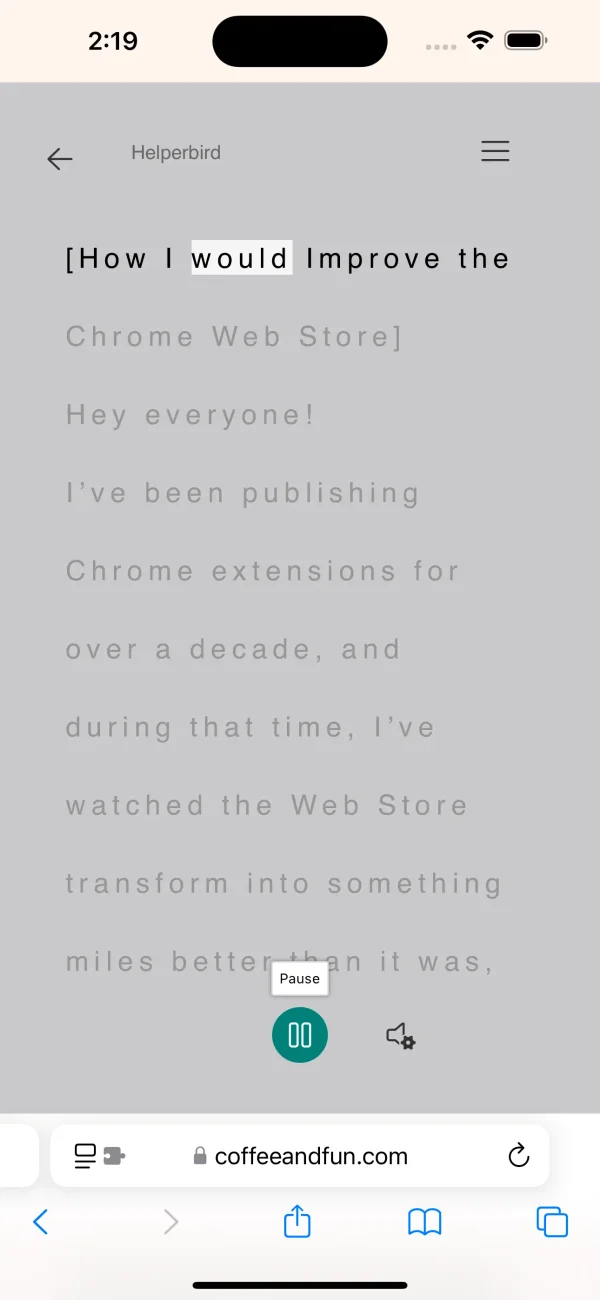
Text to Speech options
Dyslexia Ruler
Line Focus Ruler
Reading Ruler
Auto Scrolling
Dyslexia fonts
Text Size Adjustment
Letter Spacing Adjustment
Word Spacing Adjustment
Line-Height Adjustment
Text Alignment
Web Highlighter Marker
Translation
Paragraph Width
Paragraph Borders
Picture Dictionary
Overlays & Tints
Summarize Websites and PDFs
Screenshot Reader
Speed Reading Tools
Highlight/Selector Colors
Font Colors
Background Colors
Link Colors
Volume Booster
Writing features
Sticky Notes on Websites and PDFs
Word Prediction
Voice Typing
Diction / Speech to Text
Translation
Spell Check
Text Analysis
Web Highlighter Marker
English Dictionary by Helperbird
PDF Reader by Helperbird
Screenshot Reader
Extract Text (OCR) from Images & Videos
Print
Accessibility features
Dyslexia Ruler
Line Focus Ruler
Reading Ruler
Paragraph Customizations
Dyslexia Fonts (OpenDyslexic, Lexend Deca, +14 others)
Reduce Motion
Auto Scrolling
High Contrast Overlays
Video Playback Adjustments
Grayscale Mode
Emphasize Links
Color Blindness Controls
Overlays & Tints
Increase and Decrease Cursor Size
Show Alt and Title Tags
Hide Images and GIFs to Improve Reading Focus
Saturation Control
Shortcuts
Phonics Reading
Helperbird Apps
Immersive Reader by Microsoft
English Dictionary by Helperbird
Feature-filled Document Editor
Reading List by Helperbird
PDF Reader by Helperbird
App Support
Google Docs Add-on by Helperbird
Google Slides Add-on by Helperbird
Google Classroom Support
Microsoft Word Online Support
Grammarly Support
Sync Settings Across Browsers
To see all the features and learn more, check out https://www.helperbird.com/features/
Privacy & Compliance
Strict privacy policy: No user data selling or storage.
Compliance with COPPA, FERPA, GDPR.
Support
Email: robert.gabriel@helperbird.com
Helperbird Support Page: https://www.helperbird.com/support/
Proudly founded by a dyslexic software engineer in Ireland, fueled by coffee & love.
What’s new
Version 1.319 · Nov 2, 2026
Hey Everyone,
Just cleaning up some little bugs :)
Lots of love
App privacy
What Coffee & Fun LLC declares on the App Store about how this app handles data.
-
Data not collected
The developer does not collect any data from this app.
Privacy practices may vary, for example with the features you use or your age.
Information
- Seller
- Coffee & Fun LLC
- Category
- Education
- Version
- 1.319
- Updated
- Nov 2, 2026
- Released
- Jan 31, 2022
- Size
- 58.1 MB
- Requires
- iOS 17.4 or later
- Age rating
- 4+
- Price
- Free
- Languages
- English
- Copyright
- © Coffee & Fun LLC
You might also like
-
 Read&WriteAccessible TTS writing/reading
-
 DyslexiaBuddyRead Aloud for Dyslexia & ADHD
-
 Dyslexia & ADHD: dys readingNeurodivergent font & spacing
-
 OrbitNoteScan, View, Annotate Documents
-
 Dyslexia Font: OpenDyslexicInstall, scan and read easier
-
 Dyslexia Font - AI Tutor & PalDyslexia Reader and Scanner
-
 WholeReader, Immersive ReadingBoost reading comprehension
-
 Braille Academy: Play & LearnLearn and train touch reading
-
 Leksa - Dyslexia HelperRead Any Page
-
 Co:Writer UniversalEducation