
- Age rating17+
- CategoryPhoto & Video
- DeveloperAARON LAYNE BARTELL
- LanguagesEnglish
- Size8.3 MB
Links to the official App Store page
Download.org hosts no file of HeyVidi. The button opens its official App Store page, published by AARON LAYNE BARTELL. Listing last checked on Nov 18, 2026.
Screenshots



About
Hey Vidi puts your photos and videos on the map.
Every capture is pinned to the place and time it happened — so a year from now you can stand on the same corner and see it again, and so can everyone else who was there.
SEE WHAT HAPPENED HERE
Browse by place instead of by feed. Open the map, pull up what was captured nearby, and scroll back through a spot's history to find moments you'd never have known about otherwise.
CAPTURE IT PROPERLY
Record with the front and back cameras at once, and move between Face, Back, and Both mid-recording without ever stopping. Photos capture at your camera's full resolution. Add captions and text anywhere on a photo or video — pinch to resize, twist to rotate, and it stays exactly where you put it.
WATCH IT THE WAY IT WAS SHOT
Clips play in full and loop for as long as you stay on them. Rotate your phone on a landscape post and it opens fullscreen, filling the screen the way it was filmed. Sound is always on and follows your volume buttons.
BRING PEOPLE IN
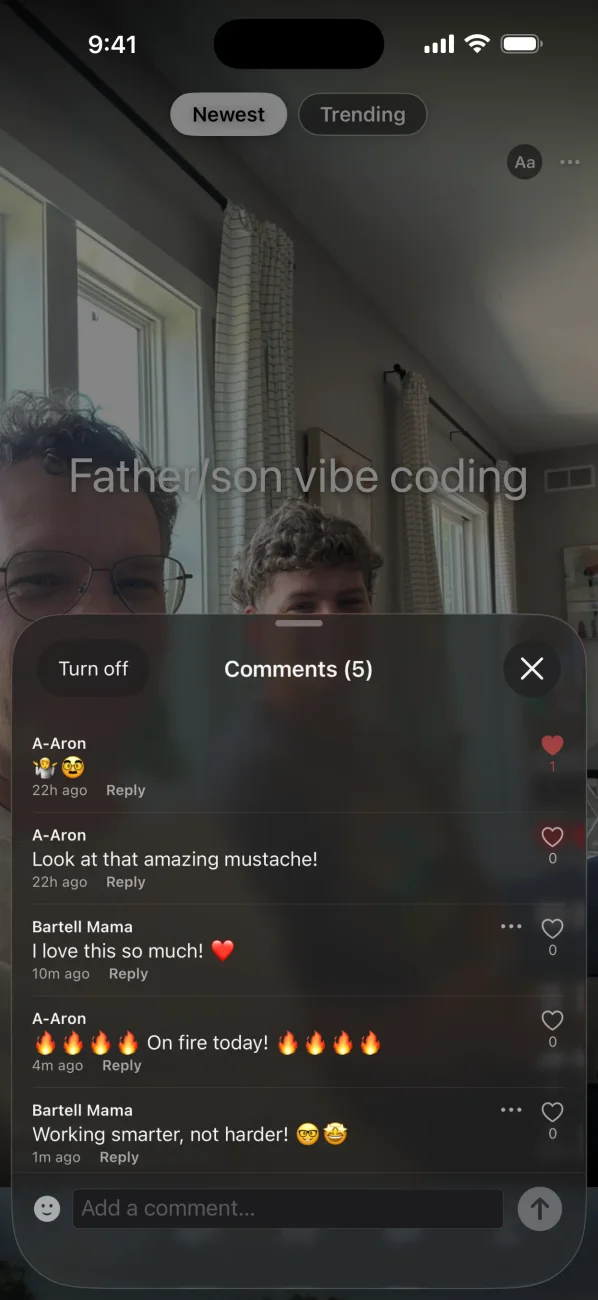
Mention anyone in a comment with @, and tap a mention to land on their profile. Tag the people who were there with you. Reply to comments, message friends directly, and see everyone who tagged or mentioned you in your Activity feed.
FIND YOUR PEOPLE
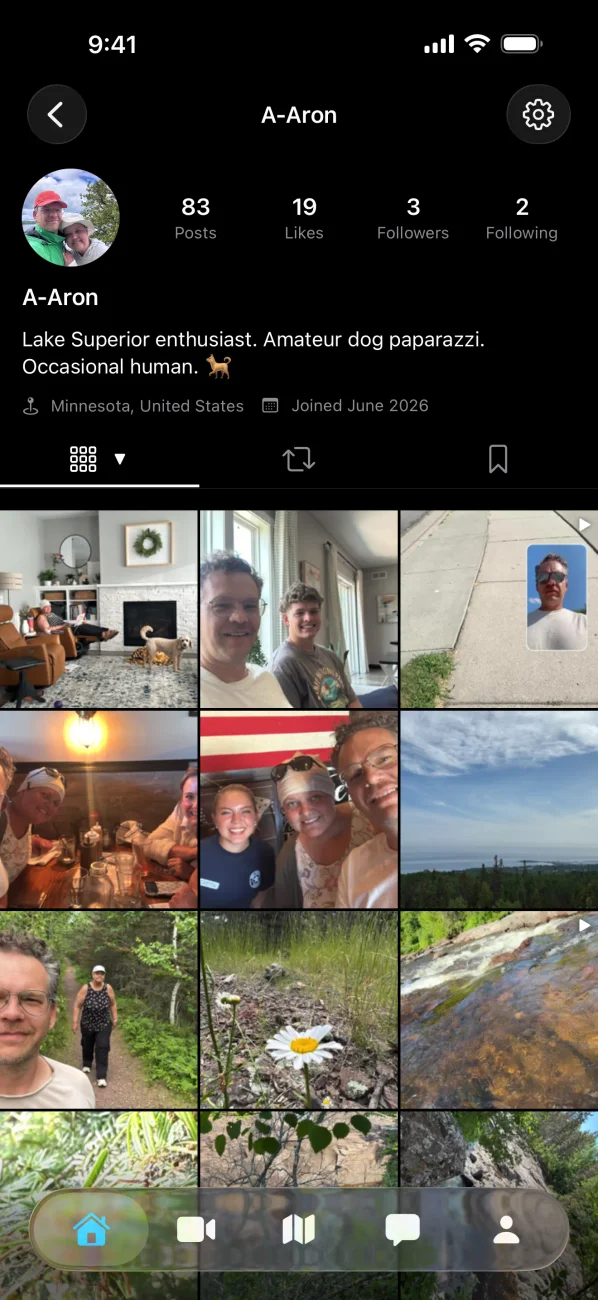
Follow the people whose captures you want to see. Tap any profile's follower count to open the full list, with tabs for Mutual, Followers, and Following.
START RECORDING FASTER
Add the Hey Vidi widget to your Lock Screen and jump straight into the app without unlocking first.
Wherever you are, something happened there before you. Hey Vidi is how you find it — and how you leave something behind for whoever comes next.
What’s new
Version 1.2.25 · Sep 8, 2026
• Edit text on a post — change or remove the caption on a photo or
video after you've posted it, from the ⋯ menu.
• Pin to Profile — long-press one of your posts on your profile to pin
it to the top, up to six.
• Find out what came of your reports — when a moderator resolves
something you flagged, you'll get a notification telling you whether
it came down or was kept.
• Say more when you report — a report filed as "Other" can now carry
your own explanation.
• Mark all messages as read, plus a clearer unread dot on conversations
in your inbox.
• Fixed a feed dead-end where a busy location could stop you from
scrolling any further.
• Fixed the capture controls sitting under the tab bar on iOS 26.
• Tidied the ⋯ menu on posts — Copy Link and Share already live on the
share button next to it.
App privacy
What AARON LAYNE BARTELL declares on the App Store about how this app handles data.
-
Data linked to you
May be collected and linked to your identity.
- Location
- Contact info
- Contacts
- User content
- Identifiers
- Usage data
- Diagnostics
Privacy practices may vary, for example with the features you use or your age.
Information
- Seller
- AARON LAYNE BARTELL
- Category
- Photo & Video
- Version
- 1.2.25
- Updated
- Sep 8, 2026
- Released
- Jul 16, 2026
- Size
- 8.3 MB
- Requires
- iOS 17.0 or later
- Age rating
- 17+
- Price
- Free
- Languages
- English
- Copyright
- © 2026 HeyVidi
You might also like
-
 Mosaico: Collage MakerPhoto Editor, Grids & Layouts
-
 Z Cleaner - Clear BoosterClean & Speed Boost
-
 Made - Story Maker & CollagePhoto Templates for Stories
-
 Artisse - Realistic AI PhotosPut yourself in any photo
-
 DanceHit: AI Dance GeneratorPhoto to Video, Dancing Trend
-
 Frame.ioVideo Review and Collaboration
-
 1 Second Everyday: Video DiaryPrivate Journal & Time Machine
-
 Imgur: Funny Memes & GIF MakerImage, Gifs, & Meme Generator
-
 Photo Collage Maker,Free of adPicture layout, grid wallpaper
-
 LightCut - AI Video EditorEdit your videos automatically