Hidden Camera Detector SpyDet
Spy Find Secret Device Scanner
Designed for iPhone
Free · In-app purchases
- Age rating4+
- CategoryUtilities
- DeveloperMaria Sanchez
- LanguagesEnglish
- Size86.1 MB
Links to the official App Store page
Download.org hosts no file of Hidden Camera Detector SpyDet. The button opens its official App Store page, published by Maria Sanchez. Listing last checked on Nov 22, 2026.
Screenshots

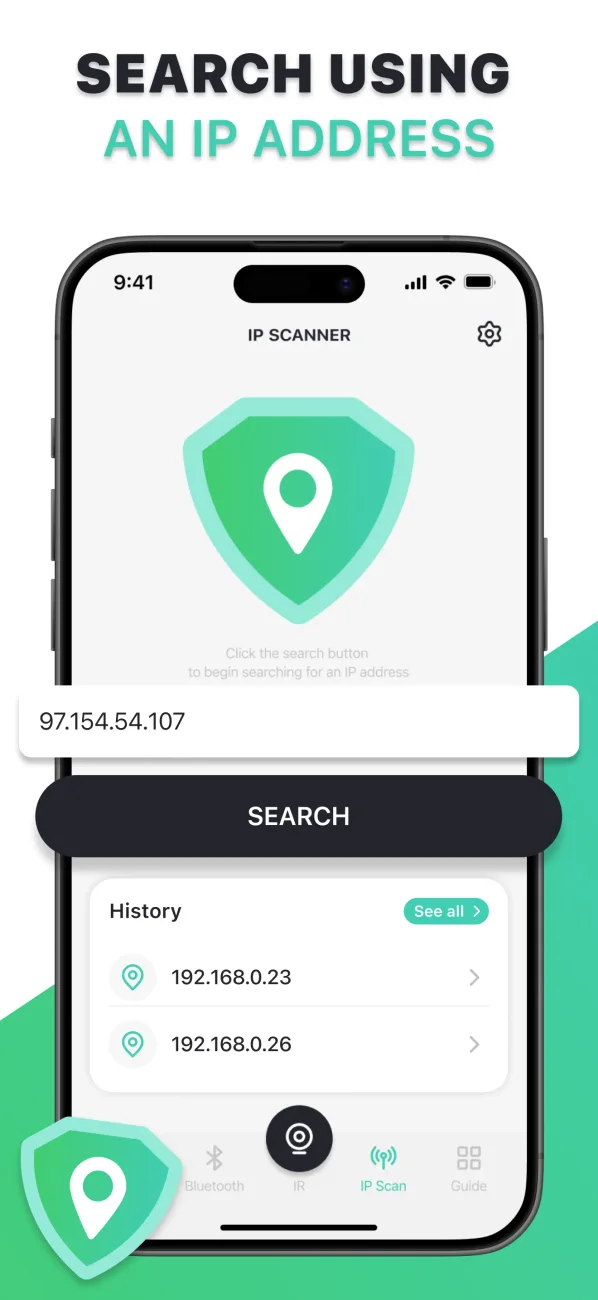
About
Digital awareness isn’t just for experts - it’s something everyone should have access to. With this app, staying informed about your surroundings becomes part of your routine. Whether you're at home, in a coworking space, or on the go, it only takes a few seconds to scan and assess what's happening around your device.
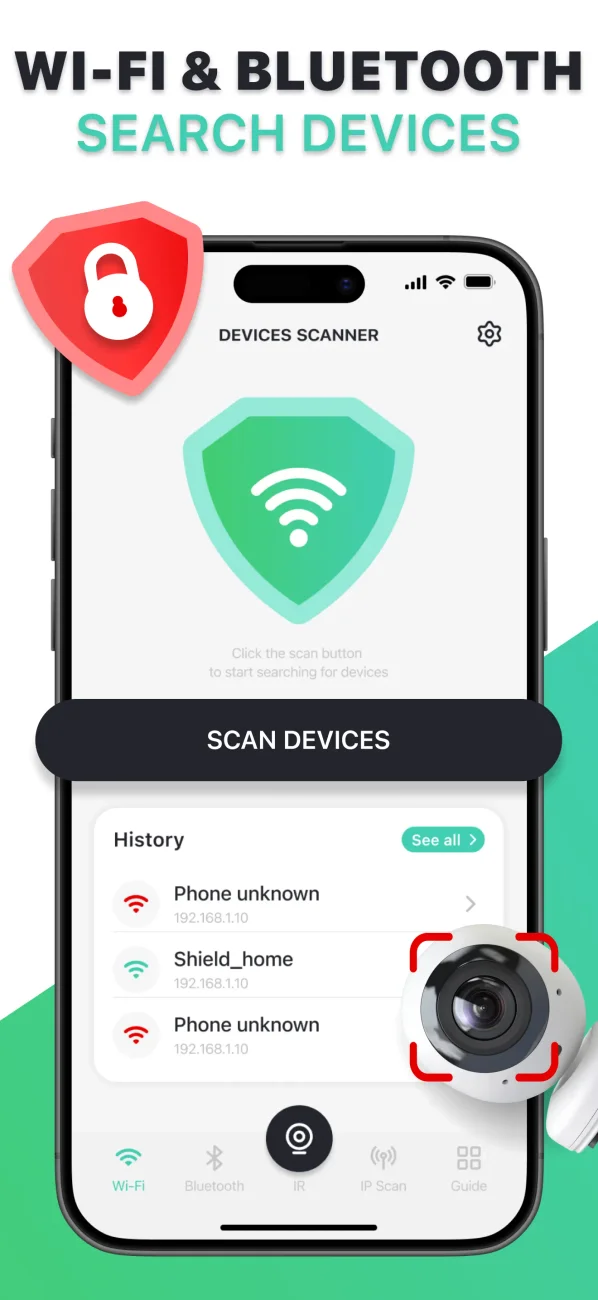
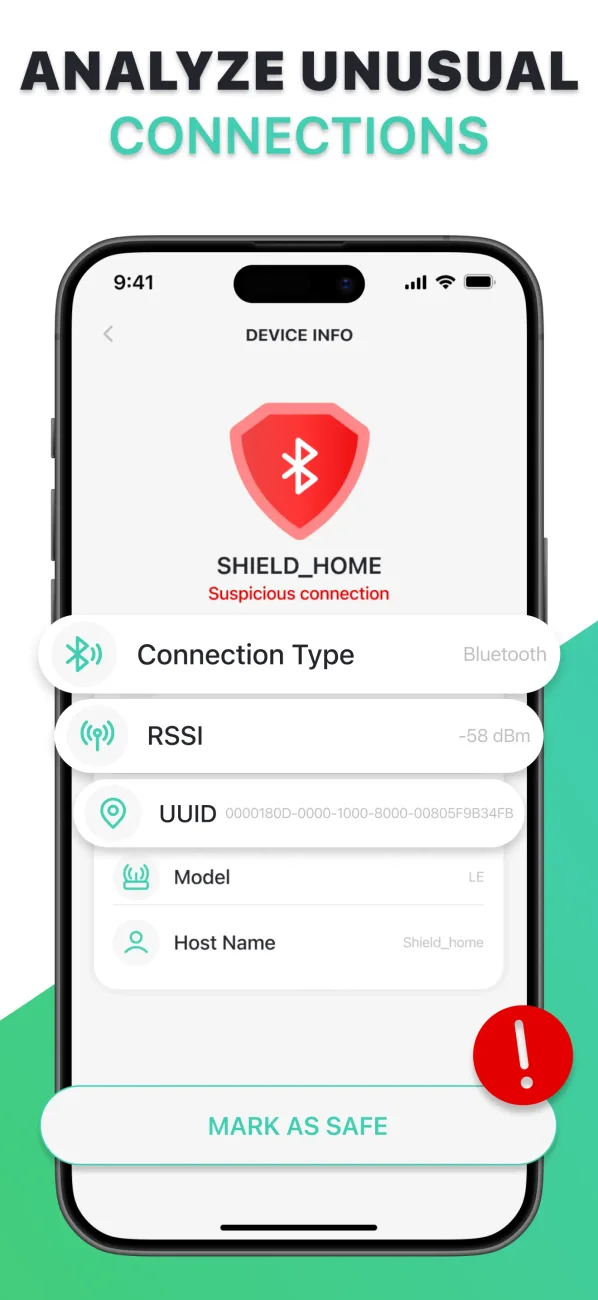
Start with real-time scans of nearby Wi-Fi and Bluetooth activity. The app helps you identify unexpected or unauthorized devices that may be connected to the same network or paired via Bluetooth. This functionality is especially valuable when using unfamiliar or public networks, giving you clarity on who — or what — is sharing your space.
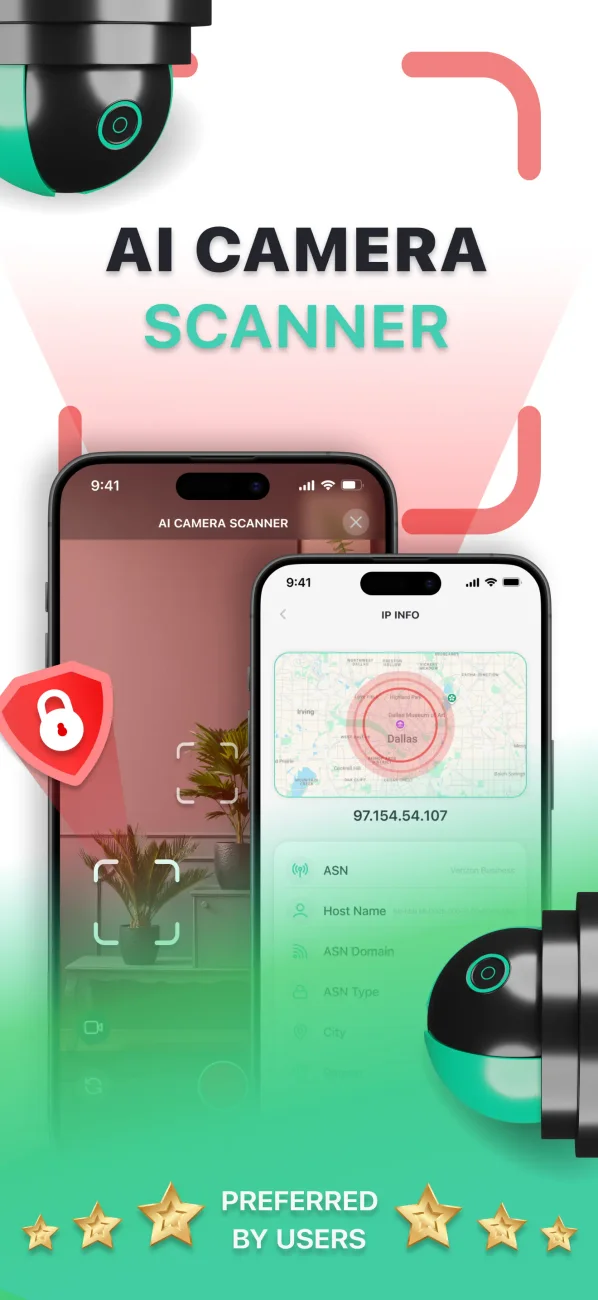
AI Camera Scanner powered by CoreML — visually identifies potential hidden cameras by detecting known device shapes in the live camera feed adds another level of visibility. By activating this mode, you can scan your room for light sources that aren’t visible to the naked eye. Bright points on the AI Camera Scanner display could indicate the presence of hidden or low-profile electronics. Whether you're in a hotel room, office, or new apartment, this tool lets you perform a visual sweep in seconds.
All scans are stored automatically in a clear, organized log. This lets you track changes in your environment, compare past sessions, and investigate if something unusual shows up. The interface is streamlined - no distractions, just simple and effective tools that work right away.
You’ll also find built-in guidance for how and where to scan. From identifying odd network names to knowing which corners of a room to focus on with AI Camera Scanner , these tips make the app helpful even for first-time users. It’s privacy protection you can actually use.
Explore all functionalities:
Unlimited scan sessions across Wi-Fi and Bluetooth modes;
Full AI Camera Scanner scanner access for enhanced visual detection;
IP tracking with background updates and privacy insights;
A clean, ad-free experience with faster performance and early feature access.
Premium Plan:
Week Pro
Month Pro
Annual Pro
All subscriptions offer a 3-day trial. Your iTunes account will be charged post-purchase confirmation. Auto-renewal is enabled unless you disable it at least 24 hours before the current period expires. Control your subscriptions and renewal settings in Account Settings.
Privacy Policy and Terms of Service information:
Privacy:https://nitmanulcona.pro/PrivacyPolicy.html
Terms:https://nitmanulcona.pro/TermsOfUse.html
Support:sanmariachez963@nitmanulcona.pro
Download now and take control of your environment — wherever you go.
What’s new
Version 1.1 · Oct 22, 2026
small bug fixes, reliability and stability improvements
App privacy
What Maria Sanchez declares on the App Store about how this app handles data.
-
Data not linked to you
May be collected but is not linked to your identity.
- Usage data
Privacy practices may vary, for example with the features you use or your age.
Information
- Seller
- Maria Sanchez
- Category
- Utilities
- Version
- 1.1
- Updated
- Oct 22, 2026
- Released
- Jun 13, 2025
- Size
- 86.1 MB
- Requires
- iOS 16.0 or later
- Age rating
- 4+
- Price
- Free
- In-app purchases
- Yes
- Languages
- English
- Copyright
- © 2025 Maria Sanchez
You might also like
-
 Rok: Universal TV LED ControlRemoto Smart Screen Cast & RGB
-
 Hidden Device Monitor - TTPSWIFI Analyzer Bluetooth Detect
-
 Find My Device: Phone, EarbudsBluetooth Scanner & Tracker
-
 Nearby Device Scanner - FinderNetwork Scan & Camera Detector
-
 Invoice Maker: Receipt ScannerInvoices Generator & Receipts
-
 Camera Finder - Device ScannerScan Hidden Devices & Signals
-
 Direct TV Remote Control AppSmart & Universal Controller
-
 Bluetooth Finder, WiFi ScannerFInd Device, Air BLE Tracker
-
 Measure Tape: Distance Tool.Digital Measuring Ruler AR
-
 Flights Tracker | Flight RadarAirplane Live Tracker: Fly 24