
- Age rating4+
- CategoryProductivity
- DeveloperSerhii Tyaglovsky
- LanguagesEnglish
- Size7.3 MB
Links to the official App Store page
Download.org hosts no file of Hilka Clip. The button opens its official App Store page, published by Serhii Tyaglovsky. Listing last checked on Nov 20, 2026.
Screenshots

About
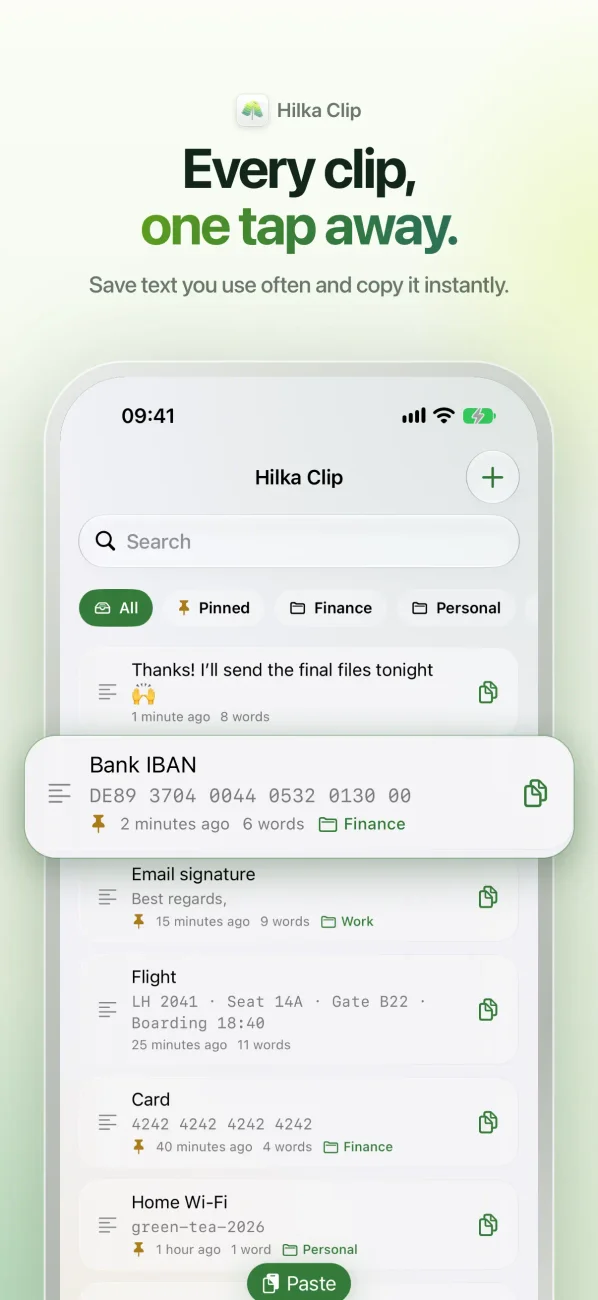
Hilka Clip is a lightweight clipboard and text snippets manager designed to make repeated copy and paste faster.
Save text you use often, organize it into groups, pin important clips, and access them directly from a custom keyboard extension. It is useful for quick replies, templates, links, usernames, addresses, notes, IDs, and any other text you paste regularly.
Features:
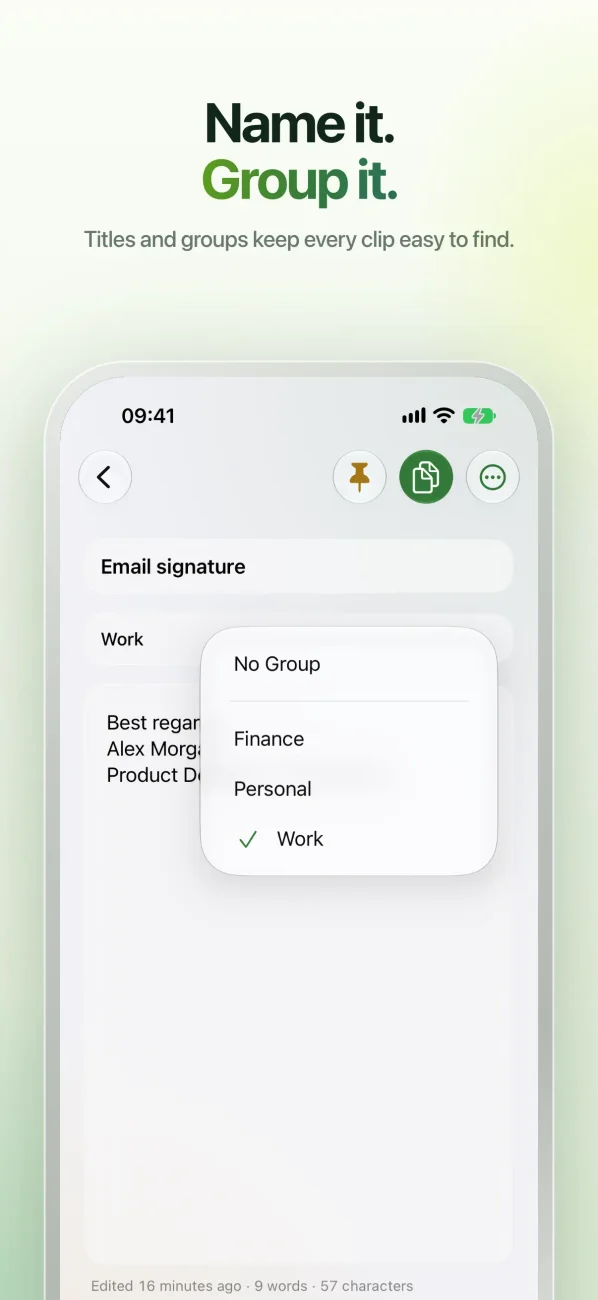
• Save custom text clips with titles and previews
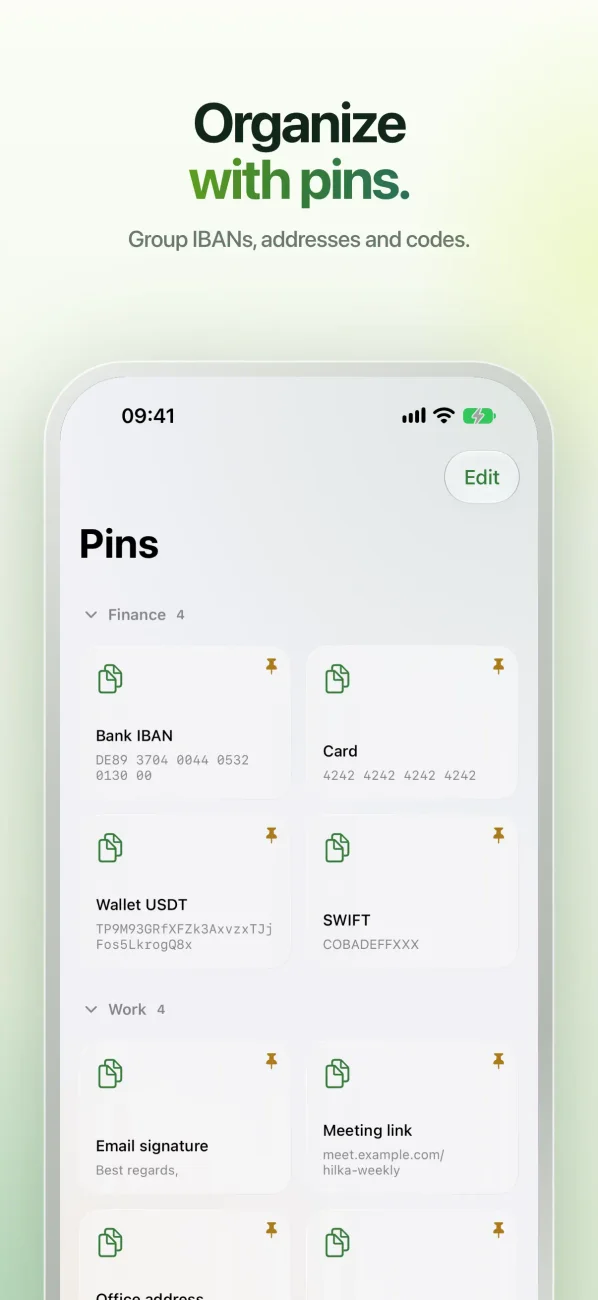
• Organize clips into groups
• Pin important clips for quick access
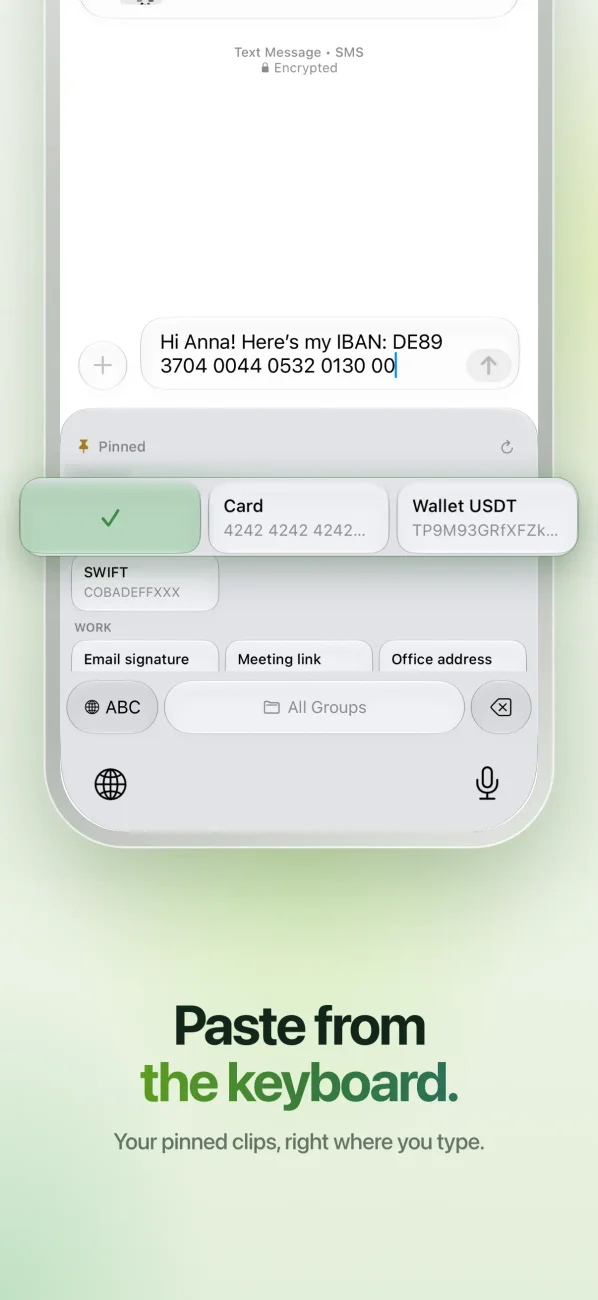
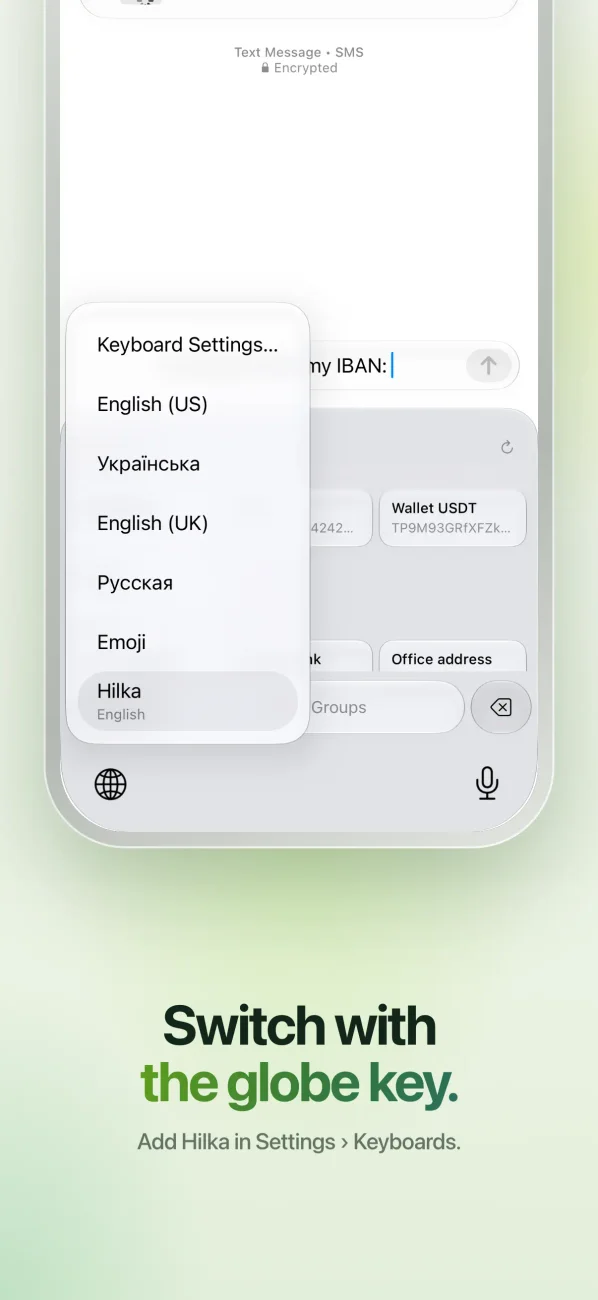
• Paste saved clips from the custom keyboard
• Keep clipboard history inside the app
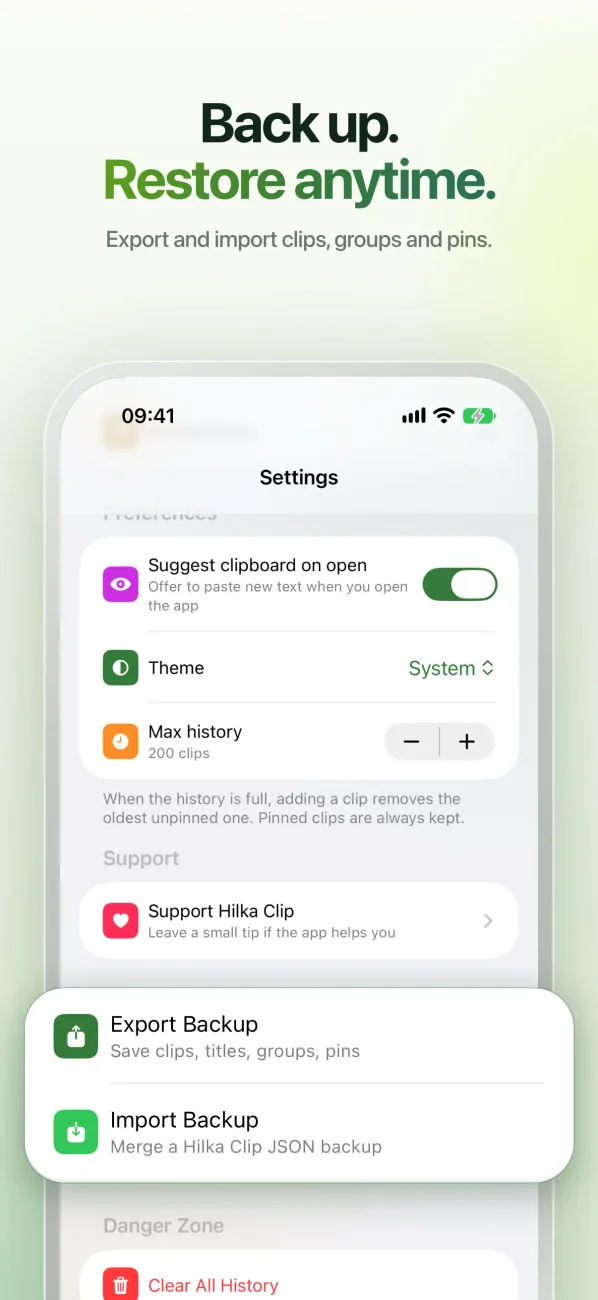
• Export and import backups as JSON
• Simple, clean, iOS-style interface
Hilka Clip is focused on text snippets. Add the keyboard in iOS Settings, enable Full Access, and your pinned clips will be available from the keyboard whenever you need them.
What’s new
Version milk 2.0.2 · Nov 11, 2026
yourClipboard is now Hilka Clip — with a new name, a new icon and a lot of new features.
• New name and icon. The app is now Hilka Clip and the keyboard is called Hilka, with a fresh green look that matches Hilka for Mac.
• Home Screen widget. Tap a pinned clip to copy it without opening the app. Choose all pins, a group, or specific clips. Content stays hidden — only titles or a masked preview are shown.
• Liquid Glass keyboard. The Hilka keyboard has been redesigned to blend in with the system keyboard.
• iPad and iPhone Duo. A new two-column layout with your clips on the left and the editor on the right. On iPhone Duo it splits exactly at the fold when half open.
• Faster saving. New clipboard text is suggested when you open the app and saved with the system Paste button — no permission prompts.
• History limit. Choose how many clips to keep; pinned clips are always kept.
• Easier to read. Monospaced font for codes and IBANs, Dynamic Type support, better VoiceOver labels and higher contrast in light mode.
• Pins now fill the whole screen on iPad, scroll smoothly on iPhone, and the “Copied” confirmation no longer covers the text.
• Plus many smaller fixes and improvements.
App privacy
What Serhii Tyaglovsky declares on the App Store about how this app handles data.
-
Data not collected
The developer does not collect any data from this app.
Privacy practices may vary, for example with the features you use or your age.
Information
- Seller
- Serhii Tyaglovsky
- Category
- Productivity
- Version
- milk 2.0.2
- Updated
- Nov 11, 2026
- Released
- May 19, 2026
- Size
- 7.3 MB
- Requires
- iOS 26.4 or later
- Age rating
- 4+
- Price
- Free
- In-app purchases
- Yes
- Languages
- English
- Copyright
- © 2026 Serhii Tyaglovsky
You might also like
-
 Better Coach: AI Life CoachLess Talk. More Action.
-
 Kalenda – All Your CalendarsEvery account. One calendar.
-
 PlanRemindAll in one planner and tracker
-
 Yantra: Second BrainPrivate notes you can talk to
-
 Onava: Morning Ritual & GoalsDaily planner & priorities
-
 VF Tracker UAProductivity
-
 Habidots - Daily Habit TrackerBetter way to track your habit
-
 Mushtra: Habit TrackerDaily streaks. Weekly scores.
-
 Clipboard Keyboard SnippetsPaste Saved Text in Any App
-
 Polymer - Clipboard ManagerSave, organize and reuse clips