
Hoc Drop
Show your pics on their phones
Designed for iPhone
Free · In-app purchases
- Age rating4+
- CategoryPhoto & Video
- DeveloperHoc Drop, LLC
- LanguagesEnglish+ 22 more
- Size9.1 MB
Links to the official App Store page
Download.org hosts no file of Hoc Drop. The button opens its official App Store page, published by Hoc Drop, LLC. Listing last checked on Nov 17, 2026.
Screenshots



About
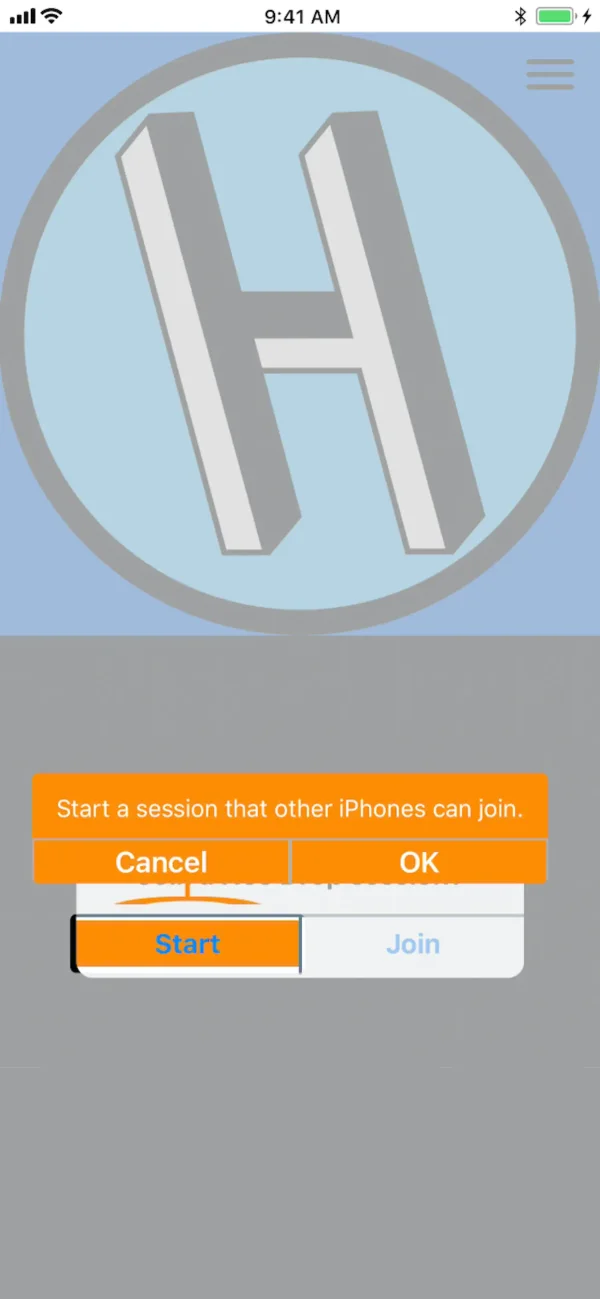
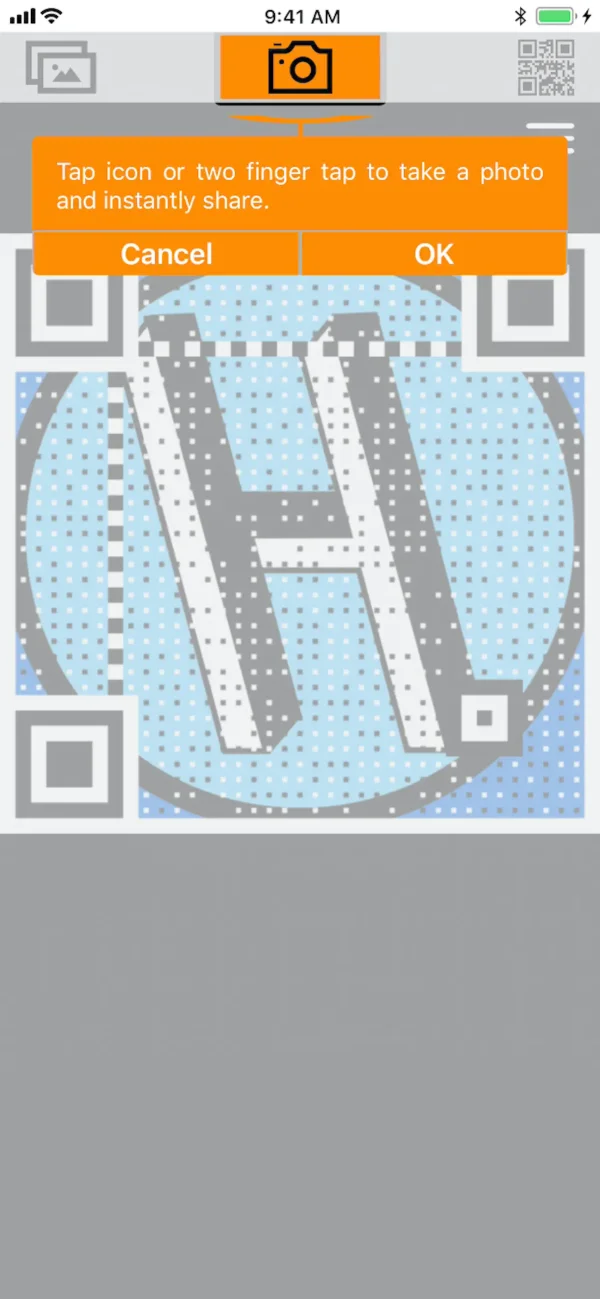
Hoc Drop lets you screen share photos fast with up to 8 friends in the room.
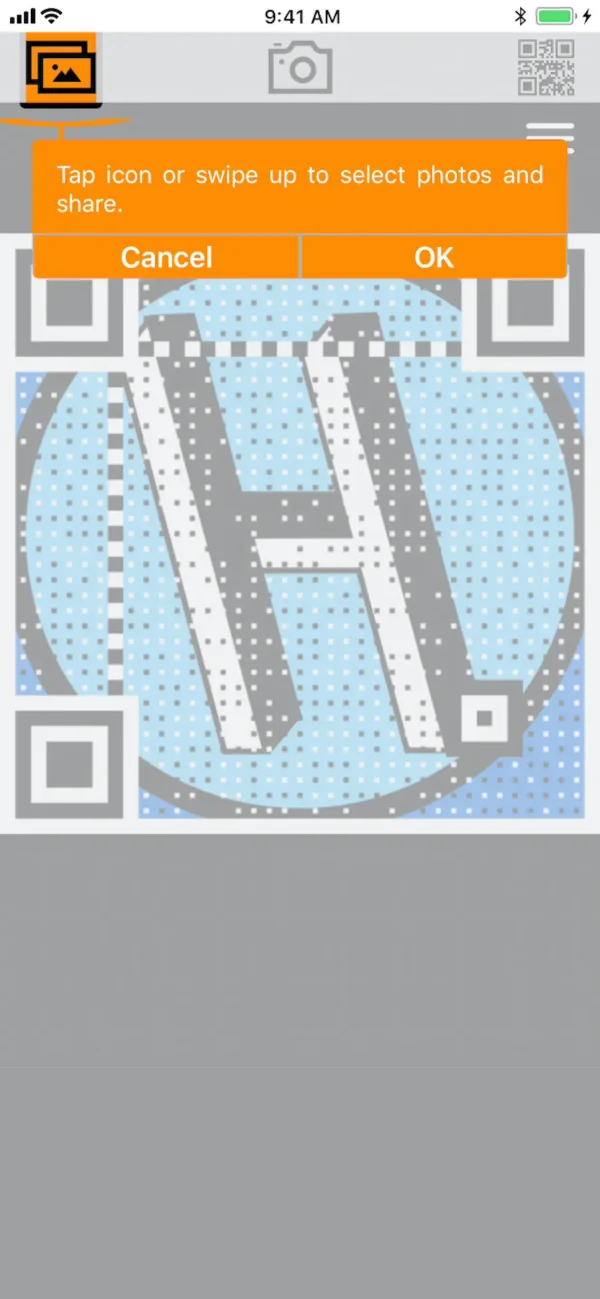
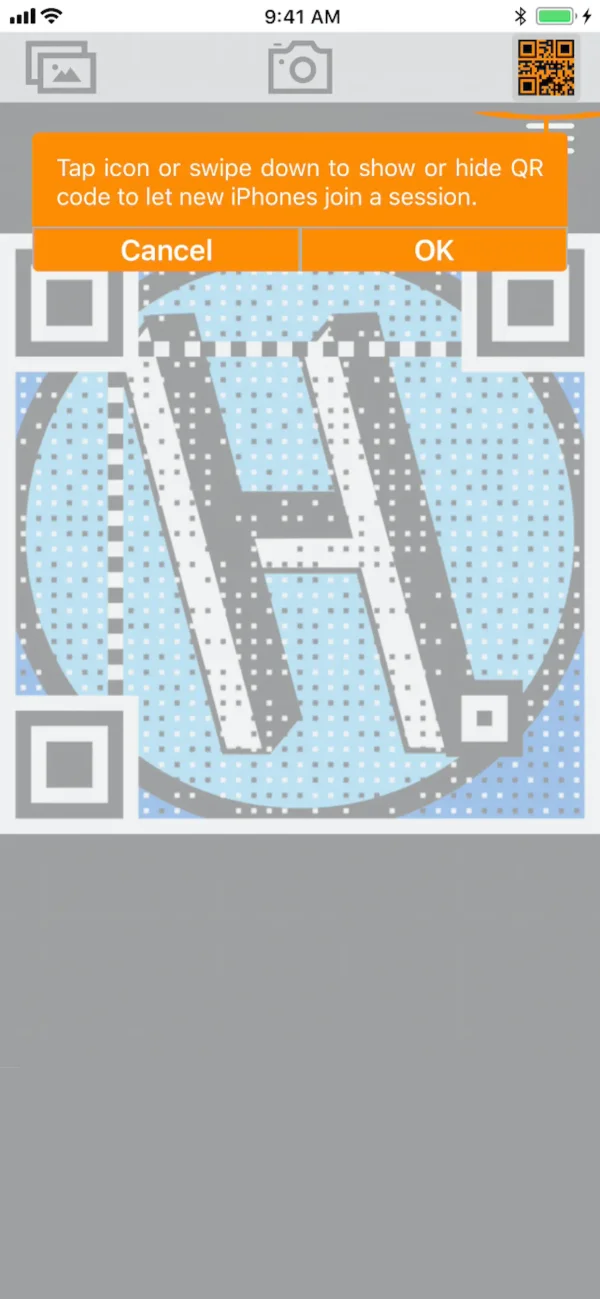
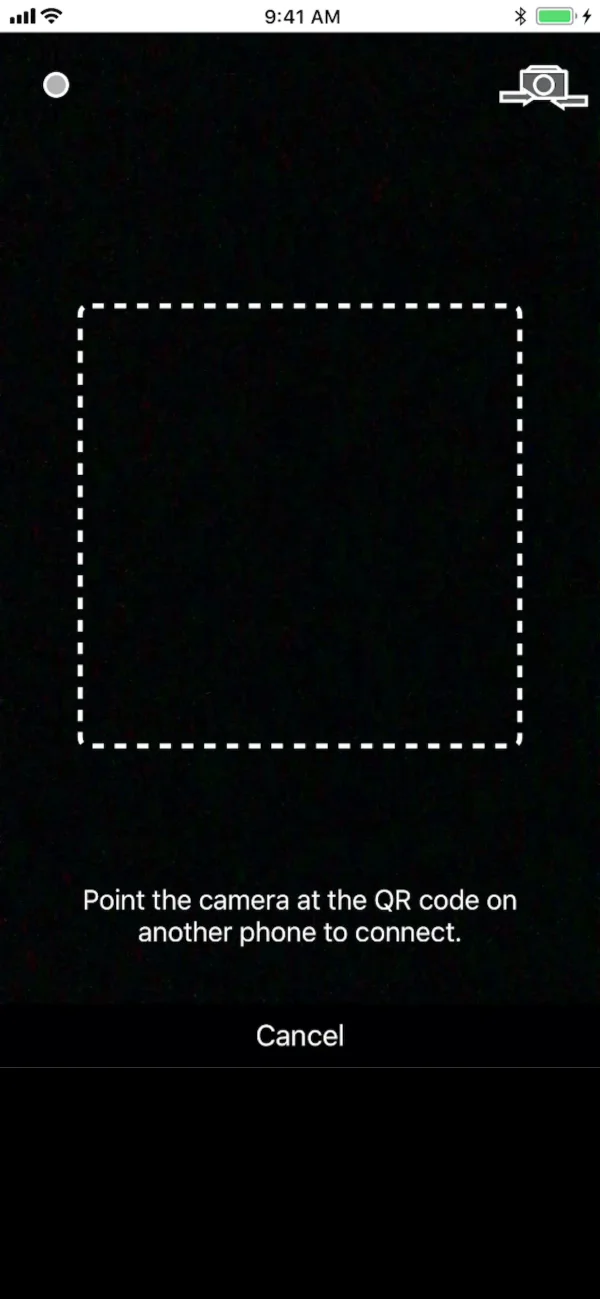
When you are hanging out with friends, start Hoc Drop and point the camera at the Hoc Drop logo on your friend's phone. This will connect the two phones fast. Select ONLY the photos you want to share from your camera roll to display on your friend's phone.
Hoc Drop creates a private network with the iPhones in the room, and only sends the photos locally.
- Never hand that phone off again.
Nobody likes to hand their phone off to the crowd so they can show a few pictures from their last adventure. With Hoc Drop you don't have to give your phone away. Just create a Hoc Drop session, and then show the photos that you choose to show.
- Photos are NOT copied, only displayed on your friend's phones.
Photos you show with Hoc Drop are never copied to the viewer’s phone. They are just displayed, and when the session is over, none of the photos remain on your friend's phone.
Once the session is over, Hoc Drop doesn't remember anything. It doesn't save any information about you or your photos.
You don't need another way to send a copy of photos to friends, but you do need a way to show the photos instantly in a fast and secure way to your friends while you are at dinner, or just hanging out at the house.
- You control the photos you choose.
We all want to show our photos to other people when we get together, but most of us have thousands of photos on our iPhones, and we don't want to give access to all of them to everyone. With Hoc Drop, you select ONLY the photos you want to show to people in the session.
- How to download Hoc Drop fast.
Point your iPhone camera at the Hoc Drop logo on your friend's phone, and you will be taken to the app store to instantly download the app.
- Hoc Drop is NOT an internet application
There is no web server. There are no accounts to set up, no email addresses, or personal profiles to fill out. Hoc Drop uses Wifi and Bluetooth to connect two iPhones directly, without the internet, in a private network. This private network allows you to select photos to show on the other phones in the session.
- Paid version of Hoc Drop eliminates Ads.
The free version of Hoc Drop works great, but has banner ads that may overlap your photos. Get the paid version of Hoc Drop for 99 cents to remove Ads.
- Multiple sessions in the same room.
If you are at dinner running Hoc Drop, the people at the next table can run Hoc Drop in a different session, that doesn’t interfere or overlap with your session. Small groups of people in a larger group of people can all run Hoc Drop sessions simultaneously without interfering with other Hoc Drop sessions.
What’s new
Version 2.2 · Jul 14, 2026
General improvements and bug fixes.
App privacy
What Hoc Drop, LLC declares on the App Store about how this app handles data.
-
Data used to track you
May be used to track you across apps and websites owned by other companies.
- Identifiers
- Usage data
-
Data linked to you
May be collected and linked to your identity.
- Identifiers
-
Data not linked to you
May be collected but is not linked to your identity.
- Location
- Identifiers
- Usage data
- Diagnostics
Privacy practices may vary, for example with the features you use or your age.
Information
- Seller
- Hoc Drop, LLC
- Category
- Photo & Video
- Version
- 2.2
- Updated
- Jul 14, 2026
- Released
- Aug 19, 2019
- Size
- 9.1 MB
- Requires
- iOS 16.6 or later
- Age rating
- 4+
- Price
- Free
- In-app purchases
- Yes
- Languages
- English, Arabic, Danish, Dutch, Finnish, French, German, Greek, Indonesian, Italian, Japanese, Korean + 11 more
- Copyright
- © 2019 Hoc Drop, LLC
You might also like
-
 STMCAM配信対応のビデオカメラ
-
 DualCam Master PlusCapture front and back camera
-
 SetMyCameraPhotography Calculator
-
 HFK NAVPhoto & Video
-
 Video Converter Pro - Compress15+ Formats, Watermark
-
 轻相册 · Lighten一键瘦身 · 让相册更清爽
-
 CrossLensPhoto & Video
-
 秒燃AI-AI带货视频·商品图一键成片Photo & Video
-
 Gradira: Photo Color EditorLUT Filters & Color Grading
-
 CoolCam:双镜头拍摄相机&分屏拍摄&双拍相机&横竖拍摄Photo & Video