HoldCalcPro
Hold Calculator & Visualizer
Designed for iPhone, iPad, iPod touch
$4.99
- Age rating4+
- CategoryNavigation
- DeveloperKingswell Productions
- LanguagesEnglish
- Size2.1 MB
Links to the official App Store page
Download.org hosts no file of HoldCalcPro. The button opens its official App Store page, published by Kingswell Productions. Listing last checked on Nov 17, 2026.
Screenshots





About
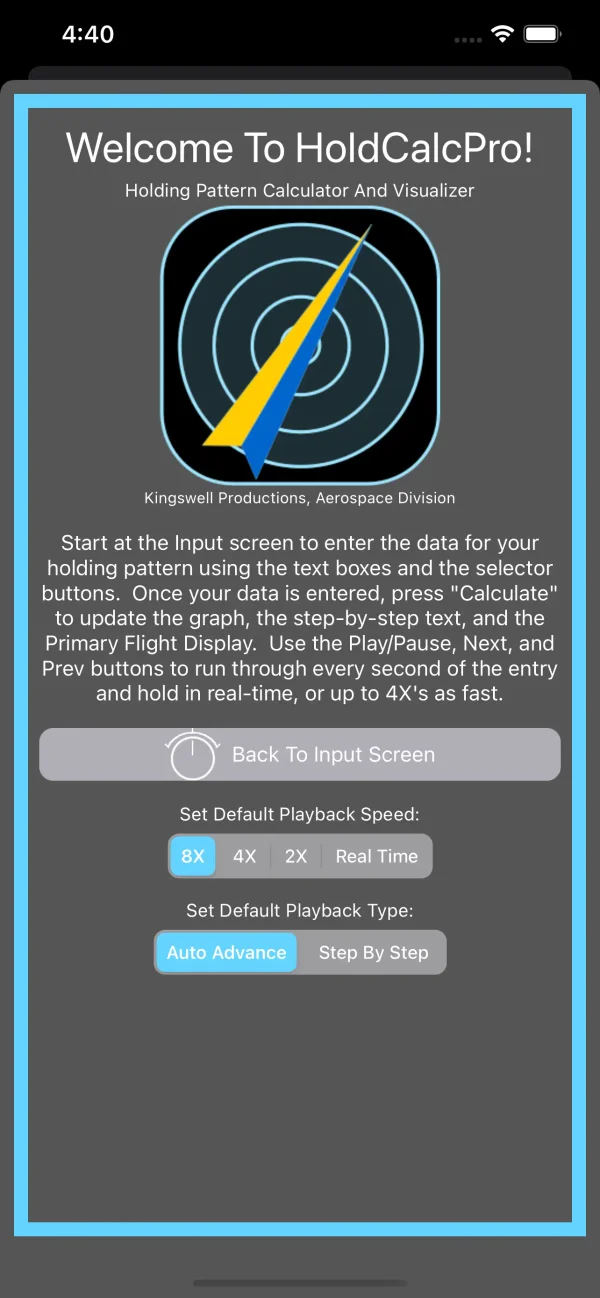
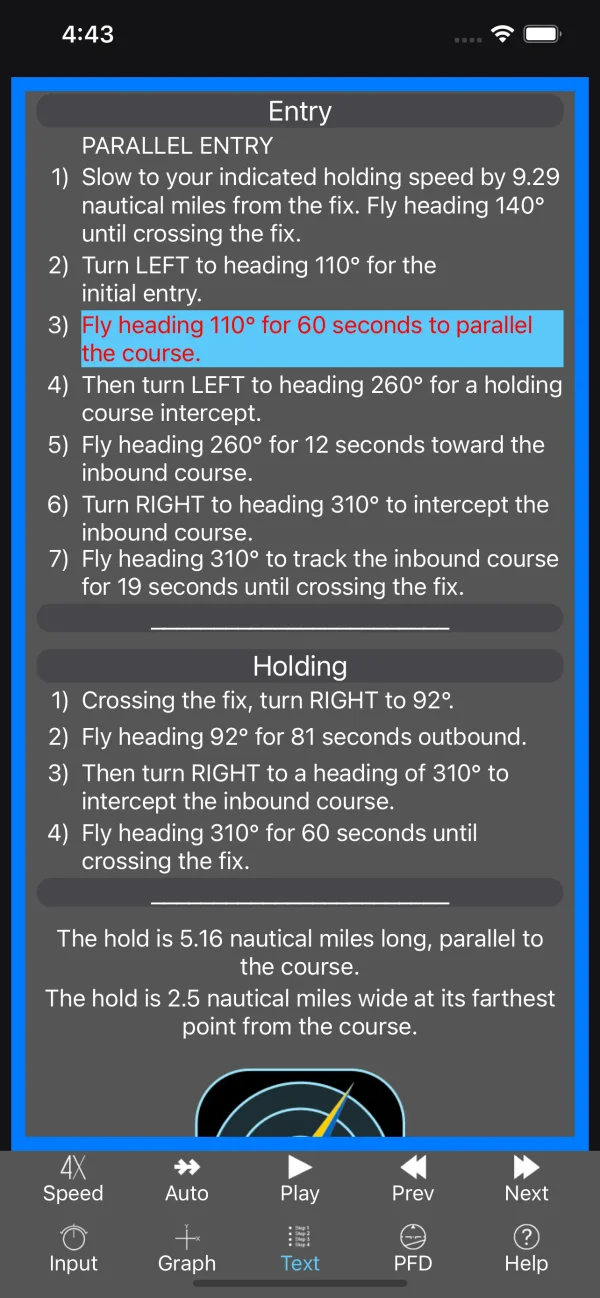
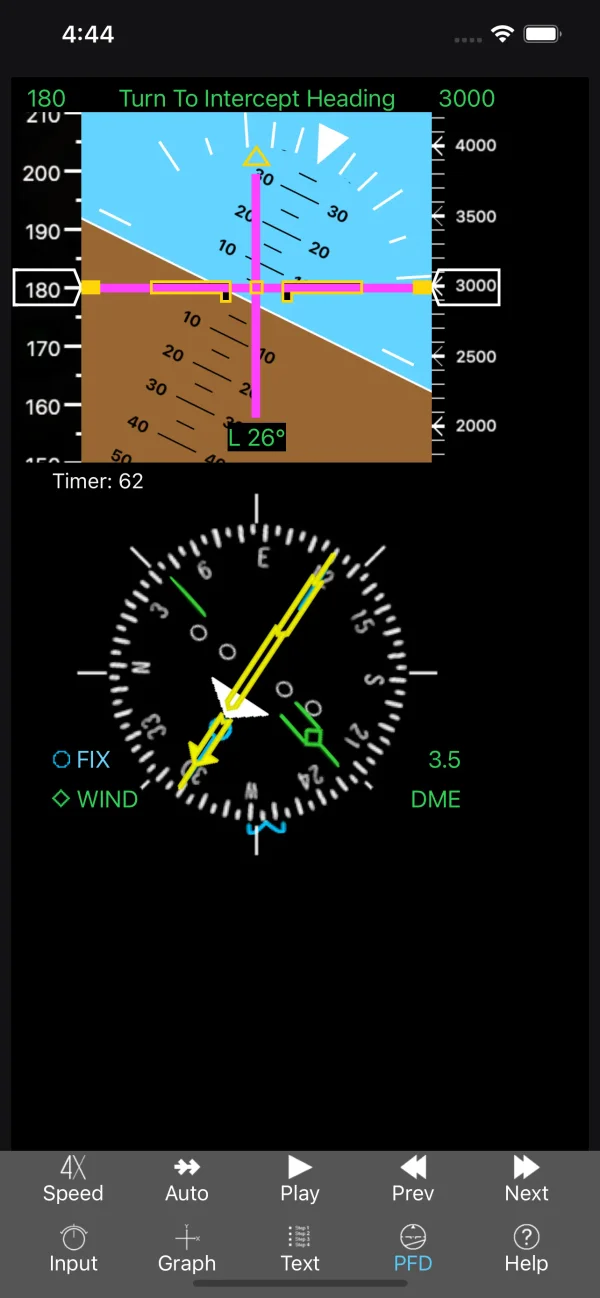
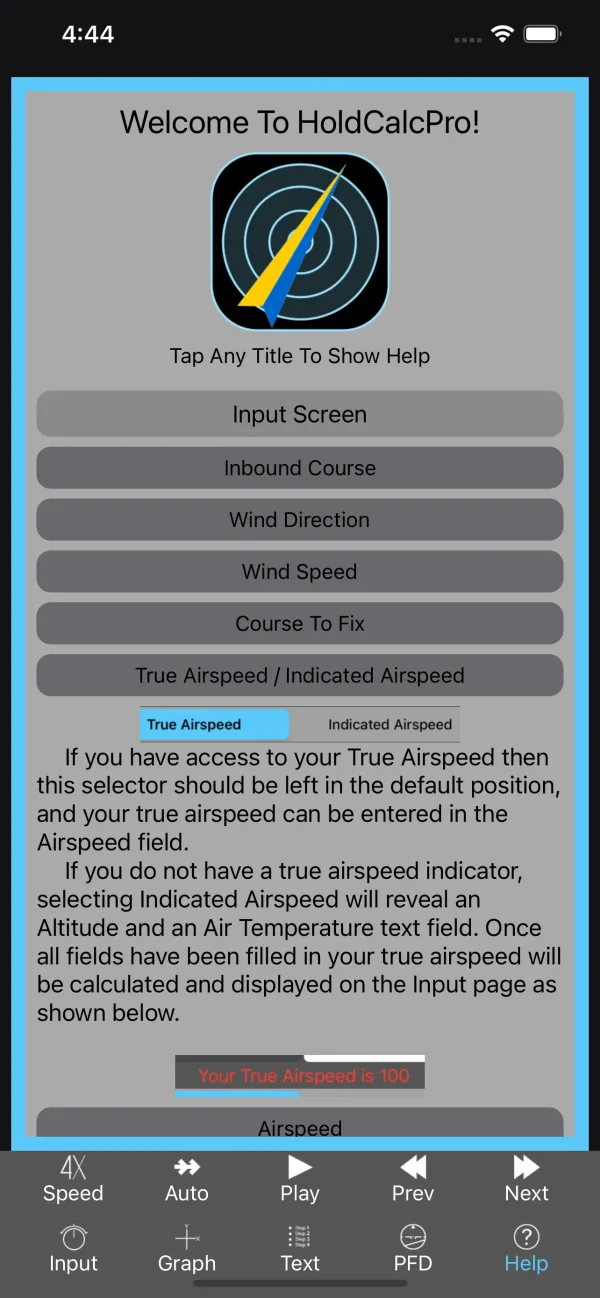
HoldCalcPro calculates the precise headings and times required to perform the proper entry procedure, and holding pattern. A simple input page allows a pilot to quickly enter the hold data with the onscreen keyboard and selector buttons, without the need to direct attention away from other tasks. Press "Calculate" to update the answer screens: a "Graph" for an overhead view, a "Text" page listing all the steps for the entry and the holding pattern, and a "PFD" page allowing the pilot to see what the indications in the cockpit would look like while performing each step.
Once your hold has been calculated the graph view allows orienting the hold as it would be on a chart (North Up) or with the holding course toward the top of the screen. The graph view also includes a wind direction and speed indicator, a legend for a sense of scale, a North indicator, and the outbound heading and time required for the hold. A yellow, segmented line indicates the FAA's "70° line" for determining which entry procedure to use, and this line is drawn 1 NM to either side of the fix to help with the scale of the hold.
The text view plainly shows the required entry procedure, and EVERY heading needed to complete the entire entry and hold, as well as the time for each segment. No other holding pattern calculator gives you the exact headings and times to fly for the entry procedure - there is no guesswork involved in getting you to line up with the inbound course exactly as you roll out of your turn.
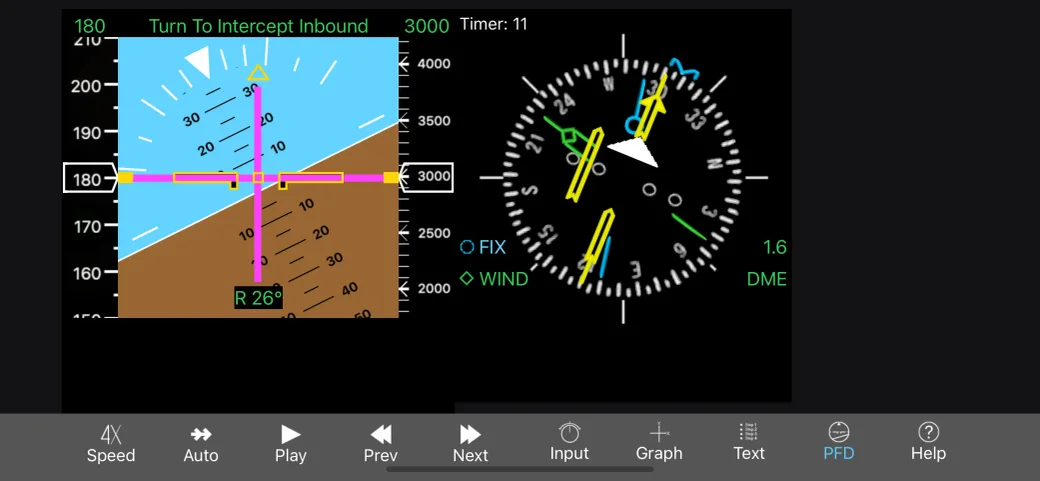
The PFD view allows the pilot to see what the indications will look like when the procedure is executed properly, helping instrument students compare the procedure to the instrument readings, and enhancing the development of situational awareness.
Compare different views side-by-side (2 views on iPhone in landscape, and 3 views simultaneously on iPad) and use the playback controls to go through the hold second-by-second. The entry and hold are divided into segments, and as you move through the procedure (with the Play, Next, and Prev buttons) the graph view, text view, and PFD view show a synchronized movement through every second. This is the ultimate in building the visualization required for instrument flying, as the overhead view clearly shows where the plane is, as the PFD shows CDI movements, RMI needles, DME readout, and each segment can be played, and replayed. To get a quick preview of the entire hold, set the playback speed to 8X, and the playback to "Auto", and the entire procedure will sequence itself.
For the seasoned professional pilot, the "answer" you want is in the upper-left corner of the graph view. No more adjusting the outbound time or heading to eventually get the "perfect" roll out on the inbound. Just do it the first time.
This app is a must-have for instrument flight instructors hoping to help their instrument students develop the ability to turn holding instructions into action.
The entry steps alone can help you perform flawless procedure turns that join the final approach course as you roll out on the required heading to track the final!
While holding patterns are not usually done for entertainment, why increase your workload while there are more important things to consider (like: Where is the weather good? How long can I spend in this hold before "Bingo"? and, Are there alternates I've yet to consider?) Make your instrument flying more comfortable and enjoyable by giving yourself the opportunity to manage your flight, rather than play "guess-and-check" bracketing your outbound course and time.
What’s new
Version 1.2 · Oct 21, 2025
Minor bug fixes.
App privacy
What Kingswell Productions declares on the App Store about how this app handles data.
-
Data not collected
The developer does not collect any data from this app.
Privacy practices may vary, for example with the features you use or your age.
Information
- Seller
- Kingswell Productions
- Category
- Navigation
- Version
- 1.2
- Updated
- Oct 21, 2025
- Released
- Oct 11, 2021
- Size
- 2.1 MB
- Requires
- iOS 14.5 or later
- Age rating
- 4+
- Price
- $4.99
- Languages
- English
- Copyright
- © 2021 Kingswell Productions
You might also like
-
 FlightSightAviation Sight Level App
-
 Hold Entry CalculatorFind Entry Type in Seconds
-
 Holding Pattern Computerwith wind correction & timing
-
 GeoChartsGeo-referenced aviation charts
-
 AeroAltitudeDensity altitude calculation
-
 Nav Trainer ProIFR Navigation Trainer
-
 Fly OklahomaTravel
-
 MGRS@WorkMGRS Navigation Made Easy
-
 Holding Pattern TrainerNavigation
-
 Virtual VOR-DMEPlace a VOR anywhere you want