- Age rating4+
- CategoryUtilities
- DeveloperMaurizio Cinti
- LanguagesEnglish+ 1 more
- Size33.8 MB
Links to the official App Store page
Download.org hosts no file of Home Floorplan. The button opens its official App Store page, published by Maurizio Cinti. Listing last checked on Nov 17, 2026.
Screenshots

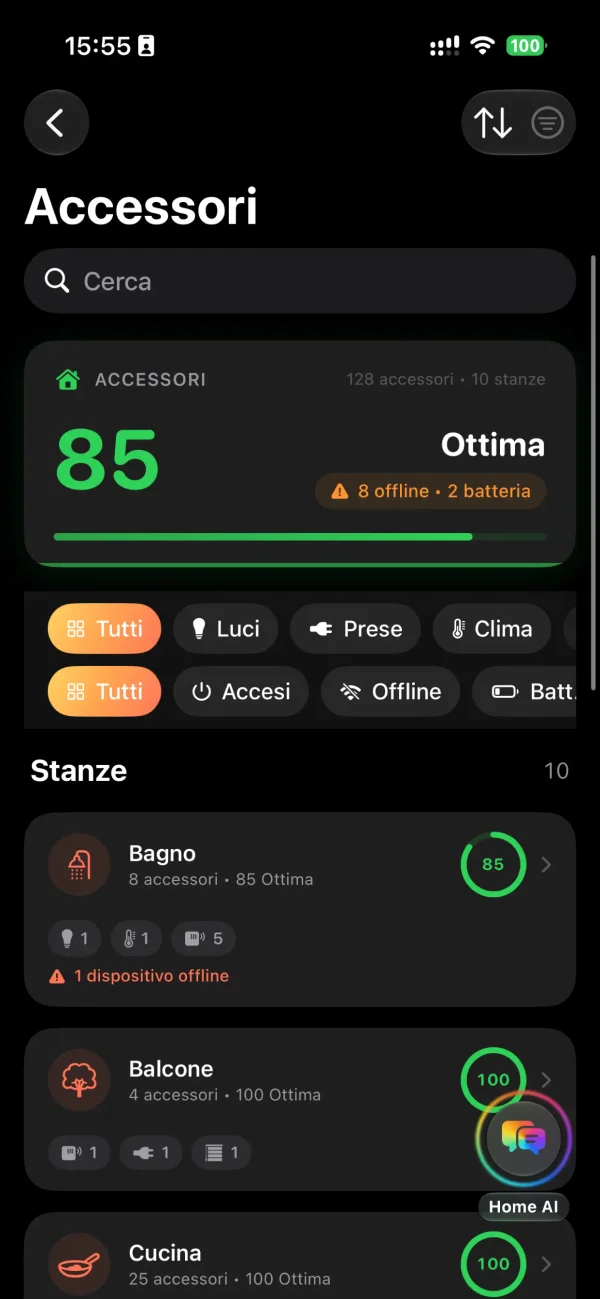
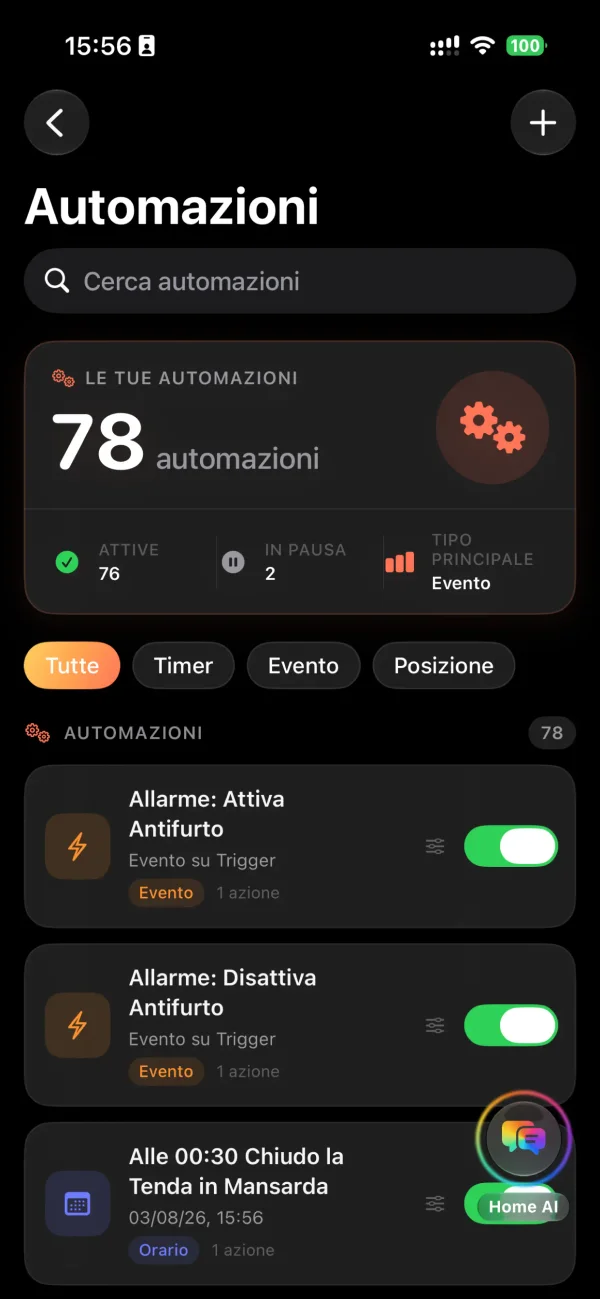
About
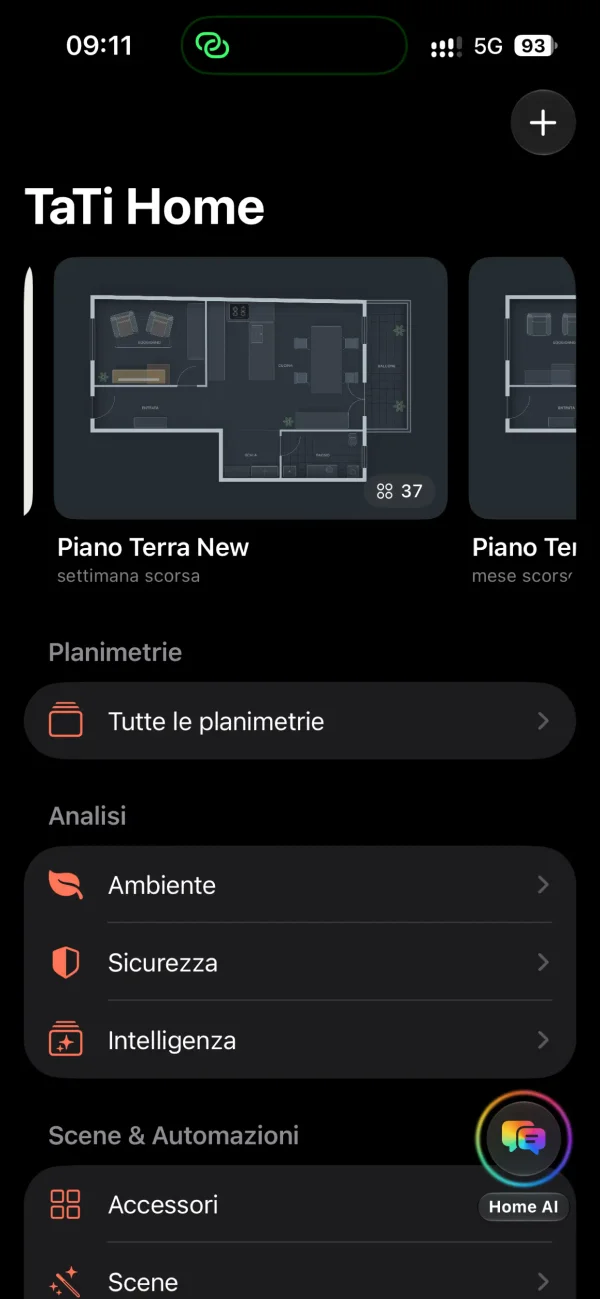
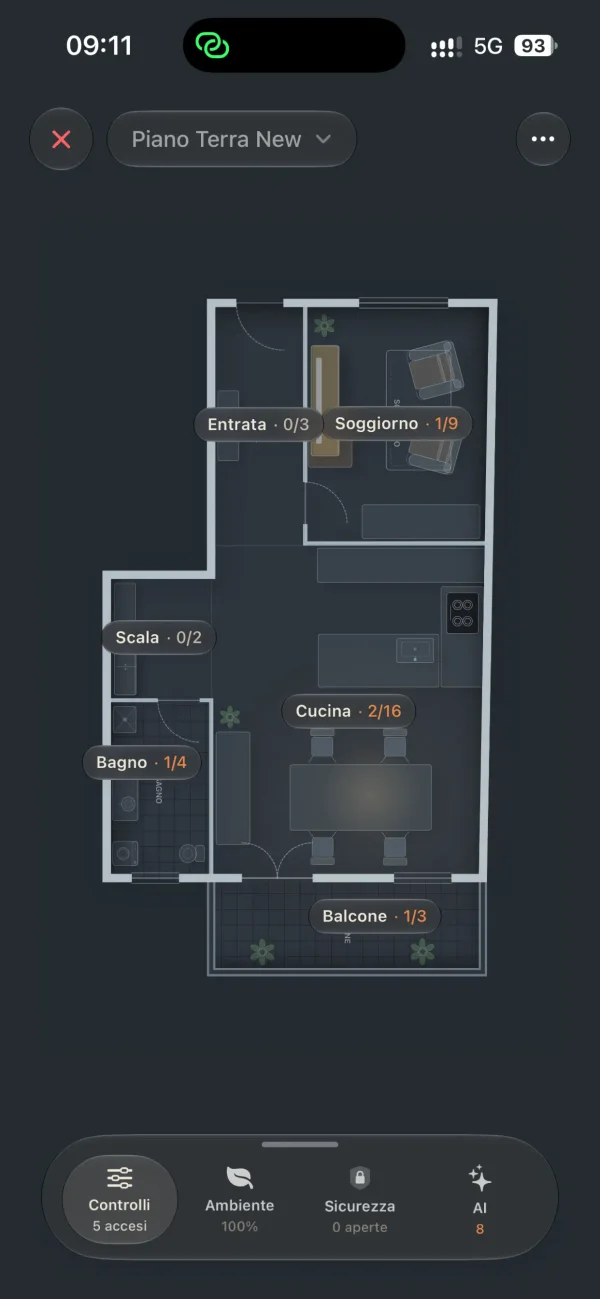
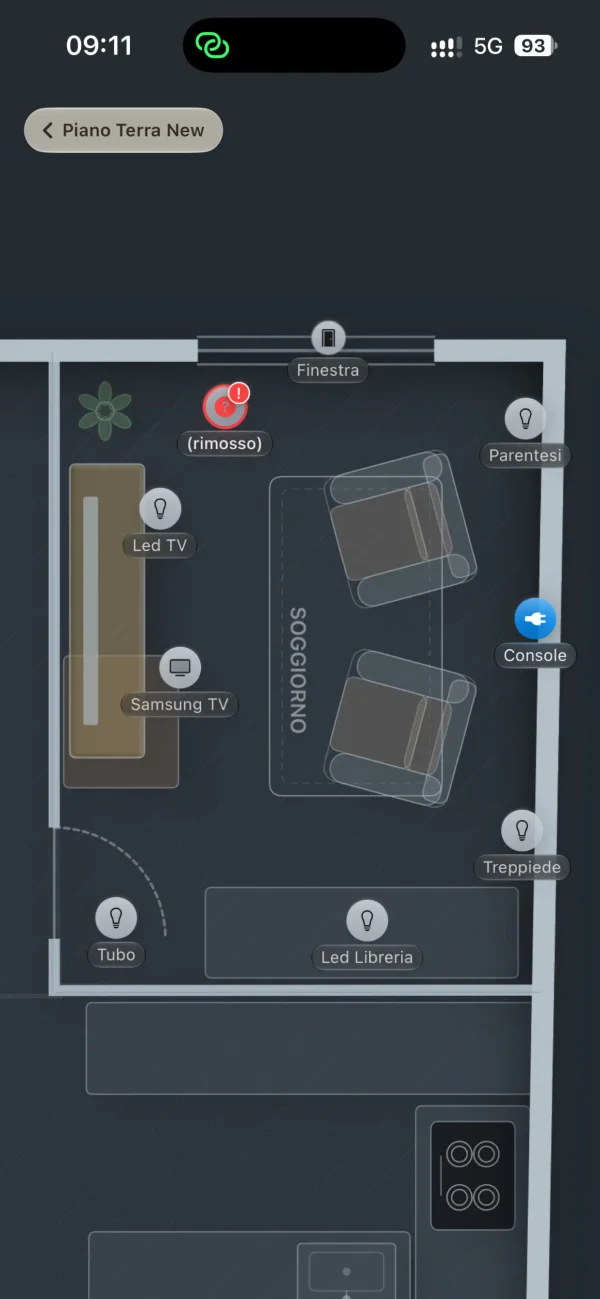
Home Floorplan gives your Apple Home setup a visual control layer.
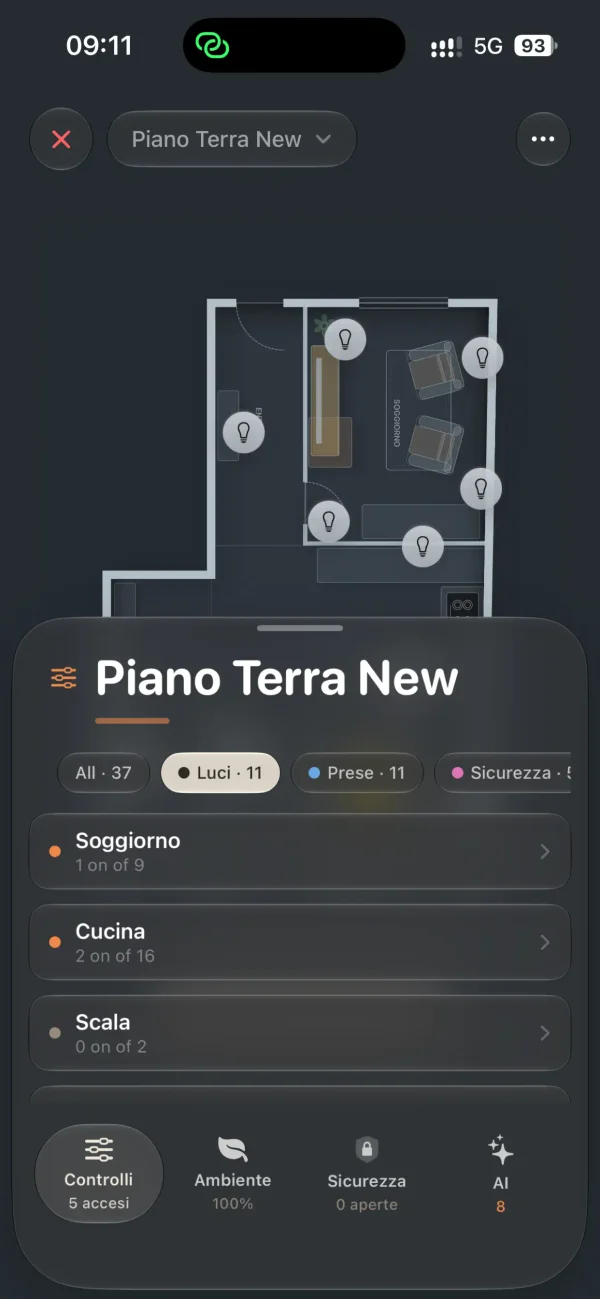
Place accessories on a floorplan, open room details, control lights, climate devices, sensors, covers, locks, and scenes, then build automations with a focused editor designed for real homes.
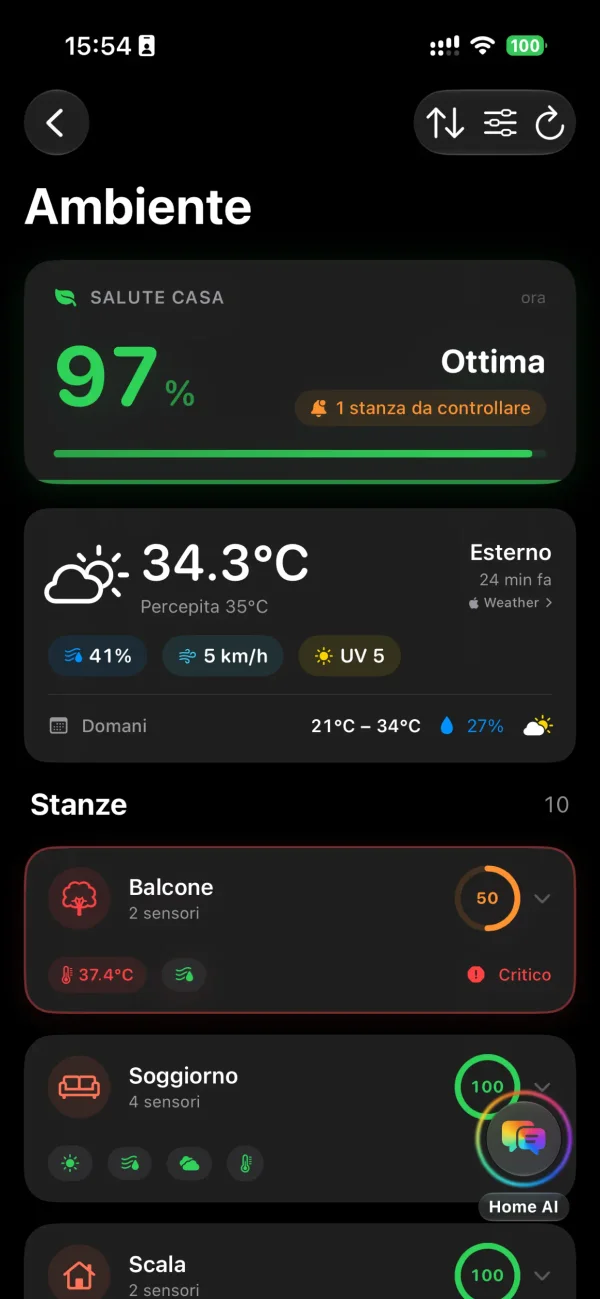
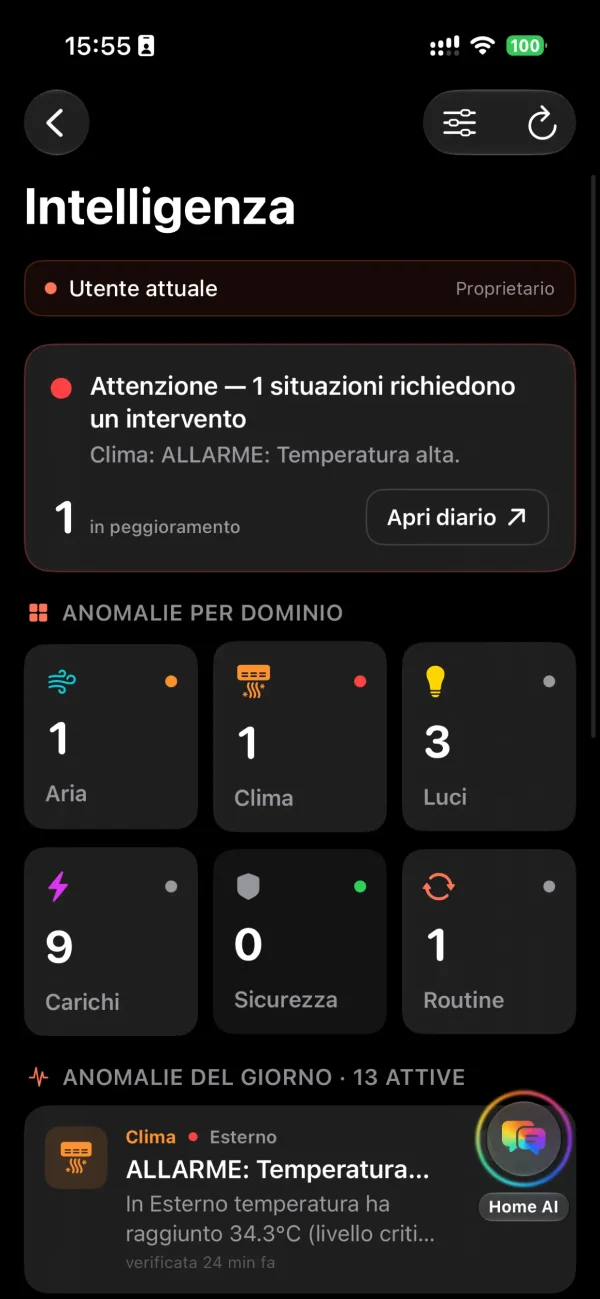
The app can help you understand environmental trends, review smart home habits, and generate optional AI-assisted suggestions when you choose to configure an AI provider. Your home remains under your control: HomeKit permissions are required for accessory access, and AI features are optional.
Key features:
- Interactive floorplan for HomeKit accessories
- Room-based accessory overview
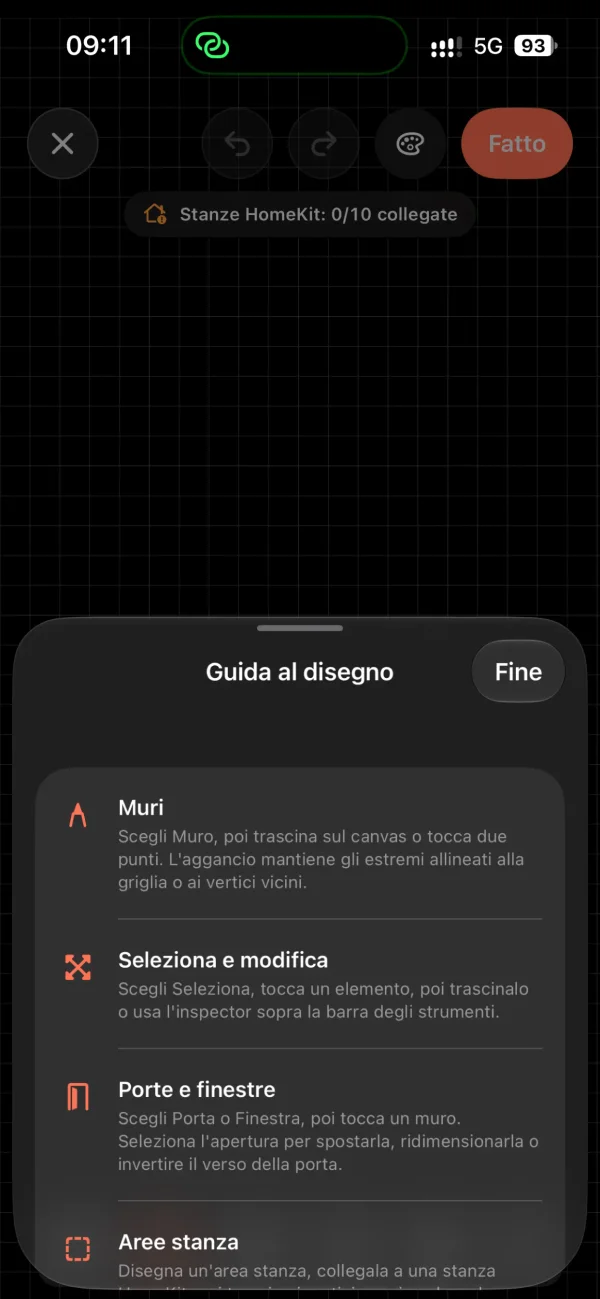
- Scene and automation creation tools
- Environmental dashboard for compatible sensors
- Smart suggestions for comfort, air quality, and routines
- Optional AI assistant for reviewing home context and actions
- Local-first saved floorplan and app preferences
- Home Floorplan is designed for people who want a clearer, more spatial way to manage a HomeKit home.
Some features require compatible HomeKit accessories, sensors, Apple Home permissions, and optional provider configuration for AI features.
What’s new
Version 1.2 · Oct 9, 2026
What's new in 1.2
• Your home in 3D. A new 3D view built from your floorplan, with Environment and Security layers.
• A brand-new floorplan. Four tabs, Controls, Environment, Security and AI, with their status right under the name. On iPad, details open in a panel next to the map.
• The day ribbon. Below the floorplan you see what already happened and what's coming: automations, sunrise and sunset, calendar events (if you turn them on) and the commands you gave by hand. Tap a moment for details, skip an automation just once with "Not this time", and scroll back to yesterday or ahead to the next days.
• Your home follows the sun. The floorplan background changes through the day, and in the evening your lights are what light up the rooms. Press and hold the ribbon to see your home at another hour.
• Redesigned for iPhone. No more rotating your phone: tap a room to zoom in, and controls and tabs live in a panel you pull up from the bottom, one-handed.
• A tap does the most likely thing: lights and outlets toggle, everything else opens its controls.
• Filter by device type, and turn off everything you filtered with one tap.
• Actions right on the map: AI suggestions and your alarm offer the right action where it's needed.
• Placing devices is now guided, one room at a time.
• New rest screen for wall-mounted iPads: clock and weather, dimmed at night so it doesn't light up the room.
• Redesigned Scenes.
• More complete Italian and English translations, plus many fixes.
App privacy
What Maurizio Cinti declares on the App Store about how this app handles data.
-
Data not linked to you
May be collected but is not linked to your identity.
- Location
- Other data
Privacy practices may vary, for example with the features you use or your age.
Information
- Seller
- Maurizio Cinti
- Category
- Utilities
- Version
- 1.2
- Updated
- Oct 9, 2026
- Released
- Jul 31, 2026
- Size
- 33.8 MB
- Requires
- iOS 26.2 or later
- Age rating
- 4+
- Price
- Free
- Languages
- English, Italian
- Copyright
- © 2026 Maurizio Cinti
You might also like
-
 StellarVisionSmart Home Camera Monitor
-
 Charge GlanceBattery levels at a glance
-
 HomeGlo for HomeKit, Hue, LiFXHoliday RGB LED Controller
-
 GdAHomeUtilities
-
 Texpress: Show Text, Skip TalkBig Text Display, QR & Signs
-
 Home CamerasRTSP, ONVIF & PTZ Cam Viewer
-
 HD+ DashboardDashboard for Hubitat Hub
-
 InfoCard - Get More InfoDrag It! Drop It! Paste It!
-
 Threadlytics: Matter & ThreadMesh Health Diagnostics
-
 SAHN SmartSmart Home Application