Home Security Camera+
Surveillance Camera, Baby Cam
Designed for iPhone, iPad, iPod touch
Free · In-app purchases
- Age rating4+
- CategoryUtilities
- DeveloperOrin Light Limited
- LanguagesEnglish
- Size114.3 MB
Links to the official App Store page
Download.org hosts no file of Home Security Camera+. The button opens its official App Store page, published by Orin Light Limited. Listing last checked on Nov 20, 2026.
Screenshots
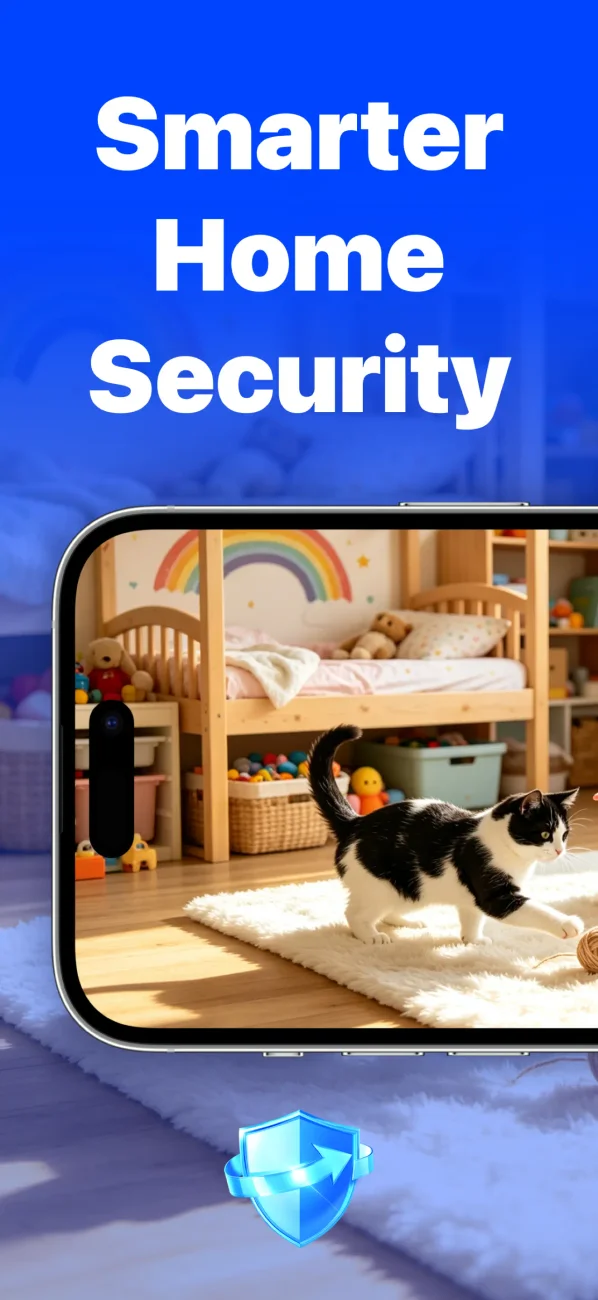


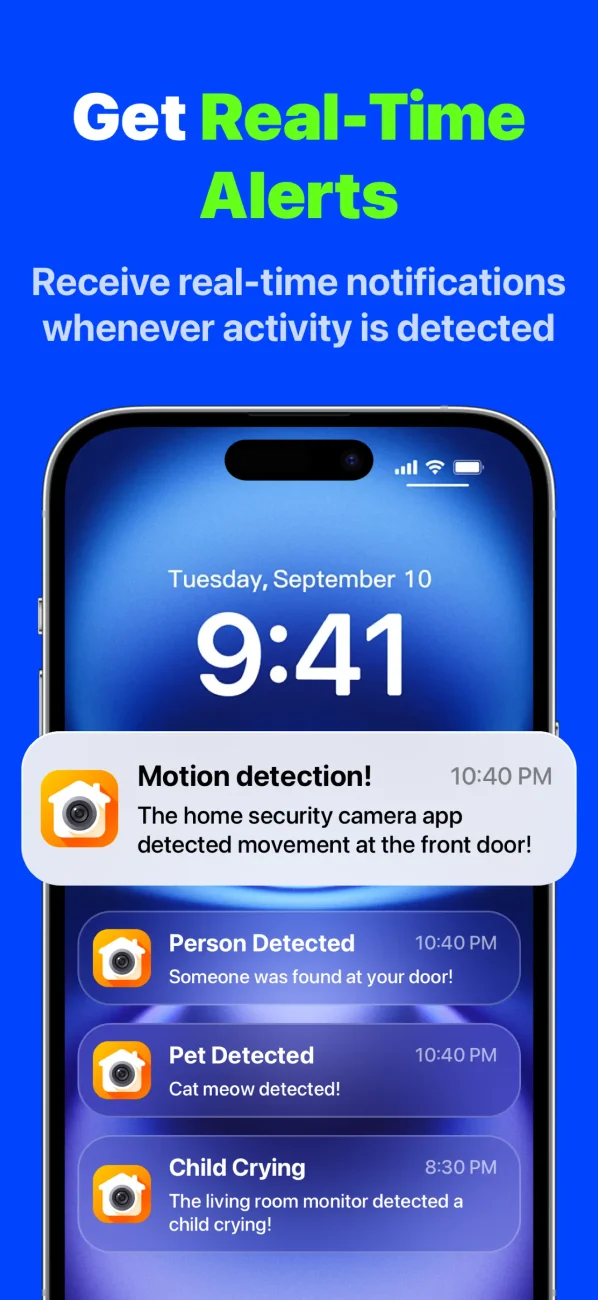
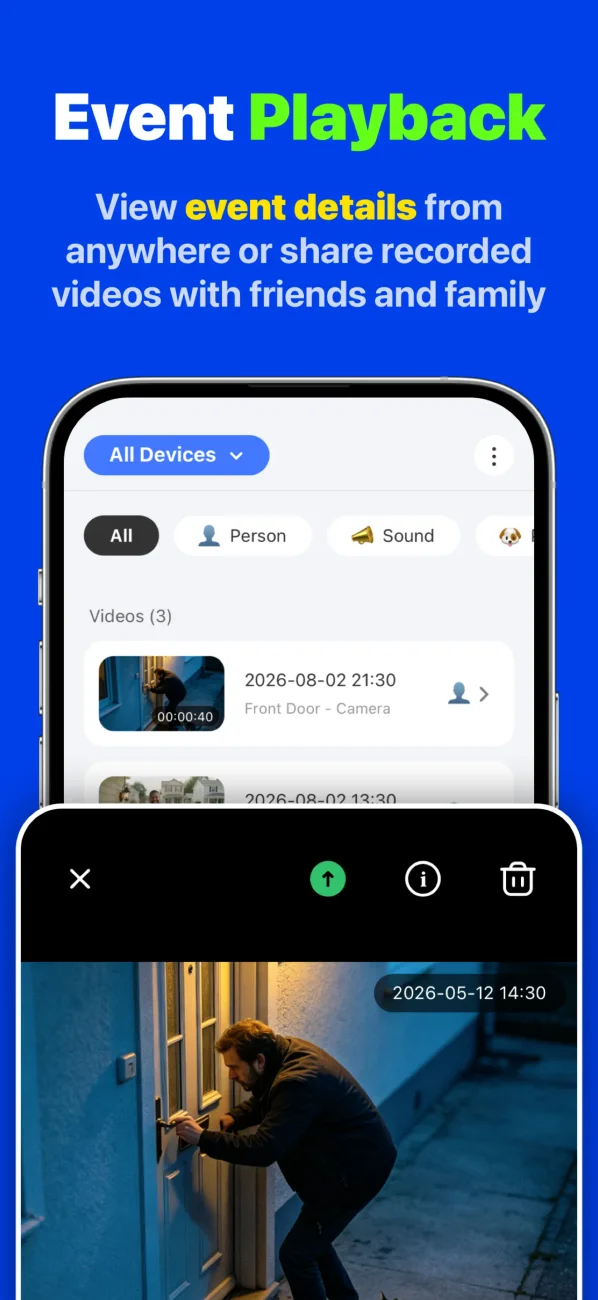
About
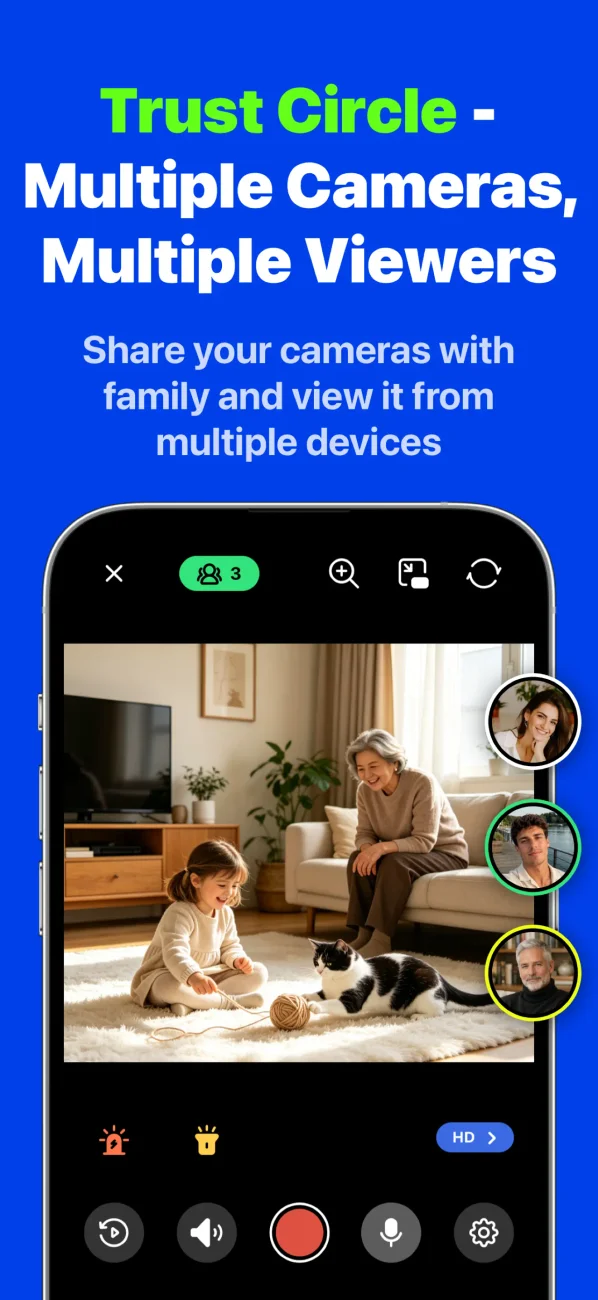
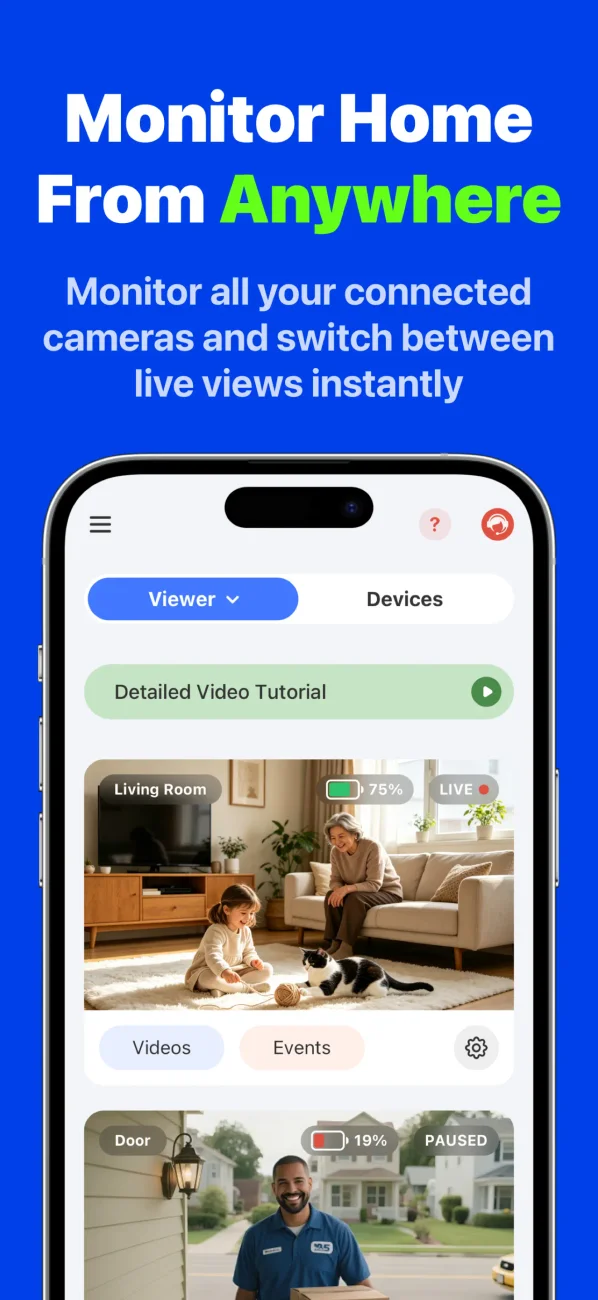
Turn your spare phone into a **Home Security Camera** and monitor your home remotely. This phone camera app lets you use two mobile phones to create a simple home security camera system. Set up one phone as a security camera and use another phone to watch the live camera feed from anywhere.
Whether you need an indoor security camera, home surveillance camera, baby monitor camera, or pet camera, put your old phone to work as a convenient camera monitoring solution.
## Turn Your Old Phone into a Security Camera
Give your spare smartphone a new purpose with a phone security camera. Instead of buying another camera device, use your existing phone as an indoor camera for home monitoring.
- Turn an old phone into a home security camera
- Use your smartphone as a wireless security camera
- Watch live camera video from another phone
- Monitor indoor spaces with a phone camera
## Live Camera Monitoring
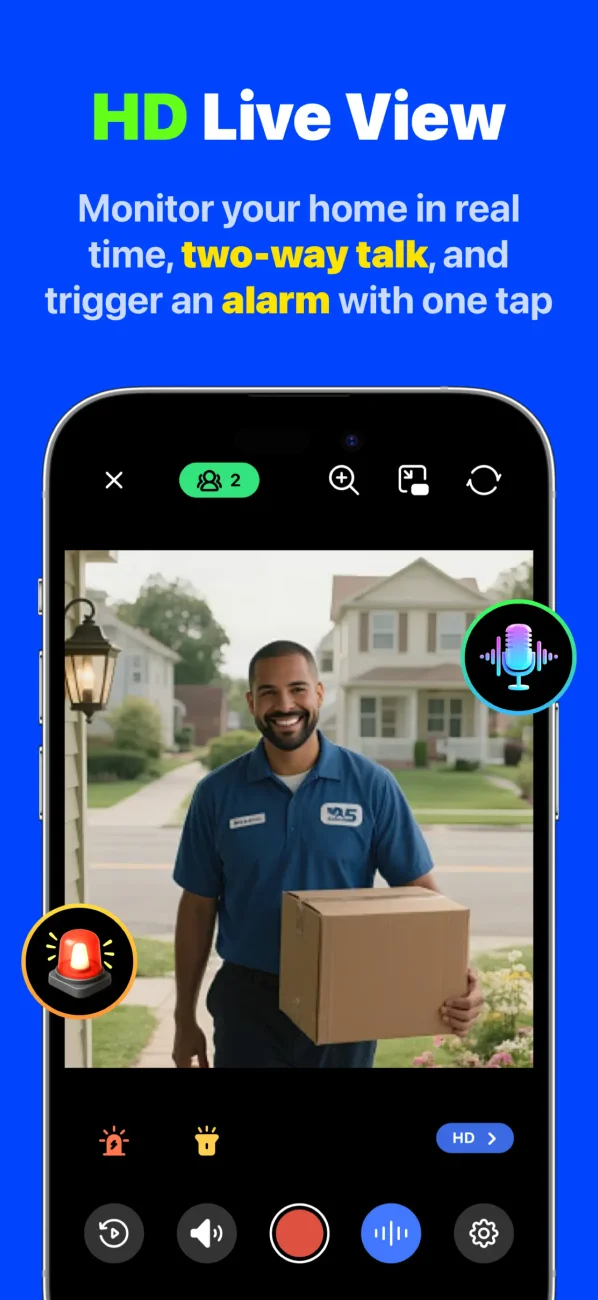
Stay connected to your home with live camera monitoring. Use one phone as the camera device and another as the remote viewer to check your home from wherever you are.
This security camera app provides a convenient way to use your phone as an indoor surveillance camera, home monitoring camera, or remote viewing camera.
## One Camera App, Multiple Uses
**Home Security Camera**
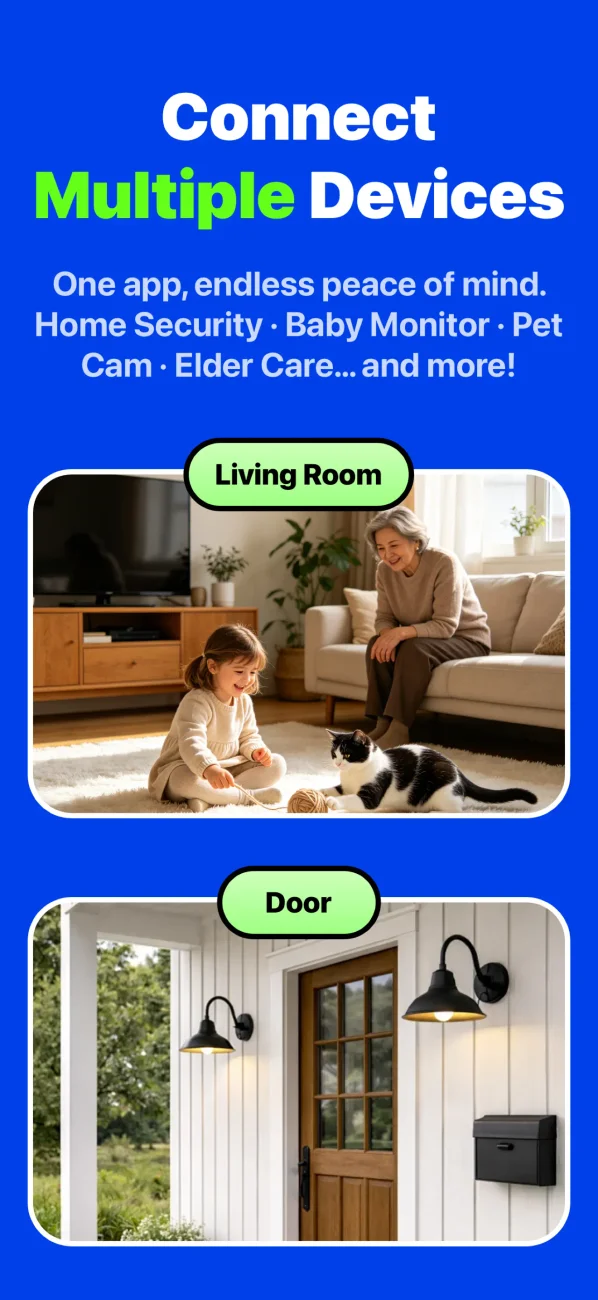
Turn your spare phone into a home security camera and monitor rooms, living spaces, and other areas of your home remotely.
**Indoor Security Camera**
Use your old phone as an indoor camera to keep an eye on your home, apartment, or personal spaces when you're away.
**Baby Monitor Camera**
Turn an extra smartphone into a baby camera monitor and check on your little one remotely while they rest.
**Pet Camera**
Use your phone as a pet camera to check on your dog or cat when you're not at home. Keep an eye on your pets with convenient live camera viewing.
**Nanny Cam**
Set up a phone camera for appropriate indoor monitoring and check your home environment remotely.
**Elderly Care Camera**
Use a spare phone as a home monitoring camera to check in on your loved ones and their surroundings.
**Office Security Camera**
Turn an old smartphone into an office camera or indoor surveillance camera to monitor your workspace remotely.
**Garage and Front Door Camera**
Position your phone camera in a suitable location to monitor your garage, entrance, or other areas around your home.
## How to Set Up Your Phone Camera
1. Prepare two mobile phones.
2. Place one phone where you want to monitor and set it up as the camera.
3. Use your second phone as the camera viewer.
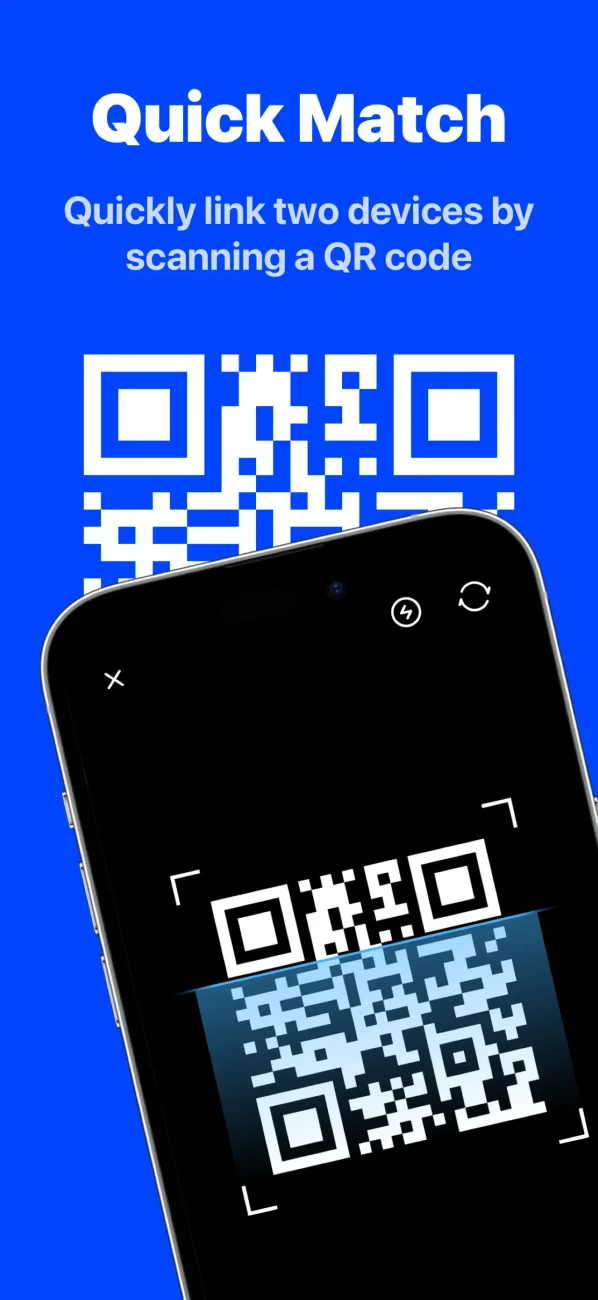
4. Connect both devices by following the in-app instructions.
5. Open the viewer phone to watch the live camera feed remotely.
Create your own phone-based home security camera system using devices you already own.
## A Convenient Home Camera Monitoring Solution
Looking for a home security camera, indoor camera, baby monitor, pet camera, or phone surveillance camera? This app helps you turn an unused smartphone into a practical remote monitoring camera.
Reuse your old phone instead of leaving it unused. Set up a phone camera, connect another device, and conveniently monitor your home with live video.
Download Home Security Camera APP and turn your spare phone into a useful home monitoring camera.
If you subscribe through Apple, your App Store account will be charged at confirmation of purchase.
- Payment will be charged to your iTunes account at confirmation of purchase.
- Subscription automatically renews unless auto-renew is turned off at least 24 hours before the end of the current period.
- Subscriptions may be managed by the user and auto-renewal may be turned off by going to the user's Account Settings after purchase
Standard Apple Terms of Use (EULA):
https://www.apple.com/legal/internet-services/itunes/dev/stdeula/
Privacy Policy:
http://security.thespeedgps.com/privacy-policy.html
What’s new
Version 1.2.4 · Nov 19, 2026
- Improved your home security camera experience with better performance and stability.
- Fixed bugs for smoother live view and remote monitoring.
- Keep using your spare phone as a security camera, baby monitor, or pet camera.
- Thanks for using Home Security Camera App!
App privacy
What Orin Light Limited declares on the App Store about how this app handles data.
-
Data used to track you
May be used to track you across apps and websites owned by other companies.
- Usage data
-
Data not linked to you
May be collected but is not linked to your identity.
- Identifiers
- Usage data
- Diagnostics
Privacy practices may vary, for example with the features you use or your age.
Information
- Seller
- Orin Light Limited
- Category
- Utilities
- Version
- 1.2.4
- Updated
- Nov 19, 2026
- Released
- Apr 7, 2026
- Size
- 114.3 MB
- Requires
- iOS 15.0 or later
- Age rating
- 4+
- Price
- Free
- In-app purchases
- Yes
- Languages
- English
- Copyright
- © Orin Light Limited
You might also like
-
 Security Camera: Home ScannerWiFi Scanner & Camera Connect
-
 Home Security Camera®Scan & Connect Network Camera
-
 Home Security: Camera ScannerScan & Review Network Devices
-
 Home Security Cam: ConnectDiscover,View & Manage Cameras
-
 Light Bulb Camera App GuideE27/V380/V720 WiFi Setup Help
-
 WiFi Radar+All-in-One WiFi Toolbox
-
 Home Security Camera FinderWi-Fi Scan & Camera Detector
-
 Home SecureCam ConnectFind & Link Cameras Instantly
-
 V380 WiFi Camera App ManagerManage & Monitor WiFi Cameras
-
 Remoto: Universal Remote TVRemote for All TV & Cast to TV