HomeFrame: Smart Dashboard
Your home, at a glance
Designed for iPad
Free · In-app purchases
- Age rating4+
- CategoryUtilities
- DeveloperRicardo Garcia Gonzalez
- LanguagesEnglish+ 8 more
- Size32.5 MB
Links to the official App Store page
Download.org hosts no file of HomeFrame: Smart Dashboard. The button opens its official App Store page, published by Ricardo Garcia Gonzalez. Listing last checked on Nov 17, 2026.
Screenshots

About
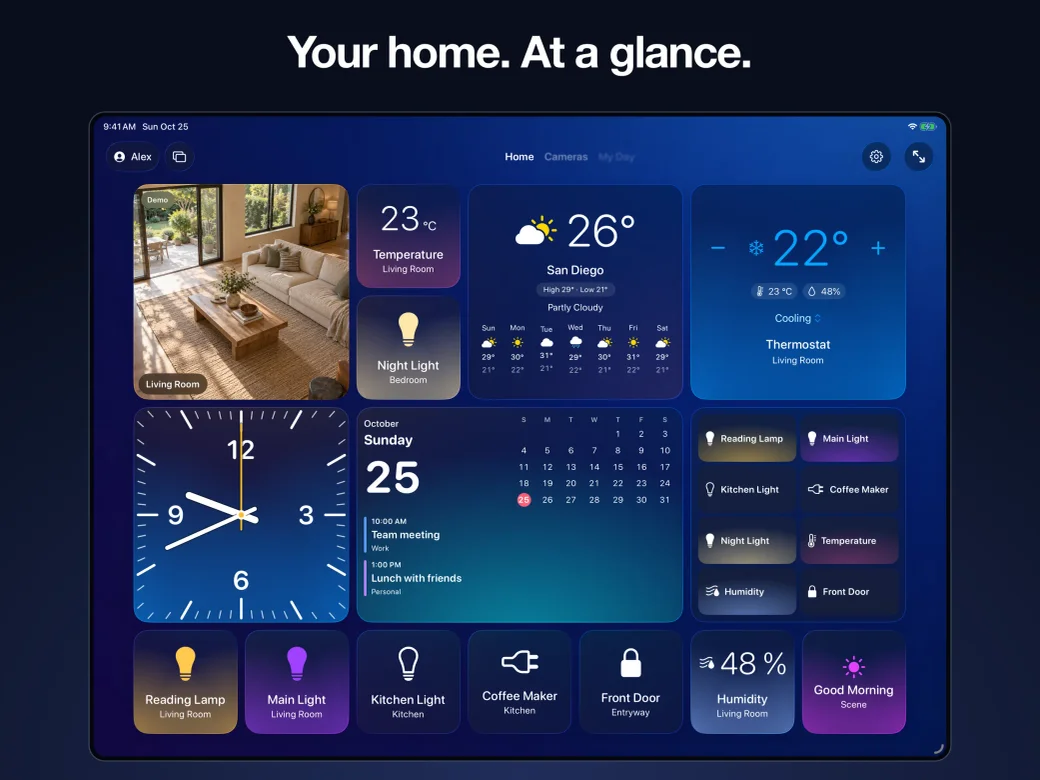
Your home. At a glance.
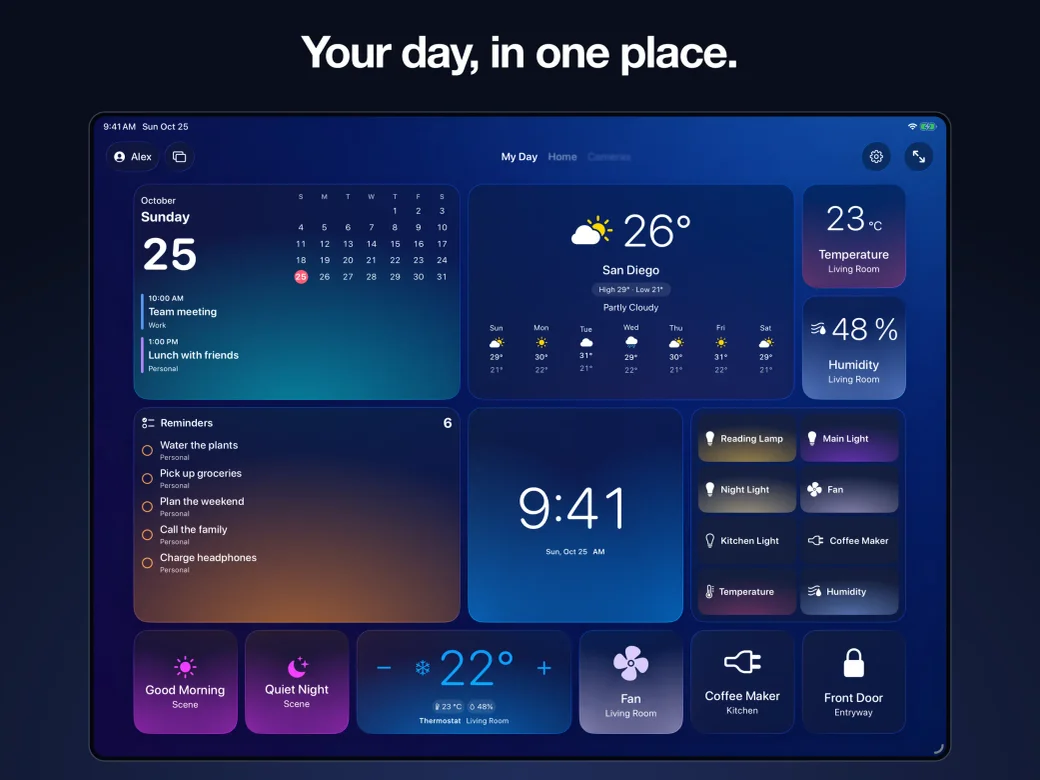
Turn your iPad into a personal dashboard for your smart home. HomeFrame works with HomeKit-compatible accessories to bring your favorite controls, cameras, weather, music and daily plans together.
A DASHBOARD THAT FITS YOUR HOME
Arrange cards across pages, choose their sizes and customize your background. Keep the controls and information you use most within reach.
SMART HOME CONTROLS AND CAMERAS
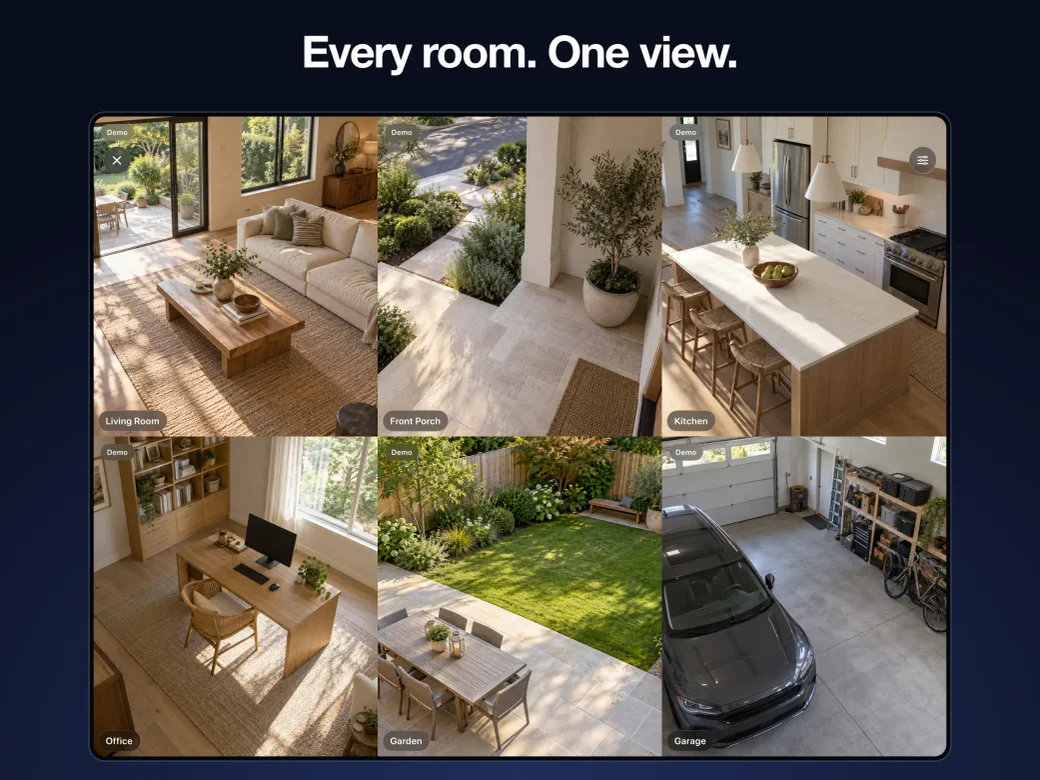
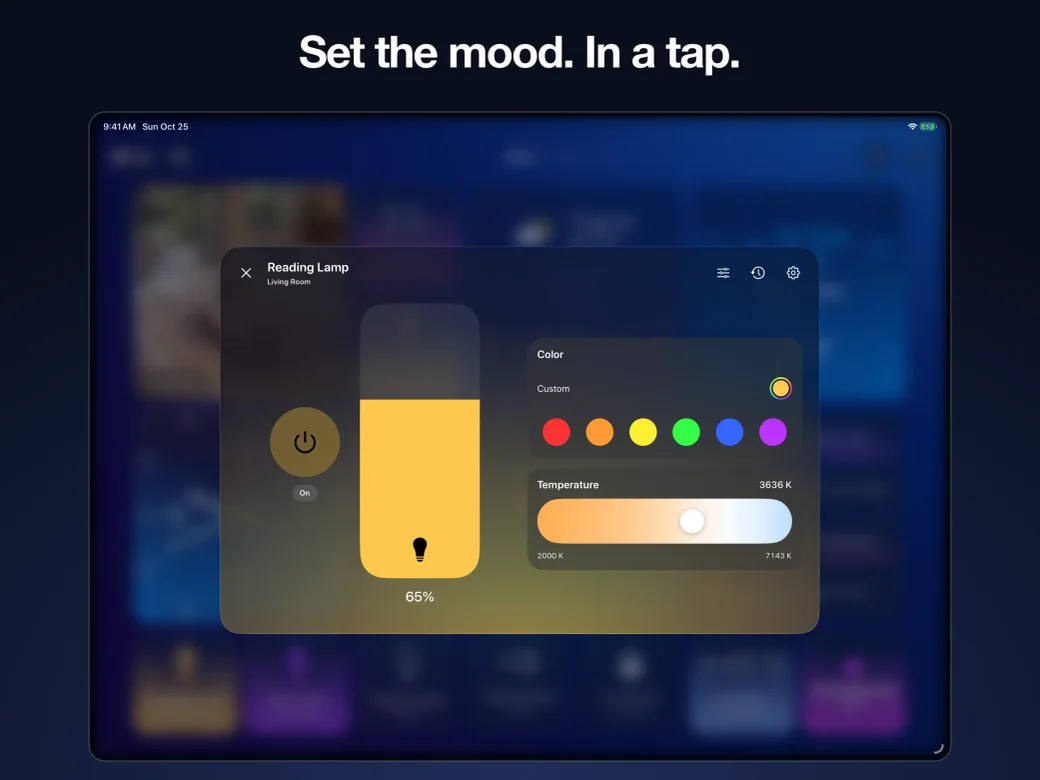
Control compatible accessories, check their status and run your existing scenes. View supported HomeKit camera streams, with listening and Talk controls when available on your camera.
WEATHER AND YOUR DAY
See hourly and daily forecasts powered by Apple Weather. Connect your calendars and selected reminder lists to see what's next, and mark reminders complete from your dashboard.
MUSIC AND SHORTCUTS
See and control music playing on your iPad, open the system AirPlay picker, and add shortcuts to calls, meetings, apps and websites.
PROFILES AND PRESENCE
Switch between local profiles or choose optional front-camera presence detection and profile recognition. Face recognition runs on your iPad; HomeFrame does not save or upload face images. Registered face comparison vectors stay in this iPad's Keychain until you delete them.
A SCREEN SAVER FOR YOUR SPACE
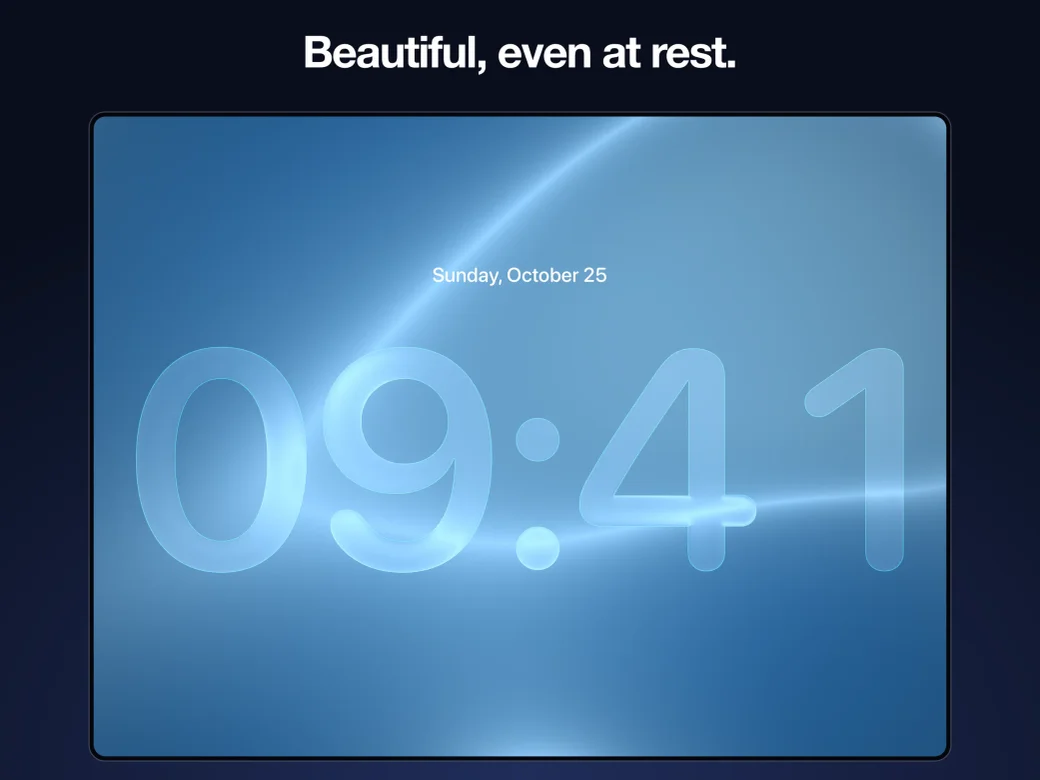
Choose a clock style or display photos from an album. Personalize how HomeFrame looks when you're using the dashboard and when it's resting on display.
HomeFrame requires iPadOS 17 or later. HomeKit features require compatible accessories and access to your home. Camera features depend on the capabilities exposed by each accessory. Apple Music, Photos, Calendar and Reminders features require the relevant permissions and services. Weather requires an internet connection to update.
No HomeFrame account is required. Optional one-time tips support development and do not unlock features or content.
Privacy policy: https://rgg0404.github.io/homeframe-support/privacy.html
Support: https://rgg0404.github.io/homeframe-support/support.html
What’s new
Version 1.1.2 · Nov 16, 2026
• Improved accessory controls.
• Improved translations.
• Bug fixes and stability improvements.
App privacy
What Ricardo Garcia Gonzalez declares on the App Store about how this app handles data.
-
Data not collected
The developer does not collect any data from this app.
Privacy practices may vary, for example with the features you use or your age.
Information
- Seller
- Ricardo Garcia Gonzalez
- Category
- Utilities
- Version
- 1.1.2
- Updated
- Nov 16, 2026
- Released
- Oct 28, 2026
- Size
- 32.5 MB
- Requires
- iOS 17.0 or later
- Age rating
- 4+
- Price
- Free
- In-app purchases
- Yes
- Languages
- English, French, German, Italian, Japanese, Korean, Portuguese, Simplified Chinese, Spanish
- Copyright
- © HomeFrame 2026
You might also like
-
 DashOneSmart Dashboards for Your Home
-
 Hearthboard: Home DashboardFamily Calendar & Wall Display
-
 LoopJuiceSmart Home Battery Monitor
-
 HomeMapperSmart Home Network Inventory
-
 HomeHub+Display and Control everything
-
 Dashboard: Smart Home & RTSPWall panel for Apple Home
-
 HomeBar for HomeKitYour automation, served neat
-
 Haven: Setup CodesBackup Your Smart Home Codes
-
 Itsytv: Remote for Apple TVKeyboard, apps & what’s on
-
 Thread Doctor - MatterThread Network Diagnostics