HomeScreen for HomeKit
Your home at a glance
Designed for iPhone, iPad
In-app purchases
- Age rating4+
- CategoryLifestyle
- Developerde Bruin Studio
- LanguagesEnglish+ 2 more
- Size11.0 MB
Links to the official App Store page
Download.org hosts no file of HomeScreen for HomeKit. The button opens its official App Store page, published by de Bruin Studio. Listing last checked on Nov 6, 2026.
Screenshots


About
Your home at a glance. At home and on the go.
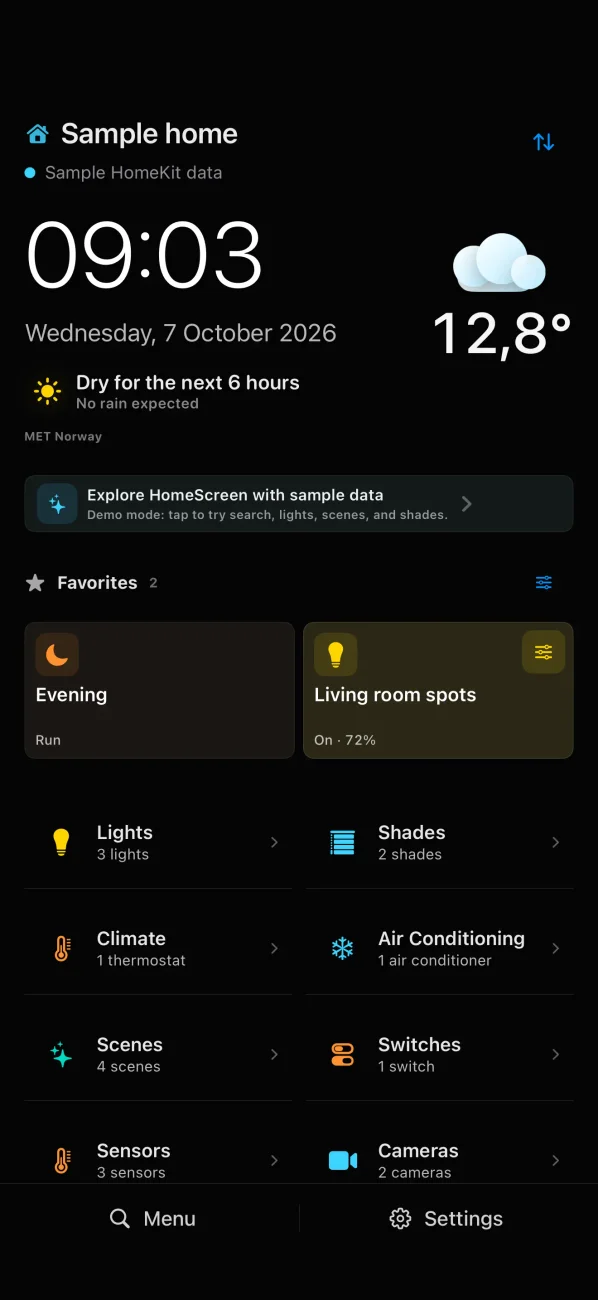
HomeScreen for HomeKit turns your iPhone or iPad into a personal dashboard and a simple control panel for your home. On a wall-mounted iPad, on your iPhone or in CarPlay: see what matters and keep your favorite controls within reach.
YOUR HOME AT A GLANCE
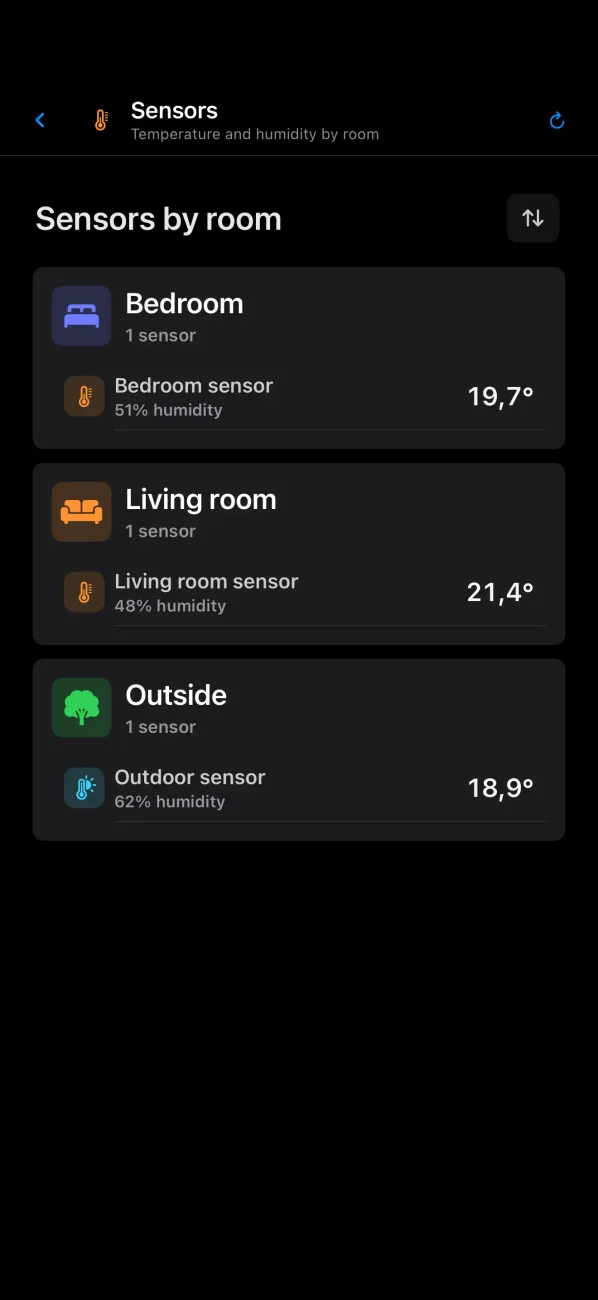
See the time, full date, current weather and rain forecast alongside the status of your lights, doors, windows, shades and alerts. Check temperatures, humidity and climate devices, and keep favorite scenes and accessories on your dashboard.
Create multiple dashboards for different places and situations. HomeScreen supports portrait and landscape on iPhone and iPad.
ALSO IN CARPLAY
Choose up to four separate CarPlay favorites for each home on your iPhone. Start scenes and control supported accessories from your car’s display, independently of your dashboard favorites.
See which lights are on and turn them off directly. Browse open doors and windows, sensor readings and alerts, grouped by room. Hidden items stay out of view in CarPlay too.
Set up your CarPlay favorites before driving, so you do not have to search on the road.
CONTROL WHAT YOU NEED
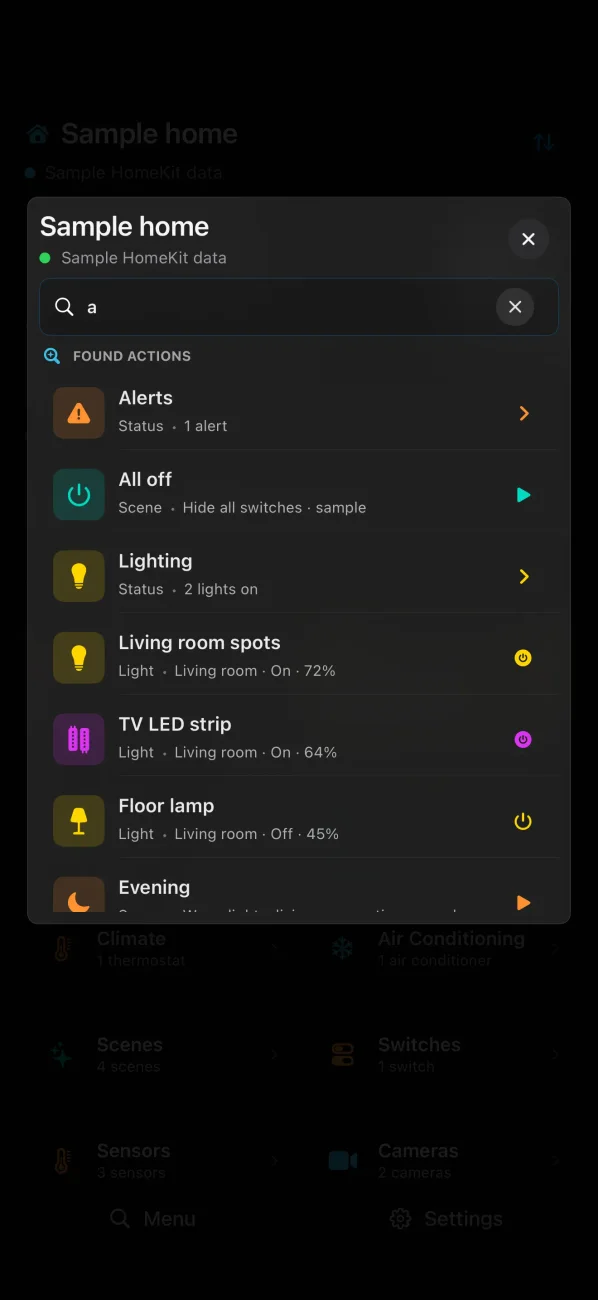
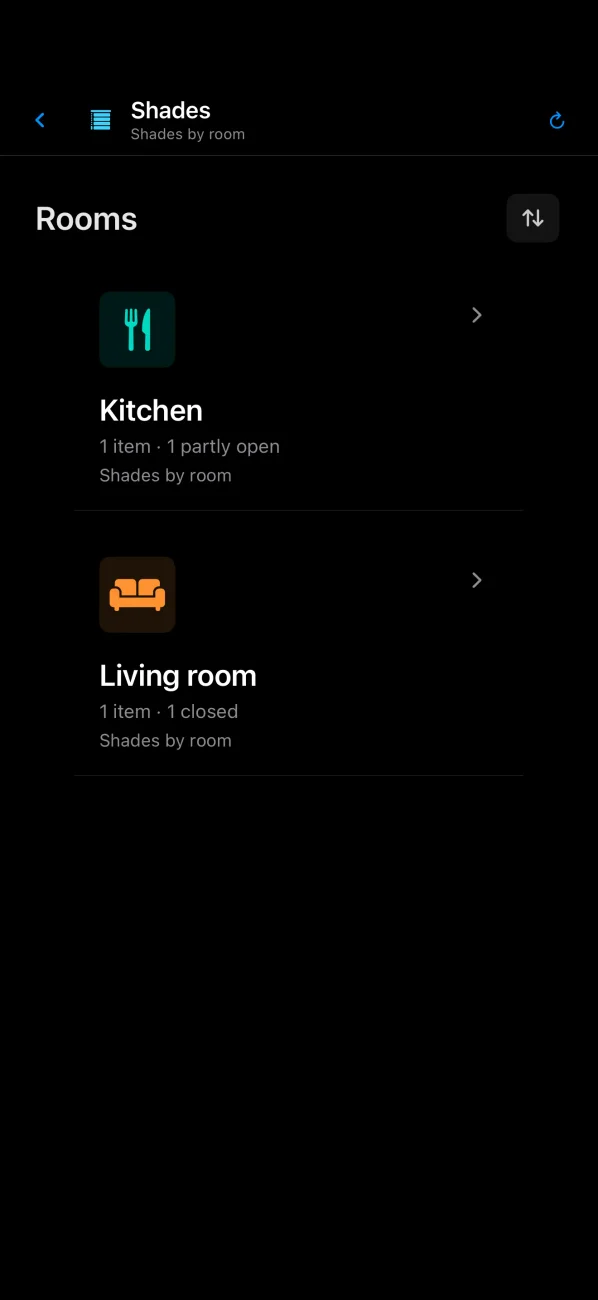
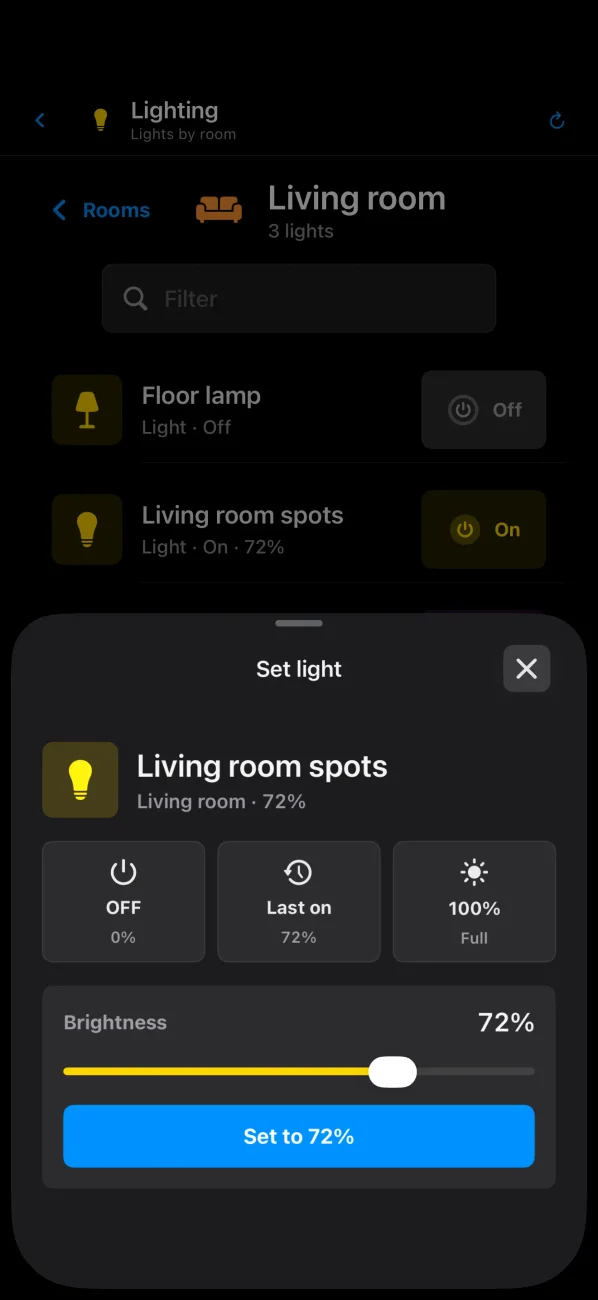
Find scenes and accessories by name or room, or reopen recently used items. Switch lights and switches, adjust brightness and set shades to the position you want with a slider.
Set the temperature of supported thermostats and air conditioners directly in HomeScreen. Before a climate change, HomeScreen can warn you about HomeKit automations that may change your setting later. Your automations remain unchanged.
View HomeKit cameras full screen, with optional audio and configurable PTZ buttons. Switch easily between your HomeKit homes.
HOME SCREEN WIDGETS
Control favorites or check home alerts without opening HomeScreen first. Choose a widget size that suits you and switch between homes in the favorites widget.
MAKE IT YOURS
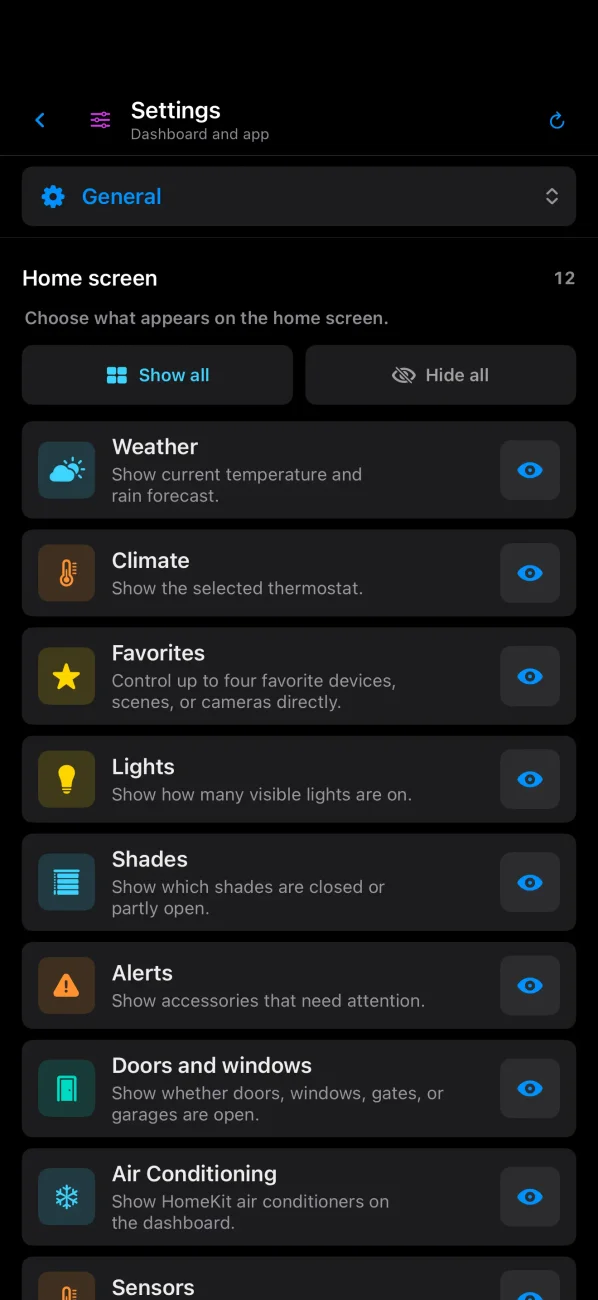
Choose which rooms, scenes and accessories are visible. Reorder rooms, cameras and dashboard tiles, and customize names and room icons.
Save dashboards and supported settings through iCloud. Choose separately on each device whether the screen stays active, dims or goes black, and whether the doorbell camera opens automatically when someone rings.
ALERTS THAT HELP
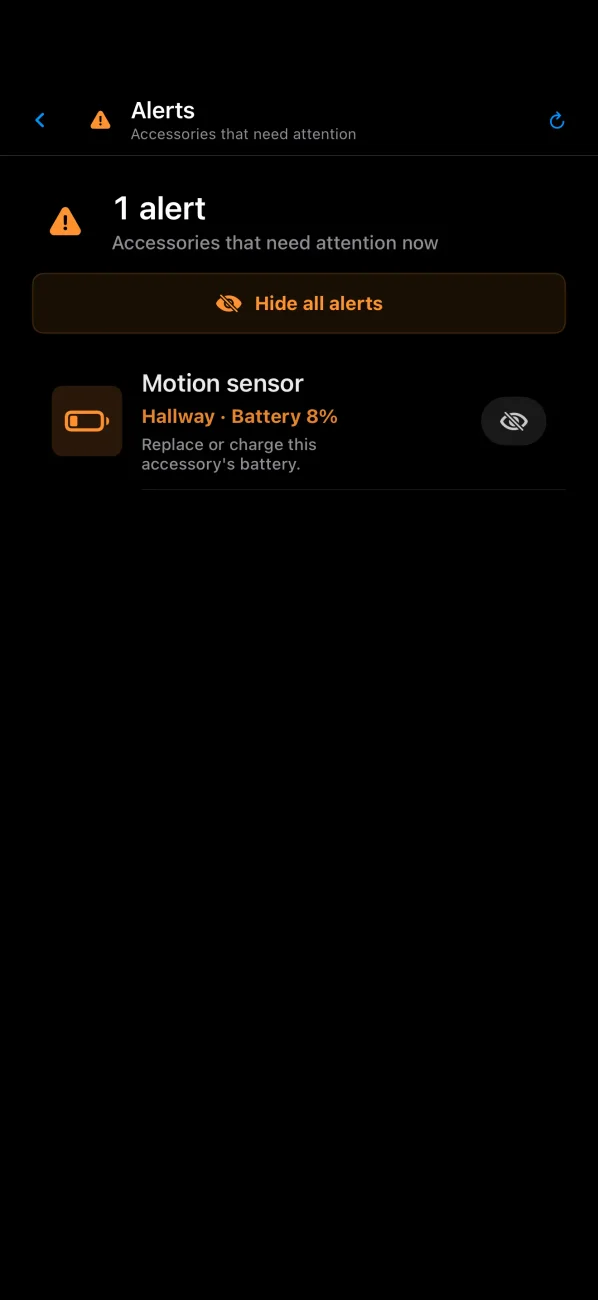
See which accessories need attention, such as a low battery, an unreachable device, an open door or window, smoke or a water leak. Components belonging to the same physical device are grouped where possible. Hide irrelevant alerts and restore them later.
PRIVACY AND PURCHASE
HomeScreen works with Apple HomeKit, requires no separate account and contains no ads. iCloud stores your HomeScreen setup; it does not back up your HomeKit home or automations.
Try all features for 30 days, including CarPlay and widgets. Then unlock HomeScreen with a one-time purchase. No subscription and no automatic charge when the trial ends.
HomeKit features require a configured home and permission to access Home data. Local weather uses your location with your permission. CarPlay requires a compatible car or receiver. Available controls, camera audio and PTZ depend on your accessories and what they expose through HomeKit.
What’s new
Version 2.1.5 · Oct 12, 2026
• Improved the iPad dashboard layout to keep favorites and status buttons fully visible, including on smaller models.
• Improved touch targets at the bottom of the dashboard for more reliable menu access.
App privacy
What de Bruin Studio declares on the App Store about how this app handles data.
-
Data not linked to you
May be collected but is not linked to your identity.
- Location
Privacy practices may vary, for example with the features you use or your age.
Information
- Seller
- de Bruin Studio
- Category
- Lifestyle
- Version
- 2.1.5
- Updated
- Oct 12, 2026
- Released
- May 23, 2026
- Size
- 11.0 MB
- Requires
- iOS 17.0 or later
- Age rating
- 4+
- In-app purchases
- Yes
- Languages
- English, Dutch, German
- Copyright
- 2026 © Frank de Bruin
You might also like
-
 Hearth for HomeKitSmart Home Wall Dashboard
-
 HomeDeck for HomeKitDashboard for iPad & Apple TV
-
 Panel - wall mounted widgetsYour & life control center
-
 HomePad - Smart Home DashboardControl your smart home
-
 SmartHome Dashboard - HomeViewWall dashboard for your iPad
-
 HomePad: Elegant Home ControlYour home, your screens
-
 instnt hubEen rustig scherm voor thuis
-
 SimpleHaven: Smart Home in 3DScan your home. Tap to control
-
 Wallflower for HomeKitDynamic Smart Home Dashboard
-
 HomeButtons for HomeKitToggle Accessories & Scenes