- Age rating9+
- CategoryEntertainment
- DeveloperKingswell Productions
- LanguagesEnglish
- Size5.3 MB
Links to the official App Store page
Download.org hosts no file of HomeSim. The button opens its official App Store page, published by Kingswell Productions. Listing last checked on Nov 20, 2026.
Screenshots




About
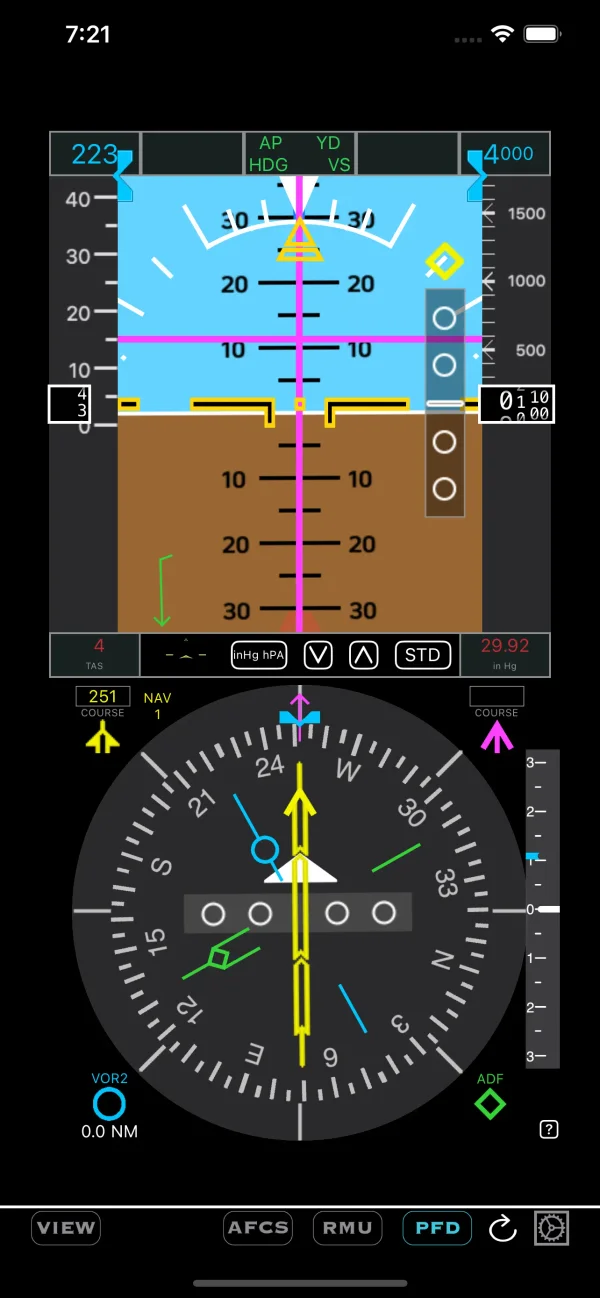
HomeSim is a touchscreen interface for use with X-Plane12 Flight Simulator!
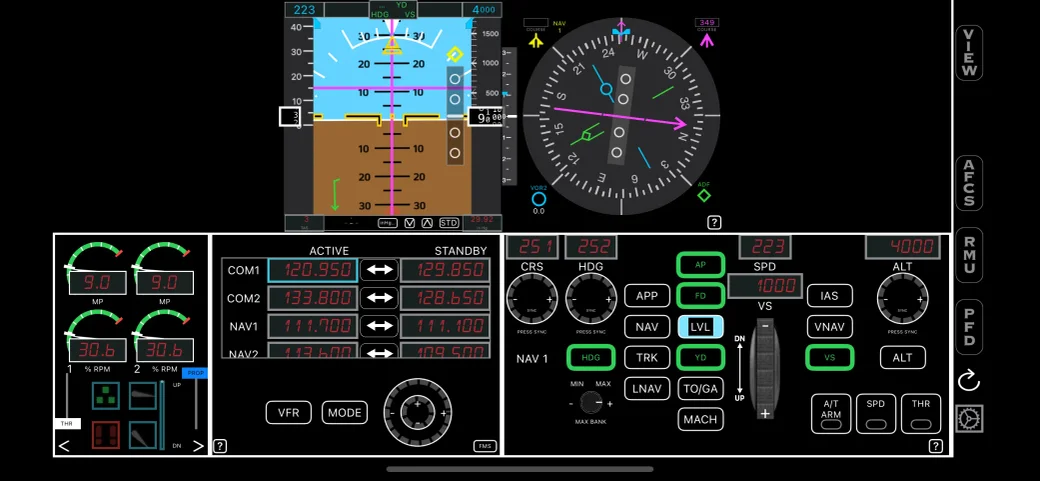
HomeSim provides a way of using an iPad, iPhone, or both to control most of the functions that would normally require the use of a keyboard and mouse, custom button assignments, or dedicated hardware to control.
HomeSim includes:
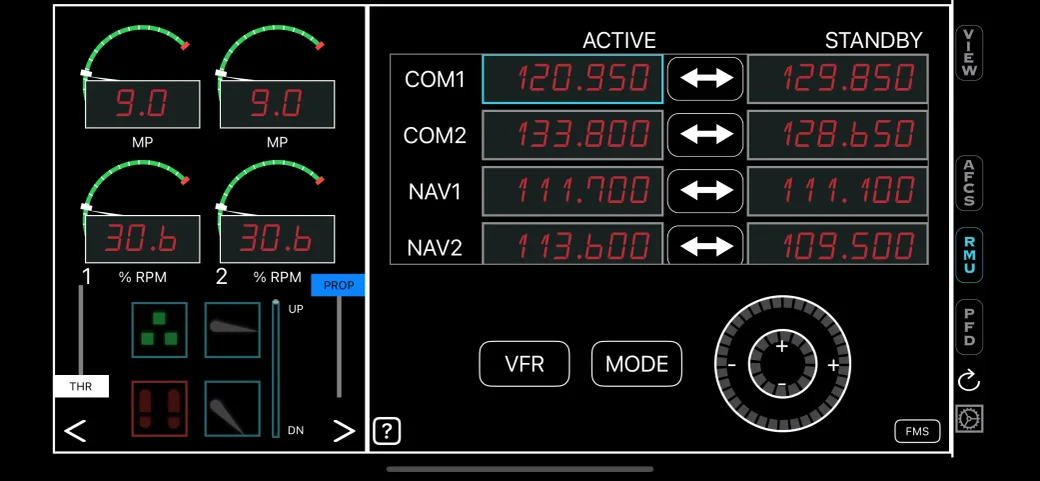
An RMU (Radio Management Unit),
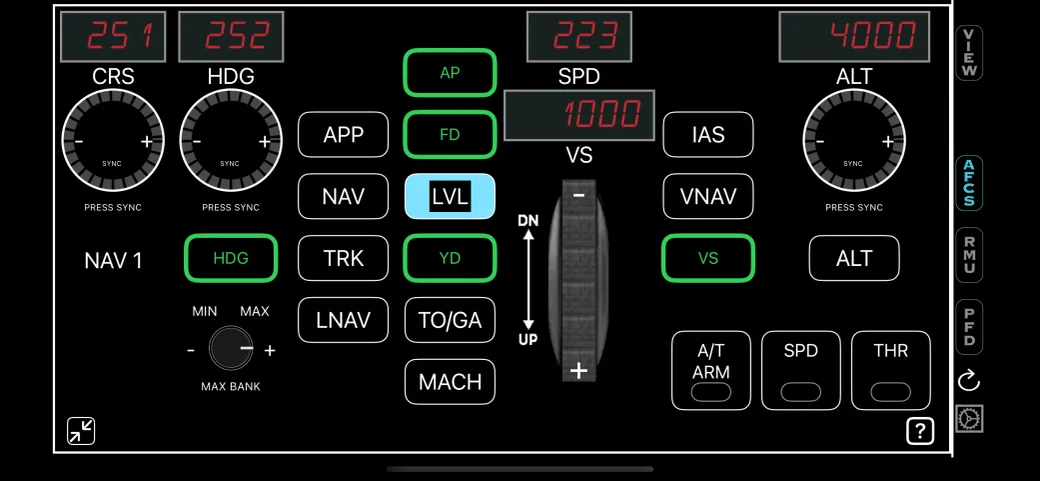
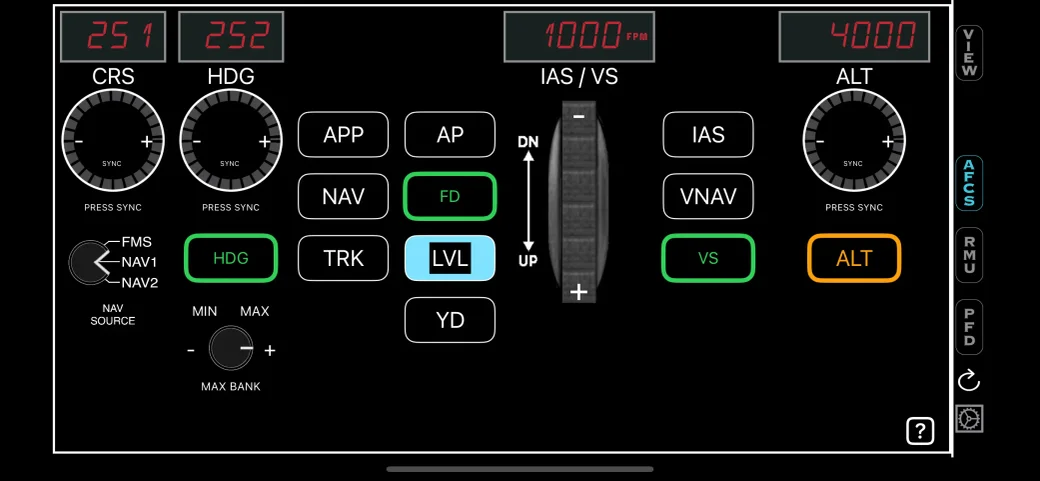
An AFCS (Automatic Flight Control Sysytem, or autopilot),
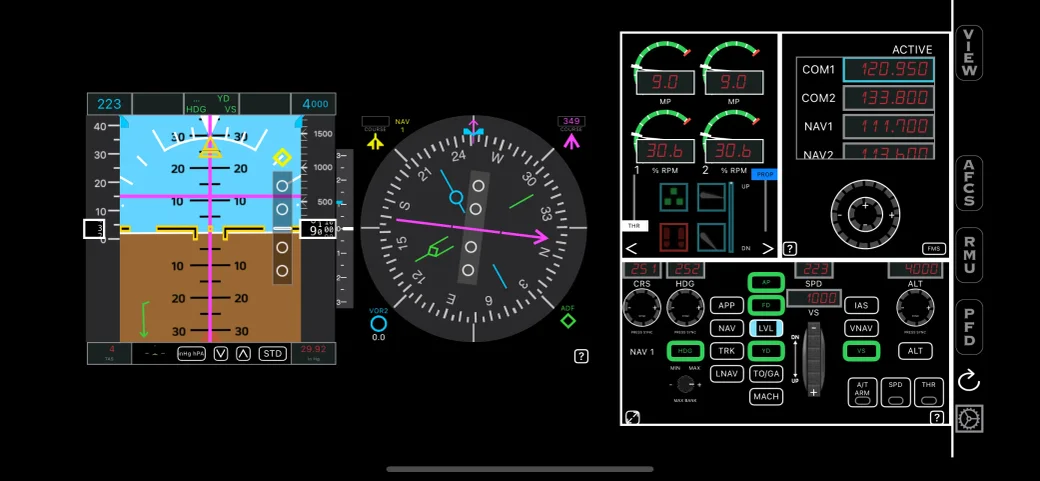
A PFD (Primary Flight Display),
Landing Gear, Flaps, and Parking Brake controls,
Basic Engine Instruments,
A VIEW management window for changing the main display of the X-Plane,
and an interface to simplify data entry for flight plans on G1000 equipped aircraft.
All of the controls use the typical gestures of a touchscreen to make changing frequencies, identifiers, autopilot modes, and navigation displays much quicker, allowing you the ability to practice procedures, like instrument approaches, while devoting little thought to how to properly set things up - the controls generally mimic the devices in real planes, while adding functionality that will increase your situational awareness.
More than one iOS device can be connected to X-Plane at a time so that you can have different devices act as dedicated hardware.
Free your main visual from the internal cockpit view by using your iOS device for the Flight Instruments, Navigation, and Engine Instruments.
Practice using autopilot functions that you are unfamiliar with, and get aquainted with more sophisticated airplanes without having to look around the cockpit for the new controls. Using controls that will work with any aircraft (as long as the aircraft has an autopilot and radios) will free you from thinking about the differences between aircraft, and start to find more similarities - making you a better pilot.
Enjoy flying X-Plane more by paying less attention to how to operate the simulation, and more attention to operating your flight!
Kingswell Productions, and HomeSim are not affiliated with Laminar Research (the makers of X-Plane).
What’s new
Version 1.04 · Nov 17, 2025
Addressed bug with autopilot disconnect preventing joystick controls from working (thank you R.A. in Berlin for your feedback!).
Added a "King" style radio stack option (select RMU or King Style on the settings page).
App privacy
What Kingswell Productions declares on the App Store about how this app handles data.
-
Data not collected
The developer does not collect any data from this app.
Privacy practices may vary, for example with the features you use or your age.
Information
- Seller
- Kingswell Productions
- Category
- Entertainment
- Version
- 1.04
- Updated
- Nov 17, 2025
- Released
- Jul 29, 2024
- Size
- 5.3 MB
- Requires
- iOS 16.0 or later
- Age rating
- 9+
- Price
- $19.99
- Languages
- English
- Copyright
- © 2024 Kingswell Productions
You might also like
-
 Timepilot: cinema screeningsFilms & cinemas near you
-
 Ariya Networksbroadcasting and streaming
-
 Project Casting: Creator JobsCasting Calls & Auditions
-
 Tella DramasAddictive Dramas, 1 Click Away
-
 Say It Backwards App LiteRecord any sound, play it back
-
 Pocket for SeerrManage your library on the go
-
 Rasmus KlumpEntertainment
-
 DramaNowCondensed Drama in Every Ep!
-
 Dress and Color MeColor Fun
-
 Aircraft Flight Simulator FSReal World Plane Landing Games