
- Age rating4+
- CategoryUtilities
- DeveloperHongi
- LanguagesEnglish
- Size48.8 MB
Links to the official App Store page
Download.org hosts no file of Hongi. The button opens its official App Store page, published by Hongi. Listing last checked on Nov 8, 2026.
Screenshots


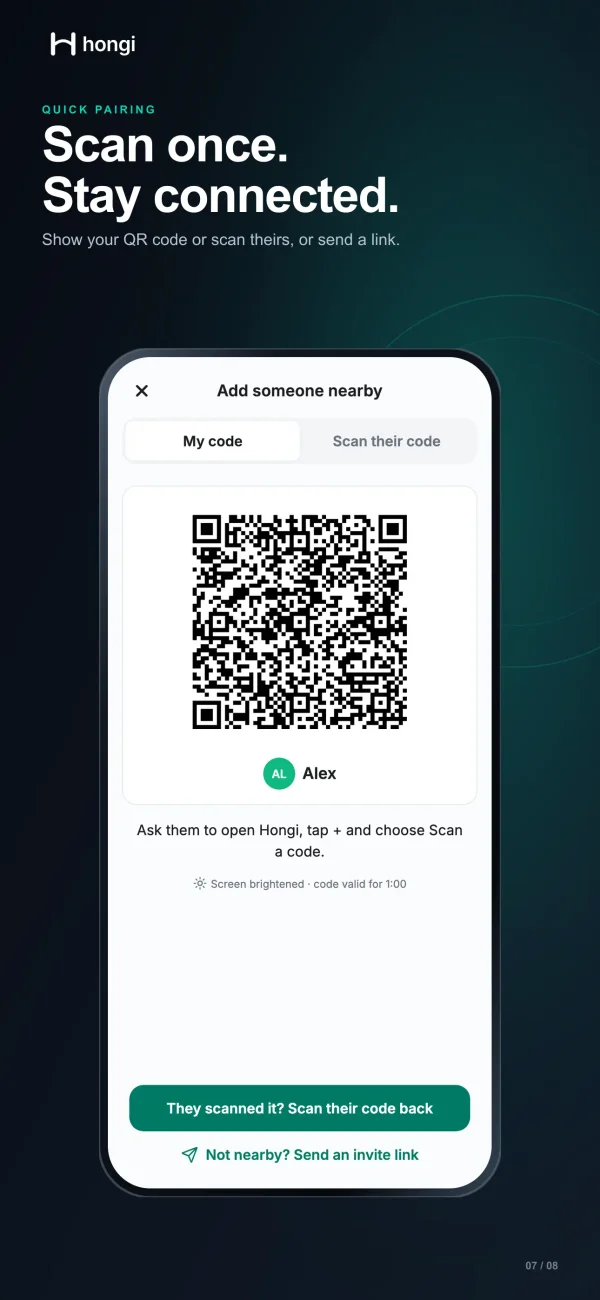
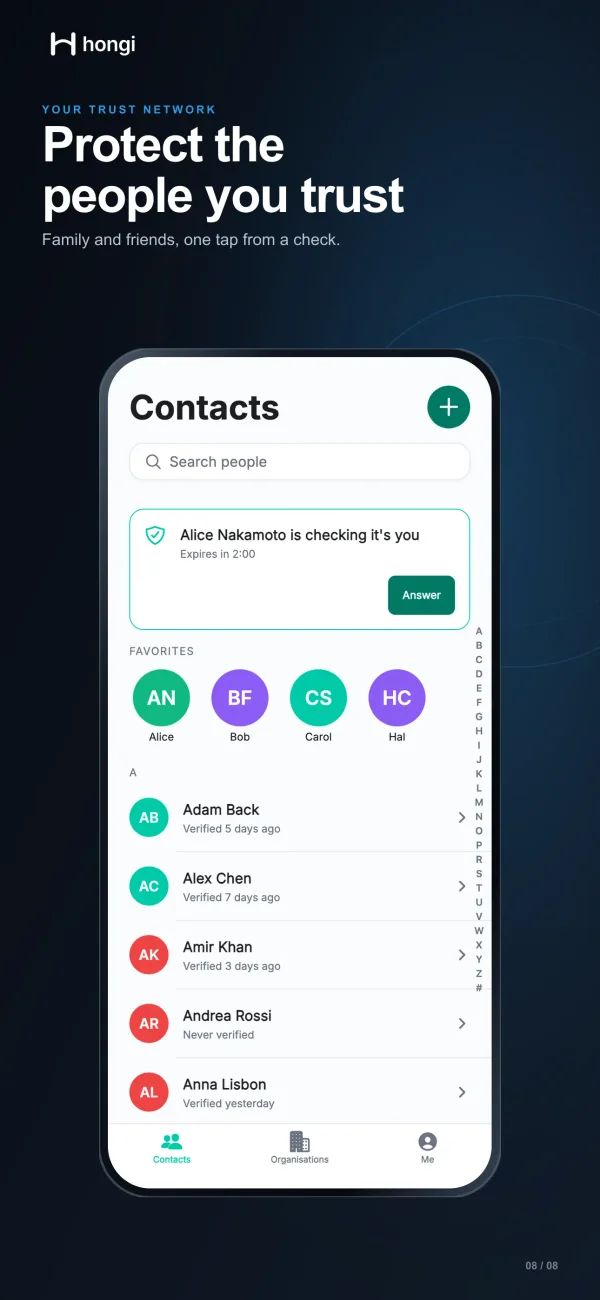
About
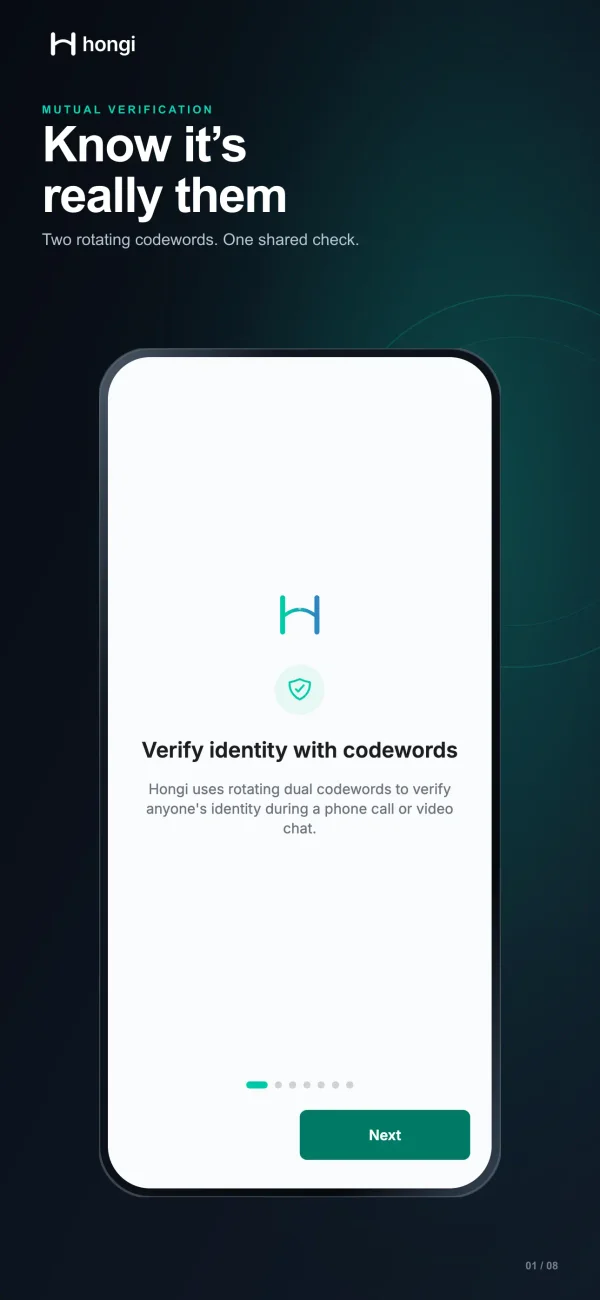
Hongi tells you who you are really talking to.
A voice on the phone is no longer proof of anything. Voice cloning is cheap, caller ID is easy to fake, and the most effective scams start with someone who sounds exactly like your bank, your colleague, or your daughter.
Hongi gives you a way to check.
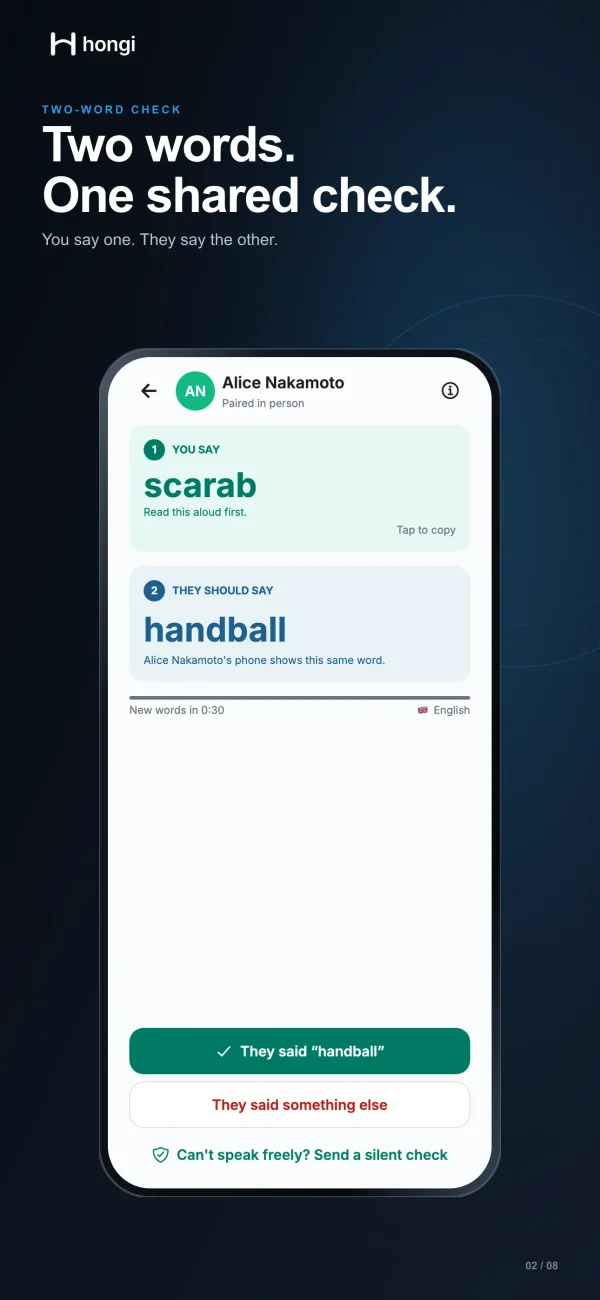
TWO WORDS, ONE SHARED CHECK
Pair once with someone you trust. From then on, either of you can verify the other in any call. You each see two codewords: you say one, they say the other. Both must match. Because the check runs in both directions, an impostor cannot pass it by repeating what they just heard.
The codewords rotate, so a word that leaks is worthless a moment later.
VERIFY WITHOUT SAYING A WORD
Sometimes you cannot ask out loud. Send a silent identity check instead and get a simple yes or no back, without breaking the conversation.
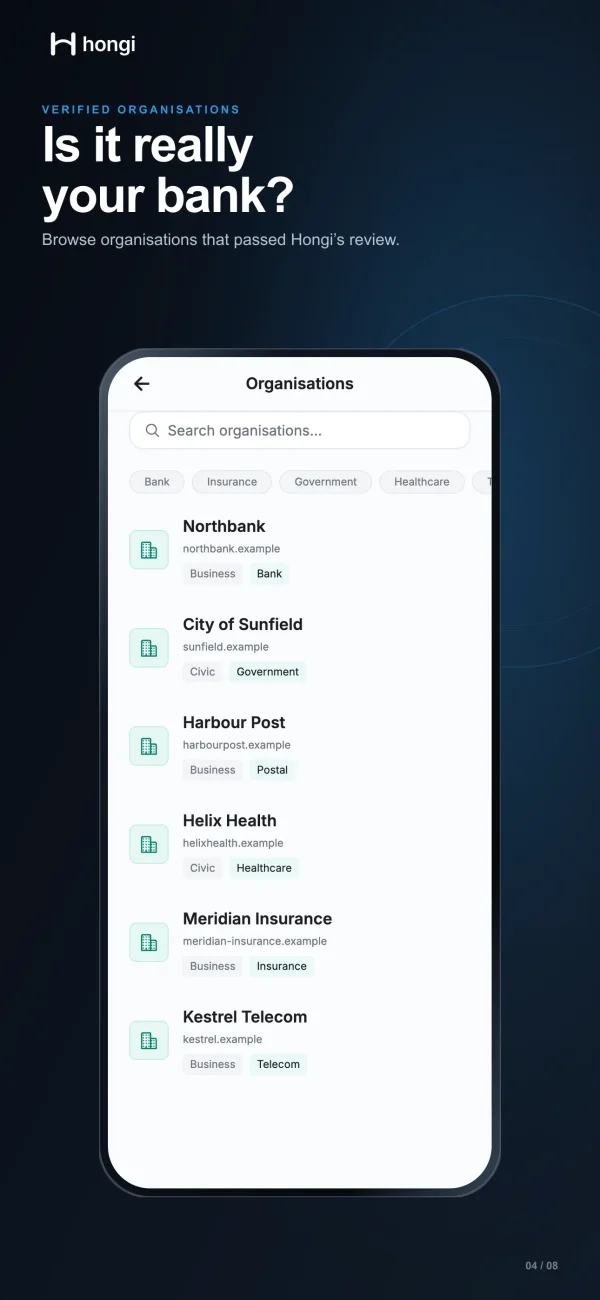
VERIFIED ORGANISATIONS
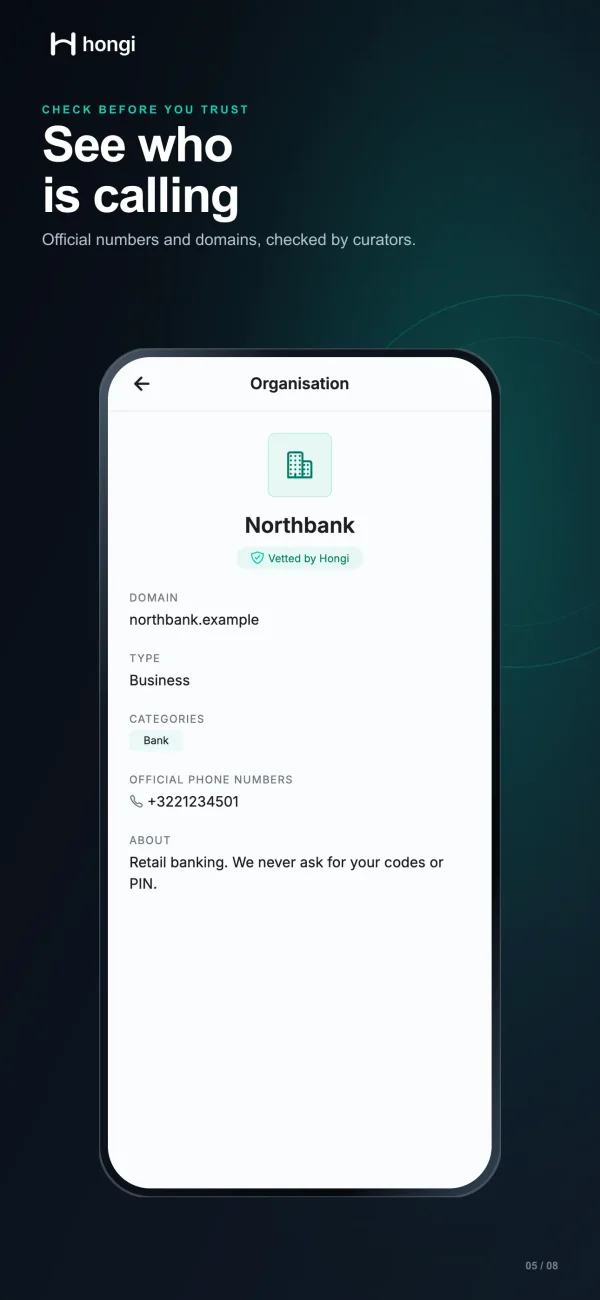
Browse a curated directory of organisations that have proven they control their domain and passed an editorial review. See their official phone numbers and domains, so you can tell a genuine call from an impersonation before you act on it.
The directory grows as organisations join.
BUILT TO STAY PRIVATE
Hongi works offline. Verification happens on your device, between you and the person you paired with. It needs no account, no phone number to hand over, and no contact list to upload.
Staff of organisations that use Hongi can optionally sign in, to verify callers and colleagues from their phone. That sign-in is separate and is never needed to use Hongi yourself.
Your codewords never leave your phone.
CHOOSE YOUR LANGUAGE
Codewords are available in 15 languages, so you can verify in whichever language you actually speak.
WHO IT IS FOR
Families protecting older relatives from grandparent scams. Colleagues approving payments. Anyone who has ever hesitated for a second and wondered whether the voice on the line is genuine.
Hongi is free.
A note on what this is: Hongi verifies identity between people who have paired, and helps you recognise organisations in the directory. It is a tool for checking, not a guarantee against every kind of fraud. Stay careful with anyone who pressures you to act quickly.
What’s new
Version 1.5.0 · Oct 11, 2026
A redesigned Hongi
Four tabs: Contacts, Organisations, Work and Me. One + button adds anyone, nearby or with a link, and every check follows the same steps.
Verify your colleagues
If your employer uses Hongi, verify a colleague's call from the Work tab. It works offline, with codes only your two phones can compute.
Invitations from organisations
An organisation you deal with can now invite you to pair. Accept in the app, and from then on you can verify each other on every call.
Also: if a word doesn't match, Hongi first asks for the digits before it tells you to hang up.
App privacy
What Hongi declares on the App Store about how this app handles data.
-
Data linked to you
May be collected and linked to your identity.
- Contact info
- Identifiers
Privacy practices may vary, for example with the features you use or your age.
Information
- Seller
- Lovit
- Category
- Utilities
- Version
- 1.5.0
- Updated
- Oct 11, 2026
- Released
- Apr 4, 2026
- Size
- 48.8 MB
- Requires
- iOS 16.4 or later
- Age rating
- 4+
- Languages
- English
- Copyright
- © Lovit BV