Hourly Beep
Mindful chime, bell & clock
Designed for iPhone, iPad
Free · In-app purchases
- Age rating4+
- CategoryUtilities
- DeveloperAdam Rozynski
- LanguagesEnglish+ 6 more
- Size23.9 MB
Links to the official App Store page
Download.org hosts no file of Hourly Beep. The button opens its official App Store page, published by Adam Rozynski. Listing last checked on Nov 23, 2026.
Screenshots

About
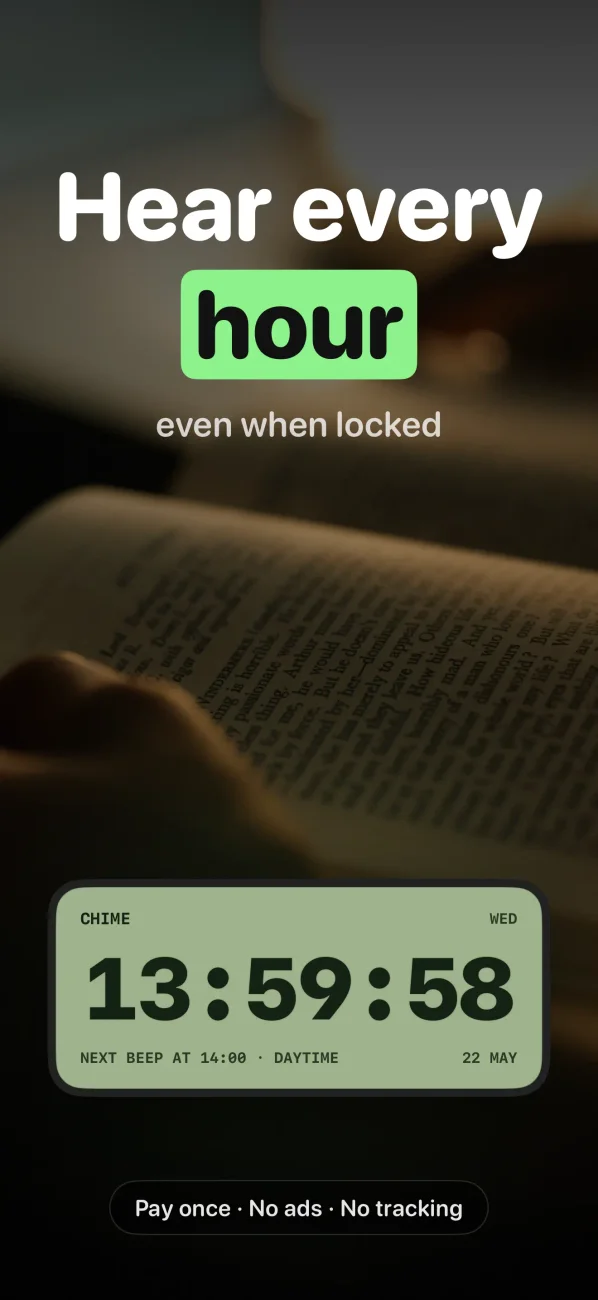
Hear every hour — even with your phone locked.
Hourly Beep plays a short sound on the hour — or, with Pro, at any interval you choose. A quiet way to feel time pass while you work, rest or focus.
STAY ON TRACK
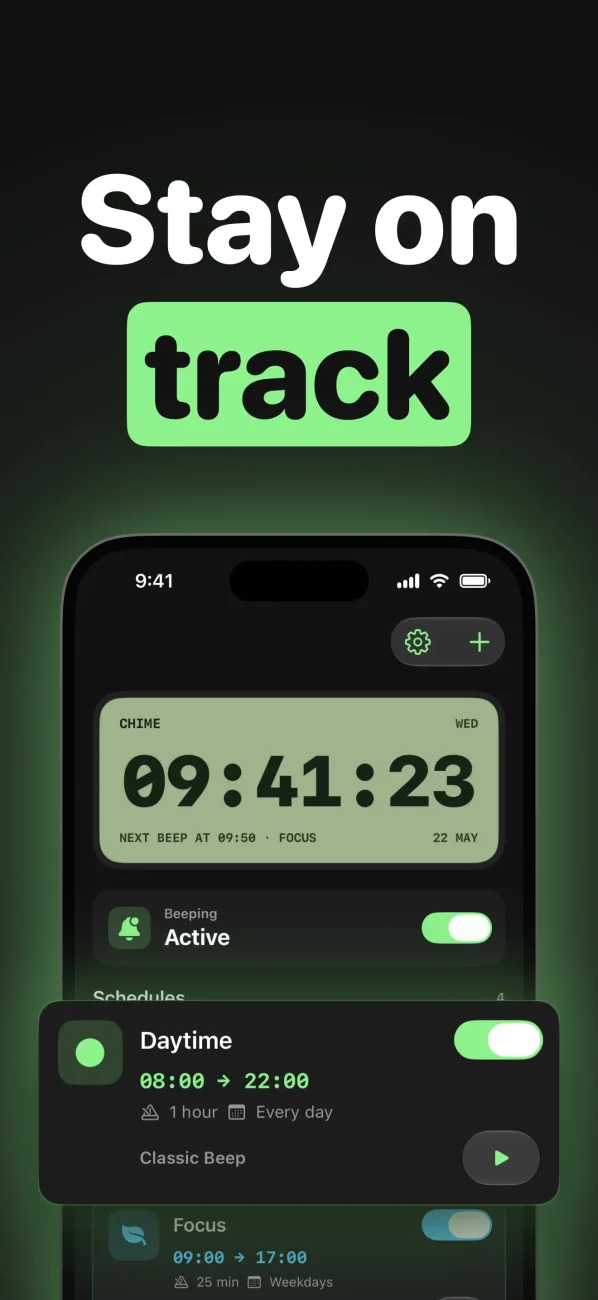
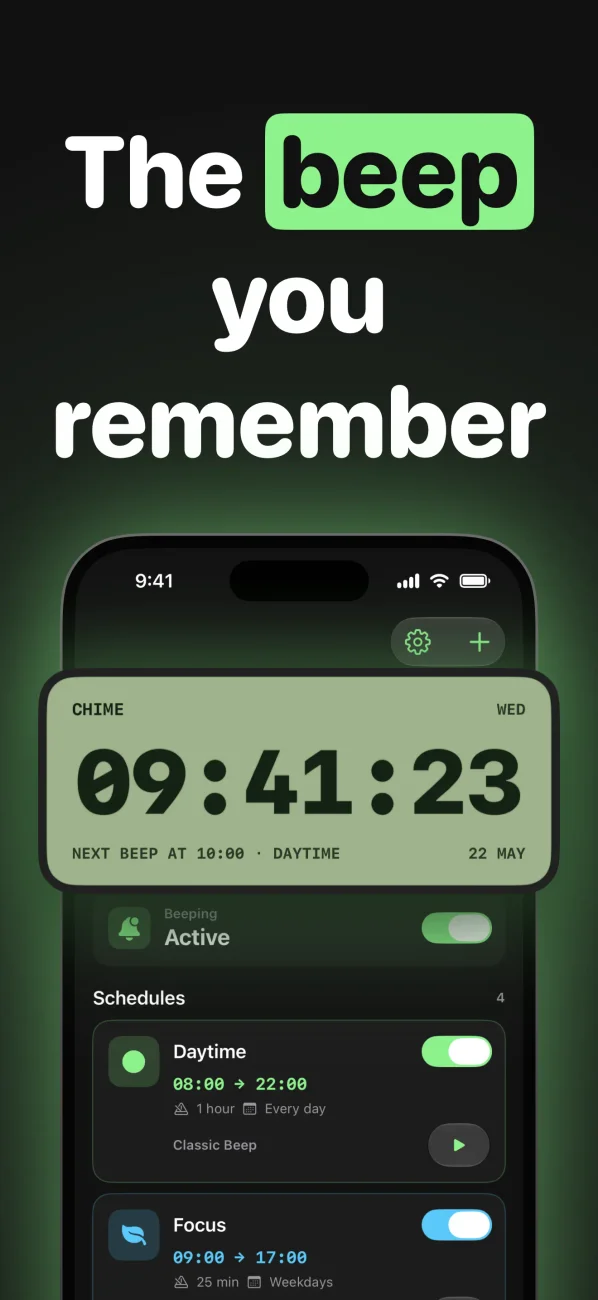
• A nudge every 25 minutes — or any interval from 1 minute to 4 hours (Pro)
• Only during work hours: start and end to the minute, pick your weekdays
• Sound without banners, so it never breaks your flow
• Keeps ringing, even with beeps every few minutes (Pro)
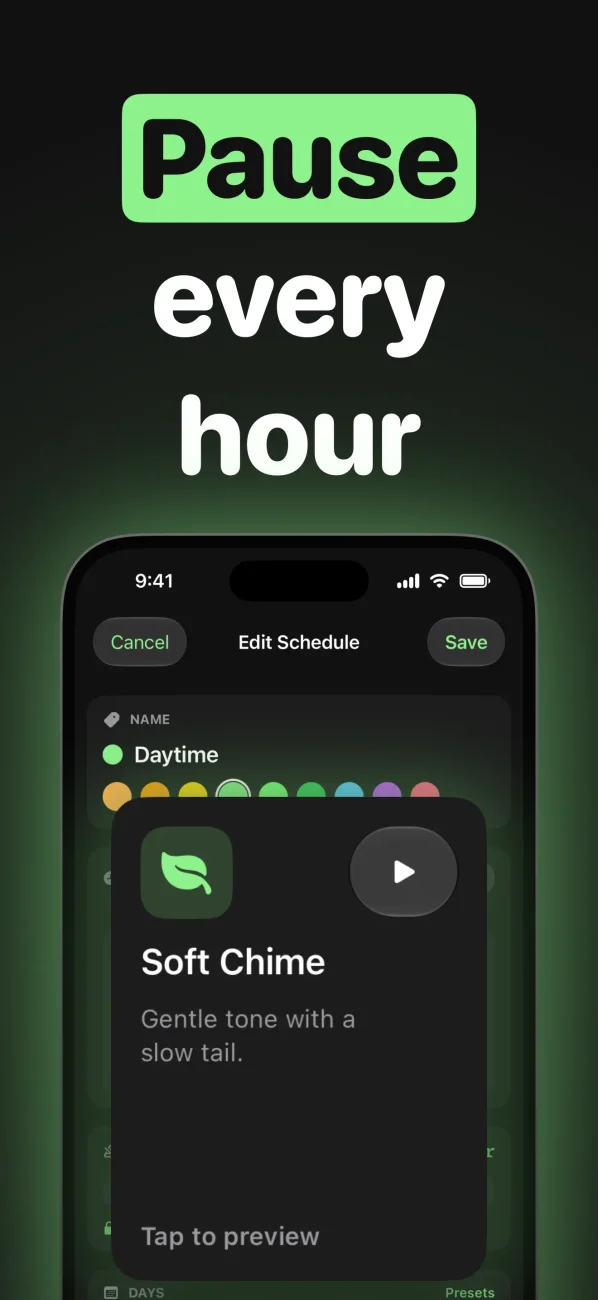
PAUSE EVERY HOUR
• A soft chime or a Tibetan singing bowl (Pro) as your cue to stop and breathe
• No courses, no streaks, no sign-up — just the bell
THE BEEP YOU GREW UP WITH
• A retro LCD watch face
• With Pro: the iconic F-91W chirp, cuckoo, Westminster chimes and a bell that strikes the hour, 1 to 12
VOICE (PRO)
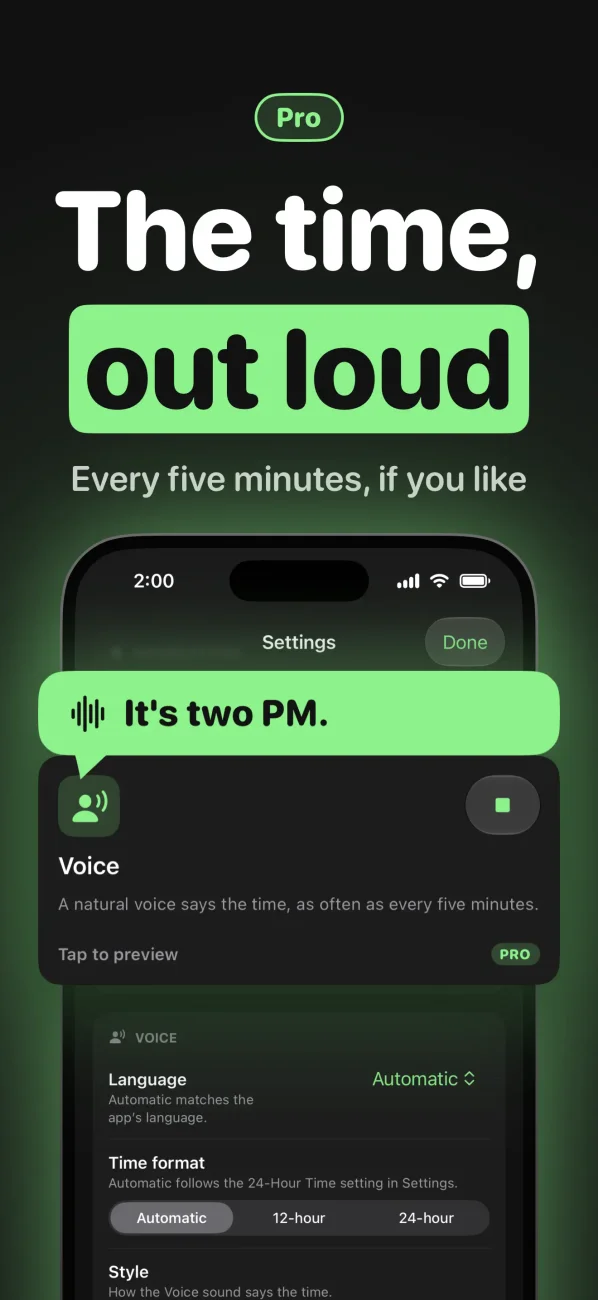
• A natural voice tells you the time — on the hour, every quarter hour or even every five minutes
• At night it whispers, during hours you choose in Settings
• 7 languages, 12- or 24-hour format
37 SOUNDS
Beeps, bells, clocks, alarms, ambient and nature — real recordings and crafted synthesis. Preview any sound before you choose.
FREE AND PRO
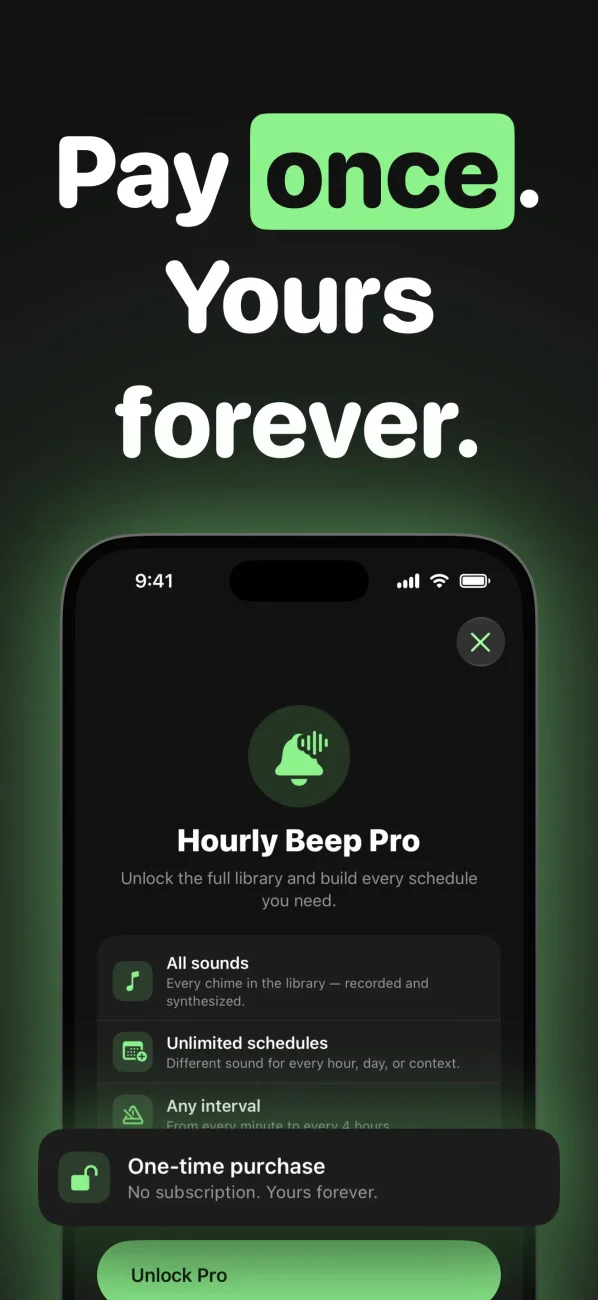
Free: one hourly schedule and four sounds.
Pro is a one-time purchase: every sound, including Voice, unlimited schedules, any interval. No subscription, no ads.
IPHONE AND IPAD
• Runs on iPhone and iPad — in portrait, landscape and next to other apps
• Schedules carry over between devices through iCloud, and each device rings on its own. You can turn sync off in Settings
PRIVACY
No tracking, no ads, no account.
Languages: English, Polish, French, German, Spanish, Italian, Japanese.
Made by an indie developer. If something doesn't work, write to me — I'll fix it.
What’s new
Version 1.9.1 · Nov 17, 2026
Your schedules now stay in the order you put them in. In 1.9.0, syncing with iCloud could shuffle the list.
You can also arrange them yourself: touch and hold a schedule, then drag it where you want it. With VoiceOver, use the Move Up and Move Down actions.
App privacy
What Adam Rozynski declares on the App Store about how this app handles data.
-
Data not collected
The developer does not collect any data from this app.
Privacy practices may vary, for example with the features you use or your age.
Information
- Seller
- Adam Rozynski
- Category
- Utilities
- Version
- 1.9.1
- Updated
- Nov 17, 2026
- Released
- May 28, 2026
- Size
- 23.9 MB
- Requires
- iOS 26.0 or later
- Age rating
- 4+
- Price
- Free
- In-app purchases
- Yes
- Languages
- English, French, German, Italian, Japanese, Polish, Spanish
- Copyright
- © 2026 micropixels software
You might also like
-
 TinnyNot: Hourly Chime & BellSpeaking clock, time reminders
-
 Blip Blip: Hourly Chime WatchTalking clock & retro beep
-
 Cuckoo Speaking ClockStay on time effortlessly
-
 HourChimeVoice time notification
-
 Hourly Chime & Speaking ClockTime Announcements & Reminders
-
 Hourly Chime in BackgroundUtilities
-
 Chime AlarmCustom alarms and reminders
-
 On the hourPunctuality perfected.
-
 BlipBeepSmart reminders, right on time
-
 Westminster Chimes LiteYour phone is a chiming clock!