
Hourpip: Work Hours Tracker
For international students
Designed for iPhone, iPod touch
Free
- Age rating4+
- CategoryProductivity
- DeveloperLes Entreprises Aukazi Inc.
- LanguagesEnglish+ 1 more
- Size35.2 MB
Links to the official App Store page
Download.org hosts no file of Hourpip: Work Hours Tracker. The button opens its official App Store page, published by Les Entreprises Aukazi Inc. Listing last checked on Nov 17, 2026.
Screenshots


About
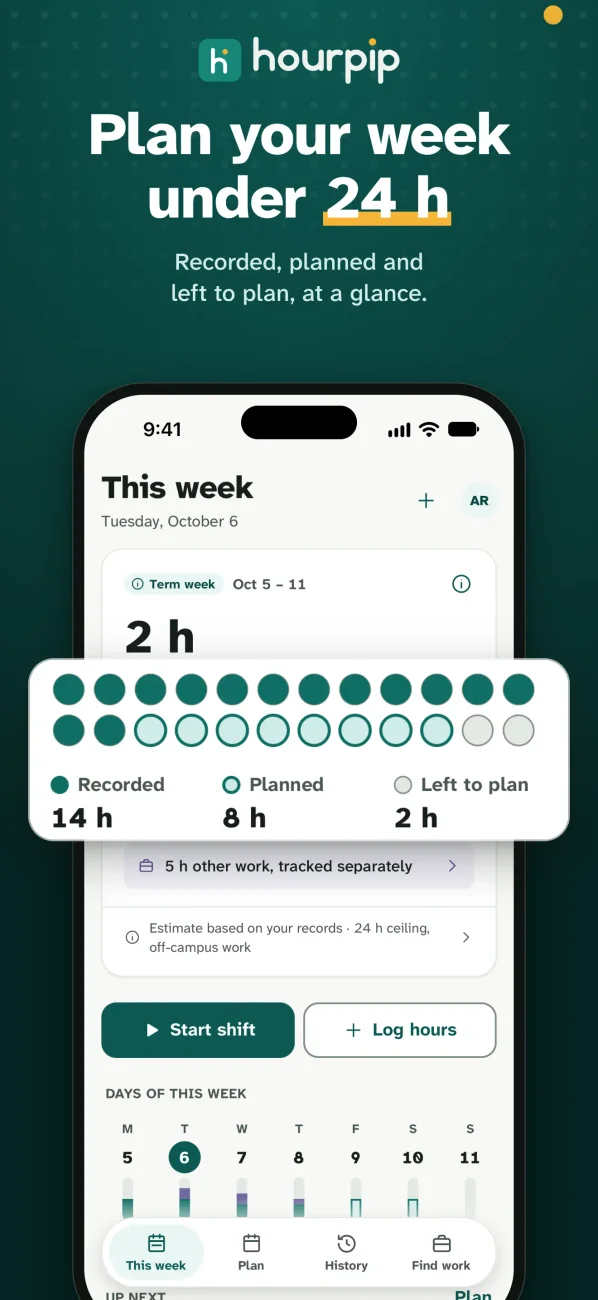
Hourpip helps international students in Canada keep track of their work hours. Record every shift, plan the week ahead and see how many hours you have left under IRCC’s 24-hour weekly limit on off-campus work during academic sessions. It’s free.
Hourpip is independent. It isn’t affiliated with Immigration, Refugees and Citizenship Canada (IRCC) or the Government of Canada. Weekly totals are estimates based on your own records, not legal or immigration advice, and Hourpip doesn’t make immigration decisions. Official guidance: https://www.canada.ca/en/immigration-refugees-citizenship/services/study-canada/work/work-off-campus.html
Record every shift
• Start a shift timer when you clock in, pause it for unpaid breaks and save when you’re done. It keeps time even if you close the app.
• Forgot the timer? Log past hours by hand. A shift past midnight is split into the day where its hours happened.
Plan the week ahead
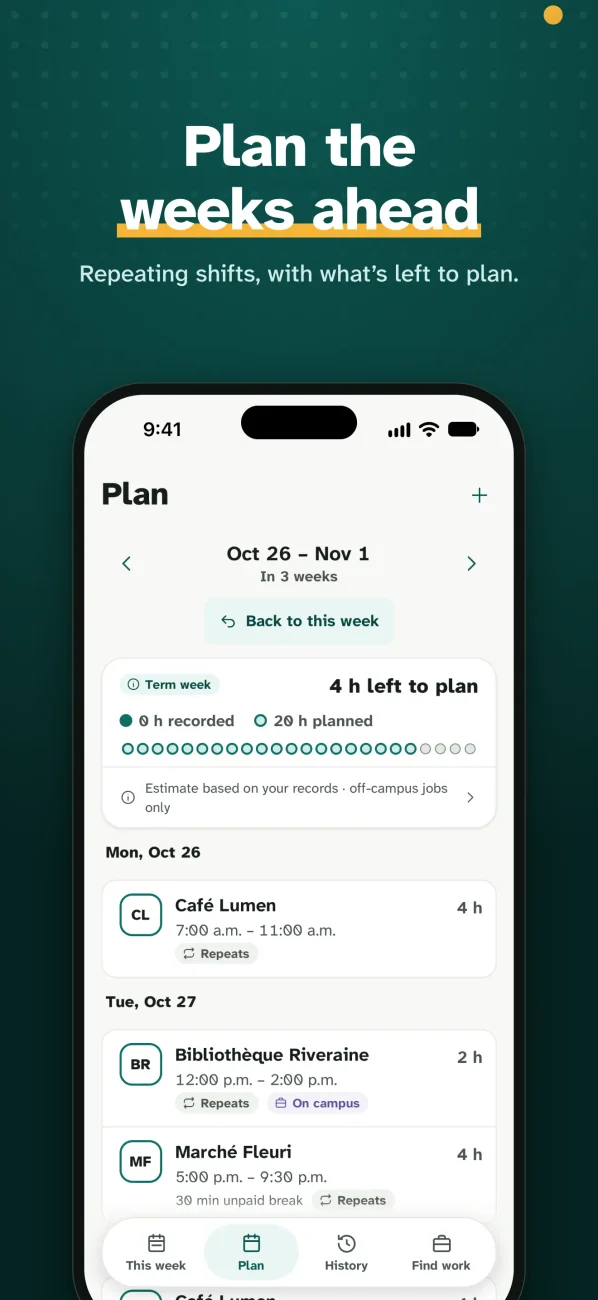
• Add repeating schedules or one-off shifts. Change one day or everything after it.
• Planned hours count until you confirm them, so you see what’s left to plan.
• One pip for every hour: recorded hours fill in, planned shifts are outlined, what’s left stays open.
All your jobs, one week
• Off-campus jobs count toward the 24 h ceiling. On-campus work, remote work for an employer outside Canada and required placements are tracked separately.
• A job you haven’t classified yet is counted for now, until you classify it.
Your school calendar built in
• Find your school in the list of designated learning institutions (DLIs).
• Use a reviewed calendar when one is available, or add your own term and break dates.
• During a scheduled break, Hourpip shows no weekly estimate. Working more during a break depends on conditions, so check the official guidance first.
Review and export
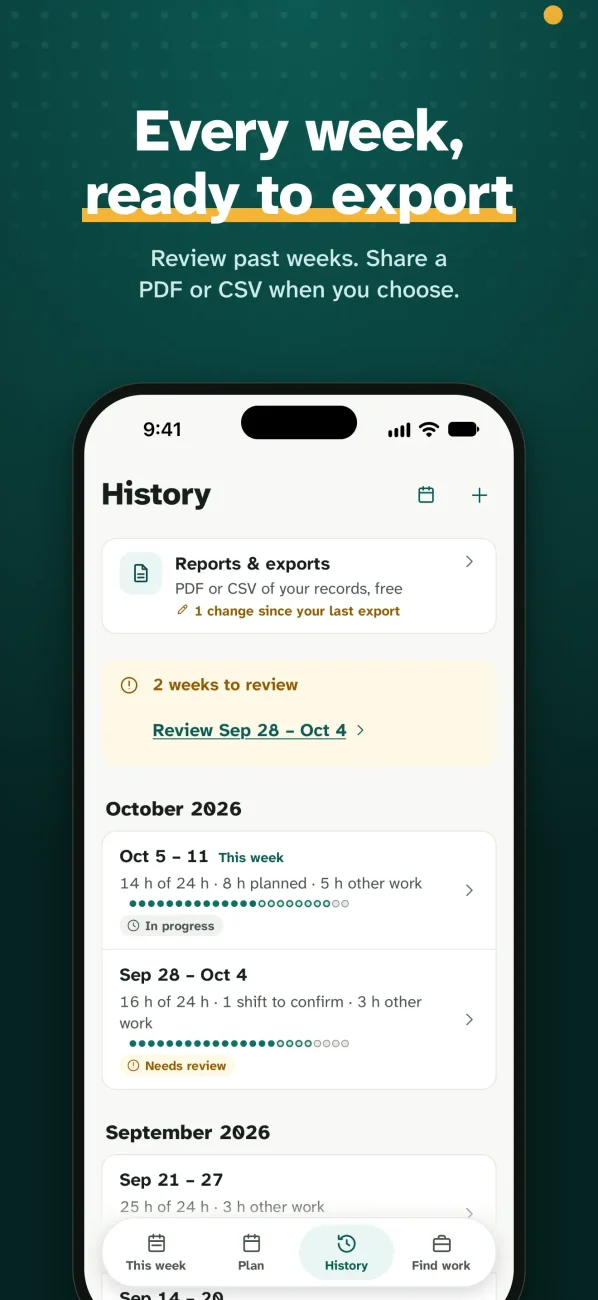
• Browse past weeks in History and confirm each week when it’s complete.
• Make a PDF report or a CSV spreadsheet of your records for any period, right on your phone.
• Download all your account data as a ZIP file whenever you need it.
On your Lock Screen
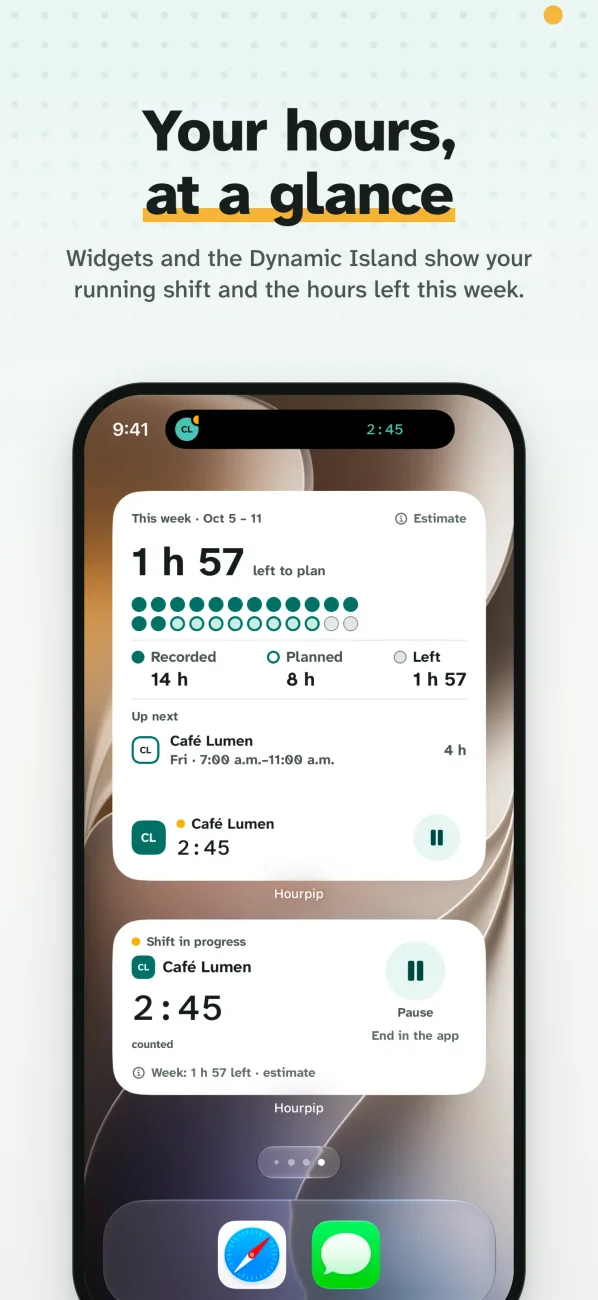
• Follow a running shift in a Live Activity on the Lock Screen and in the Dynamic Island. Pause and resume it without opening the app.
• Home Screen and Lock Screen widgets show your week at a glance.
• Reminders for a planned shift, a timer left running and the weekly review, with quiet hours.
Private by design
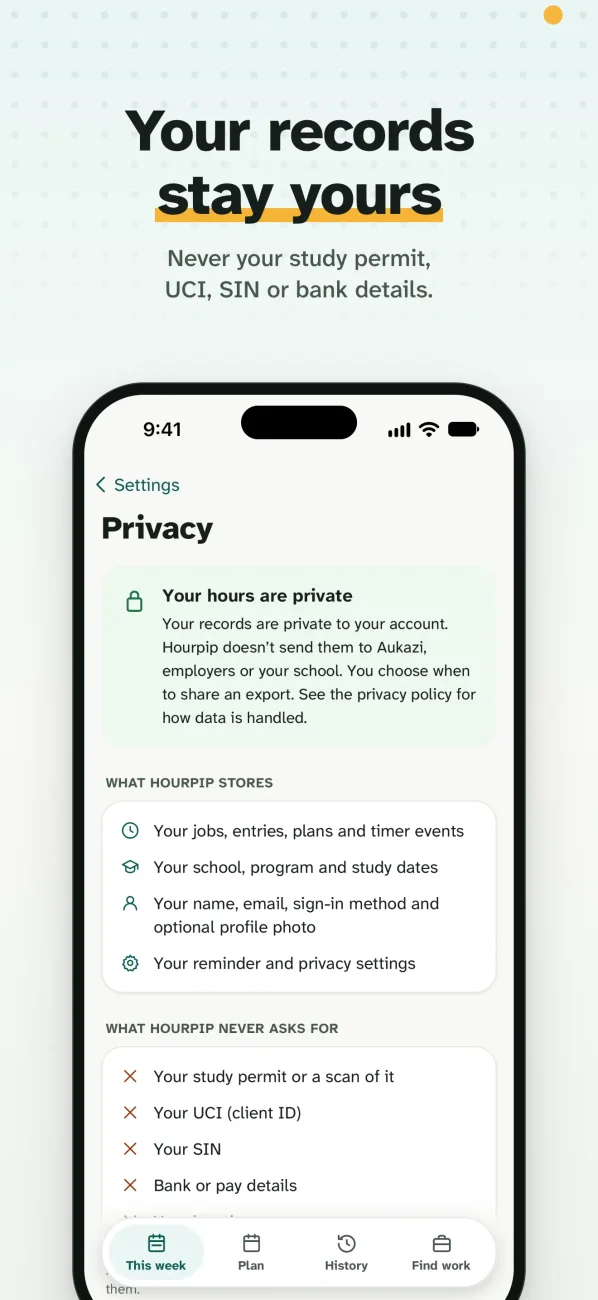
• Hourpip stores your email, your school, your jobs and the hours you enter.
• It never asks for your study permit, UCI, SIN or bank details.
• No ads, no tracking. Your hours aren’t sent to employers or your school.
• Delete your account in the app at any time (Settings, Your data).
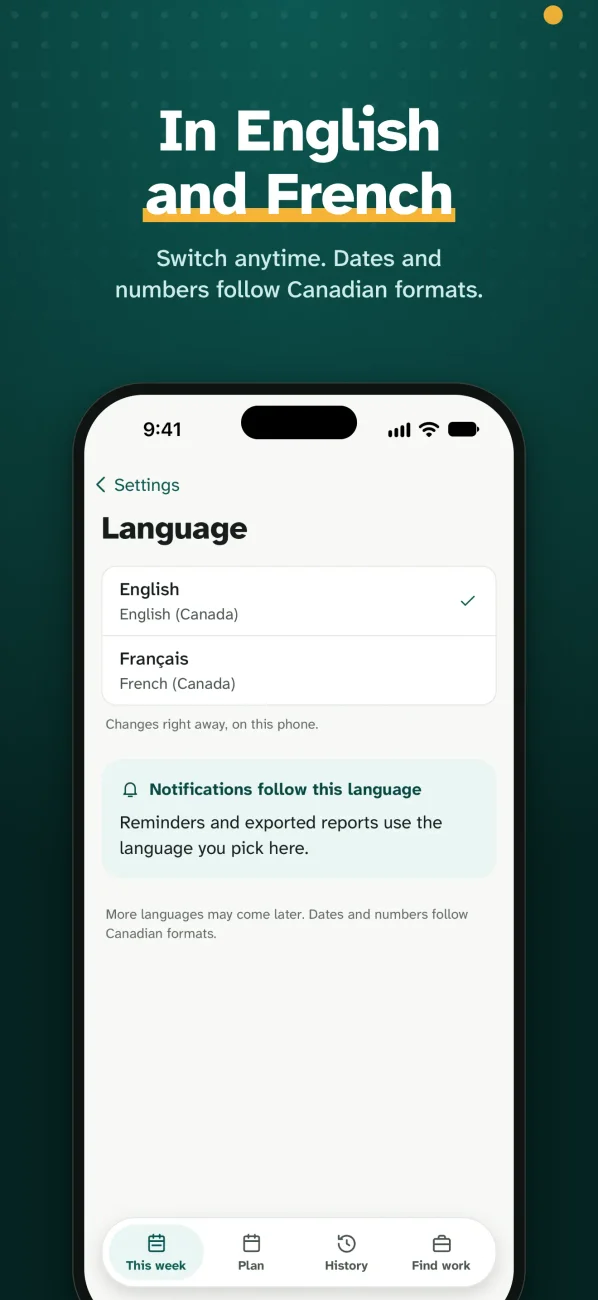
In English and in Québec French
Every screen is written in both languages; switch at any time. Dark mode and larger text are supported. Works offline: changes are saved on your phone first and sync when you’re back online.
Privacy policy: https://hourpip.com/privacy/
Terms of use: https://hourpip.com/terms/
Questions or ideas? Write to contact@hourpip.com.
What’s new
Version 1.0.1 · Oct 27, 2026
• Finding your school is easier: short names like UQAM or ÉTS work, and the school that matches your search comes first.
• On Android, school results no longer hide behind the keyboard.
• Not sure of your study dates? Start with this school year, then change the dates anytime in Settings › Study & calendar.
• The support email address is fixed.
App privacy
What Les Entreprises Aukazi Inc. declares on the App Store about how this app handles data.
-
Data linked to you
May be collected and linked to your identity.
- Contact info
- User content
- Identifiers
-
Data not linked to you
May be collected but is not linked to your identity.
- Location
- Identifiers
- Usage data
Privacy practices may vary, for example with the features you use or your age.
Information
- Seller
- Les Entreprises Aukazi Inc.
- Category
- Productivity
- Version
- 1.0.1
- Updated
- Oct 27, 2026
- Released
- Oct 23, 2026
- Size
- 35.2 MB
- Requires
- iOS 15.1 or later
- Age rating
- 4+
- Price
- Free
- Languages
- English, French
- Copyright
- © 2026 Les Entreprises Aukazi Inc.
You might also like
-
 ShiftCap: Student Work HoursVisa Work Limit Shift Tracker
-
 CTC NetworkCleaning service control
-
 AI Summary: Text SummarizerAI Summarizer Text, PDF, Video
-
 Pro Note : Snapper, Post-itAI Note Taker, Docs PDF Memo
-
 AI Keyboard: Writing AssistGrammar Check & Spell Correct
-
 Work Hour Tracker: Time SheetLog, export timesheet & pay
-
 Ezi: House Cleaning ServiceBook vetted cleaners in a tap
-
 Groupe EssaProductivity
-
 Democratik V3Productivity
-
 AllonsIntelligent carpooling