Hours Tracker: Work Hours Log
Timesheets & Overtime Pay
Designed for iPhone
Free · In-app purchases
- Age rating4+
- CategoryProductivity
- DeveloperDigitalSprout
- LanguagesEnglish
- Size22.8 MB
Links to the official App Store page
Download.org hosts no file of Hours Tracker: Work Hours Log. The button opens its official App Store page, published by DigitalSprout. Listing last checked on Nov 16, 2026.
Screenshots
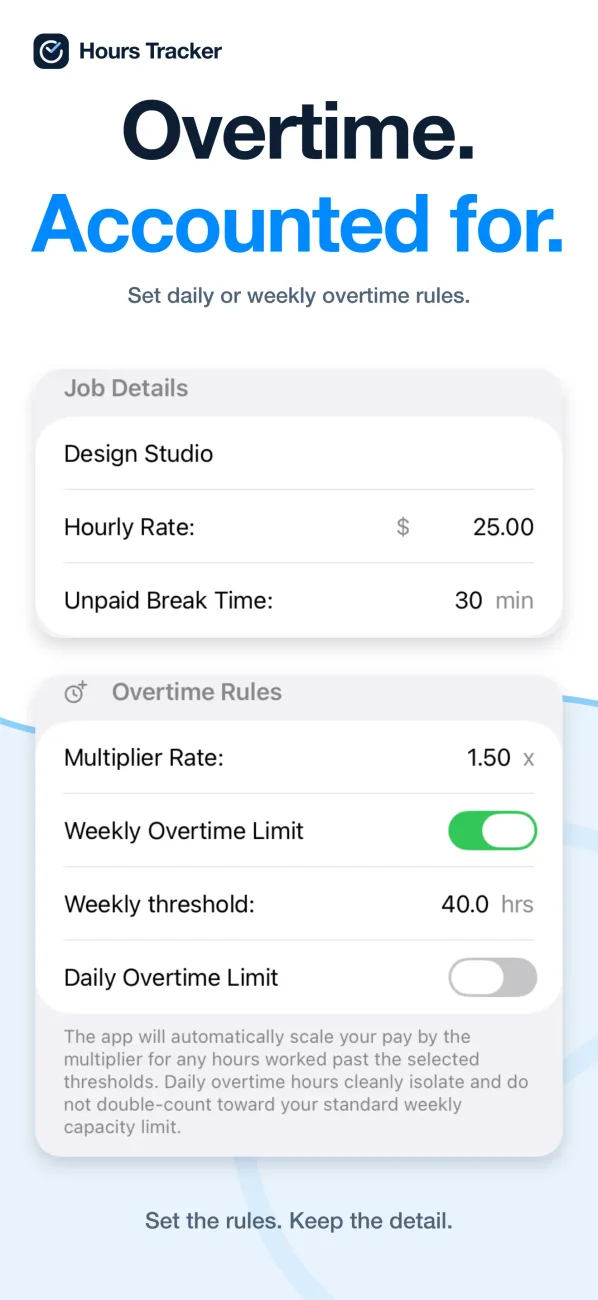
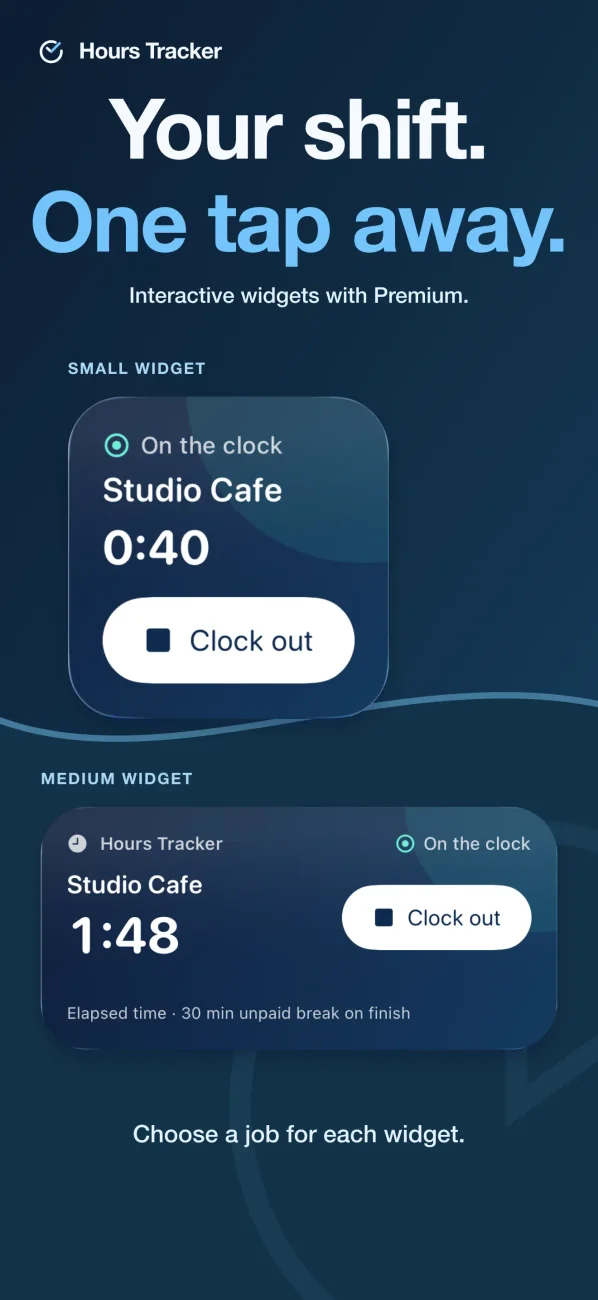

About
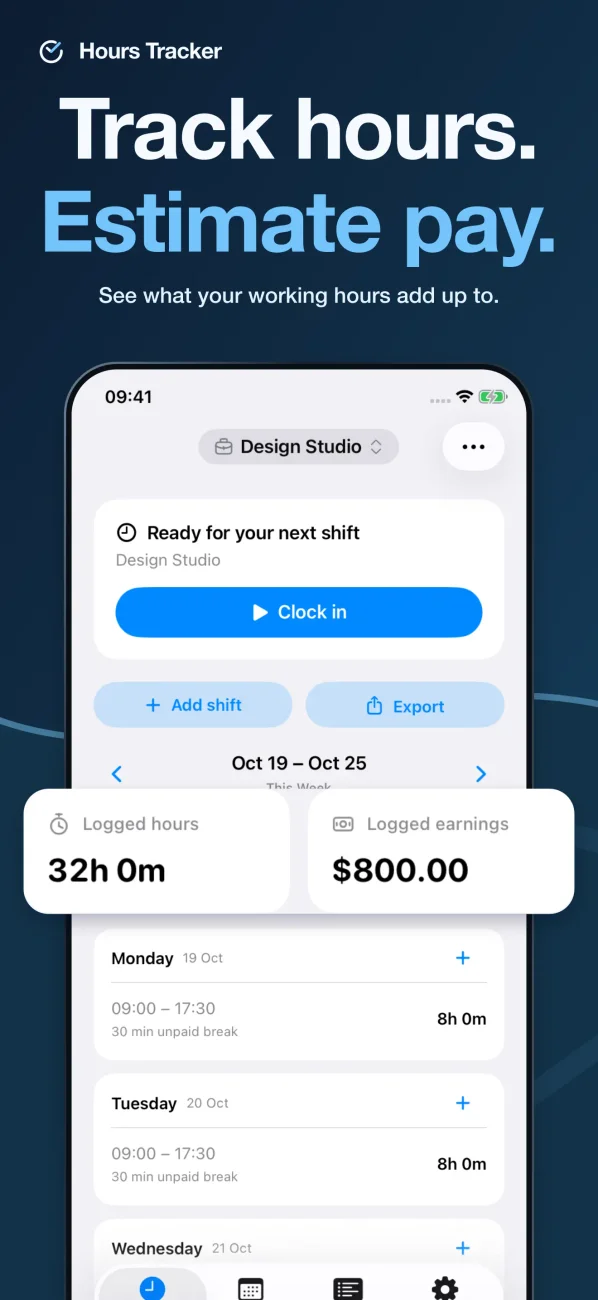
Track your work hours, keep a clear shift log, and see your estimated earnings. Hours Tracker brings your jobs, breaks, overtime, and timesheets together on iPhone.
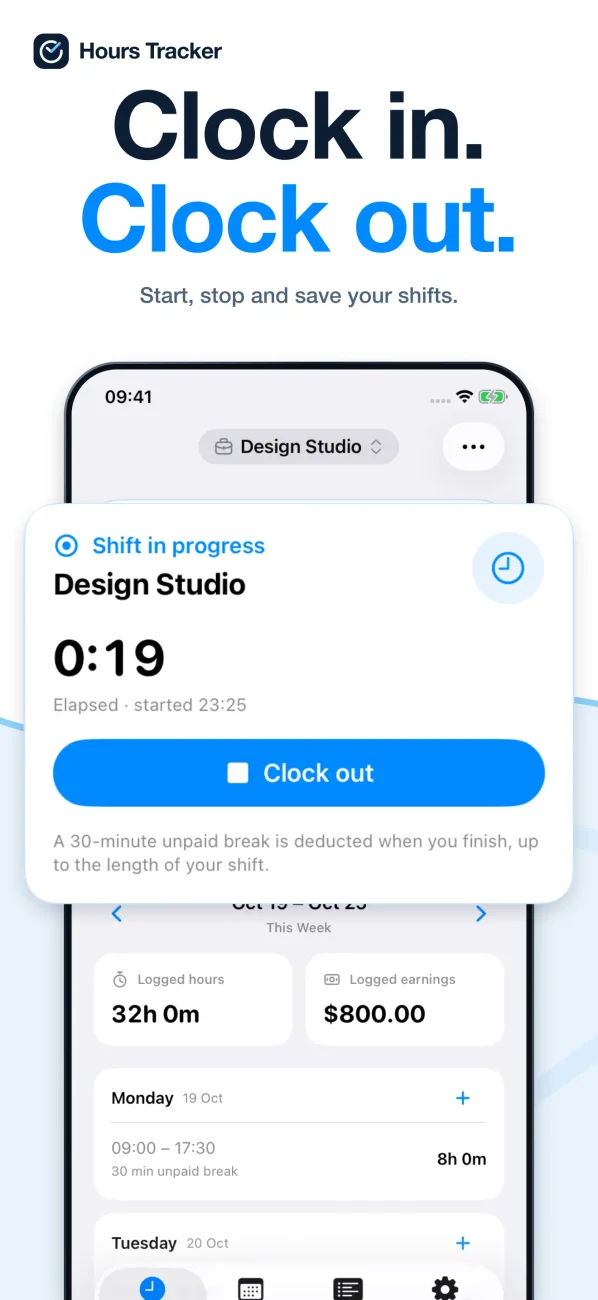
CLOCK IN AND OUT
Start a shift with one tap, then clock out to save your hours. Add past shifts manually, deduct unpaid breaks, and attach notes.
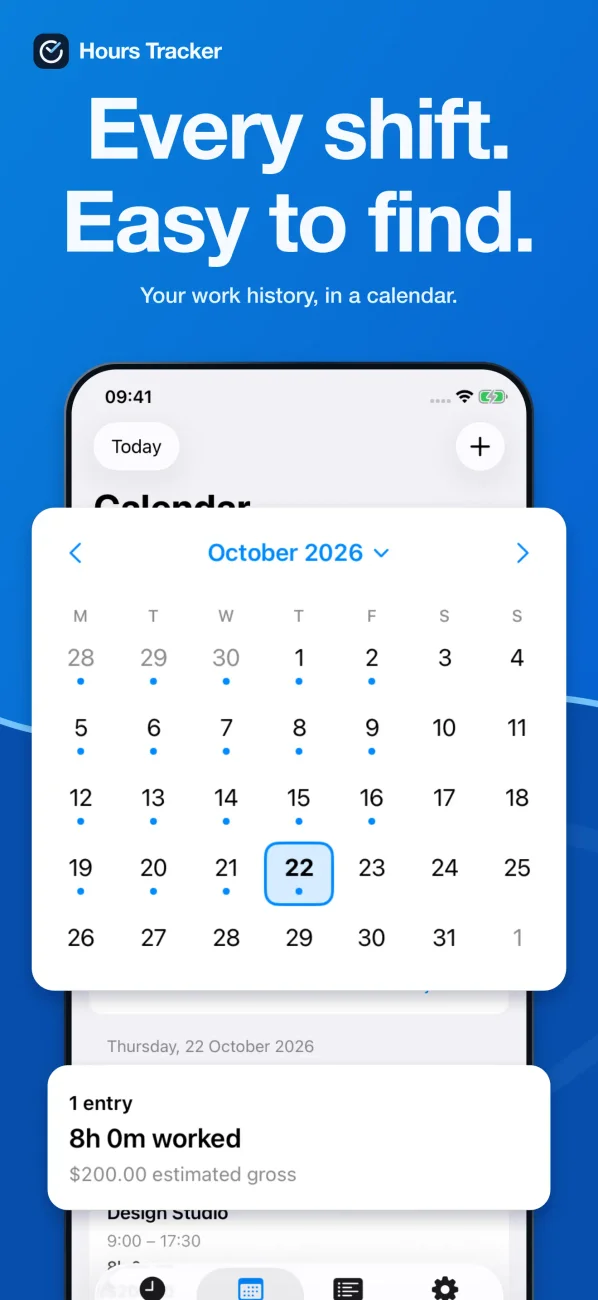
FIND YOUR SHIFTS IN CALENDAR
Browse previous entries by date, review a day’s work, and add or edit shifts from the new Calendar tab. Your weekly dashboard and History keep the bigger picture close.
SET YOUR RATES AND OVERTIME
Set an hourly rate, default break, and daily or weekly overtime rules for each job. Adjust individual entries when needed.
MAKE IT YOURS
Choose System, Light, or Dark appearance. Set your currency symbol, week start, and repeating reminders. A guided setup and quick-start screen help you begin.
FREE TRACKING
Track one job with unlimited entries, Calendar, History, in-app clock-in and clock-out, and basic CSV export. Filter exports by date and job.
HOURS TRACKER PREMIUM
• Unlimited jobs, with separate rates and overtime rules.
• Full CSV and Excel-compatible XLS exports, including optional breaks, notes, and estimated pay columns.
• Interactive Home Screen widgets to clock in and out. Choose a job for each widget.
EARLY SUPPORTERS KEEP PREMIUM FREE
Users who downloaded an earlier production version receive all Premium features free forever. Use Restore Access if needed after reinstalling.
SUBSCRIPTION OPTIONS
Choose yearly Premium, our recommended plan, or subscribe weekly. Both include a seven-day free trial for eligible customers. US prices are $34.99 per year or $4.99 per week, billed upfront; local App Store prices apply elsewhere. A trial automatically converts to the selected paid subscription unless canceled. Subscriptions renew automatically unless canceled at least 24 hours before the current period ends. Manage or cancel in your App Store account settings. Introductory-offer eligibility is determined by the App Store.
Earnings are estimates based on your logged hours, rates, and overtime settings. They do not include tax or other deductions.
Terms of Use: https://digitalsprout.org/hourstracker/terms-of-service
Privacy Policy: https://digitalsprout.org/hourstracker/privacy-policy
What’s new
Version 1.4.6 · Nov 1, 2026
Bug fixes
App privacy
What DigitalSprout declares on the App Store about how this app handles data.
-
Data used to track you
May be used to track you across apps and websites owned by other companies.
- Identifiers
- Usage data
- Other data
-
Data linked to you
May be collected and linked to your identity.
- Identifiers
- Usage data
- Other data
-
Data not linked to you
May be collected but is not linked to your identity.
- Purchases
Privacy practices may vary, for example with the features you use or your age.
Information
- Seller
- DigitalSprout Ltd
- Category
- Productivity
- Version
- 1.4.6
- Updated
- Nov 1, 2026
- Released
- Apr 23, 2026
- Size
- 22.8 MB
- Requires
- iOS 26.1 or later
- Age rating
- 4+
- Price
- Free
- In-app purchases
- Yes
- Languages
- English
- Copyright
- © 2026 DigitalSprout LTD
You might also like
-
 ICS2CalendarImport ICS events to calendar
-
 TimeTiles: Visual Time TrackerPrivate Time Tracker via Tiles
-
 KreativeBirds EmailSecure business email
-
 Honest Scanner: PDF & OCRScan to PDF — No Watermark
-
 Shift: Work Hours & Time CardClock in, track jobs, get paid
-
 SOLO - Habit TrackerProductivity
-
 Weekly TimeTrack your hours effortlessly
-
 HourlyTimeTrackerScheduling & Overtime Tracking
-
 La-TensaProductivity
-
 Work Log – Hours TrackerShift & Timesheet Tracker