
House Paint Visualizer
Test new shades on your photo
Designed for iPhone, iPad
Free · In-app purchases
- Age rating4+
- CategoryLifestyle
- DeveloperDrawingData, Inc.
- LanguagesEnglish
- Size19.1 MB
Links to the official App Store page
Download.org hosts no file of House Paint Visualizer. The button opens its official App Store page, published by DrawingData, Inc. Listing last checked on Nov 12, 2026.
Screenshots

About
Choosing a new paint color should feel exciting—not uncertain. House Paint Visualizer helps you preview paint colors on your own home before you buy paint or pick up a brush.
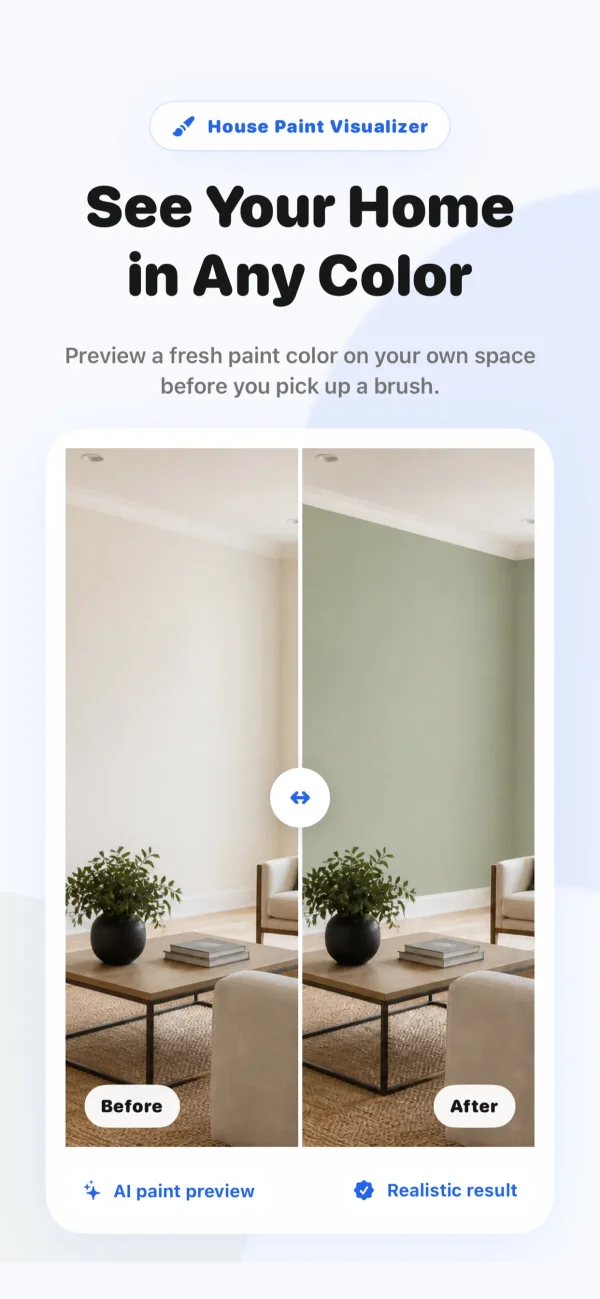
Upload a photo or take a new one, choose the area you want to repaint, select a color and generate a realistic AI-powered preview in moments.
VISUALIZE YOUR OWN HOME
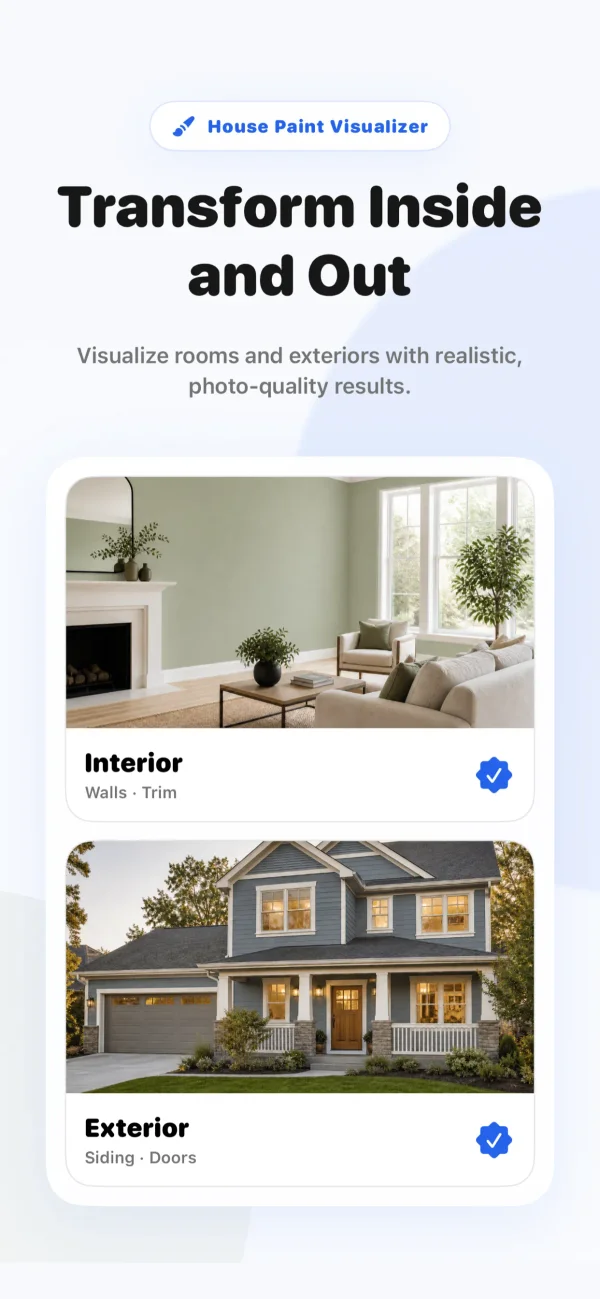
Work with photos of your actual rooms and exterior. See how a new color could look with your existing lighting, furniture, architecture and surroundings.
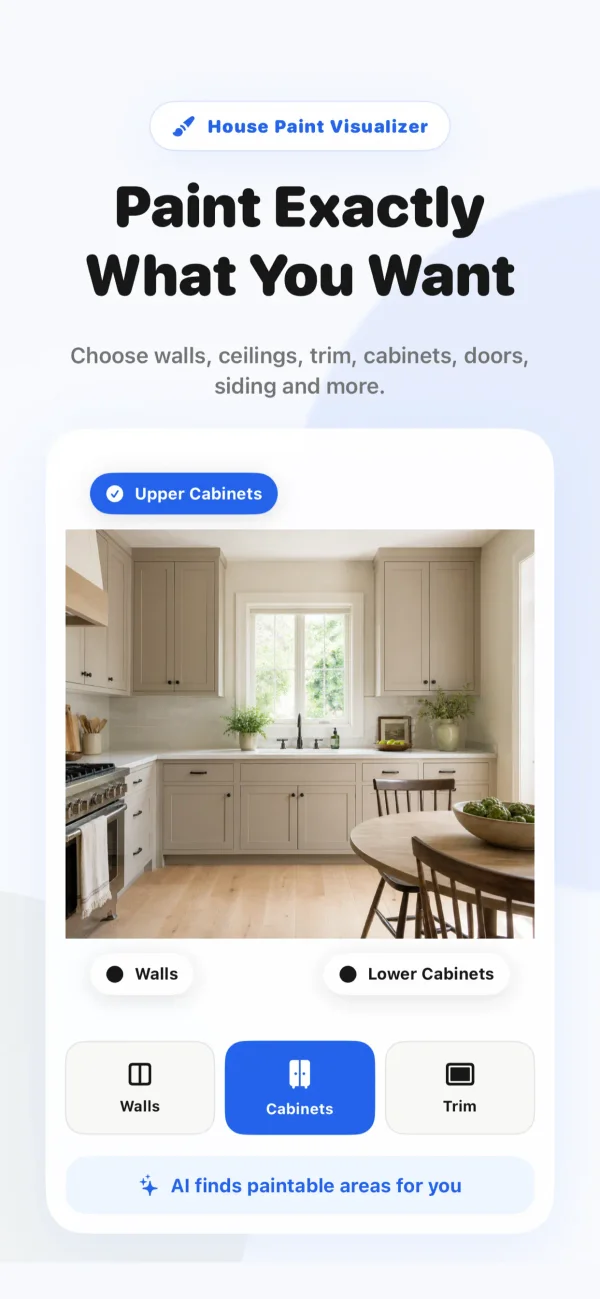
CHOOSE WHAT TO PAINT
Select a visible paintable area such as:
• Interior walls and ceilings
• Kitchen and bathroom cabinets
• Doors, trim and molding
• Exterior walls and siding
• Other visible painted surfaces
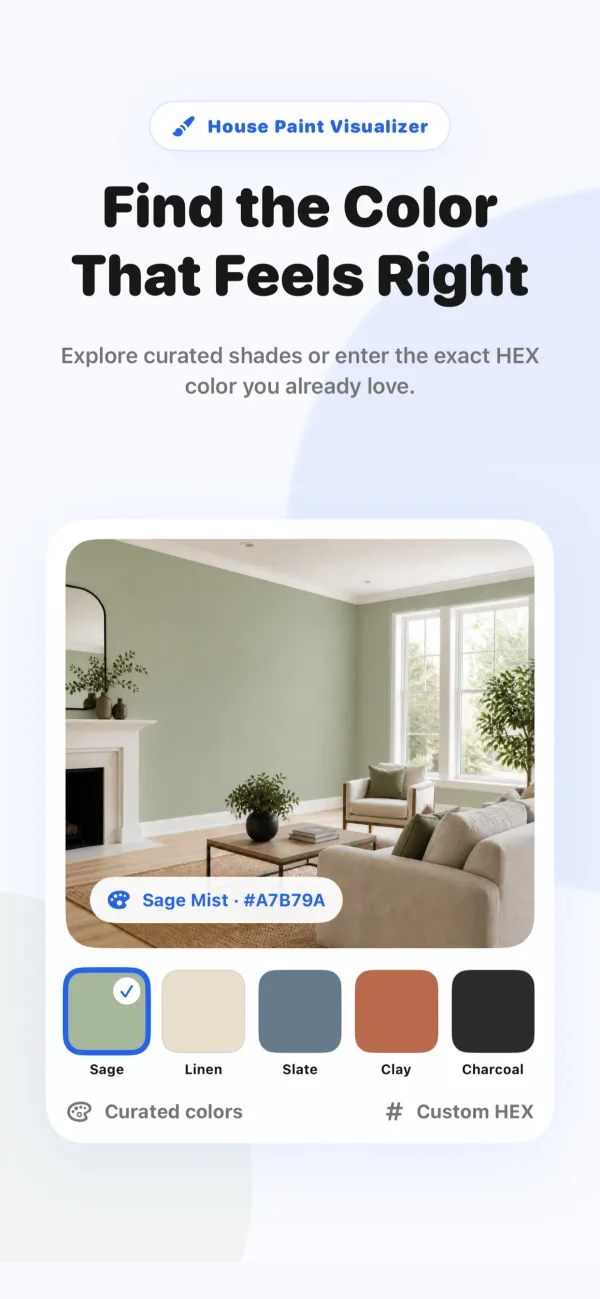
EXPLORE PAINT COLORS
Browse a curated collection of neutrals, warm shades, cool colors, whites and darker tones. You can also create a custom color using an exact HEX value.
SELECT A PAINT FINISH
Refine your idea by choosing a paint finish, including matte, eggshell, satin, semi-gloss or gloss.
REALISTIC AI PAINT PREVIEWS
Generate a detailed visualization of your selected surface in the new color. House Paint Visualizer makes it easier to compare ideas and narrow down your options before making a final decision.
COMPARE BEFORE AND AFTER
Use the interactive comparison to move between your original photo and the generated design. Zoom, pan and inspect the image closely to understand how the color works throughout the space.
SAVE AND SHARE YOUR DESIGNS
Save finished paint previews to your photo library, share them with family or contractors, and reopen recent projects whenever you want another look.
PERFECT FOR YOUR NEXT PROJECT
House Paint Visualizer is useful for:
• Planning an interior room makeover
• Testing wall color combinations
• Previewing kitchen cabinet colors
• Exploring exterior house paint ideas
• Comparing colors before buying paint
• Sharing design ideas with family, painters or clients
Take the guesswork out of choosing paint. Visualize the change, compare your options and plan your next home makeover with confidence.
Subscription Information:
– App usage is limited and needs a subscription for unlimited access.
– Subscription Length: Weekly and Yearly
– Free Trial: If offered, it will automatically convert to a paid subscription unless canceled.
– Payment: Charged to your Apple ID account at confirmation of purchase.
– Auto-Renewal: Automatically renews unless canceled at least 24 hours before the end of the current period.
– Renewal Charge: Your account will be charged within 24 hours before the end of the current period, based on the selected plan.
– Managing Subscription: Users can manage subscriptions and turn off auto-renewal in Account Settings on the App Store.
– Free Trial Policy: Any unused portion of a free trial will be forfeited upon purchasing a subscription.
Terms of Use: https://www.apple.com/legal/internet-services/itunes/dev/stdeula/
Privacy Policy: https://hyperignitionsystems.com/privacy-policy
What’s new
Version 1.1 · Oct 27, 2026
Improved app performance.
App privacy
What DrawingData, Inc. declares on the App Store about how this app handles data.
-
Data not linked to you
May be collected but is not linked to your identity.
- User content
Privacy practices may vary, for example with the features you use or your age.
Information
- Seller
- DrawingData, Inc.
- Category
- Lifestyle
- Version
- 1.1
- Updated
- Oct 27, 2026
- Released
- Sep 2, 2026
- Size
- 19.1 MB
- Requires
- iOS 17.6 or later
- Age rating
- 4+
- Price
- Free
- In-app purchases
- Yes
- Languages
- English
- Copyright
- © 2026 DrawingData, Inc.
You might also like
-
 Redo Room: AI Interior DesignCircle it, change your room
-
 Rollur VisualizerTry paint colors on your room
-
 Exterior Paint Visualizer.AI House Exterior Color Design
-
 SKNBASELifestyle
-
 Paint Visualizer AIPreview real paint colors
-
 Feel NowLifestyle
-
 Paint AI: Paint Visualizer#1 Wall Color Preview & Design
-
 Homeo: Home AI Design PlannerRoom Interior Redesign & 3D
-
 Renovate AI: Smart Home DecorAI Interior Design from Photo
-
 Exterior Home Design:AIHouse Facade & Curb Appeal