
- Age rating12+
- CategoryMusic
- DeveloperAles Prochazka
- LanguagesEnglish
- Size55.8 MB
Links to the official App Store page
Download.org hosts no file of HQPDcontrol v4. The button opens its official App Store page, published by Ales Prochazka. Listing last checked on Nov 23, 2026.
Screenshots
About
HQPDcontrol is the remote control for HQPlayer — the renowned high-quality audio player and upsampler. Turn
your iPhone or iPad into a powerful, intuitive control surface for your audiophile setup.
LIBRARY BROWSING
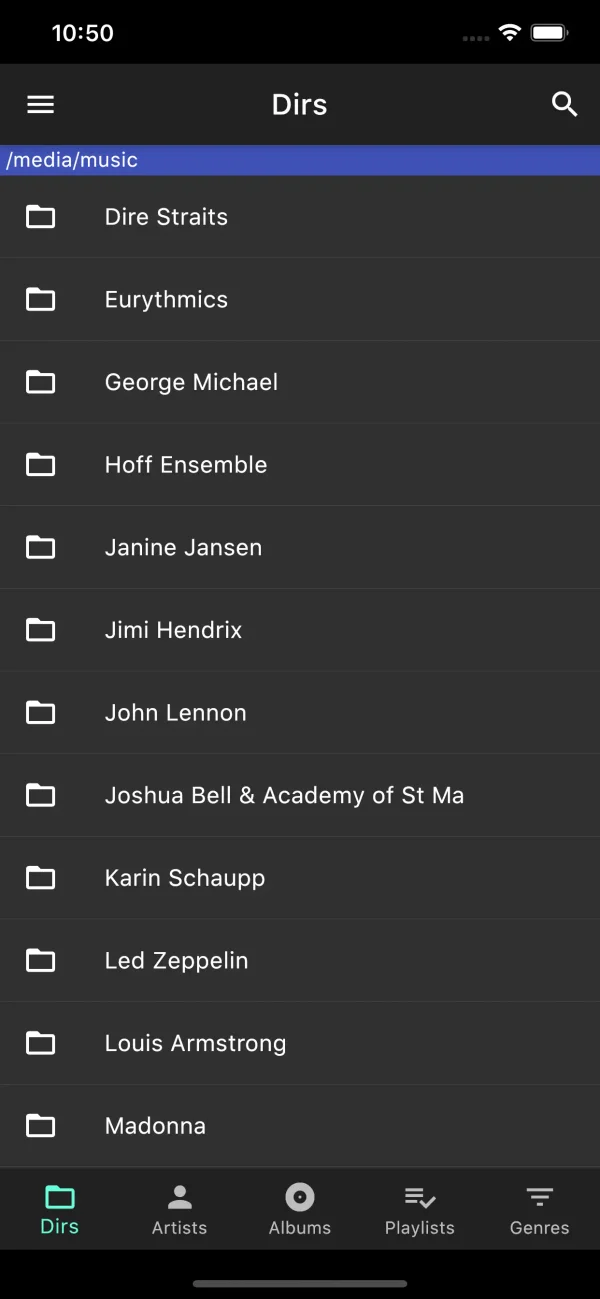
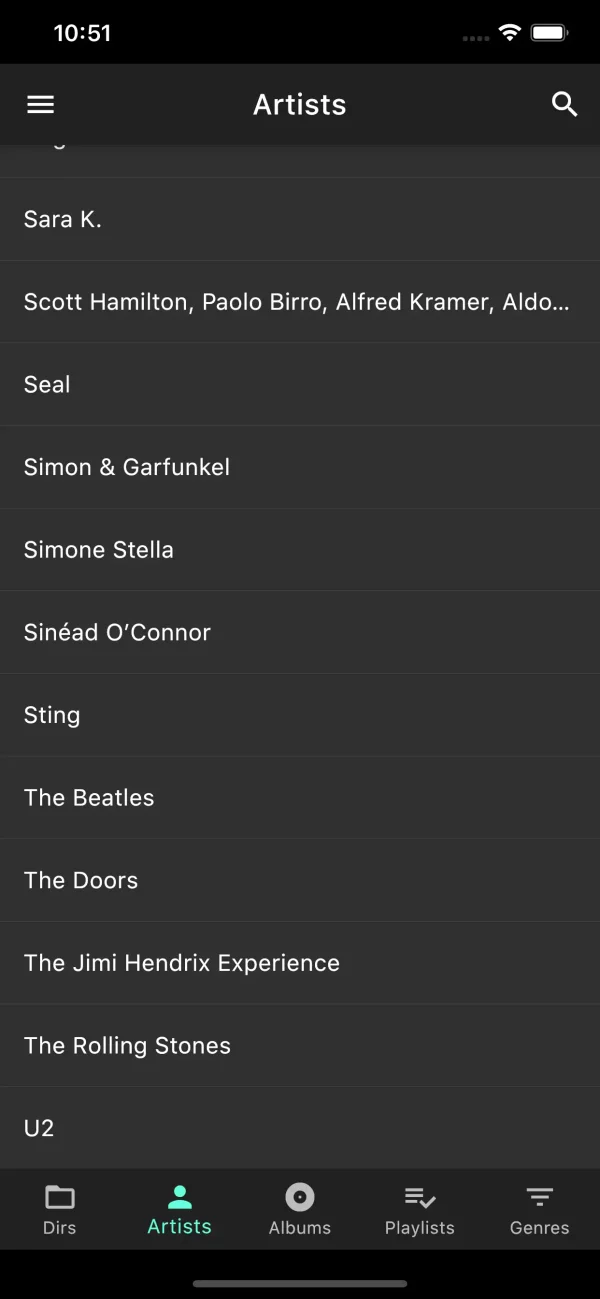
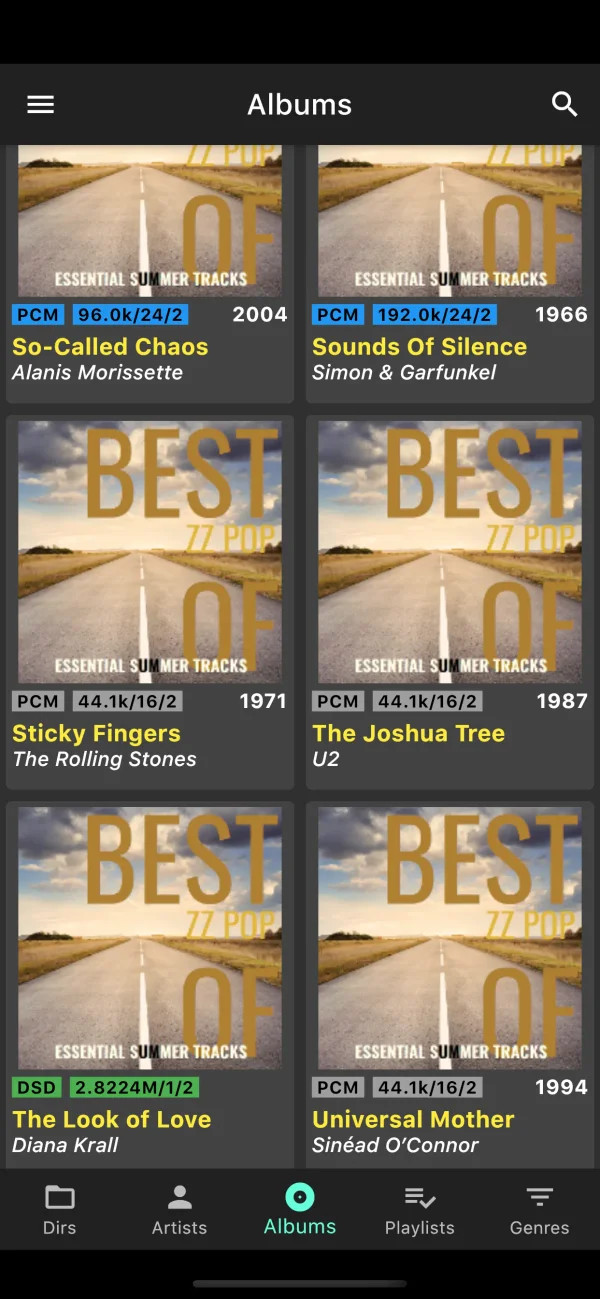
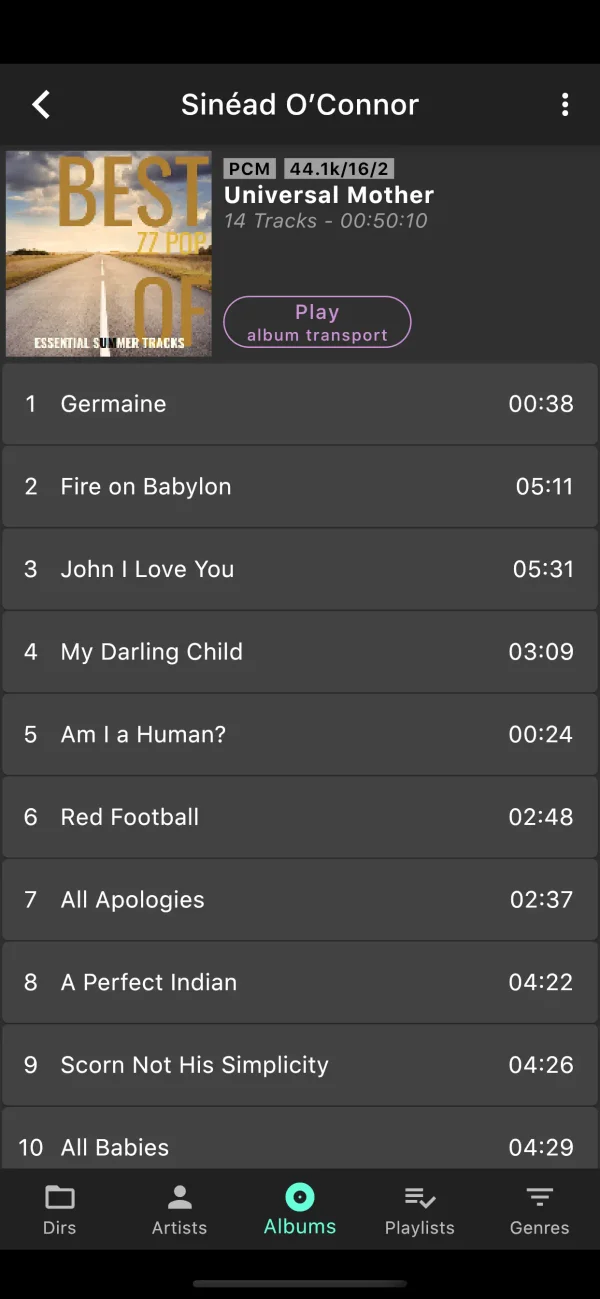
Browse your music collection by artists, albums, genres, directories, or playlists. Search across your entire library
instantly. View album artwork, track details, and digital booklets. Choose between grid and list views with
configurable column layouts optimized for both phones and tablets.
PLAYBACK CONTROL
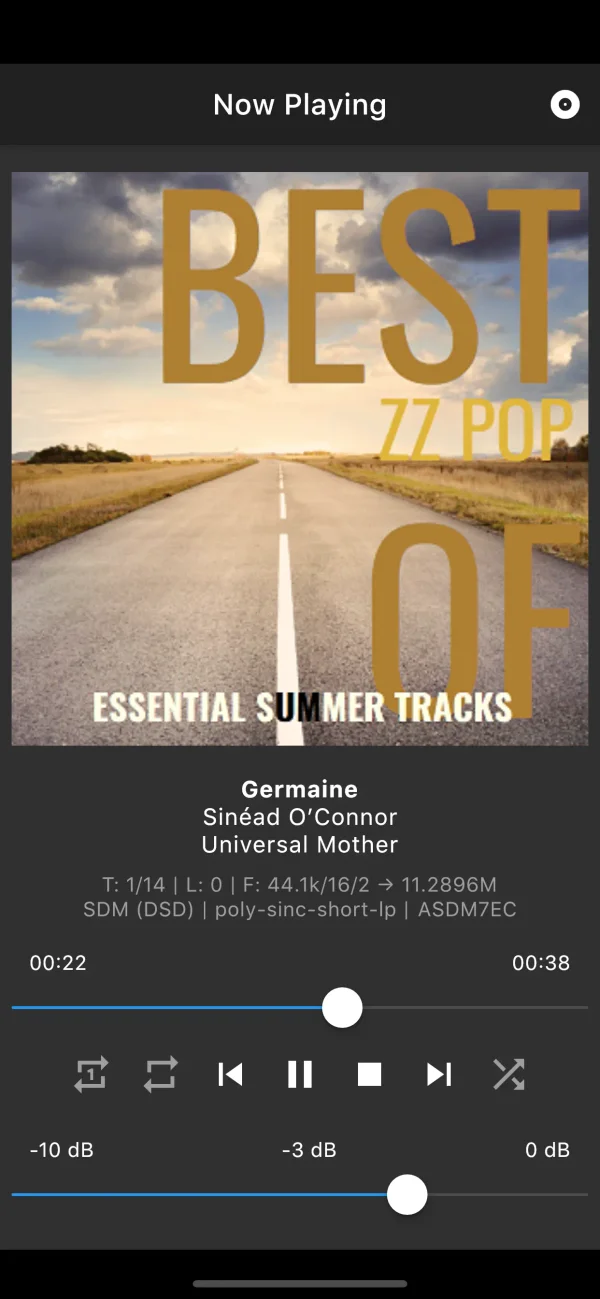
Full transport controls with real-time track information, album art, and a detailed audio format display showing
sample rate, format (PCM/DSD), and the processing pipeline. Scrub through tracks, adjust volume, and monitor audio
levels with a multi-channel meter view featuring peak indicators.
QUEUE MANAGEMENT
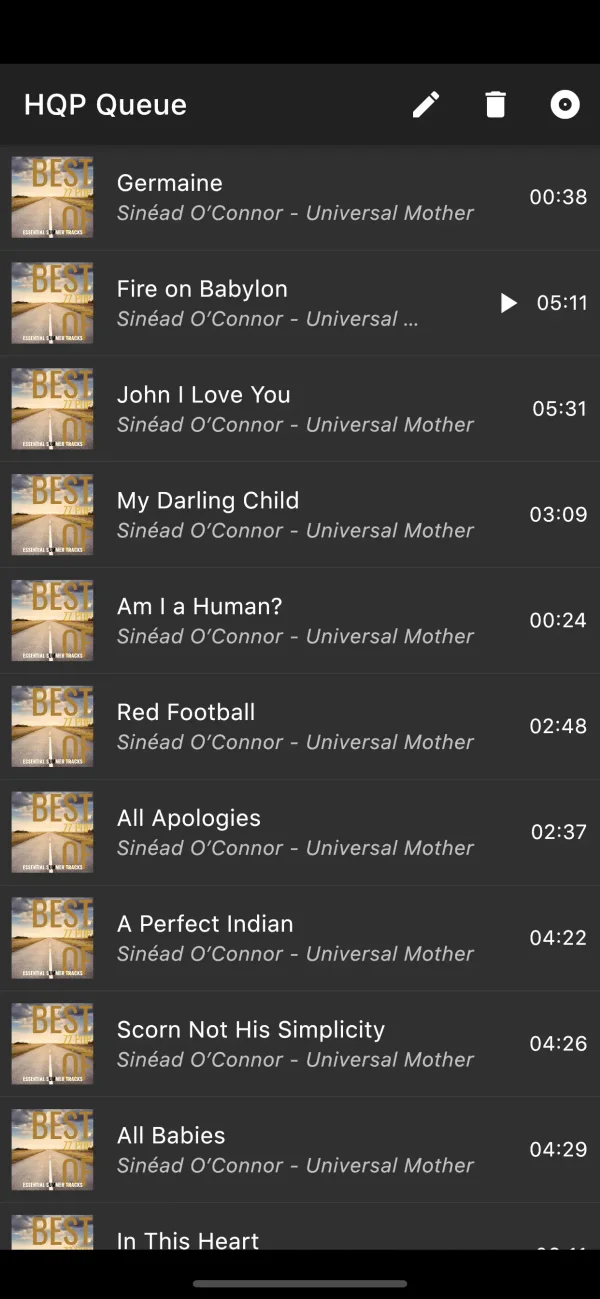
View and edit your playing queue with drag-and-drop reordering. Add tracks, albums, or entire playlists. Clear the
queue or save it as a playlist for later. Jump to the currently playing track with a single tap.
HQPLAYER SETTINGS
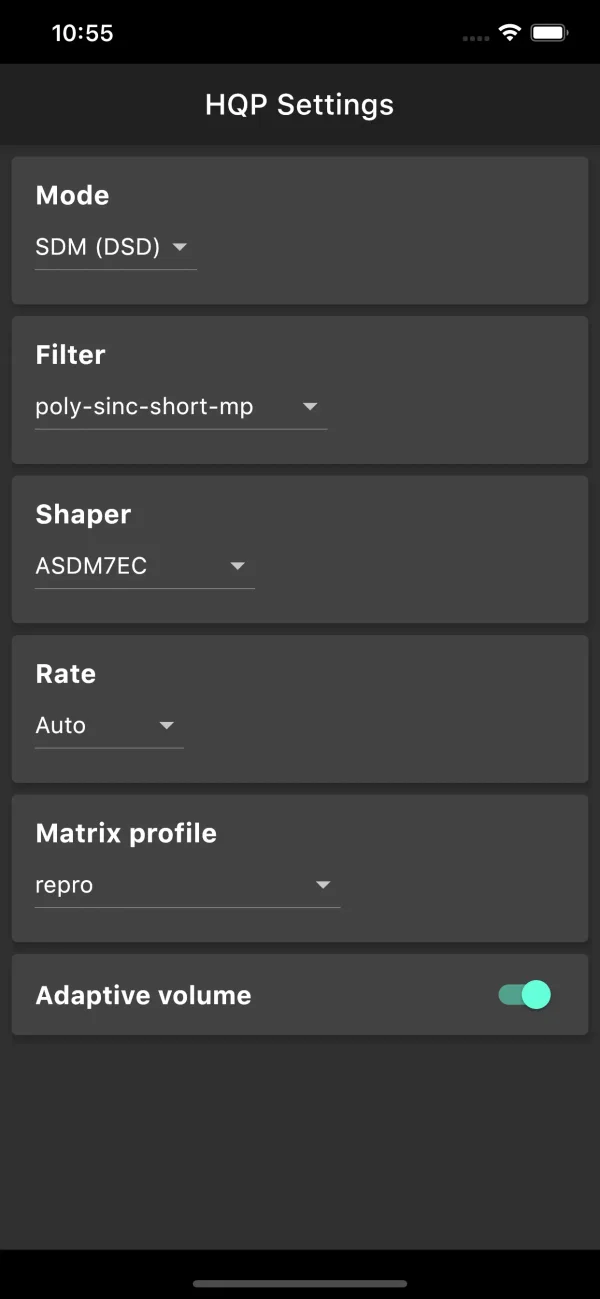
Adjust HQPlayer's audio processing parameters directly from your device. Change filters, modulators, and other
settings in real time without interrupting playback.
HRA CATALOG ACCESS
Browse and search the HRA (HIGHRESAUDIO.com) streaming catalog directly from the app. Manage your HRA playlists
and send streaming URLs to HQPlayer for playback — HQPDcontrol acts purely as a remote control, with all audio
processing and playback handled by HQPlayer.
AUTOMATIC DISCOVERY
HQPDcontrol automatically detects HQPlayer instances on your network. Just launch the app and connect — or configure
the connection manually if preferred.
DESIGNED FOR AUDIOPHILES
• Real-time audio level meters with multi-channel support
• Detailed format and conversion information display
• Support for PCM and DSD formats
• Album booklet/liner notes viewer (PDF)
• Library statistics and storage overview
• Dark and light themes
• Left-handed mode
• Responsive layout for all screen sizes
HQPDcontrol requires a running instance of HQPlayer on your network. No audio is streamed through the app — all
playback is handled entirely by HQPlayer.
Terms of Use (EULA): https://www.apple.com/legal/internet-services/itunes/dev/stdeula/
What’s new
Version 7.9.4+714 · Nov 19, 2026
• Spectrogram keeps the screen on while HQPlayer is playing; Auto-Lock resumes 30 seconds after playback stops.
• Library sync uses much less memory, especially with large libraries.
• Safer library sync: an incomplete library from HQPlayer is rejected, and if the import fails, your existing library is kept.
• Fixed: Auto-Lock could stay off after clearing the HIGHRESAUDIO queue or playing music from your library.
• Updated app frameworks and dependencies for improved stability.
App privacy
What Ales Prochazka declares on the App Store about how this app handles data.
-
Data not collected
The developer does not collect any data from this app.
Privacy practices may vary, for example with the features you use or your age.
Information
- Seller
- Ales Prochazka
- Category
- Music
- Version
- 7.9.4+714
- Updated
- Nov 19, 2026
- Released
- Jun 23, 2020
- Size
- 55.8 MB
- Requires
- iOS 16.6 or later
- Age rating
- 12+
- Price
- Free
- In-app purchases
- Yes
- Languages
- English
- Copyright
- © Ales Prochazka
You might also like
-
 Signalyst HQPlayer 6 ClientMusic
-
 JPLAYThe new reference hi-fi app.
-
 mconnect controlMusic
-
 LindemannMusic
-
 mconnect PlayerUPnP, Cast Video & Music
-
 Audirvāna RemoteAudirvāna remote control
-
 RigelianMPD & OpenHome control app
-
 MaximumMPDMusic
-
 mconnect control HDMusic
-
 mconnect Player LiteUPnP, Cast Video & Music