- Age rating4+
- CategoryBusiness
- DeveloperVL SMART GEN AI CO., LTD
- LanguagesEnglish+ 4 more
- Size30.7 MB
Links to the official App Store page
Download.org hosts no file of HR Track. The button opens its official App Store page, published by VL SMART GEN AI CO., LTD. Listing last checked on Nov 17, 2026.
Screenshots

About
HR Track is the staff app for companies that use the HR Track workforce and HR system. Your company's HR team creates your account and approves your phone, so there is no public sign-up: you need an account from your employer to sign in. Before you sign in for the first time, the app shows its Terms of Use and Consent for you to read and accept.
What you can do
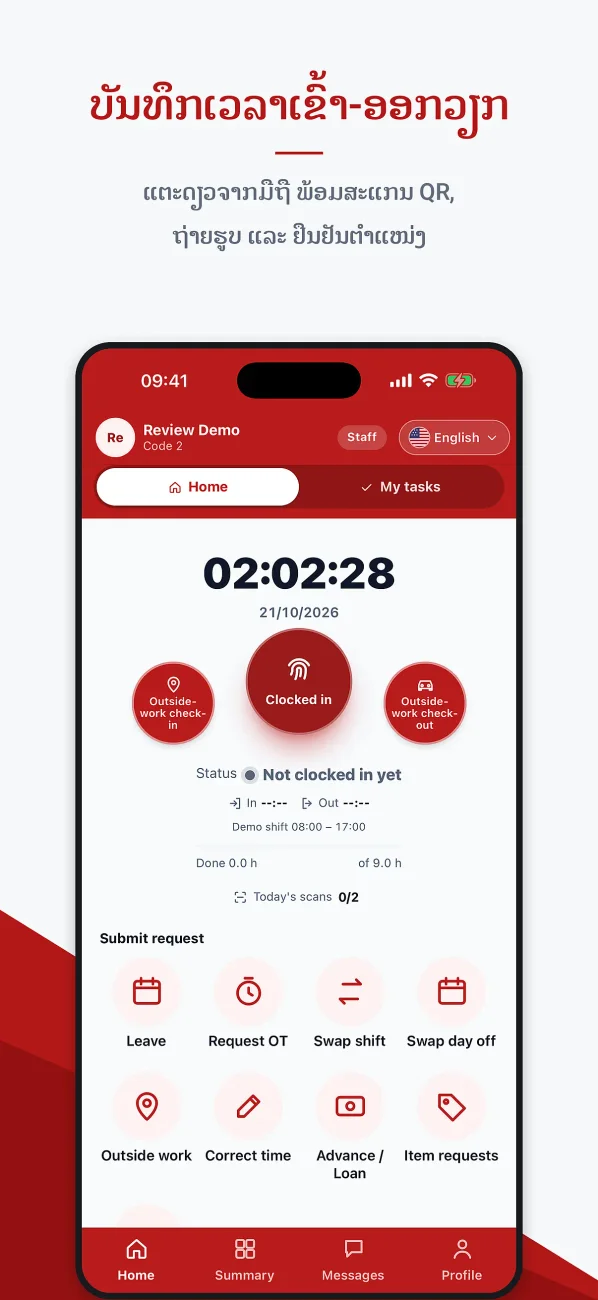
• Clock in and out with your phone. The camera scans your workplace QR code and takes a check-in photo, and your location confirms you are at the workplace.
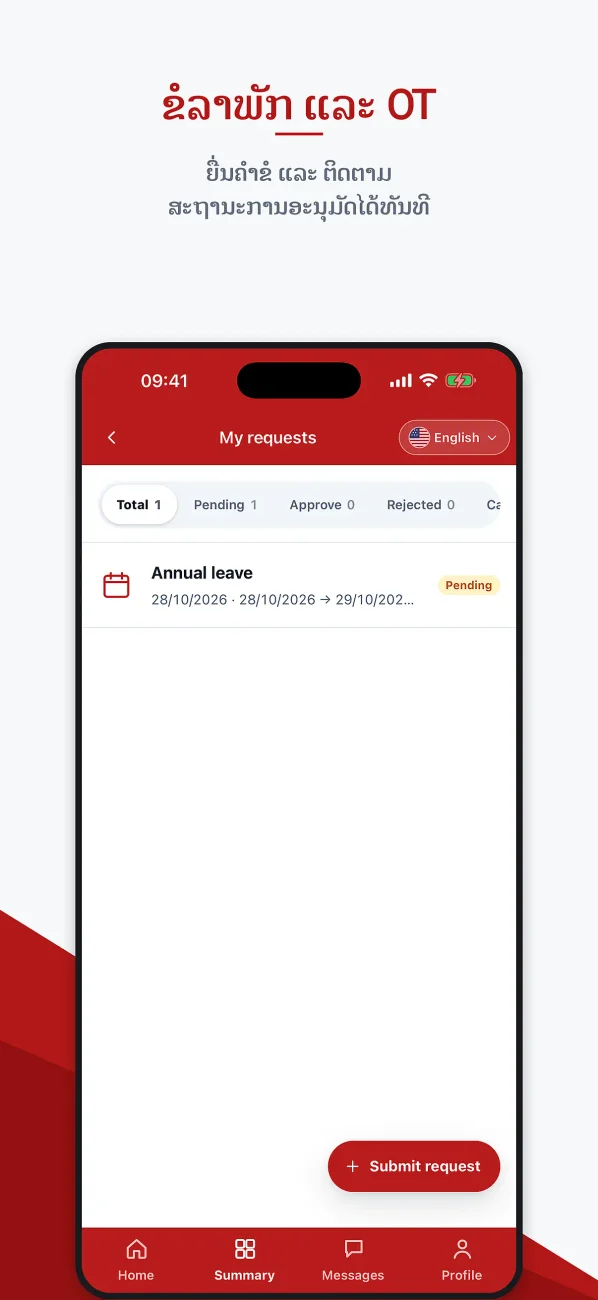
• Request leave, overtime, off-day swaps and outside-work reports, and follow each request from sent to approved.
• Accept overtime offers that your supervisor posts for your department.
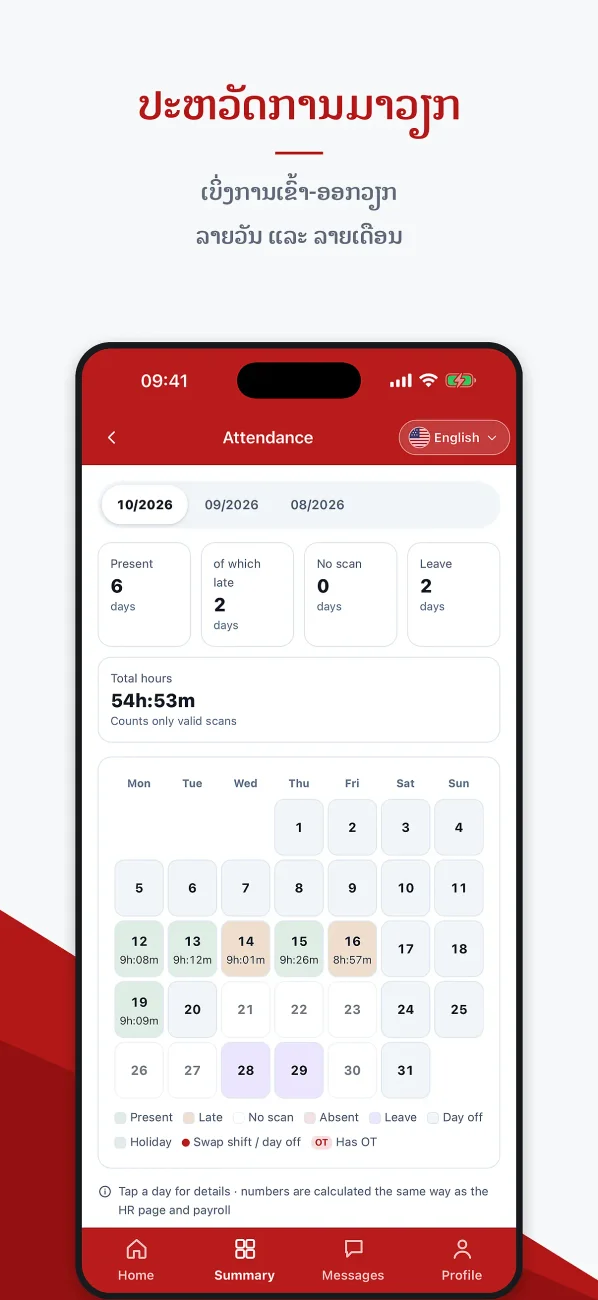
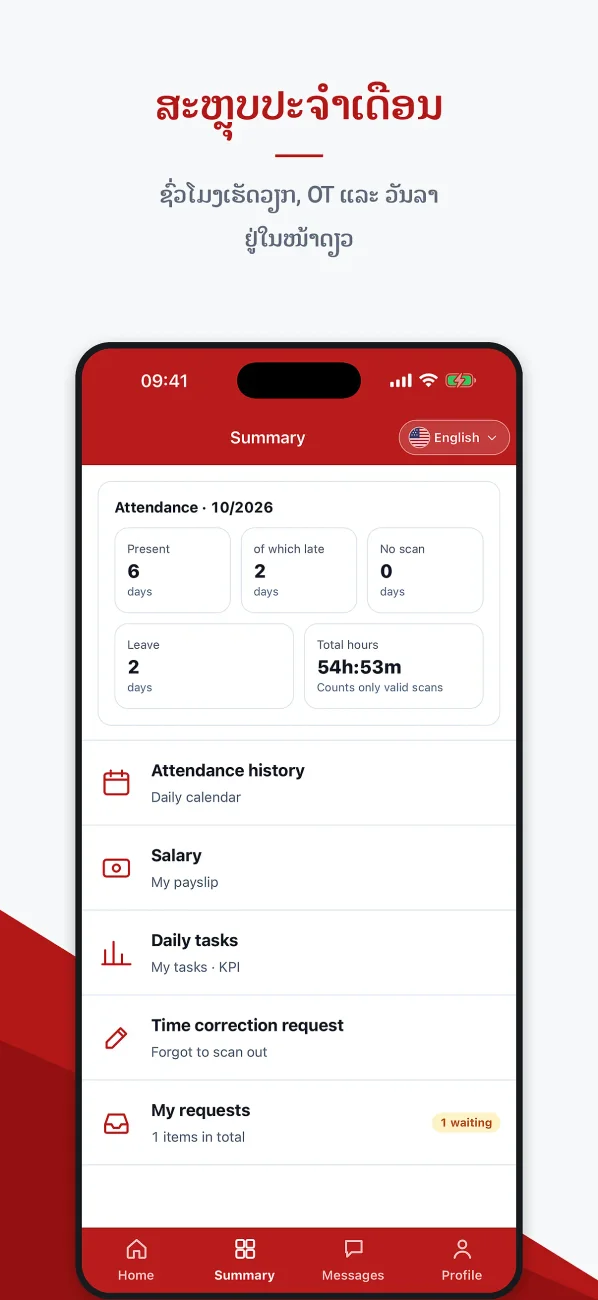
• See your attendance history and monthly summary.
• Read the payslips that HR has approved for you.
• Follow the daily tasks your supervisor assigns, tick them off and see your score and comments.
• Work board: team tasks, projects and shared files.
• Read notices from HR inside the app and chat with your colleagues.
• If your company gives you a manager role, you can also approve or reject requests and see today's team attendance, overtime and task scores from the manager tabs. Managers with attendance permission can also see a live map of team members whose shift is open right now.
• Protect the app with a PIN lock. Face ID or Touch ID can be used as a shortcut to the lock; the PIN always works.
• Works with weak signal: attendance and requests are kept briefly on the phone and sent when you are back online.
Camera, photos and location
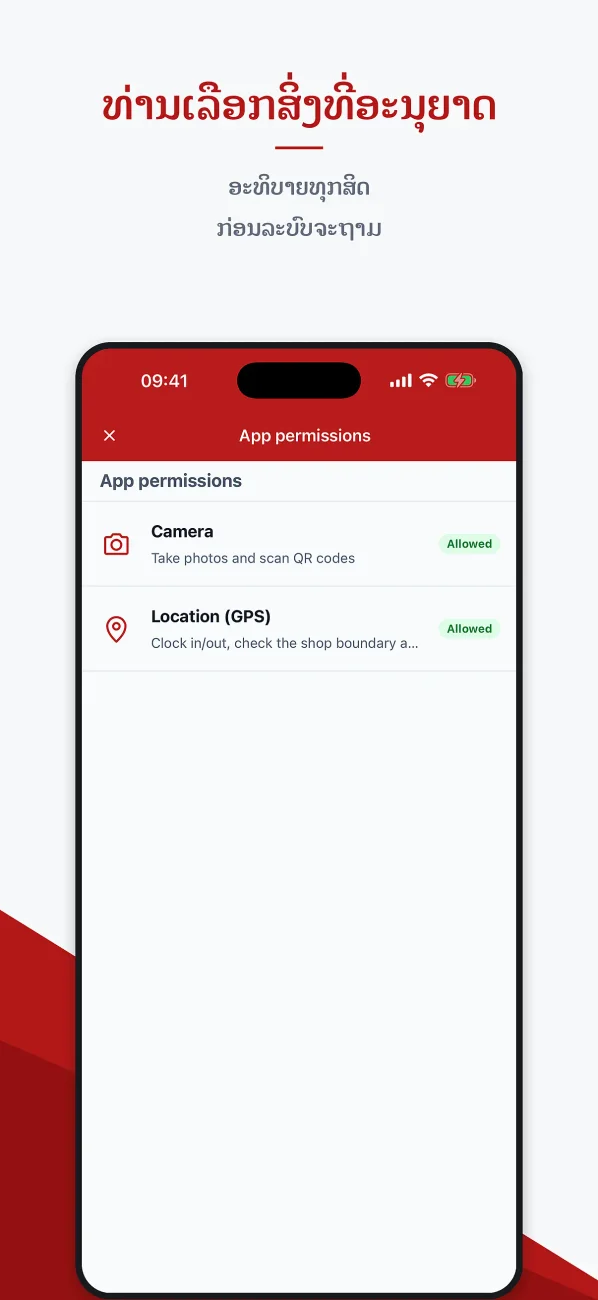
• Camera: scans the workplace QR code and takes your check-in photo. Photos are saved to your company's HR record.
• Location: read when you clock in to confirm you are at the workplace.
• Shift location: after a successful clock-in the app shows a notice and then records your location about every 5 minutes, also while the app is in the background, until you clock out or sign out. iOS decides the exact timing, so some updates may arrive later. This gives your employer the attendance record of your shift. While your shift is open, managers your company authorizes can see your latest location and the route of the current shift in the app. A "GPS Tracking Active" badge is shown while it runs, iOS shows its location indicator, and nothing is recorded outside a shift. Shift location records are kept only for the retention period set for your company and are then deleted automatically.
You can change these permissions at any time in Settings > HR Track.
Language
The app follows your phone's language and is available in Lao, English, Thai, Vietnamese and Chinese. Some screenshots on this page show the Lao interface.
Privacy
HR Track collects your name, user ID, device ID, check-in photo and location, and the messages, request details and files you send in the app, only to run attendance and HR for your company. Data is sent over HTTPS to HR Track servers. No tracking across apps, no ads, no in-app purchases and no third-party analytics. To have your data removed, ask your company's HR team. Privacy policy and support: see the links on this page.
App privacy
What VL SMART GEN AI CO., LTD declares on the App Store about how this app handles data.
-
Data linked to you
May be collected and linked to your identity.
- Location
- Contact info
- User content
- Identifiers
Privacy practices may vary, for example with the features you use or your age.
Information
- Seller
- VL SMART GEN AI CO., LTD
- Category
- Business
- Version
- 1.0.0
- Updated
- Nov 6, 2026
- Released
- Nov 6, 2026
- Size
- 30.7 MB
- Requires
- iOS 15.0 or later
- Age rating
- 4+
- Price
- Free
- Languages
- English, Laotian, Simplified Chinese, Thai, Vietnamese
- Copyright
- © 2026 VL SMART GEN AI CO., LTD