
HSA Monster: Expense Tracker
Save receipts for retirement
Designed for iPhone, iPad, Mac
Free · In-app purchases
- Age rating4+
- CategoryProductivity
- DeveloperChristopher Scott Schultz
- LanguagesEnglish
- Size46.1 MB
Links to the official App Store page
Download.org hosts no file of HSA Monster: Expense Tracker. The button opens its official App Store page, published by Christopher Scott Schultz. Listing last checked on Nov 21, 2026.
Screenshots
About
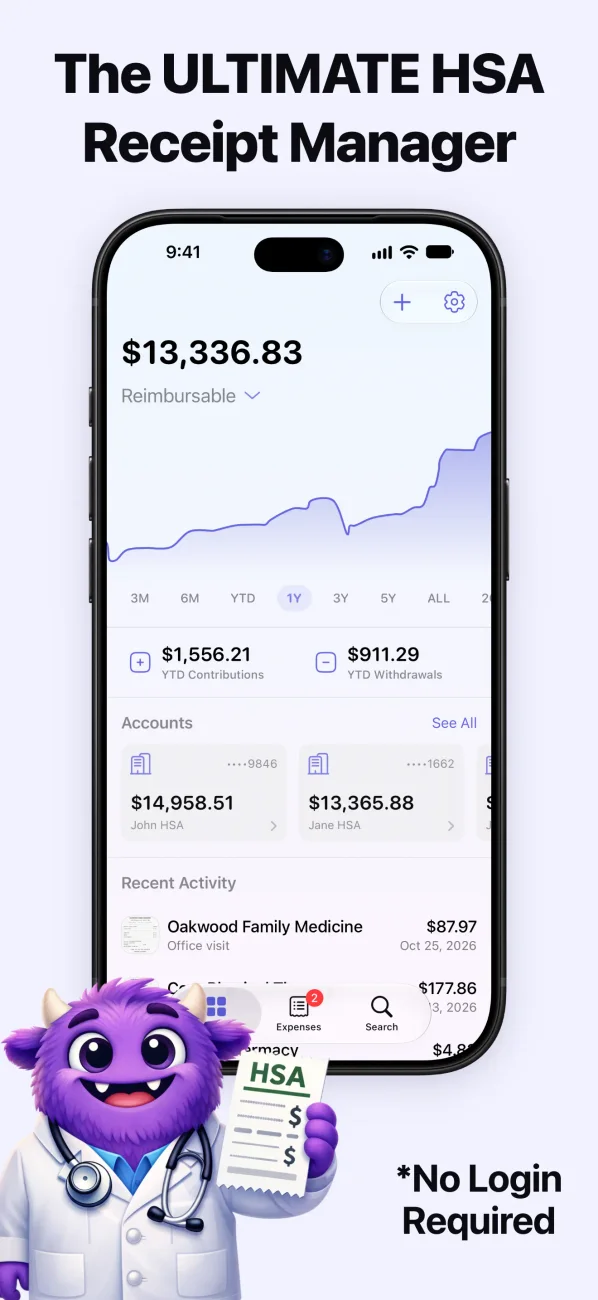
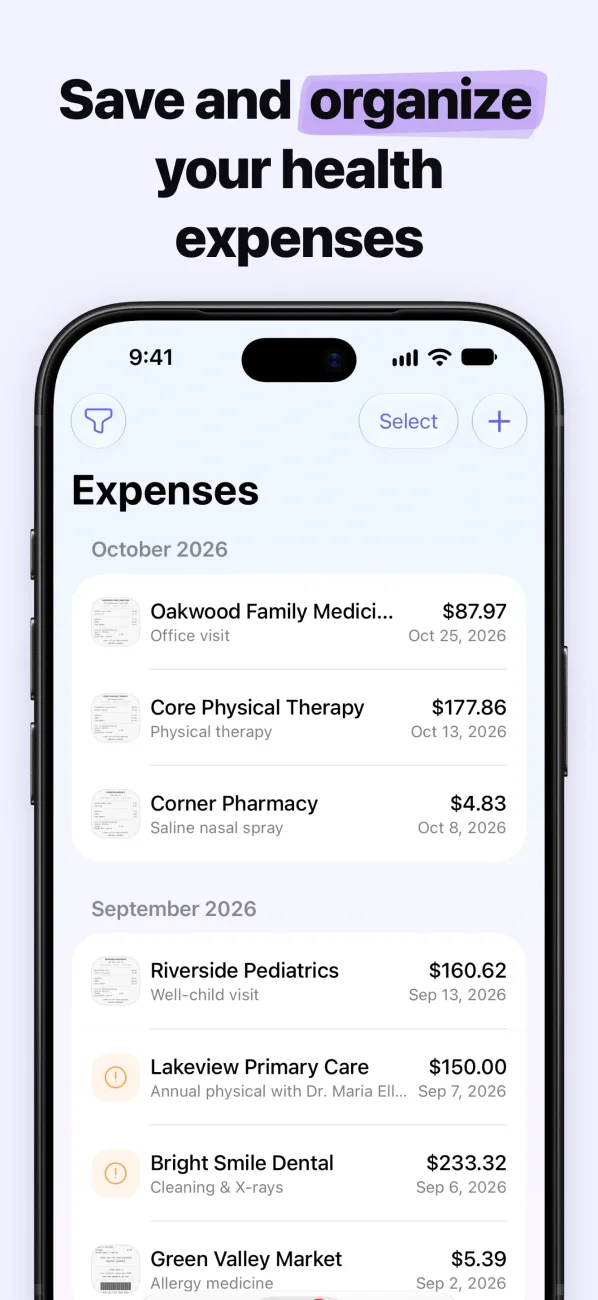
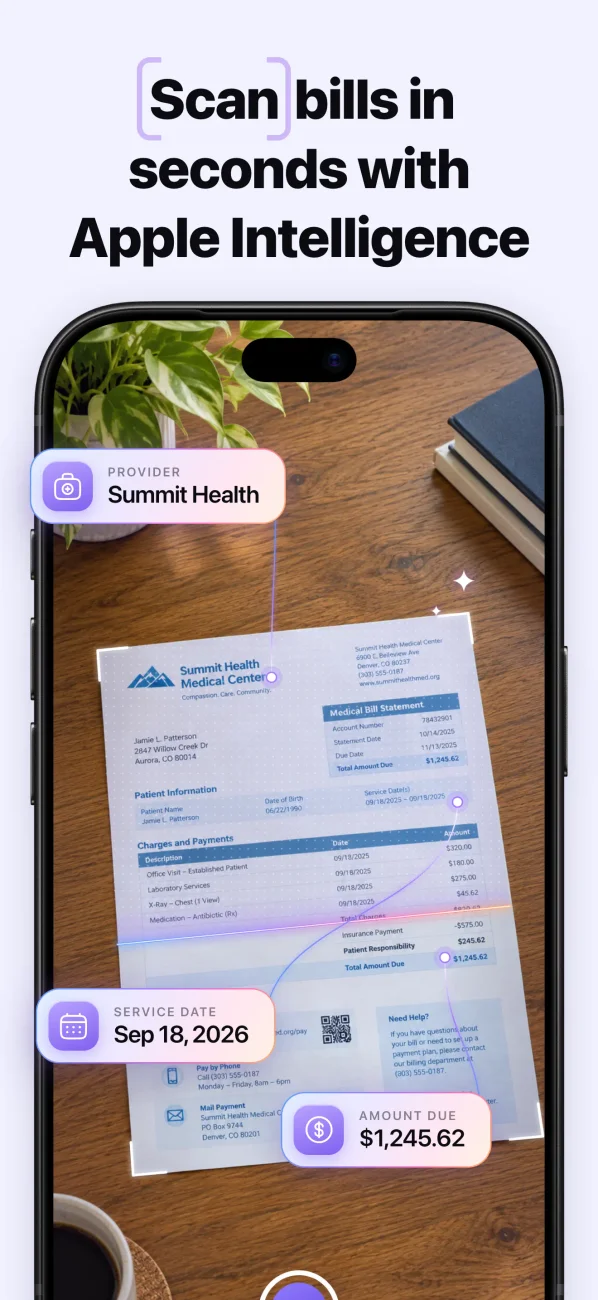
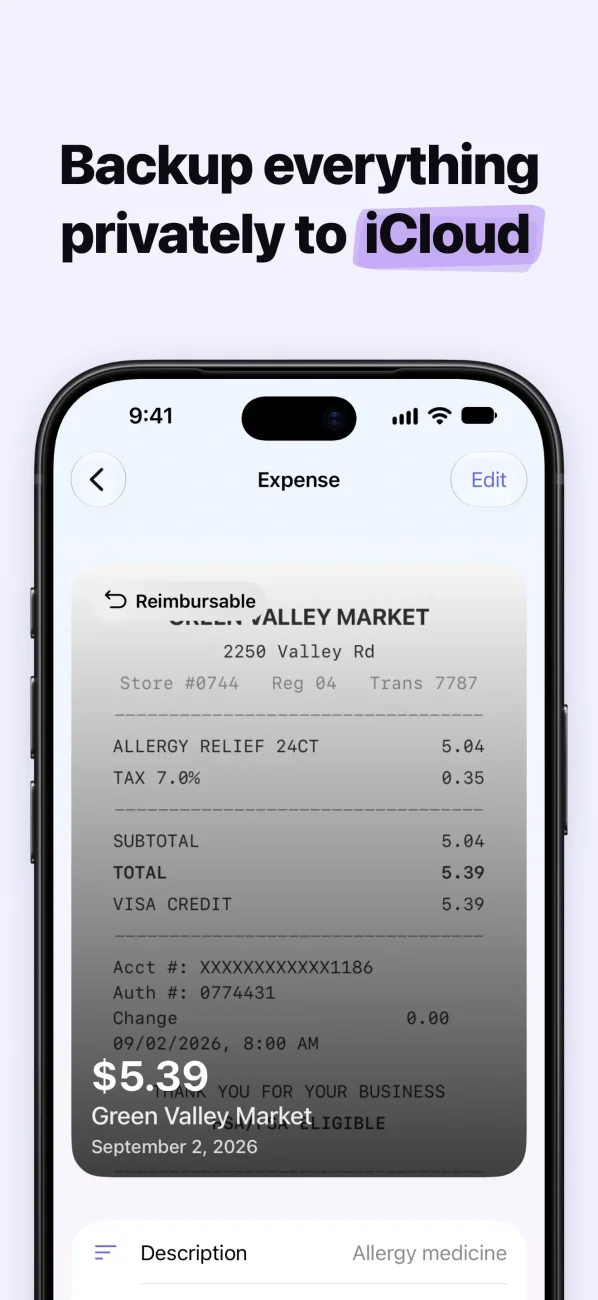
HSA Monster is a smart tool for saving HSA expenses for tax-free reimbursement in retirement. Snap a photo of any receipt and let AI automatically extract the provider, amount, date, and more. Your receipts are organized in iCloud and ready for tax season or future reimbursements. Sync with a family member and put an end to missing reimbursements and lost receipts.
Perfect for the HSA Triple Tax Advantage strategy: contribute tax-free, invest for growth, and reimburse yourself decades later. HSA Monster keeps your receipts safe for as long as you need them and shows you how much you can withdraw tax-free.
Key Features:
• Privacy-first: No logins to remember. All receipt processing is on-device. No ads.
• AI-powered receipt scanning with automatic data extraction, Snap - Save - Done!
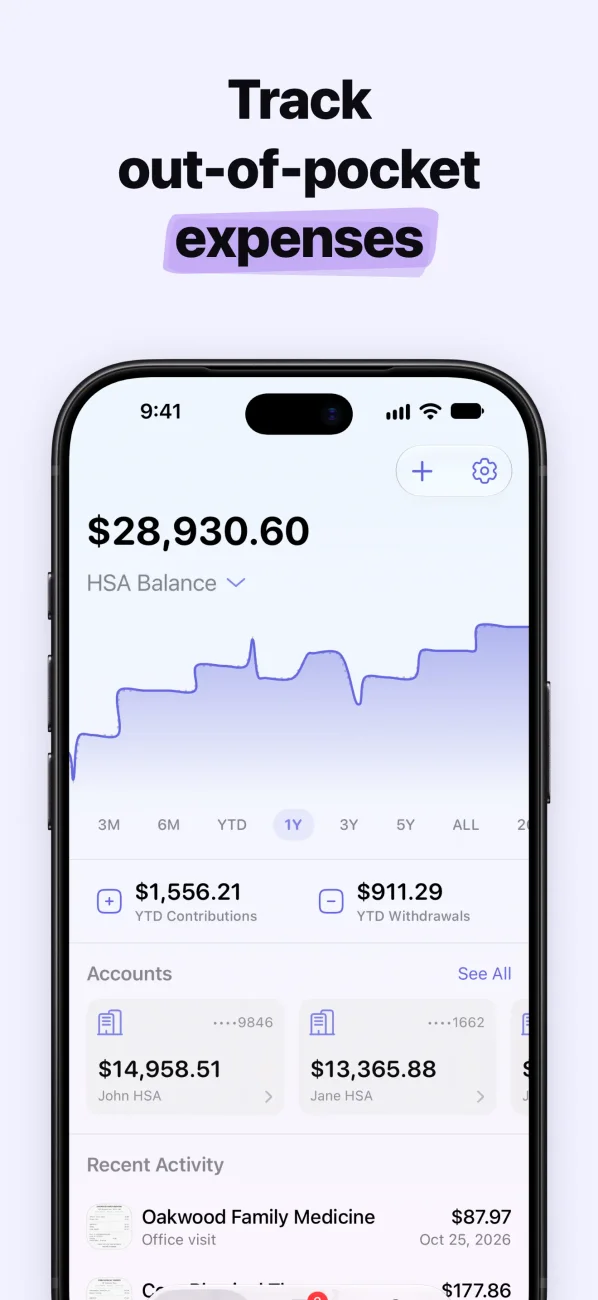
• Track your out-of-pocket expenses and maximize your deferred reimbursements
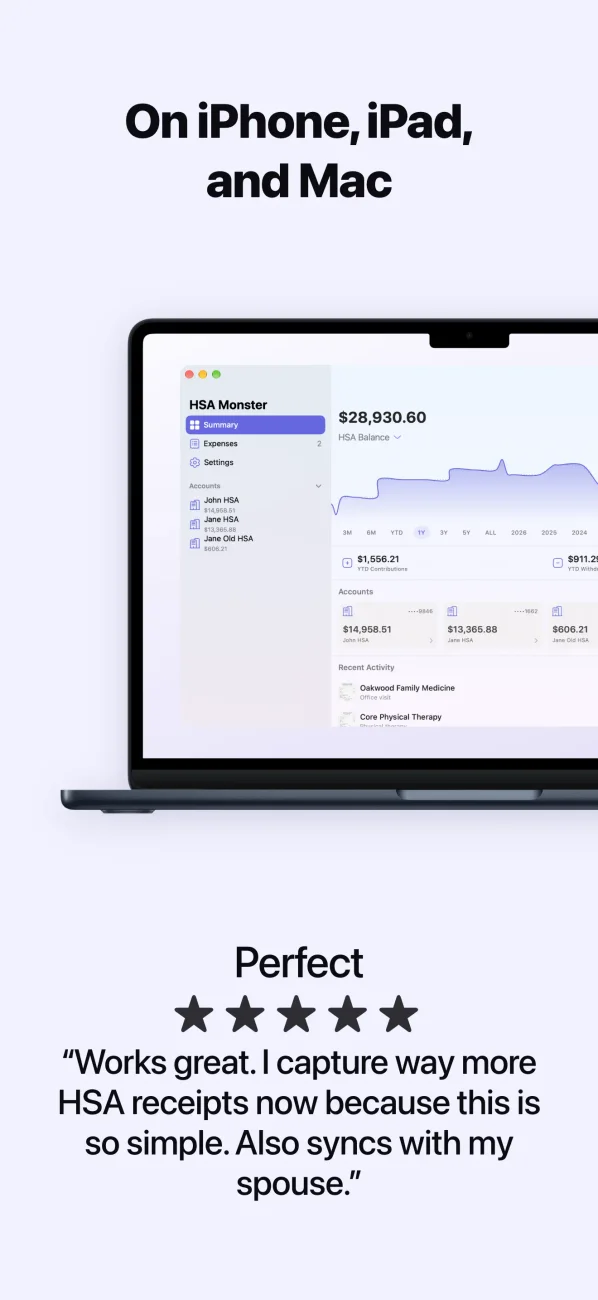
• See your HSA growth over time
• Project tax-free growth with calculators
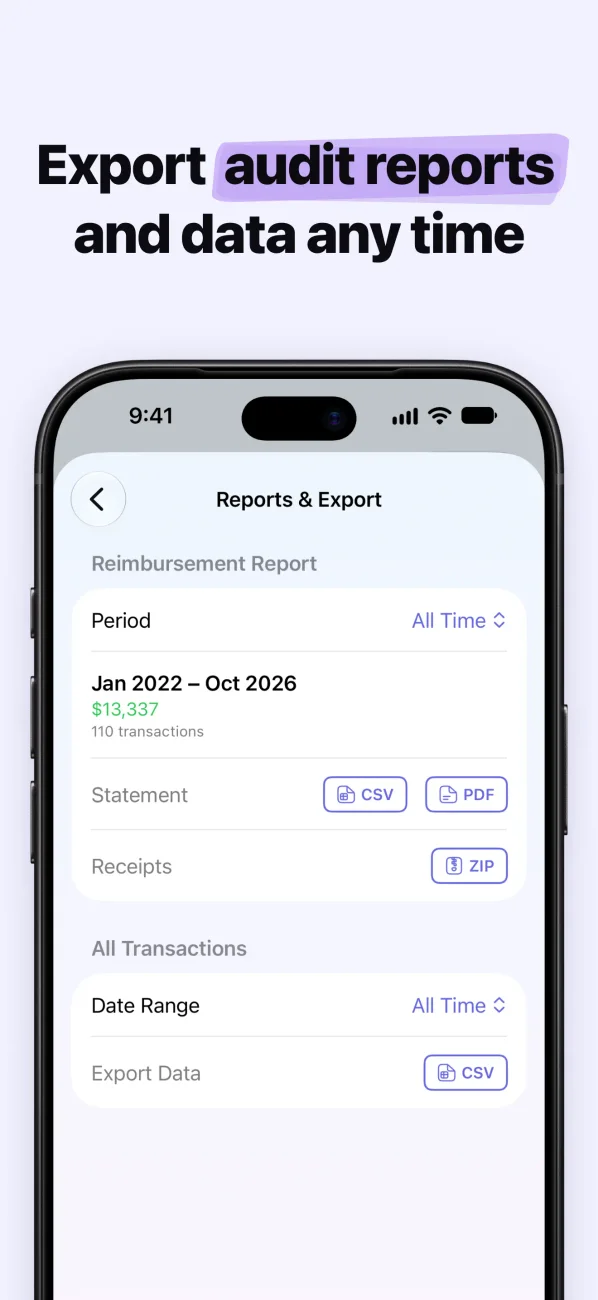
• Export annual reports and receipt archives
• Move data to another platform at any time
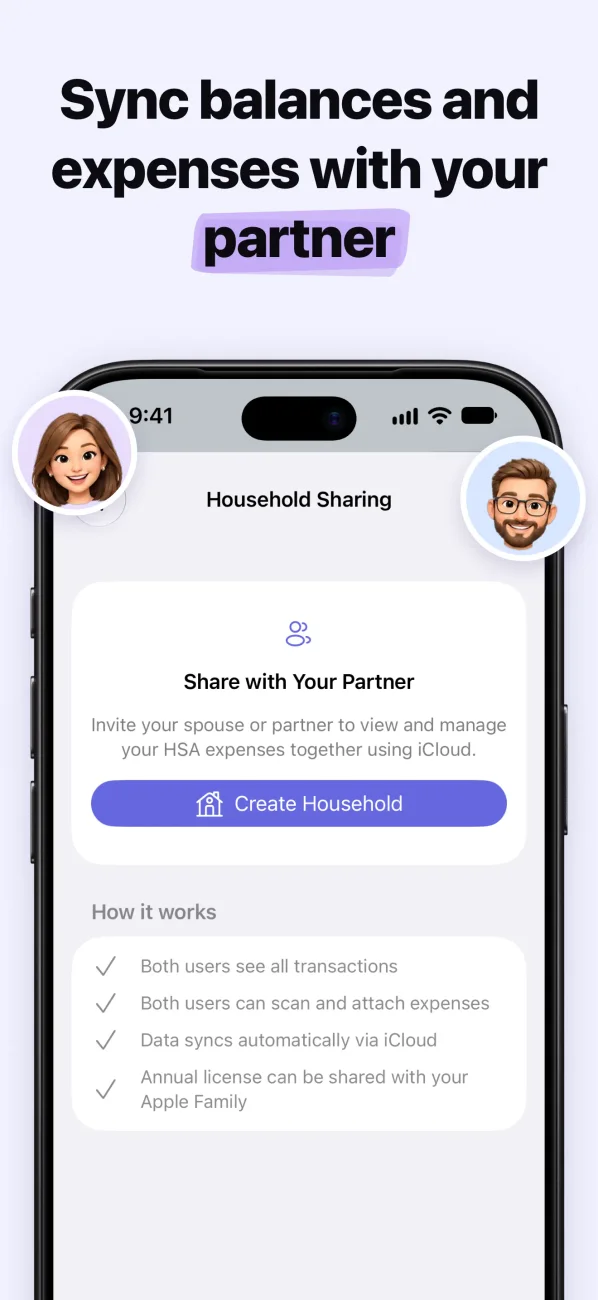
• Family sharing via iCloud—track expenses together
• An Apple-first experience so you can sync between iPhone, iPad, or Mac
Free To Try, No Sign-Up Required
HSA Monster includes a free tier for tracking HSA balances and adding up to 10 expense entries. Unlimited expense tracking requires an upgrade to a Premium license. You can cancel at any time and keep all of your expense data. View it, export it, or resubscribe at any time to add more expenses.
Terms of Service: https://hsamonster.com/Terms_of_Service.html
Privacy Policy: https://hsamonster.com/Privacy_Policy.html
What’s new
Version 1.1.5 · Oct 30, 2026
Recurring transactions are here!
- Pick how often a transaction repeats, from weekly to every other year, or choose a future date. Great for a weekly therapy visit or monthly prescription, the contribution from every paycheck, or a regular reimbursement to yourself
- Upcoming transactions wait in a new Scheduled section. Tap one to change the rest of the series, or delete it to stop it
- Come back after a while and everything that came due is already added. A New Transactions row shows how many are waiting, so you can review and approve them in one go or add a receipt first
- The Dashboard chart now glides smoothly between date ranges
- Search responds faster as you type
- General polish and stability improvements
If you think HSA Monster is a useful tool, leave us a positive review in the App Store. It helps the app continue to improve!
App privacy
What Christopher Scott Schultz declares on the App Store about how this app handles data.
-
Data not linked to you
May be collected but is not linked to your identity.
- Usage data
- Diagnostics
Privacy practices may vary, for example with the features you use or your age.
Information
- Seller
- Christopher Scott Schultz
- Category
- Productivity
- Version
- 1.1.5
- Updated
- Oct 30, 2026
- Released
- Feb 23, 2026
- Size
- 46.1 MB
- Requires
- iOS 18.6 or later
- Age rating
- 4+
- Price
- Free
- In-app purchases
- Yes
- Languages
- English
- Copyright
- © C. Schultz 2026
You might also like
-
 HSA SmartProductivity
-
 LeadershipSOPsLeader Enablement +AI Coaching
-
 LockIn: Screen Time ControlApp Blocker, Focus & Limits
-
 TaskNavi: AI Task PlannerPrioritize, Focus, and Achieve
-
 Nudge: Habit Widget for NotionCheck habits from home screen
-
 FASTER: Must Do TodayDaily tasks & focus timer
-
 Bookeeping.aiAutomate Bookkeeping with AI
-
 DSC Event AppProductivity
-
 SnapStash - AI Screenshot orgScreenshot AI Organizer Search
-
 RuunePersonal AI Assistant