
- Age rating4+
- CategoryBusiness
- DeveloperHealy Labs LLC
- LanguagesEnglish
- Size44.5 MB
Links to the official App Store page
Download.org hosts no file of HuckYA. The button opens its official App Store page, published by Healy Labs LLC. Listing last checked on Nov 21, 2026.
Screenshots

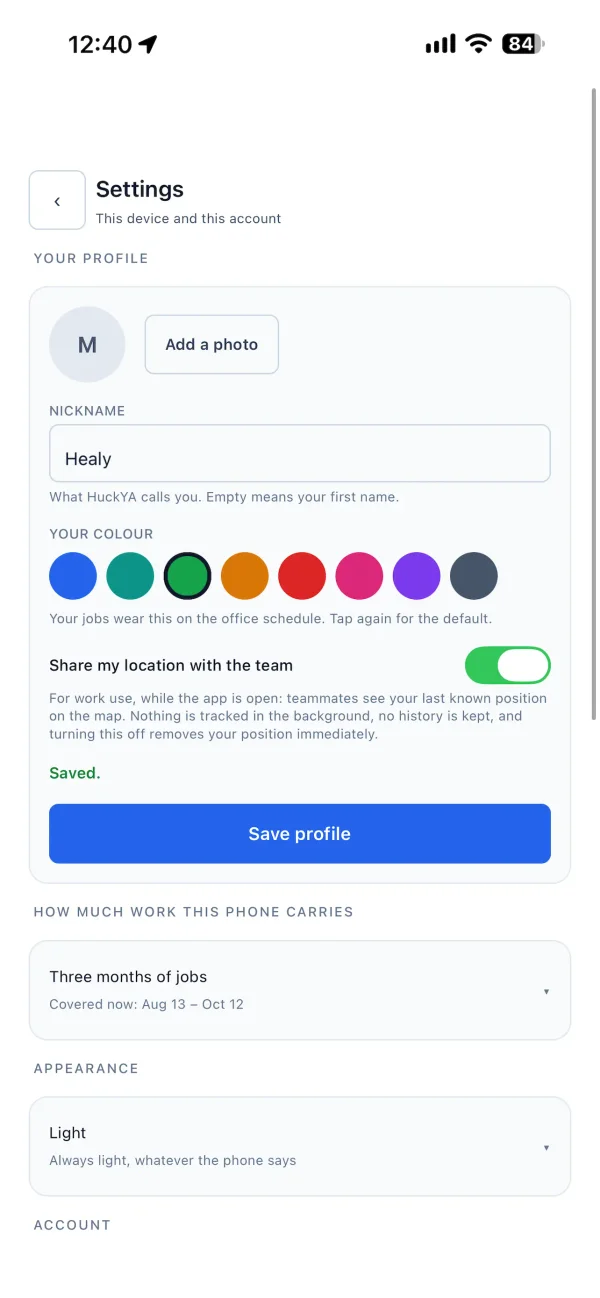
About
HuckYA is the field side of Huck Ya, the scheduling and invoicing system for small service businesses. The office plans the work on the web; the crew runs the day from their phones — and everything they record flows back the moment there's signal.
Built offline-first. When the work goes off the grid, the app goes with it: the day's jobs, customers, maps, checklists, and prices are already on the phone. Punch in, finish jobs, add notes and photos — it all syncs when you're back in coverage.
WHAT THE CREW CAN DO
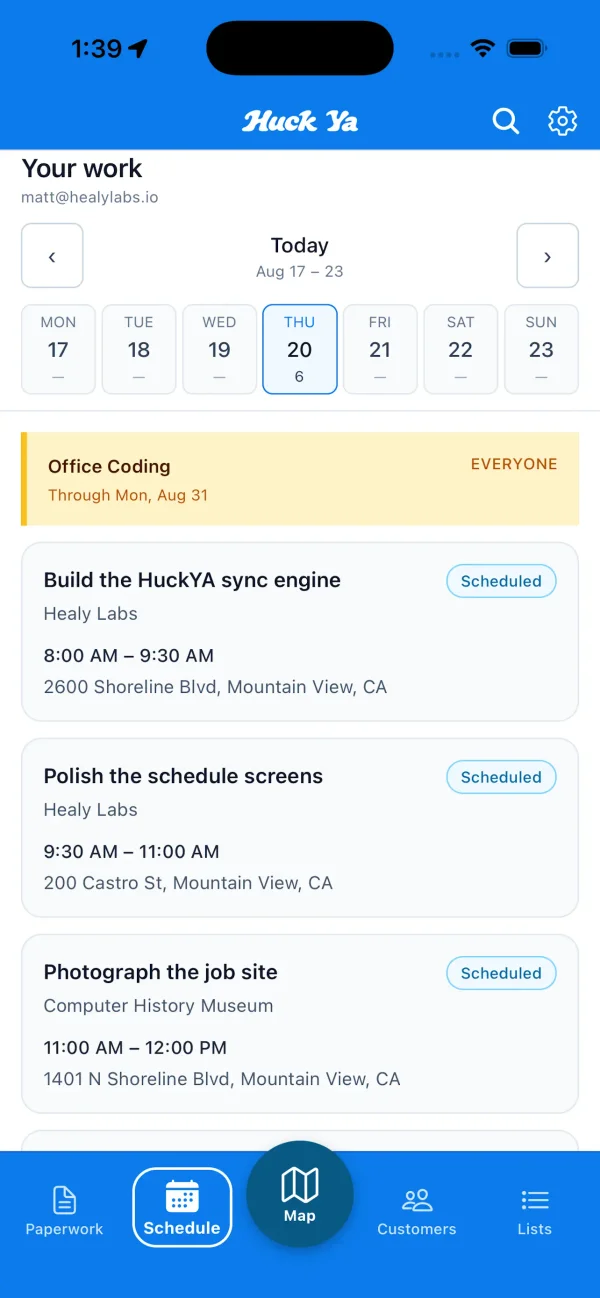
• See the day: every job with its time, address, and directions
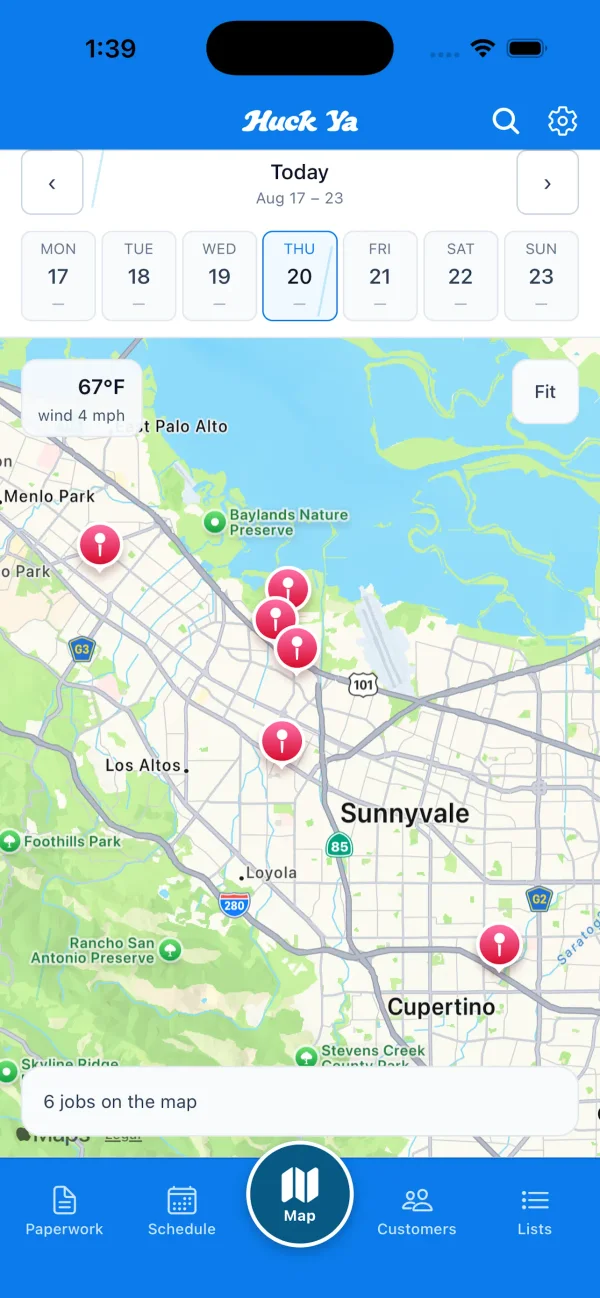
• Map the route: today's pins, your position, and current weather at a glance
• Clock in and out, with a reminder when you arrive at the shop
• Time hourly work with a per-job timer
• Add notes and photos the office sees right away
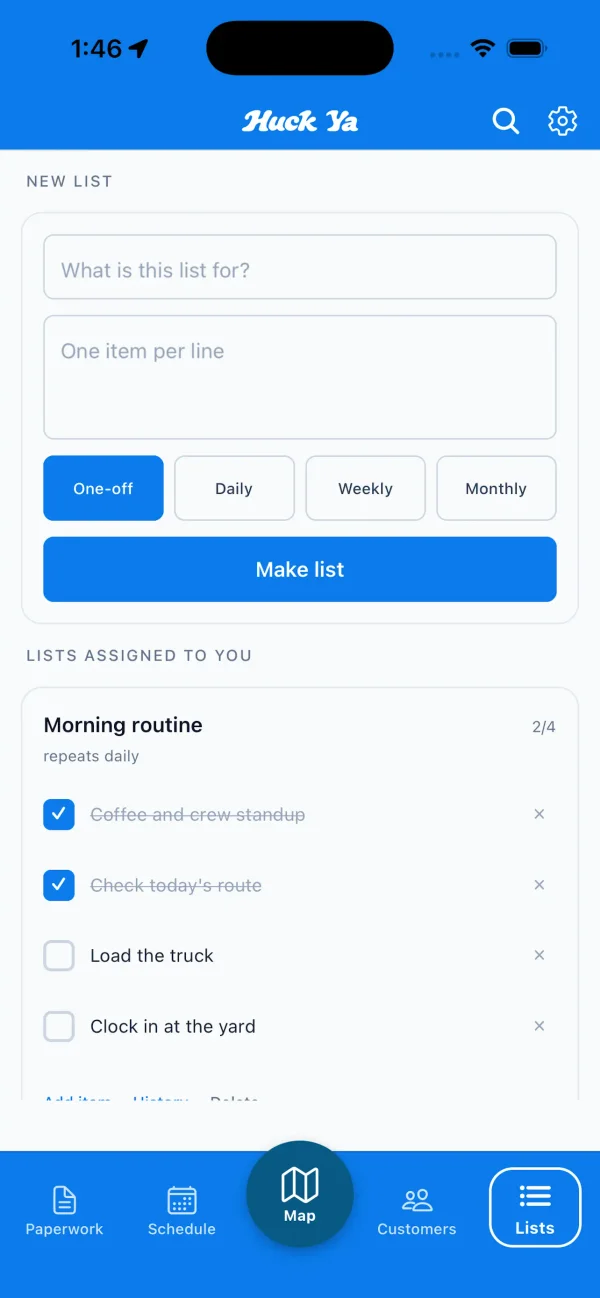
• Work through checklists — one-off, daily, weekly, or monthly
• Record expenses against the job
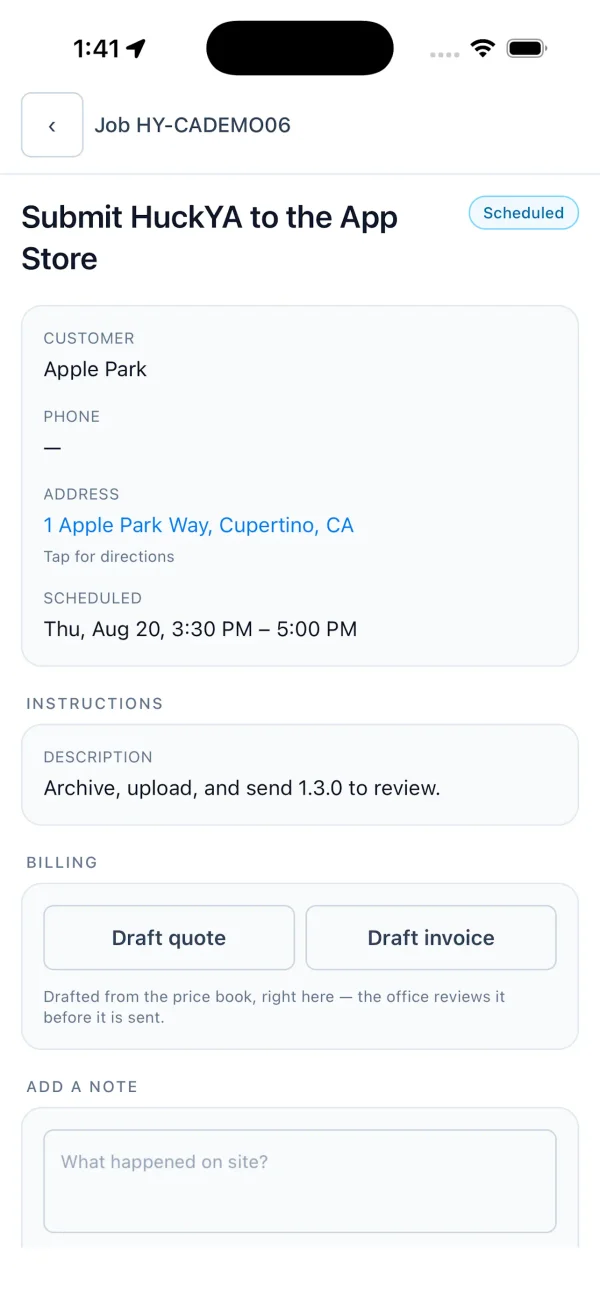
• Draft quotes and invoices from the price book, right in the driveway
WHAT THE OFFICE GETS
• One shared record per job — schedule, field history, and billing stay connected
• Notes and photos land on the job as the crew adds them
• Drafts from the field arrive ready to review and send
• QuickBooks-linked invoicing
HuckYA is built for crews that work past the edge of coverage — docks, shorelines, back lots, and the middle of nowhere. If your business runs on a truck and a phone, this is the phone half.
What’s new
Version 1.6.0 · Nov 2, 2026
- Heads-Ups: a flag on a job for anything the crew needs to know. It sits at the top of the job, highlighted, until someone taps Heads Up Confirmed.
- A yellow Heads-Up from the office has to be confirmed by someone on the job before it can be completed.
- Raise your own Heads-Up from any job you work, and your office will be asked to review it. New crew notes are highlighted for the office in the same way.
- Your schedule shows which jobs have a Heads-Up to read.
- It all works offline: a confirmation saves on the phone and sends when there is a connection.
App privacy
What Healy Labs LLC declares on the App Store about how this app handles data.
-
Data linked to you
May be collected and linked to your identity.
- Location
- Contact info
Privacy practices may vary, for example with the features you use or your age.
Information
- Seller
- Healy Labs LLC
- Category
- Business
- Version
- 1.6.0
- Updated
- Nov 2, 2026
- Released
- Aug 17, 2026
- Size
- 44.5 MB
- Requires
- iOS 16.4 or later
- Age rating
- 4+
- Price
- Free
- Languages
- English
- Copyright
- © Matt Healy
You might also like
-
 BurstExperience loading...
-
 IB Wave ConnectProductivity
-
 North Shore Bank MNFinance
-
 SMS ONESMS ONE by SMS Assist
-
 MetryX On the GoSimplifies your work orders
-
 SocialieEasy content distribution
-
 First ProgressSecure Online Banking App
-
 Stifel Wealth TrackerFinance
-
 Splashtop SOSOn-Demand Remote Support
-
 OnPay MobileCheck your pay, hours and PTO.