- Age rating17+
- CategoryUtilities
- DeveloperMeta Home Limited
- LanguagesEnglish
- Size582.5 MB
Links to the official App Store page
Download.org hosts no file of HxAR. The button opens its official App Store page, published by Meta Home Limited. Listing last checked on Nov 23, 2026.
Screenshots

About
Explore, create and play in HxAR’s world of virtual places, space travel and augmented reality.
LEARN WITH BOILER HELP
Explore combi, system and heat-only boiler teaching rooms with operating sequences and wiring traces. Room 71 adds simulated gas tightness testing, installation and purge volume working papers, and gas pipe sizing worksheets with separately saved entries. The yellow animation illustrates supply routes; it does not measure gas displacement or prove purge completion. Training and calculators are guides, not certification for real installations. Requires an optional download and iOS or iPadOS 26 or later.
EXPLORE THE METAVERSE
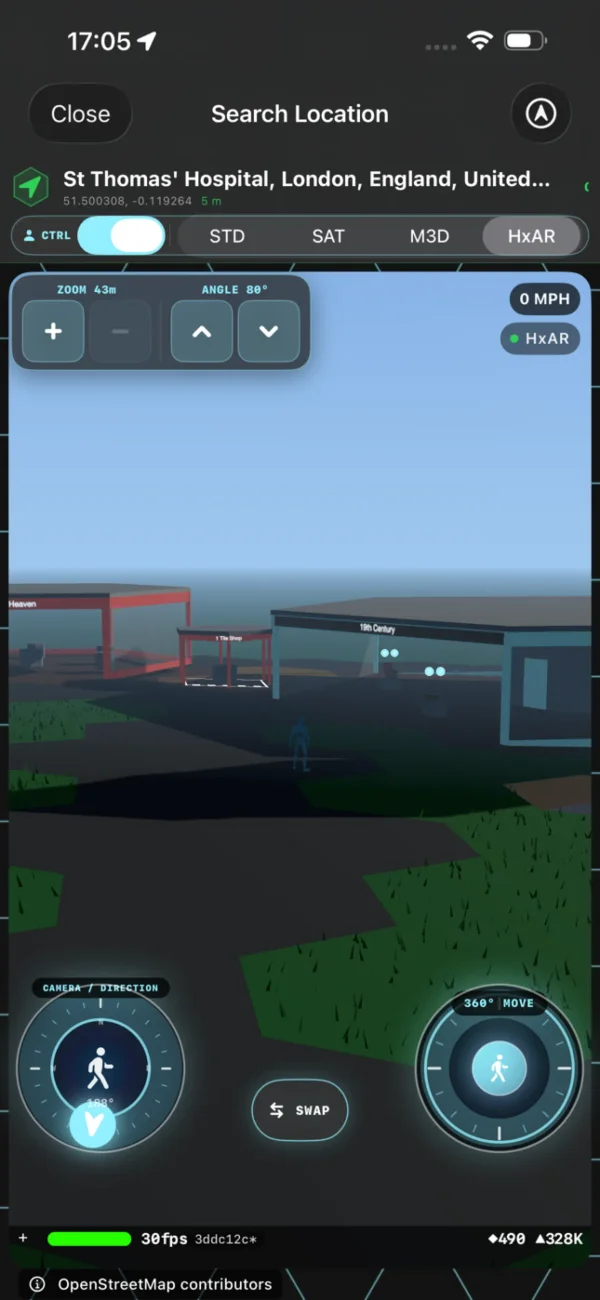
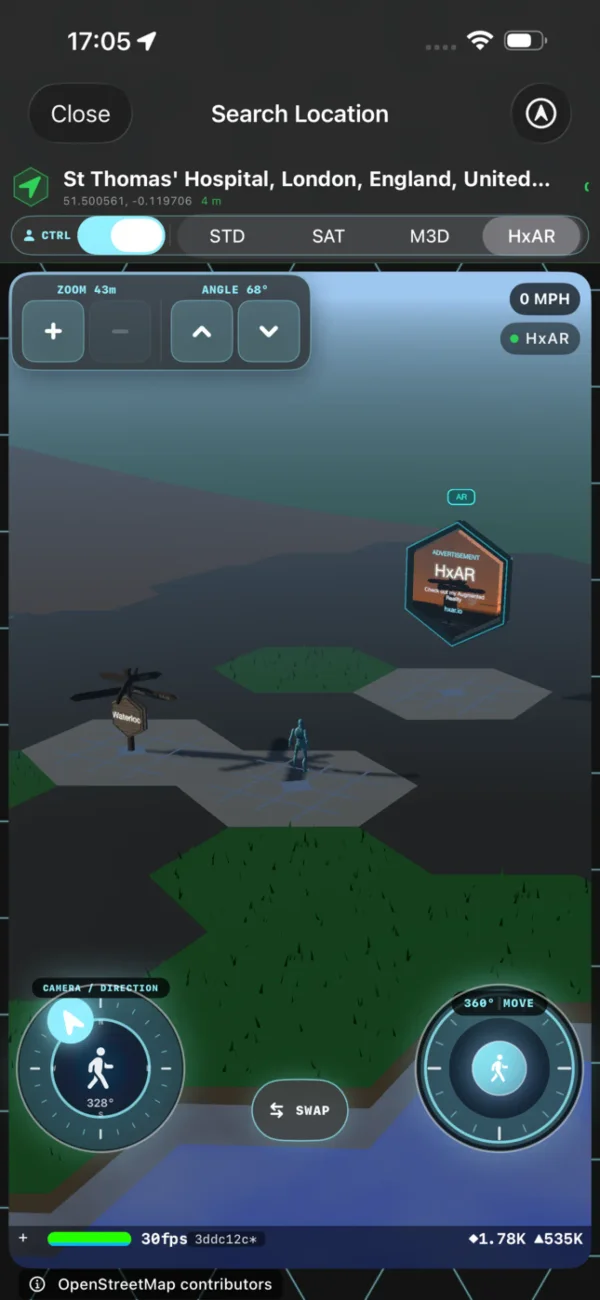
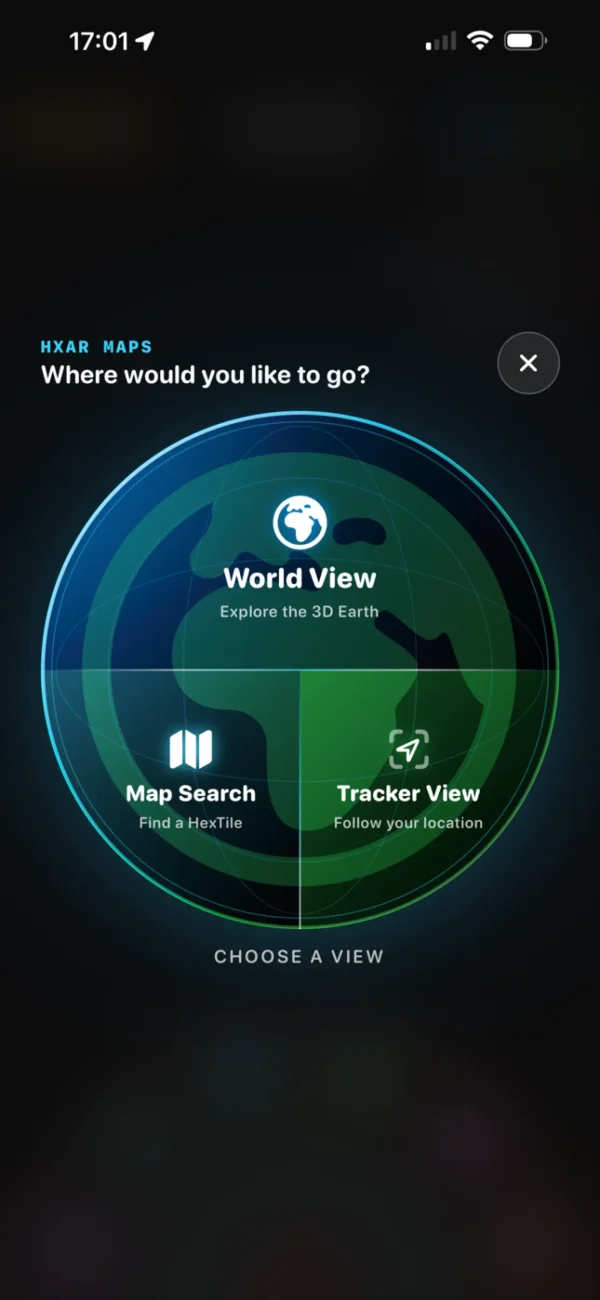
Personalise your dashboard with shortcuts to the tools you use most. Open the miniature Earth, explore virtual places around real-world locations and board HxAlien for cockpit views, manual flight and destination navigation. Find users and nearby places with search and AR guidance.
Walk with your Avatar, discover HexTiles and supported mapped buildings, and experience changing daylight, Moon, stars and water. Explore available floors, read building information boards and ask nearby pedestrians for spoken directions. Furnish supported mapped buildings with a selection of furniture distinct from the house furniture catalogue.
TRAVEL FROM EARTH TO MARS
Visit the public HexaLift launch site and board a virtual rocket journey from Earth to Mars. Explore HxAlien’s cockpit and planetary radar, discover Mars and return to Earth. Some Mars activities require compatible equipment and fuel.
CREATE VIRTUAL FIREWORKS
Create HxRocks fireworks, arrange a display and play it in camera AR. Place supported displays at eligible Metaverse locations and watch their virtual launches and effects.
CREATE AND FURNISH A VIRTUAL HOME
Start House Plan with eligible grouped Property Land. Draw your layout with exterior and room measurements, edit wall openings, add walls, floors, doors and a roof, then publish and visit your house. Explore rooms, stairs and attic spaces, furnish supported rooms and personalise your interior.
Add virtual gas, plumbing, hot-water and heating equipment to your house. Add radiators, inspect compatible heating connections and reveal concealed plumbing through finished walls and floors. Available tools and connections depend on the room, placement and existing services.
PLAY HEX ARROW
Aim, draw and complete a six-arrow round on a configured Mapped Plot building rooftop. Choose Play in AR to place the range in your surroundings and aim with your device. Rooftop play records round totals and a device-local best; AR reports individual shots and provides an on-screen Collect arrows button.
COLLECT, CREATE AND PLAY
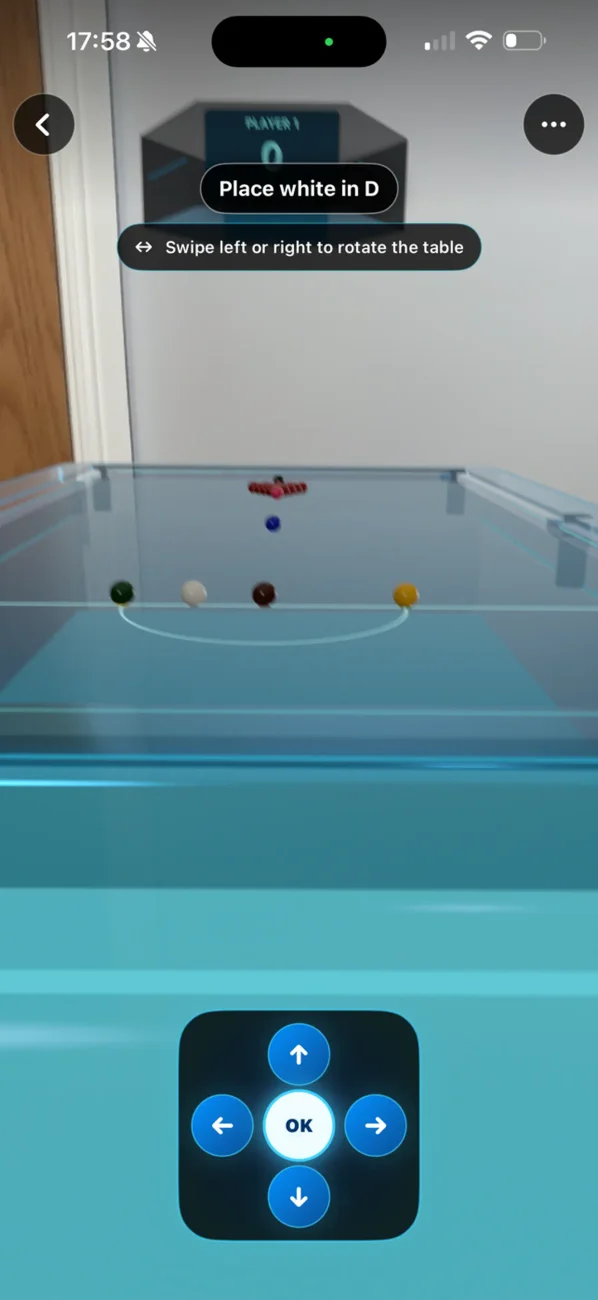
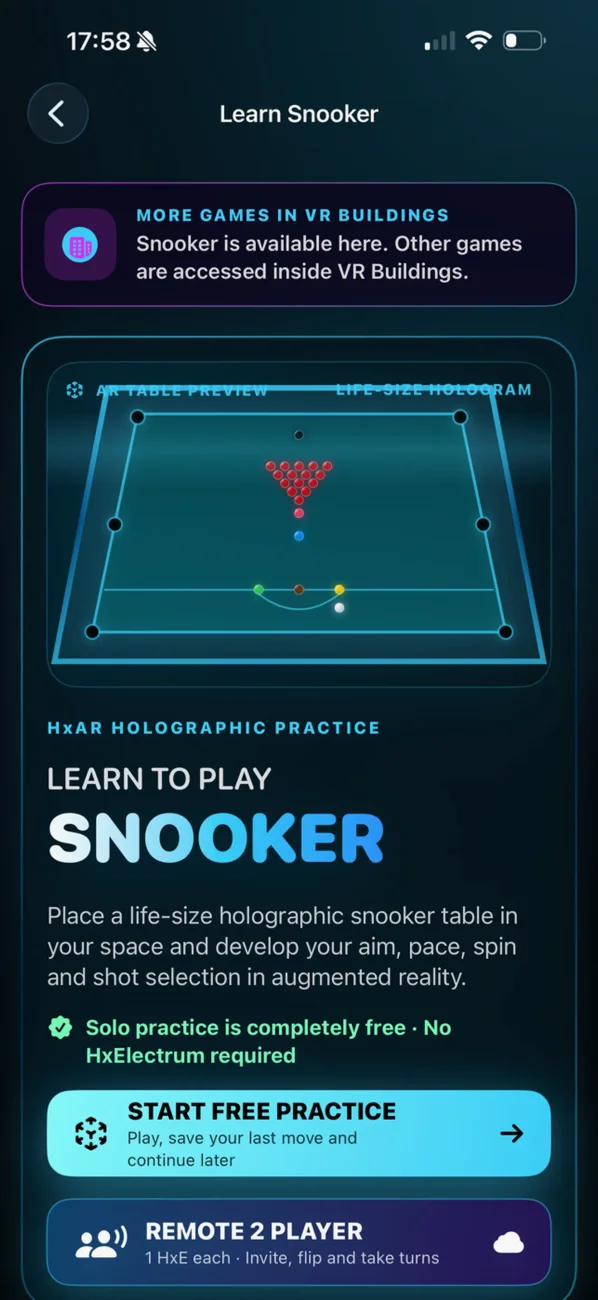
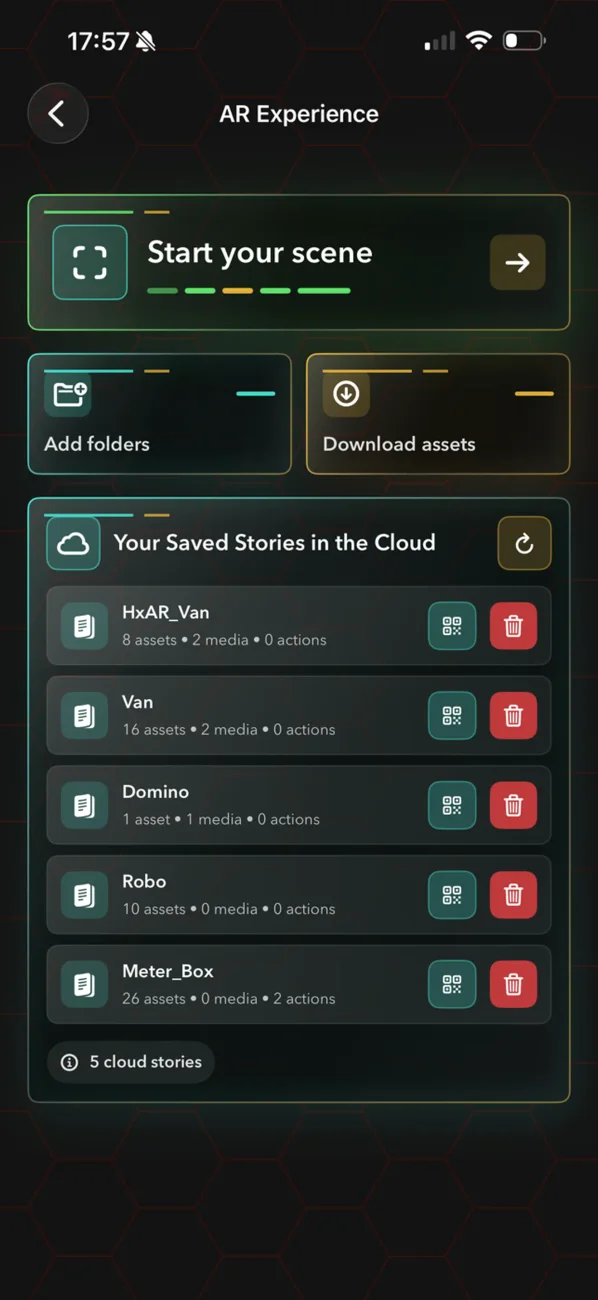
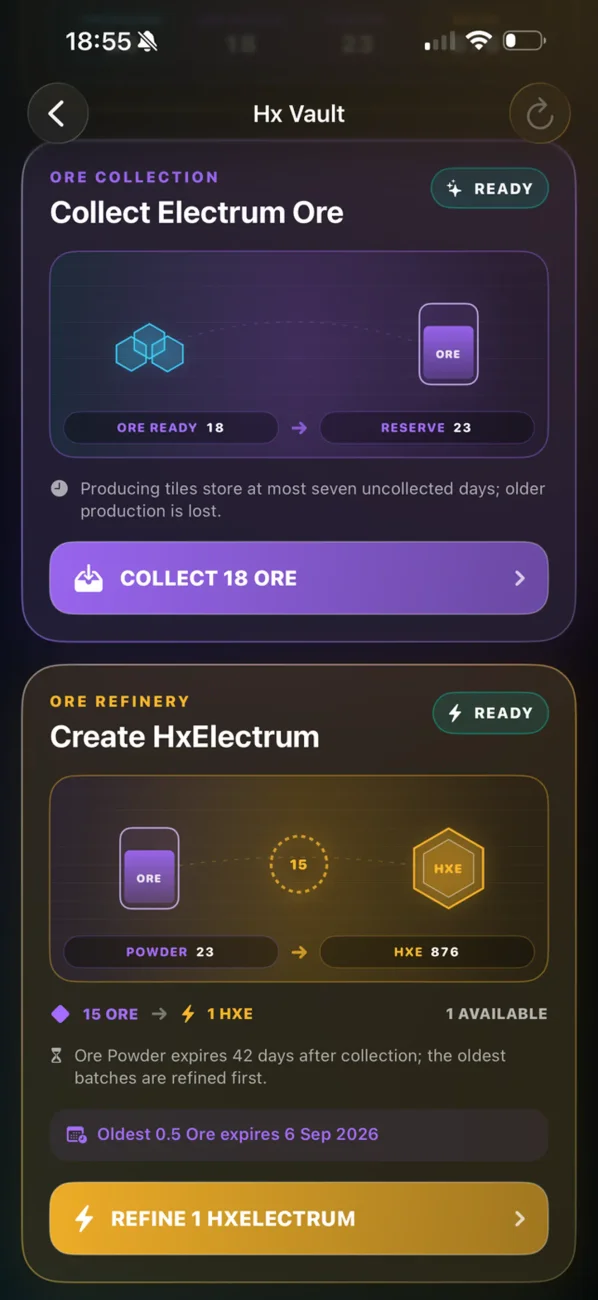
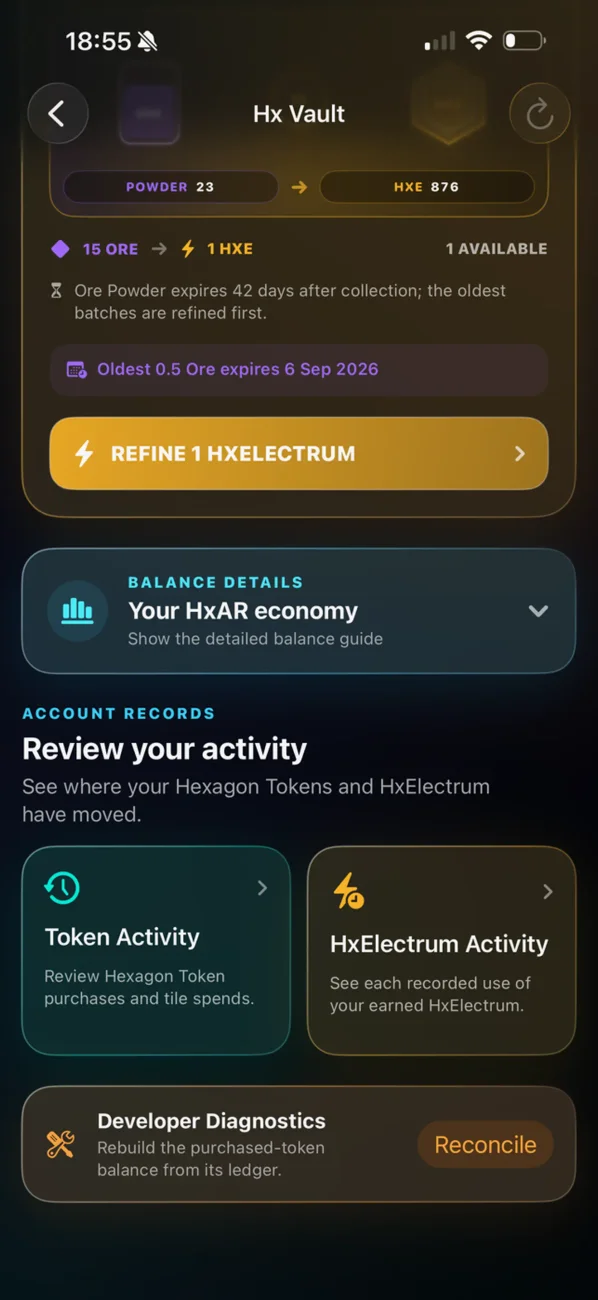
Discover Collectables, view owned items in camera AR and place them on eligible owned HexTiles. Board supported vehicles and explore with controls that vary by model. Organise USDZ models in your AR Gallery, create scenes and share supported AR experiences through Stories. Practise AR Snooker and view your Token, Ore and HxElectrum activity in Hx Vault.
SHAPE VIRTUAL PLACES
Manage eligible virtual land, adjust permitted terrain and add lamp posts with direction, tilt and coverage controls. Visit HxAR Shops, inspect products, preview them in AR and follow business website links. Eligible owners can create shops, advert boards and building replacements with HxAR 3D Design Studio on iPad.
GET STARTED
Sign in with Apple and create your HxAR profile. Camera-based AR requires camera access and compatible hardware; nearby features use location access. Some activities require eligible virtual property ownership, HxElectrum, compatible equipment, fuel or another signed-in player. Virtual ownership in HxAR does not confer ownership of physical land or buildings.
Find guides at hxar.io/how-to and support at hxar.io/support. Stay aware of your physical surroundings when using AR.
What’s new
Version 2.6 · Nov 11, 2026
Room 71 gas training and calculators are now part of Boiler Help.
• Practise the simulated tightness-test and reinstatement sequence.
• Explore shared pipework, physical capacity and the volume included in a test.
• Use the four-page purging working papers and gas pipe sizing worksheets, with separately saved entries.
• View illustrated gas supply routes to the boiler, cooker and fire.
The yellow route animation does not measure gas displacement or establish purge completion. Training simulations and calculators are guides; real gas work requires appropriate competence and the applicable procedures.
Boiler Help requires its optional content download and iOS or iPadOS 26 or later.
App privacy
What Meta Home Limited declares on the App Store about how this app handles data.
-
Data linked to you
May be collected and linked to your identity.
- Contact info
- User content
- Identifiers
- Usage data
- Diagnostics
- Surroundings
Privacy practices may vary, for example with the features you use or your age.
Information
- Seller
- Meta Home Limited
- Category
- Utilities
- Version
- 2.6
- Updated
- Nov 11, 2026
- Released
- Aug 31, 2025
- Size
- 582.5 MB
- Requires
- iOS 18.2 or later
- Age rating
- 17+
- In-app purchases
- Yes
- Languages
- English
- Copyright
- © 2026 Meta Home Ltd. All rights reserved.