- Age rating4+
- CategoryProductivity
- DeveloperAntonio Lagana
- LanguagesEnglish
- Size134.6 MB
Links to the official App Store page
Download.org hosts no file of i41CX. The button opens its official App Store page, published by Antonio Lagana. Listing last checked on Nov 25, 2026.
Screenshots
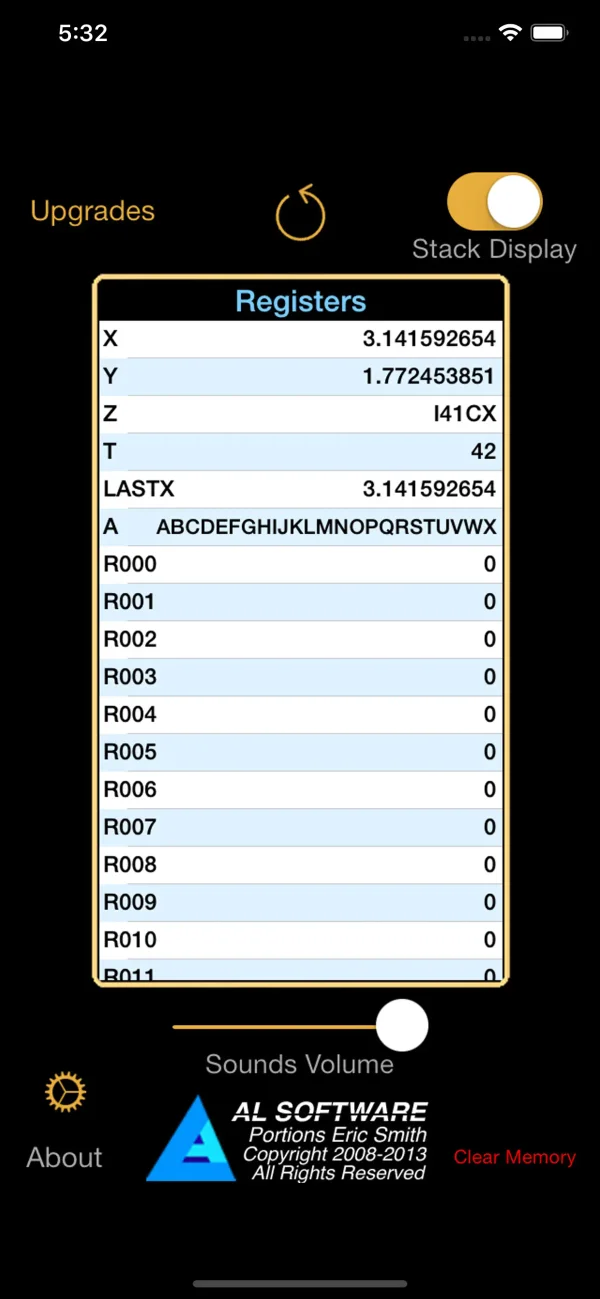
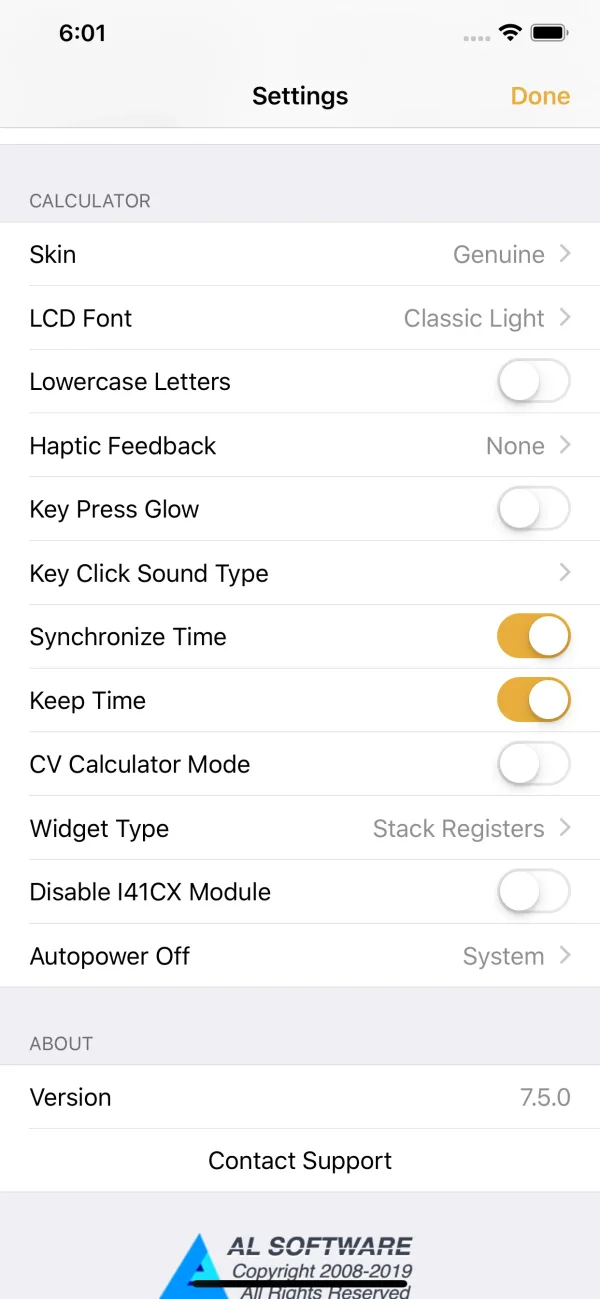
About
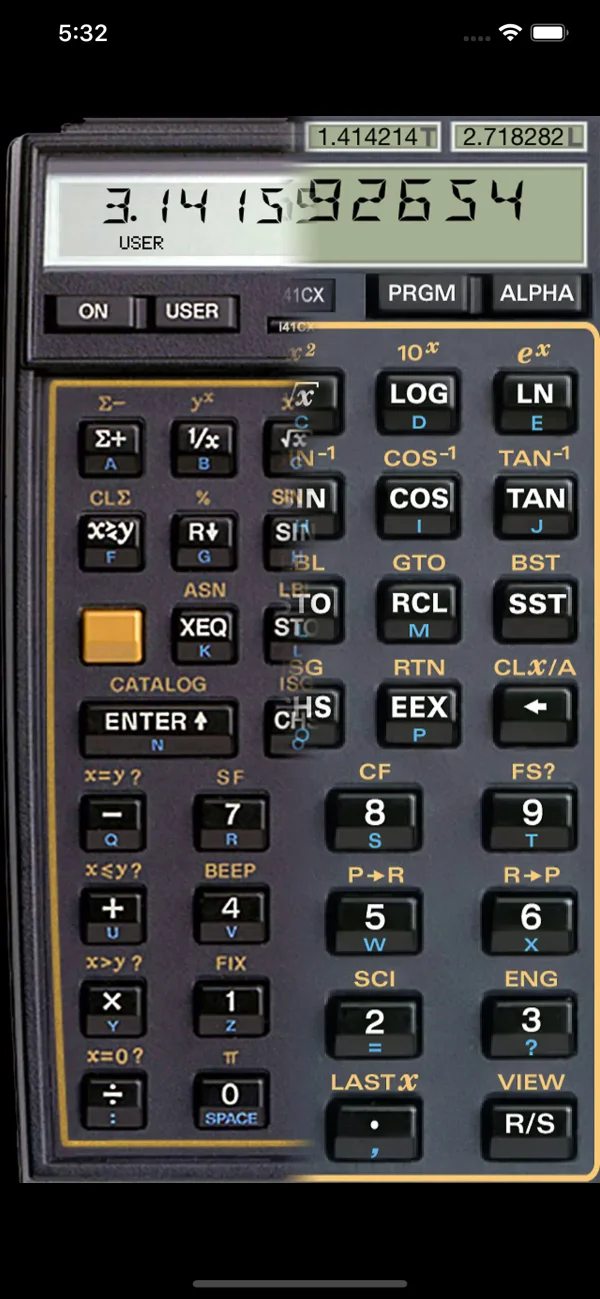
i41CX is the same powerful advanced programmable RPN scientific calculator as the highly acclaimed i41CX+ but without the latter’s incredibly advanced capabilities such as the printer, expansion, CAS, etc. It is functionally equivalent to the world-renowned HP-41CX and inherits all of the i41CX+ usability features including extremely responsive and animated key clicks, audible key feedback sounds, optimally spaced keys for accurate input, traditional and upbeat modern diverse set of skins, etc.
If you are looking for a powerful programmable RPN scientific calculator but don’t need all of the capabilities of i41CX+ then i41CX is for you. And best of all, if you ever decide that you need the more advanced capabilities of i41CX+ you can enable them using secure in-app purchases right within the app!
FEATURES:
• RPN logic with a 4 element deep memory stack
• 319 main and 124 extended memory registers
• Over 300 built-in functions, including nearly 100 functions created specifically for i41CX
• Time, calendar, alarm, and stopwatch functions
• Rich set of functions and algorithms: numerical, mathematical, statistical, and much more
• Access to the entire HP-41 library of solutions for science, mathematics, statistics, engineering, business, financial, surveying, medicine, real estate, and many other domains
• Programmable - Over 2000 lines
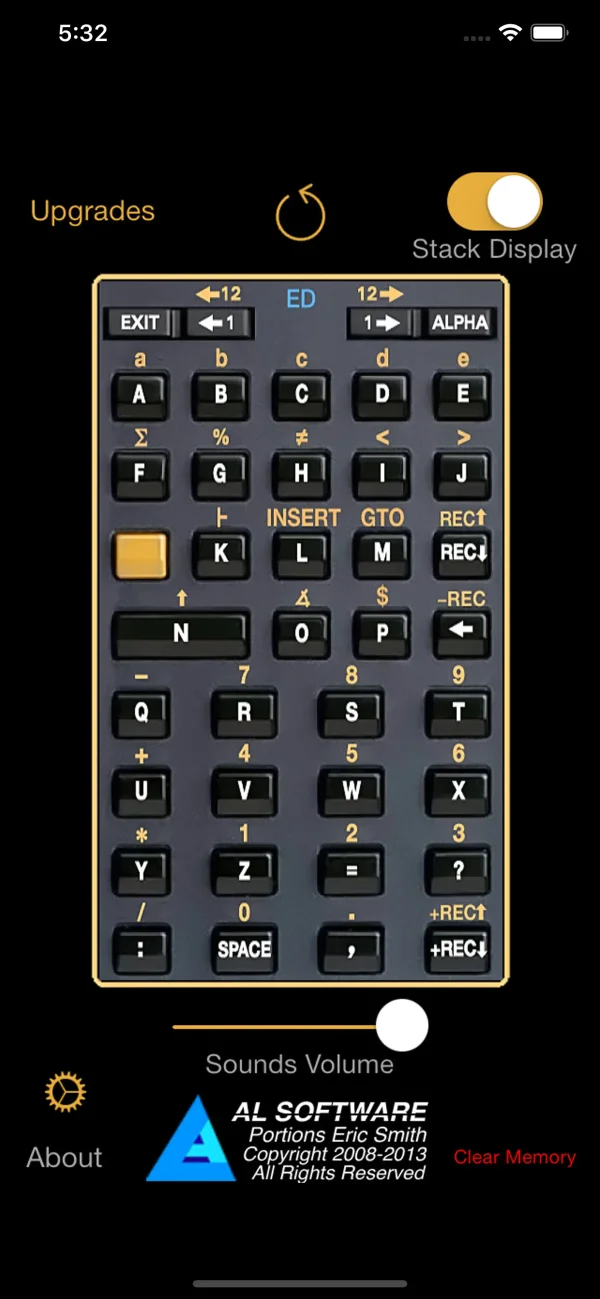
• User definable keyboard
• Ability to operate the calculator using a Bluetooth keyboard
• Device integration: external display mirroring, copy and paste, GPS, accelerometer, digital compass, time and date synchronization, and much more
• iOS 8 Notification Center widget
• Sound support including synthetic tones and interface sounds
• Support for calculator skins and optional mini stack display
• Adjustable sound volume and display colors
• Usage & Examples table with usage tips and examples
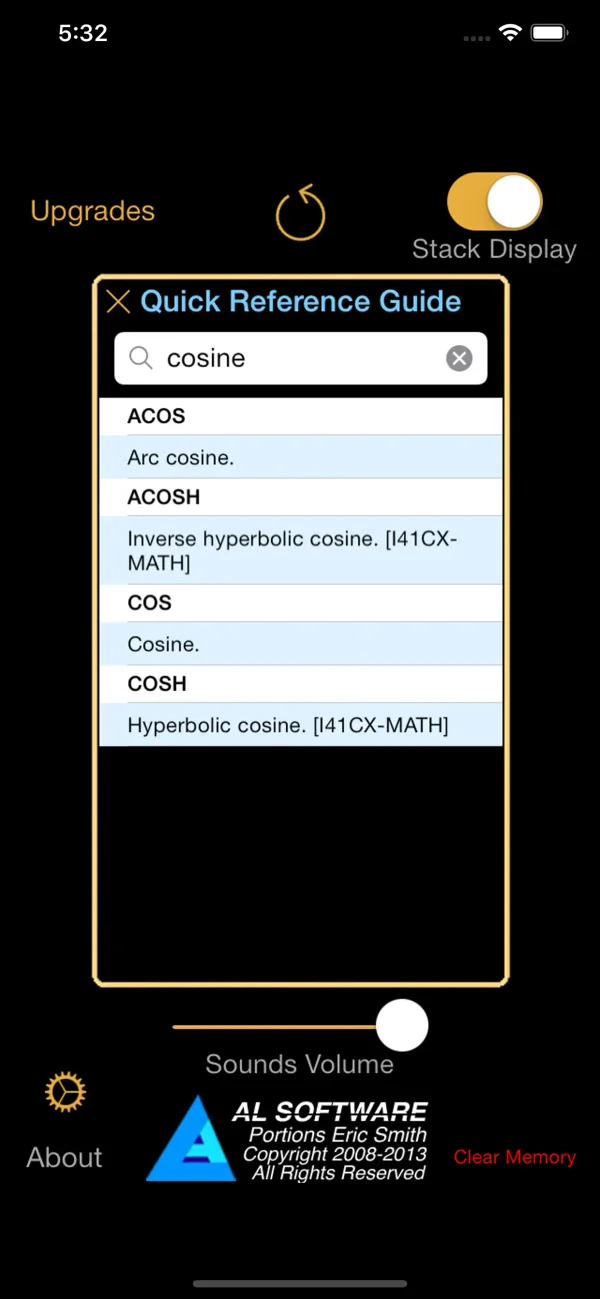
• Quick reference guide of all built-in functions
• Beautiful and clean user interface
***********************************************************
A comprehensive FAQ is available at http://alsoftiphone.com/i41CX. Please don't hesitate to use the "Contact Us" link there if you cannot find the answers or information that you seek. Thank you.
What’s new
Version 7.8.9 · Nov 24, 2026
• Added option to select iPhone interface style on iPad as was made available recently on Mac. When this option is selected, the app looks and operates like iPhone Duo, with the printer [Printer and i41CX+ Features Upgrade] or the back view [base and CAS Upgrade] next to the calculator in landscape view. When the iPhone interface style is selected, it is possible to enable/disable the stack display and mini controls [i41CX+ Features Upgrade].
• Implemented ability to show the printer [Printer and i41CX+ Features Upgrade] or the back view [base and CAS Upgrade] next to the calculator when using the iPhone interface style on Mac. This works exactly like when using the iPad interface style whereby expanding the window horizontally reveals the other view and shrinking it hides it. Swapping the positions of the calculator and the other view in landscape view using a horizontal swipe works just like when using the iPad interface style. In portrait view switching between views works as before. Keyboard shortcuts can also be used to switch between views (see the "Hardware Keyboard" entry in the "Usage & Examples" pane on the back view of the calculator for keyboard mappings).
• Implemented support for the system menu bar shown on iPadOS 26.0 or later and on Mac. This supersedes the menu bar that was shown at the top of the app window on iPad previously [i41CX+ Features Upgrade].
• Minor interface and visual improvements, bug fixes, and internal optimizations.
App privacy
What Antonio Lagana declares on the App Store about how this app handles data.
-
Data not collected
The developer does not collect any data from this app.
Privacy practices may vary, for example with the features you use or your age.
Information
- Seller
- Antonio Lagana
- Category
- Productivity
- Version
- 7.8.9
- Updated
- Nov 24, 2026
- Released
- Oct 16, 2008
- Size
- 134.6 MB
- Requires
- iOS 16.0 or later
- Age rating
- 4+
- Price
- $7.99
- In-app purchases
- Yes
- Languages
- English
- Copyright
- © 2008-2026 AL Software
You might also like
-
 Vintage-45Vintage Calculator (1973)
-
 RPN-65 SDFirst programmable calculator!
-
 RPN-55 SDClassic HP Calculator w/Timer
-
 RPN-35 SDFirst scientific calculator!
-
 RPN-45 SDVintage Calculator (1973)
-
 RPN-67 NPLegendary Calculator
-
 RPN-34 CELegendary classic calculator
-
 DB50XColor version of DB48X
-
 RLM-15CXAdvance Scientific Calculator
-
 DB40XHigh-precision RPL calculator