iArtbook
Create, Draw, Paint, Animate
Designed for iPhone, iPad, iPod touch
Free · In-app purchases
- Age rating4+
- CategoryGraphics & Design
- DeveloperAlexander Kondrashov
- LanguagesEnglish+ 39 more
- Size363.0 MB
Links to the official App Store page
Download.org hosts no file of iArtbook. The button opens its official App Store page, published by Alexander Kondrashov. Listing last checked on Nov 26, 2026.
Screenshots


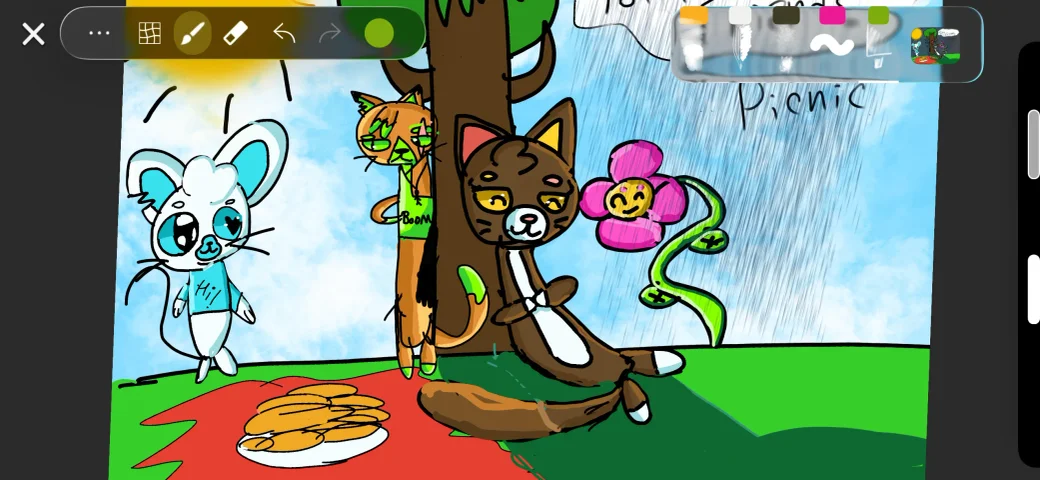
About
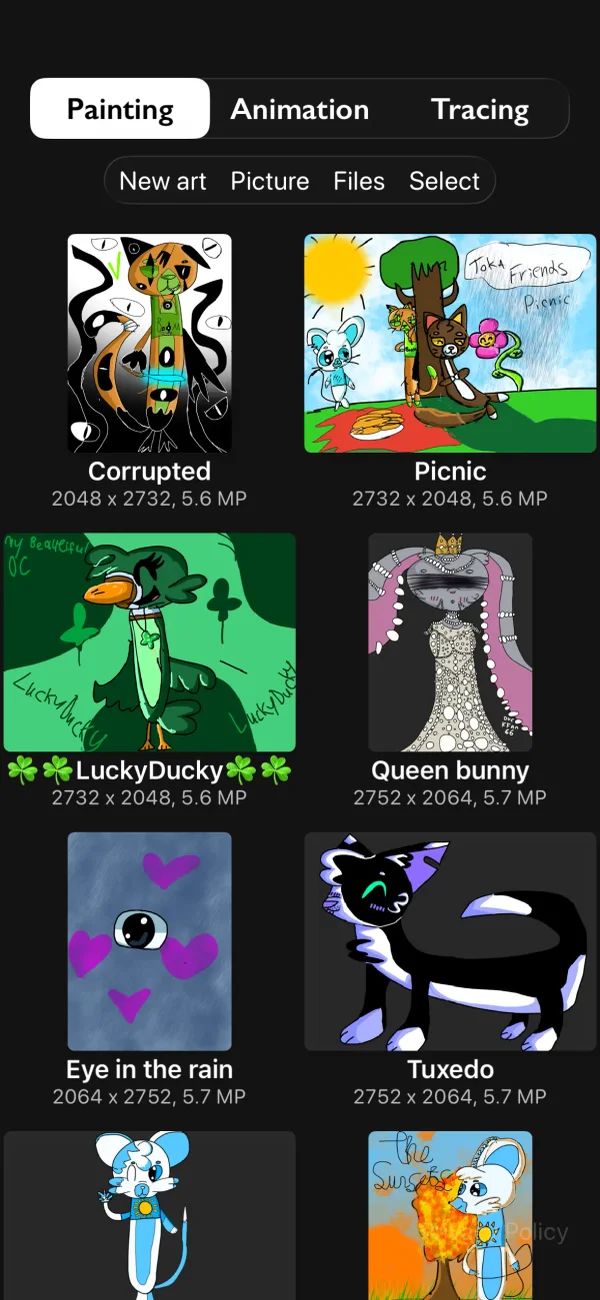
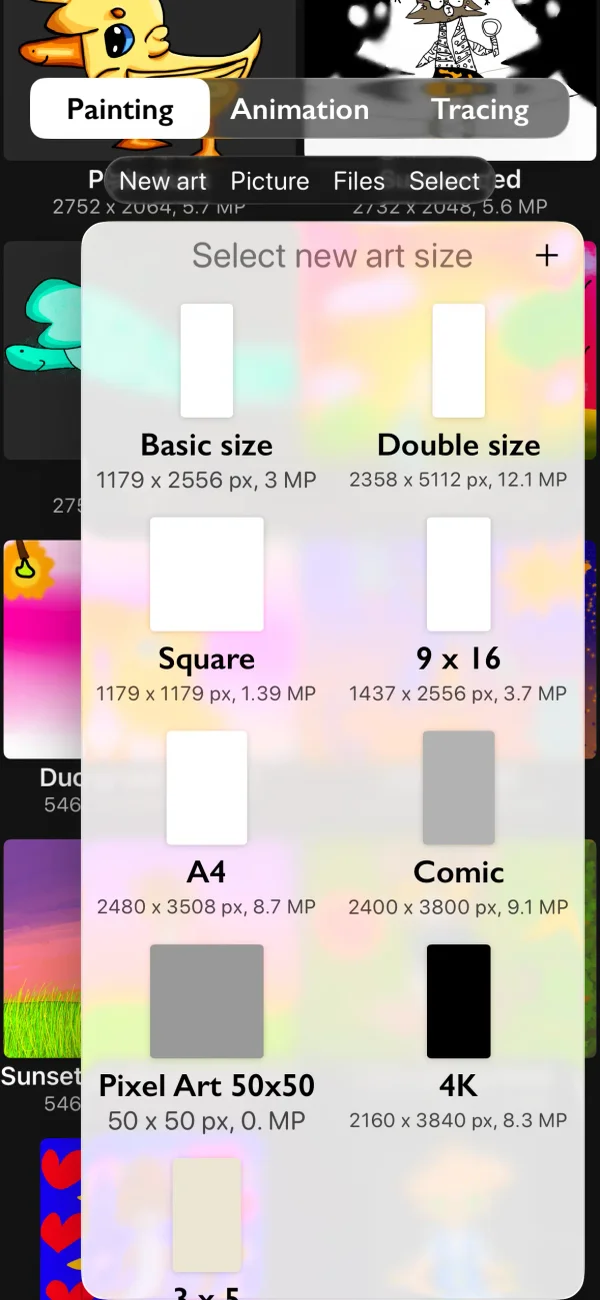
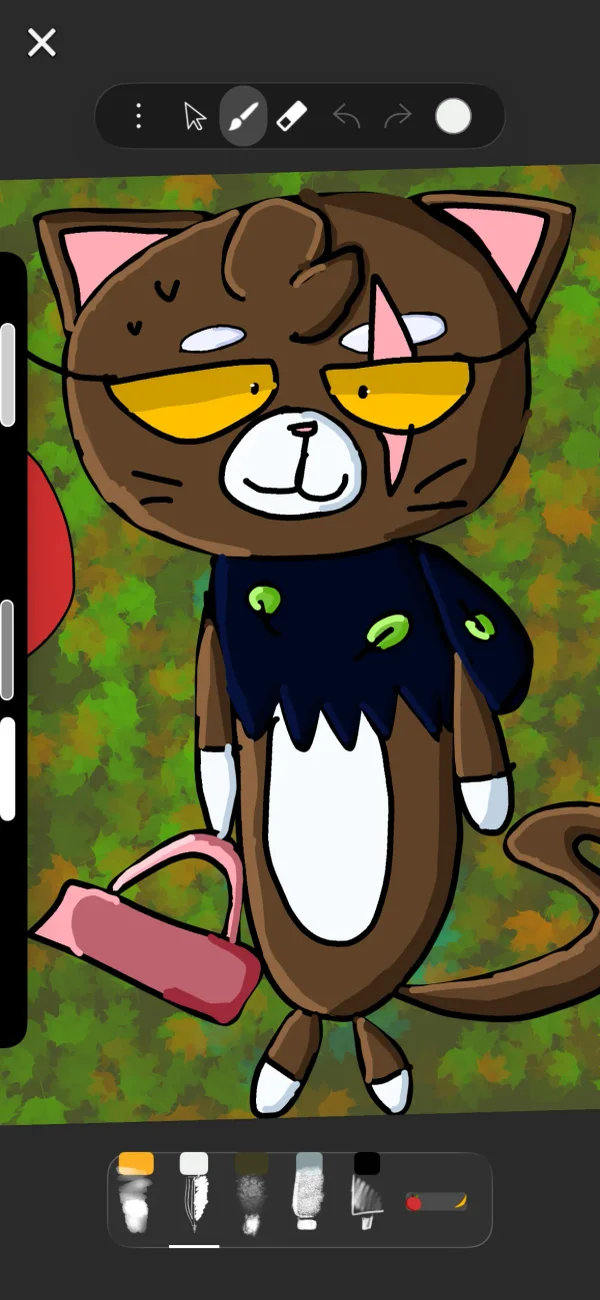
Turn your iPhone and iPad into a dedicated digital canvas. iArtbook combines a fast graphics engine with a clean, intuitive interface — whether you are sketching a quick idea with your finger or painting a detailed illustration with Apple Pencil.
Core features:
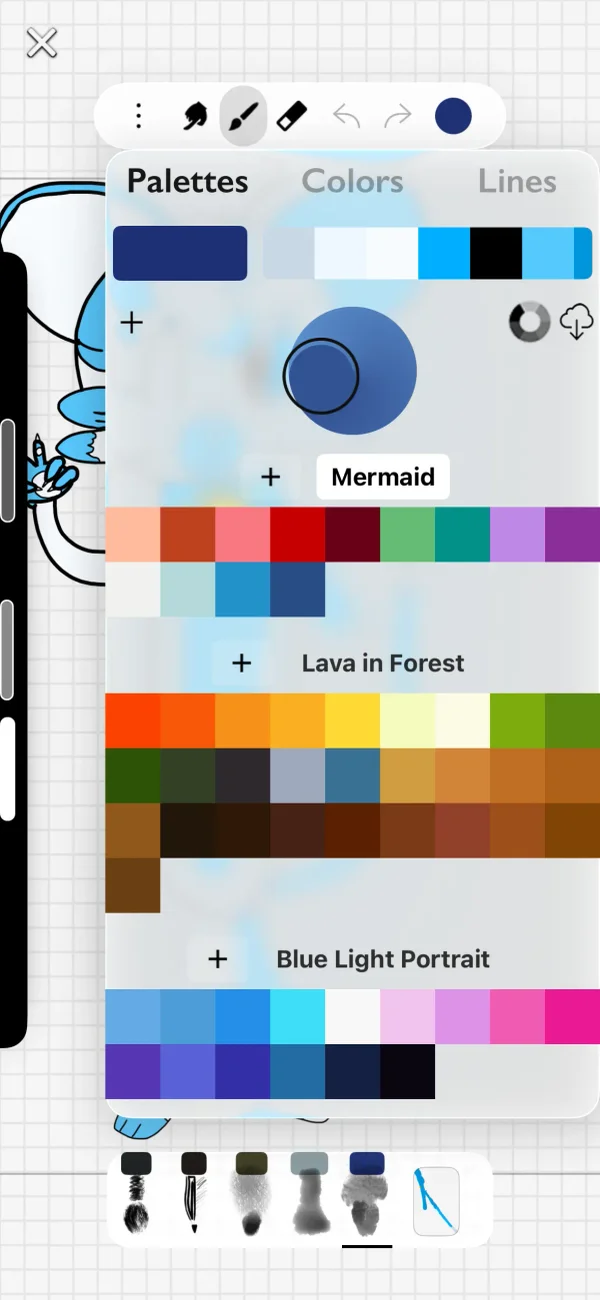
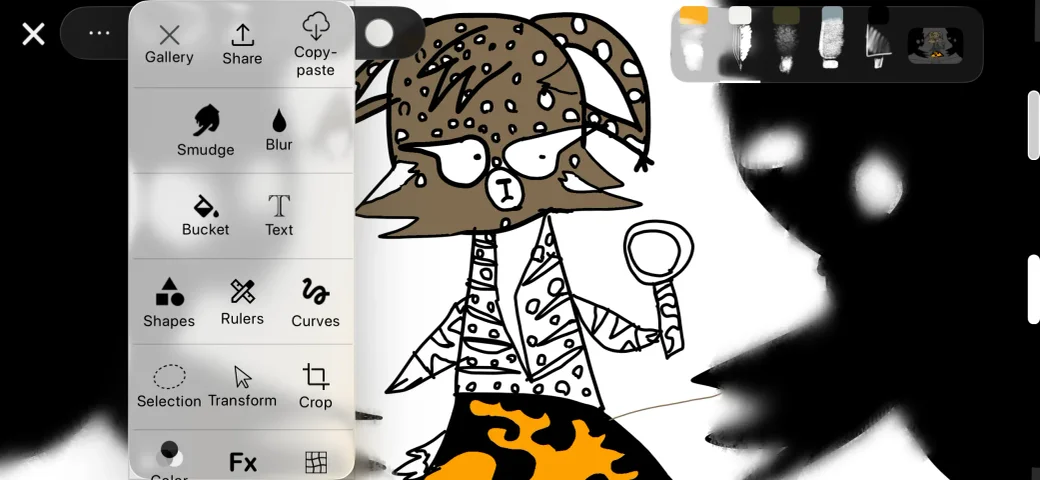
* Clean, focused interface. The workspace keeps your tools within easy reach without cluttering the screen. You can pick up the basics in minutes, even if you are new to digital drawing.
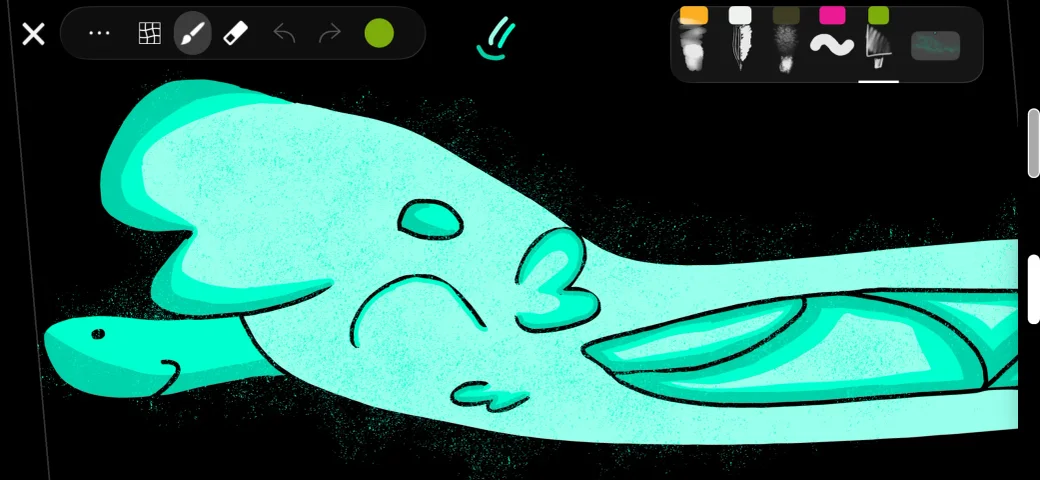
* Real-time line stabilization. Three smoothing modes — Line Delay, Rope Stabilization, and Correction — help you draw steady, clean lines, even with your finger on a phone screen.
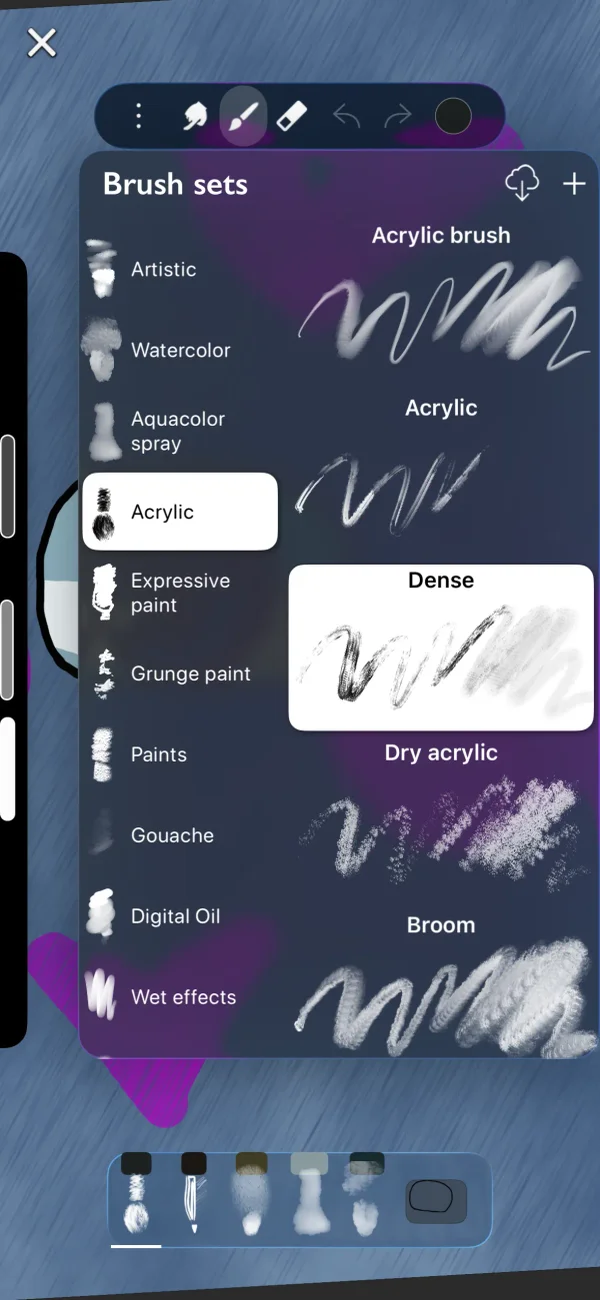
* Natural paint and brush engine. Blend colors with realistic physics. Choose from hundreds of dry, glossy, textured, and wet brushes, or build your own using a library of over 1,000 textures.
* Layered frame-by-frame animation. Animate characters right inside your main workspace. Combine multiple layers with frame-by-frame playback and customizable Onion Skin settings.
* Flexible layer workflow. Work with complex, multi-layered compositions smoothly. Group layers into folders and edit entire sets at once using Transform, Effects, and Liquify, alongside clipping masks and standard blend modes.
* Deep customization and tutorials. Get started with built-in step-by-step tutorials, high-precision rendering, and detailed brush settings — with even more options available in the Pro version.
Built for a smooth workflow:
* Apple Pencil integration. Responsive pressure and tilt sensitivity paired with reliable palm rejection.
* One-tap smudge. Turn any active brush into a Smudge tool in a single tap to blend colors while keeping the exact same stroke texture.
* Automatic time-lapse. Record your drawing process in the background and export speedpaints ready for social media.
* Essential studio utilities. Quick undo gestures, an eyedropper, symmetry rulers, perspective guides, stencils, and export to PSD, PNG, JPEG, MP4, and GIF.
Download iArtbook and start drawing.
What’s new
Version 11.1 · Nov 25, 2026
Improved top and side panel behavior and canvas auto-alignment
Added new Flexible UI mode for better split-screen experience
Added new "Accessibility: Make buttons larger" setting
Added "Perceptual Burn" folder blending
App privacy
What Alexander Kondrashov declares on the App Store about how this app handles data.
-
Data not collected
The developer does not collect any data from this app.
Privacy practices may vary, for example with the features you use or your age.
Information
- Seller
- Alexander Kondrashov
- Category
- Graphics & Design
- Version
- 11.1
- Updated
- Nov 25, 2026
- Released
- Feb 8, 2019
- Size
- 363.0 MB
- Requires
- iOS 15 or later
- Age rating
- 4+
- Price
- Free
- In-app purchases
- Yes
- Languages
- English, Arabic, Bengali, Bulgarian, Catalan, Croatian, Czech, Danish, Dutch, Estonian, Finnish, French + 28 more
- Copyright
- © Alexander Kondrashov
You might also like
-
 MediBang Paint – Drawing & ArtGraphics & Design
-
 Art Set 4Most Realistic Art Tools
-
 Infinite PainterPainting, drawing, & sketching
-
 Artstudio Pro: Draw, PaintDrawing, Painting, Sketching
-
 Tayasui SketchesDigital Drawing: Draw & Paint
-
 Drawing Pad -Easy Sketch, Draw, Digital Art
-
 Sketch Pro: Draw & Create ArtDigital Paint Drawing Pad Apps
-
 Clip Studio PaintGraphics & Design
-
 HiPaint- Sketch & PaintDarw & Digital art & Create
-
 Tools for ProcreateBrushes, 3D Models, Academy