ibis Paint
High-performance painting app
Designed for iPhone, iPad, iPod touch
$15.99 · In-app purchases
- Age rating4+
- CategoryGraphics & Design
- Developeribis inc.
- LanguagesEnglish+ 18 more
- Size111.3 MB
Links to the official App Store page
Download.org hosts no file of ibis Paint. The button opens its official App Store page, published by ibis inc. Listing last checked on Nov 26, 2026.
Screenshots
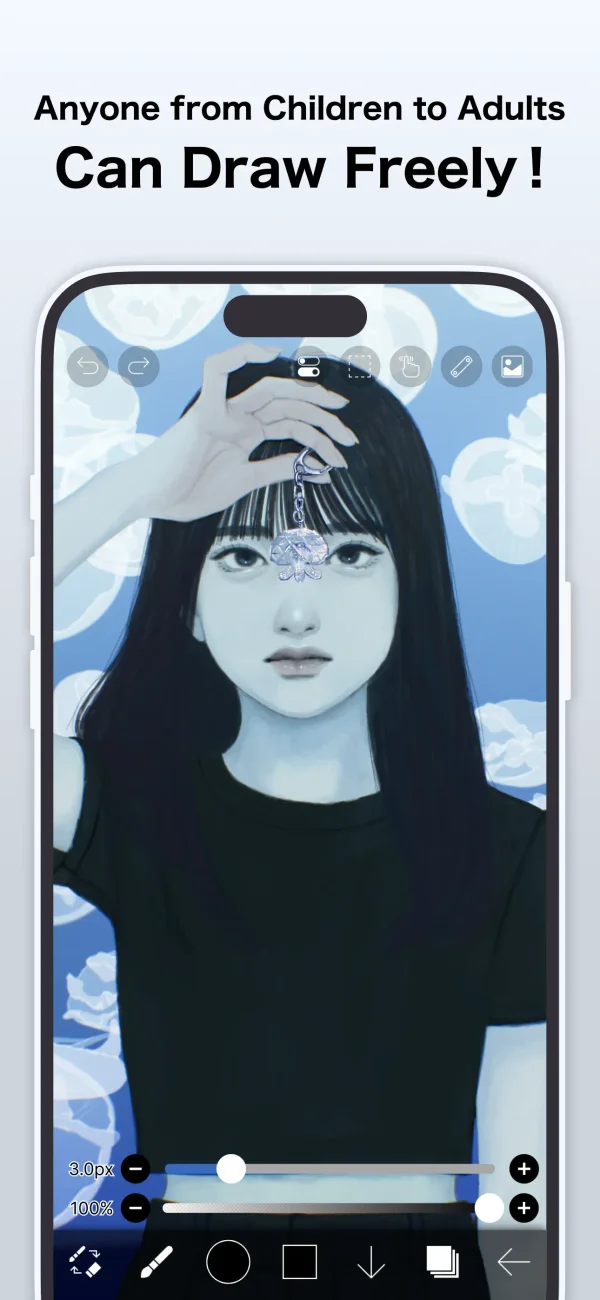
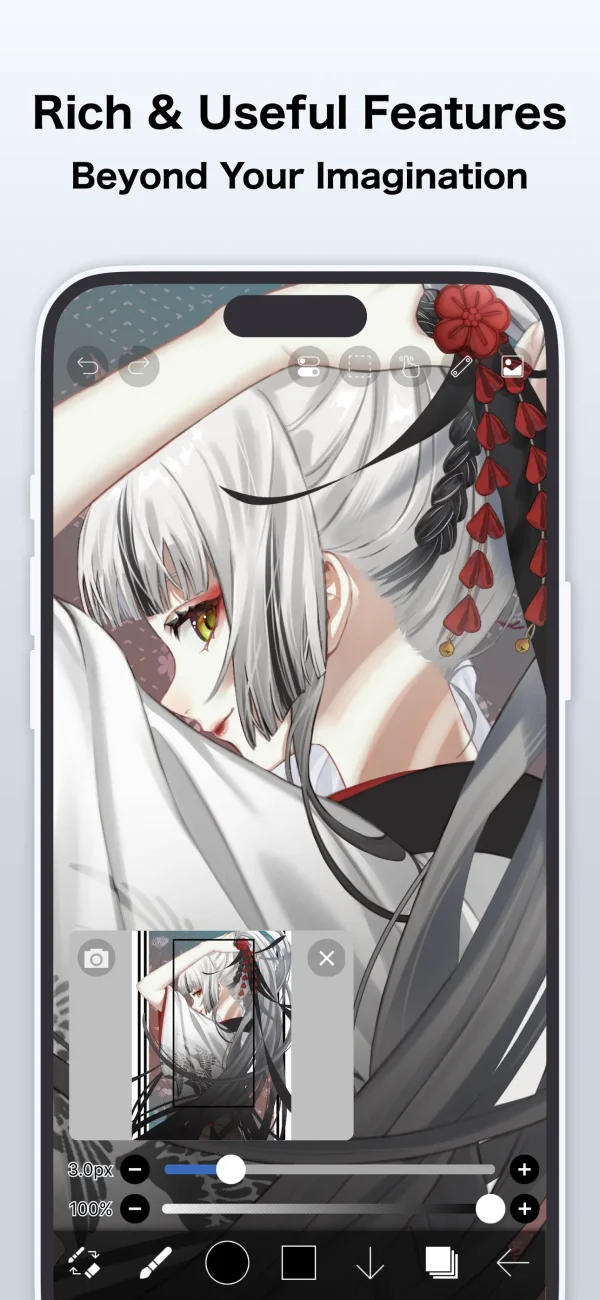

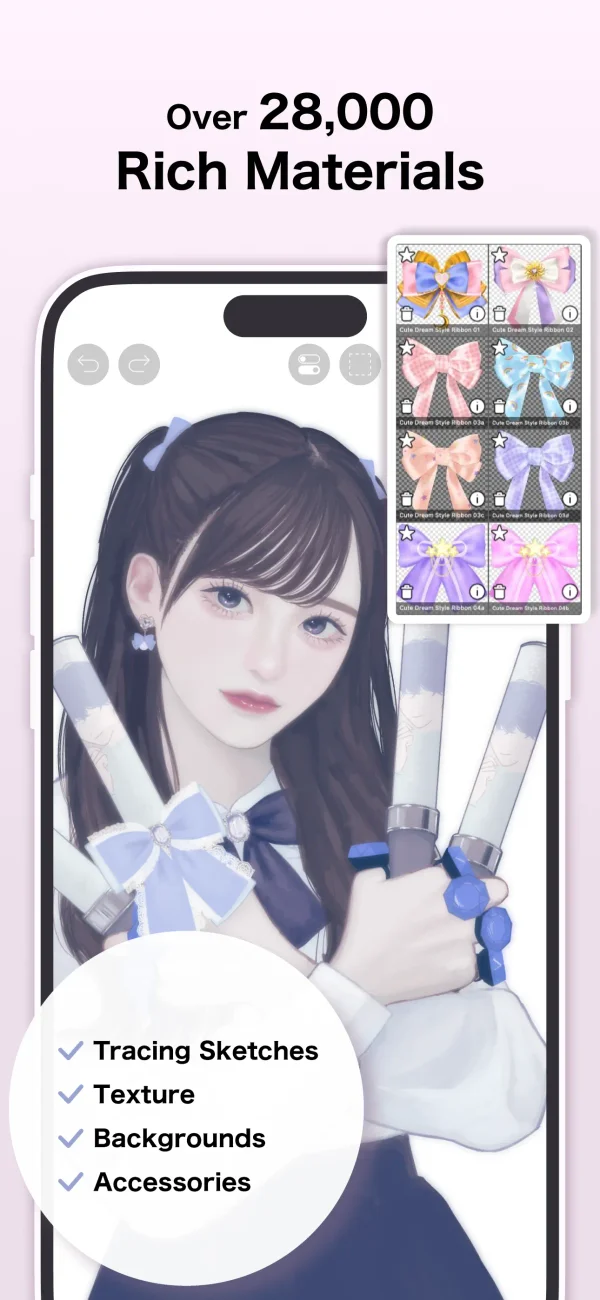
About
For everyone around the world who wants to draw and animate, freely and without pressure.
ibisPaint is a full-featured illustration and animation app for smartphones and tablets, with over 500 million cumulative downloads across the series.
"Drawing looks hard" — this app is made especially for people who think that. A creative experience that doesn't compromise, an interface simple enough to use without hesitation, and a comfortable familiarity that grows the more you use it. ibisPaint keeps serving as an easy entry point for anyone to start "drawing," while continually expanding what's possible — from a single illustration to frame-by-frame animation, and on to videos with background music and audio.
This app is the ad-free version of ibisPaint X. Unlocking all features additionally requires purchasing Premium Membership (an in-app purchase); in that case, downloading ibisPaint X and purchasing Premium Membership there works out cheaper.
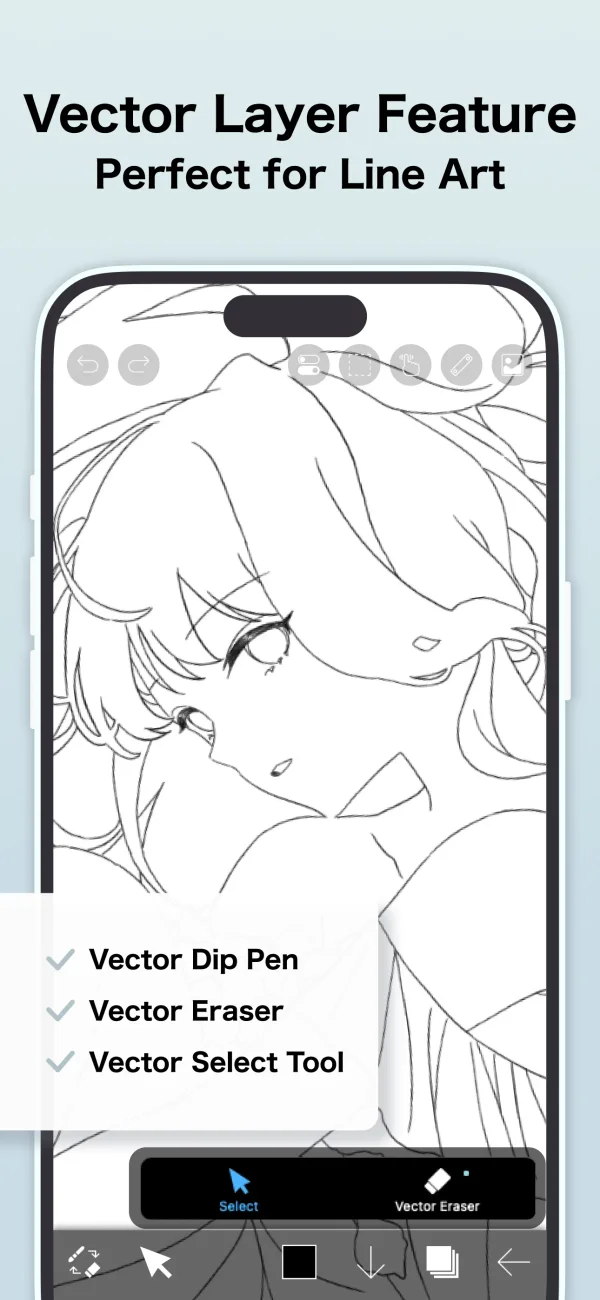
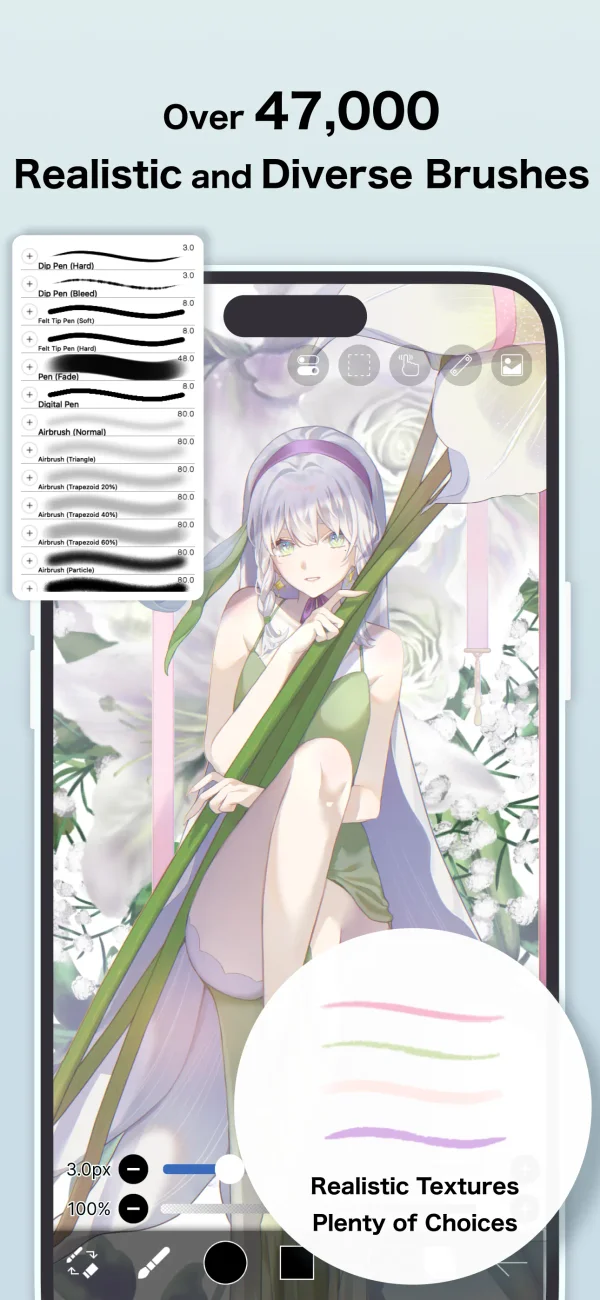
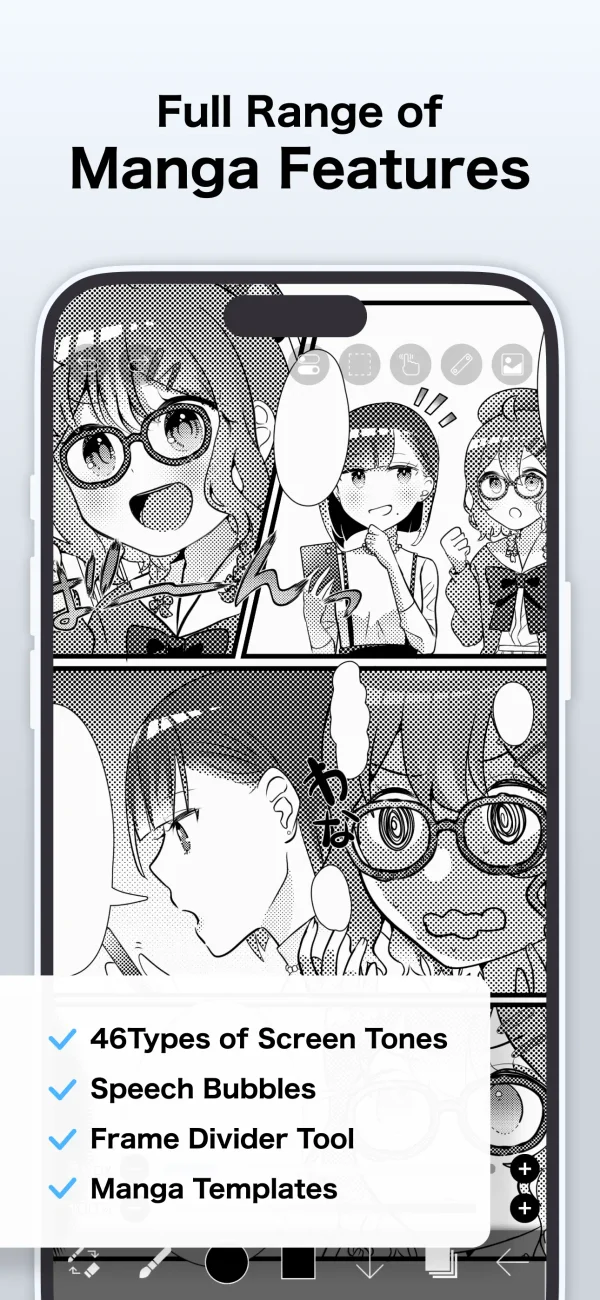
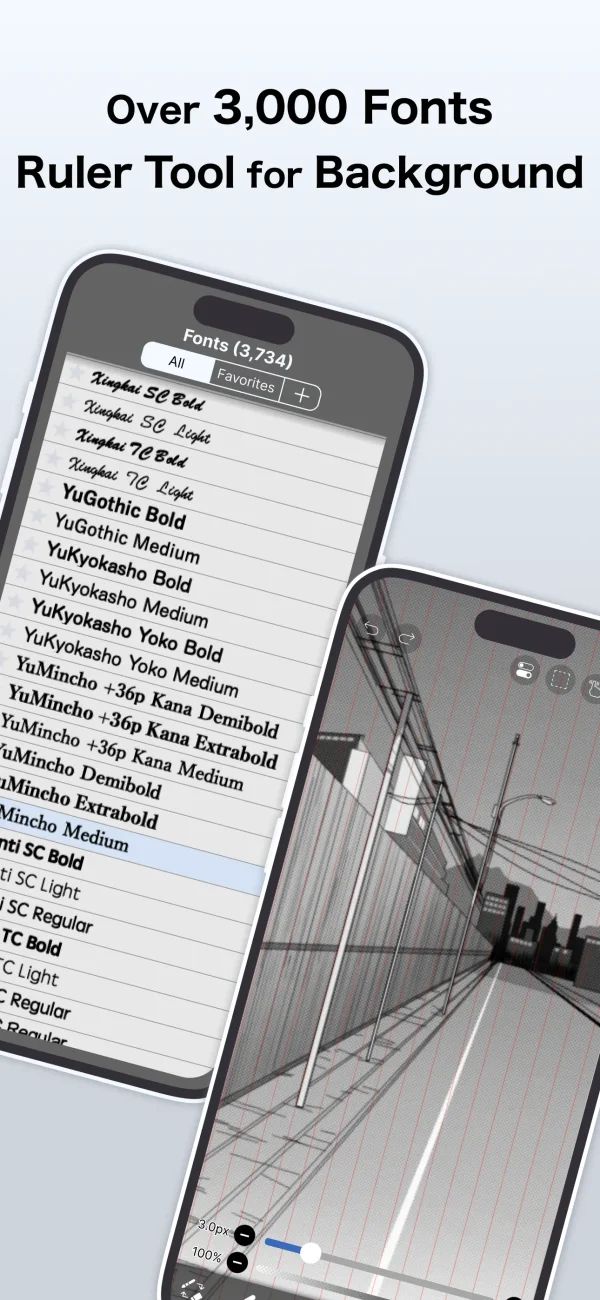
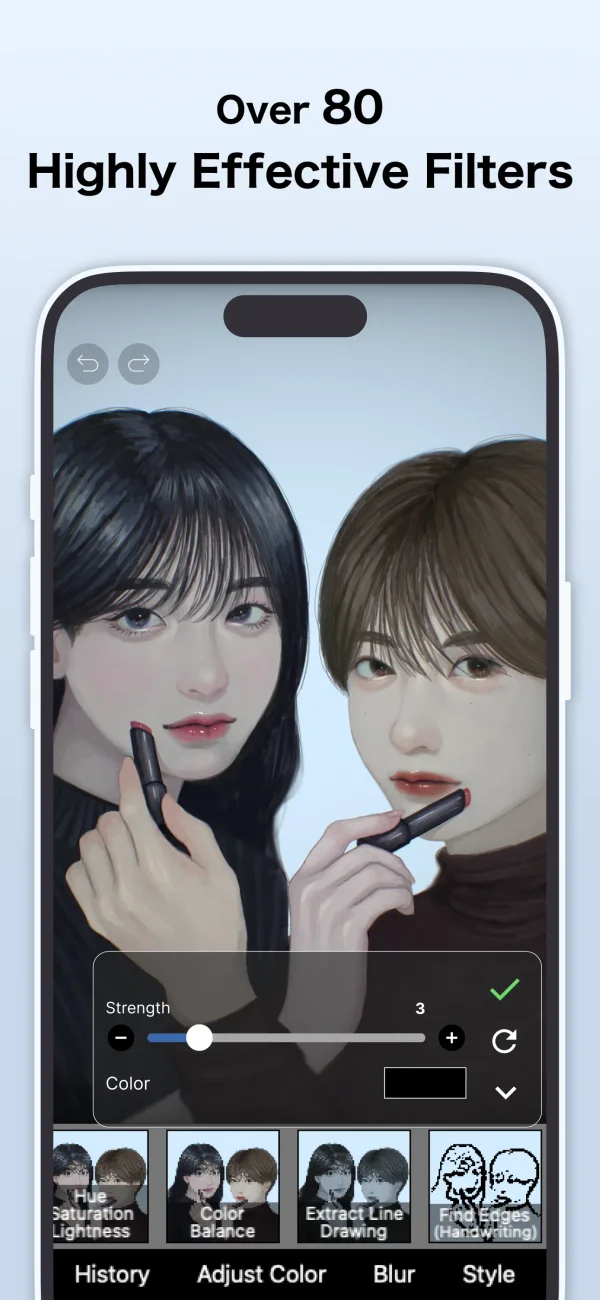
With over 130,000 brushes, 30,000+ materials, 3,000+ fonts, 86 image filters, 46 screentones, 27 layer blending modes, vector tools, a reference window, radial and symmetry rulers, animated filters, and an AI Disturbance feature, ibisPaint packs in serious functionality that rivals PC illustration software. It's a one-stop app that goes beyond drawing illustrations — into animation production, and even recording and sharing your creative process as a time-lapse video. It's chosen by people of all ages, countries, and experience levels around the world.
*Drawing Tutorial YouTube Channel
We post lots of videos on how to make the most of ibisPaint. Please subscribe!
https://youtube.com/ibisPaint
*Supported Digital Styluses
https://ibispaint.com/stylus/supported_digital_stylus.jsp?platformType=1
*About Purchase Plans
https://ibispaint.com/lecture/index.jsp?no=26
* If you do not cancel auto-renewal at least 24 hours before the free trial ends, you will be automatically charged upon renewal.
*About App Access Permissions
This app may access various device features to provide the service and improve usability. No access permission is required to use this app — all of the following are optional. You may decline any of these optional permissions. Even if declined, the app's core features remain available, but some features that require the relevant permission may be limited.
•Photos/videos in your photo library
To import artwork files and images, and to save the artwork files, images, and videos you create
•Microphone audio input
To connect and communicate with supported peripherals such as digital styluses
•Bluetooth communication
To connect and communicate with supported peripherals such as digital styluses
•Push notifications
To deliver notifications related to your artwork, app update information, and important announcements
*Questions & Bug Reports
We're unable to respond to questions or bug reports left in reviews. Please contact our support desk below instead.
https://ssl.ibis.ne.jp/en/support/Entry?svid=25
*ibisPaint Terms of Service
https://ibispaint.com/agreement.jsp
What’s new
Version 14.1.6 · Nov 10, 2026
Thank you for using ibisPaint!
The summary of this update is as follows.
[Improvements, Changes]
- Added links to the Terms of Service and Privacy Policy to the purchase screens.
- Changed the wording of the auto-renewal notice so that it is clear which plan it applies to.
[Fixed Bugs and Problems]
- Fixed an issue where the app could freeze under certain network conditions.
- Fixed an issue where the thickness mark of the Brush and Eraser tools could disappear immediately after briefly appearing when drawing with a stylus that does not support hover.
[New Features in ver. 14.1.0]
- Added the ability to customize Stabilizer and Force Fade settings individually for each brush.
- Added two Real time stabilization modes: Constant and Fast Strokes.
- Improved the brush tool’s stroke-tracking responsiveness and made the fade length consistent. You can return to the previous drawing feel from the Settings window via "Brush Prediction" . You can also configure this per brush with the brush parameter “Disable Prediction”.
- Added the brush parameters "Fade Start Time" and "Fade End Time".
- Added the ability to add audio to animation artworks.
- Added keyboard shortcuts for playing/stopping an animation and for adding and deleting clips in animation artworks.
- Added a "3D Layer" feature that lets you place 3D materials.
- Added a “Smart Shapes” feature that automatically corrects freehand drawings into “straight lines,” “Bézier curves,” and other shapes.
- Added "Relief HQ" filter to "Style" filter category.
- Added "Smart Credits" — a points system required to access some of the advanced features in ibisPaint (referred to as "Smart Features"). Credits can be purchased from each Smart feature, and your balance can be viewed in the Settings window.
- Added keyboard shortcuts for actions such as displaying the ruler and adding vector layers.
- Added keyboard shortcuts to switch between custom brushes.
- Added a "Solo Mode" feature that displays only the specified layer.
- Added a Premium feature that moves deleted artworks to “Recently Deleted Artworks” and retains them for 30 days.
- Added "Oil Paint" filter to "Artistic" filter category.
- Enhanced the Trim feature. You can now enter Position, Width, and Height as numerical values, specify a crop area that extends beyond the original canvas, and trim while rotating the canvas.
- You can now undo and redo adjustments while using the Transform Tool.
- The mouse cursor now changes depending on the situation. This setting can be changed in the "Cursor" section of the Settings window.
- When using a stylus with hover functionality, the cursor is now displayed at the hover position. This setting can be changed in the "Cursor" section of the Settings window.
- Improved the design of rulers to be less obtrusive while drawing, and added the ability to change the ruler color.
- Added "Touch History Completion", which captures more touch points (enable from the Settings window).
App privacy
What ibis inc. declares on the App Store about how this app handles data.
-
Data linked to you
May be collected and linked to your identity.
- Purchases
- Location
- User content
- Identifiers
- Diagnostics
-
Data not linked to you
May be collected but is not linked to your identity.
- Identifiers
- Usage data
- Diagnostics
- Other data
Privacy practices may vary, for example with the features you use or your age.
Information
- Seller
- ibis inc.
- Category
- Graphics & Design
- Version
- 14.1.6
- Updated
- Nov 10, 2026
- Released
- Jun 21, 2011
- Size
- 111.3 MB
- Requires
- iOS 15.0 or later
- Age rating
- 4+
- Price
- $15.99
- In-app purchases
- Yes
- Languages
- English, Arabic, Dutch, French, German, Hebrew, Hindi, Indonesian, Italian, Japanese, Korean, Portuguese + 7 more
- Copyright
- © ibis inc.
You might also like
-
 ToonSquidCreate beautiful animations
-
 MediBang Paletta:Drawing AppSketching, Drawing, Painting
-
 RoughAnimator - animation appDraw frame-by-frame animation
-
 PastelaA seamless drawing experience
-
 VRoid Studio3D Modeling, for Everyone!
-
 Pofi Create: 3D Pose ReferenceDrawing Models, Manga & Comics
-
 Clip Studio PaintGraphics & Design
-
 Resprite: pixel art studioPixel art and sprite editor
-
Clip Studio Paint for iPhoneDraw and sketch anywhere
-
 MediBang Paint – Drawing & ArtGraphics & Design