
- Age rating4+
- CategoryProductivity
- DeveloperTransportation Financial Services, Inc.
- LanguagesEnglish
- Size40.4 MB
Links to the official App Store page
Download.org hosts no file of iBulk. The button opens its official App Store page, published by Transportation Financial Services, Inc. Listing last checked on Nov 17, 2026.
Screenshots
About
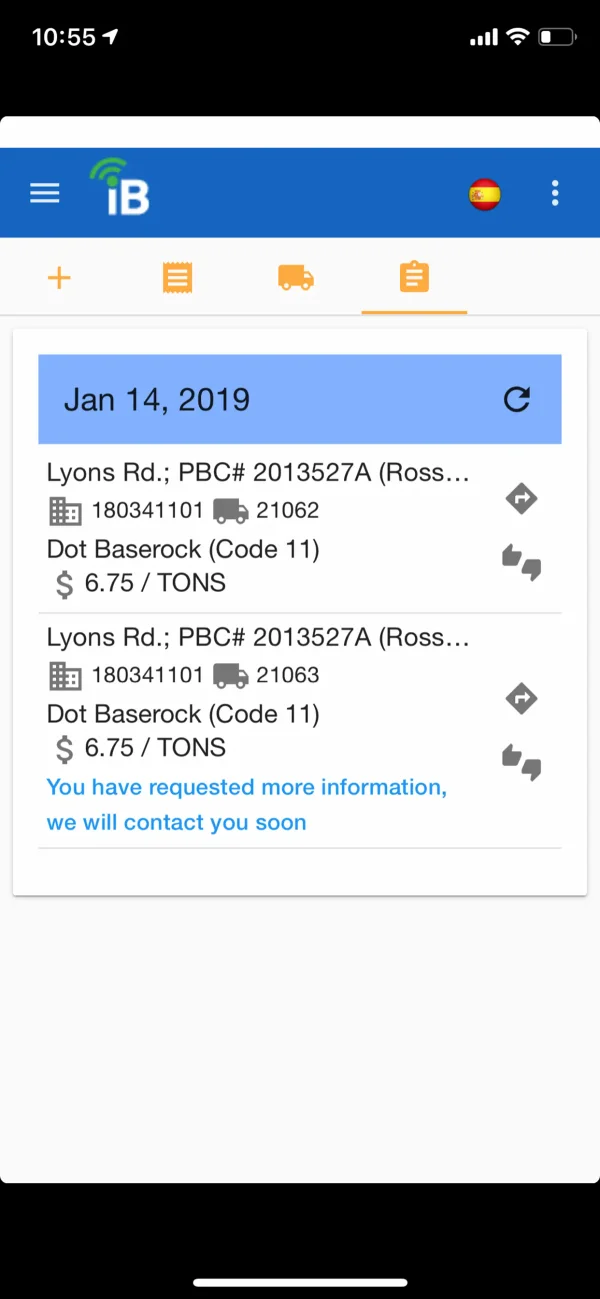
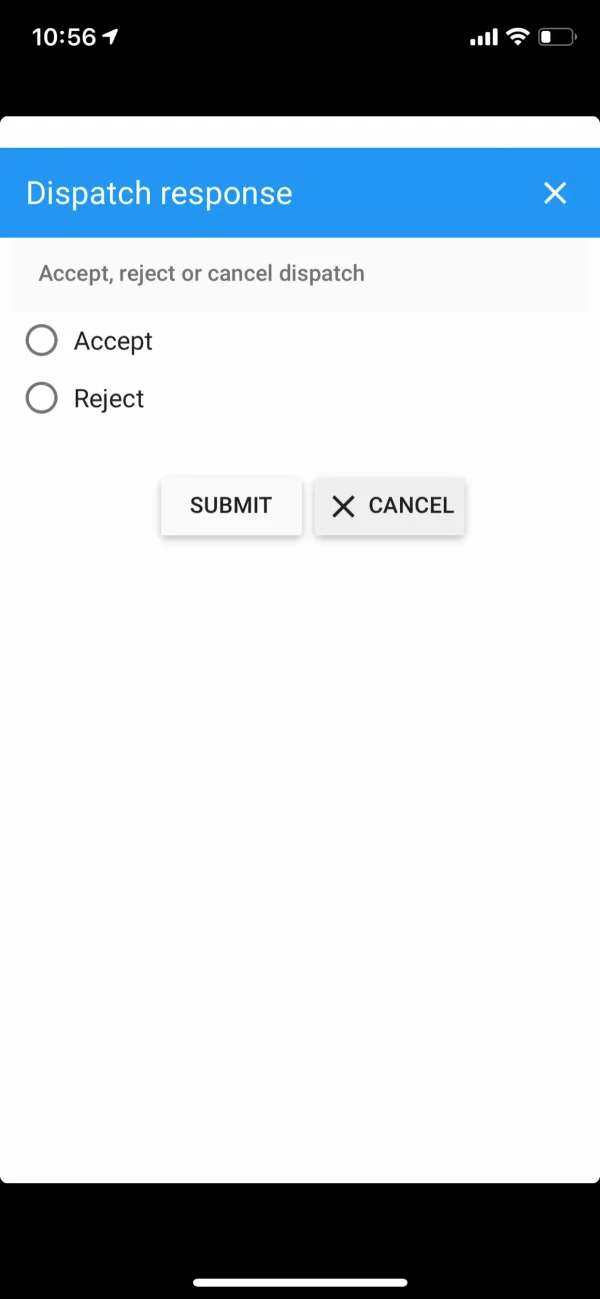
Once registered, the iBulk app allows an approved dump truck driver to accept dispatch to job sites, track daily delivery tickets, and manage hauling income from a single place. You can use the app to view your past tickets, manage drivers if you run multiple trucks, and submit insurance and contract documents for processing.
Features:
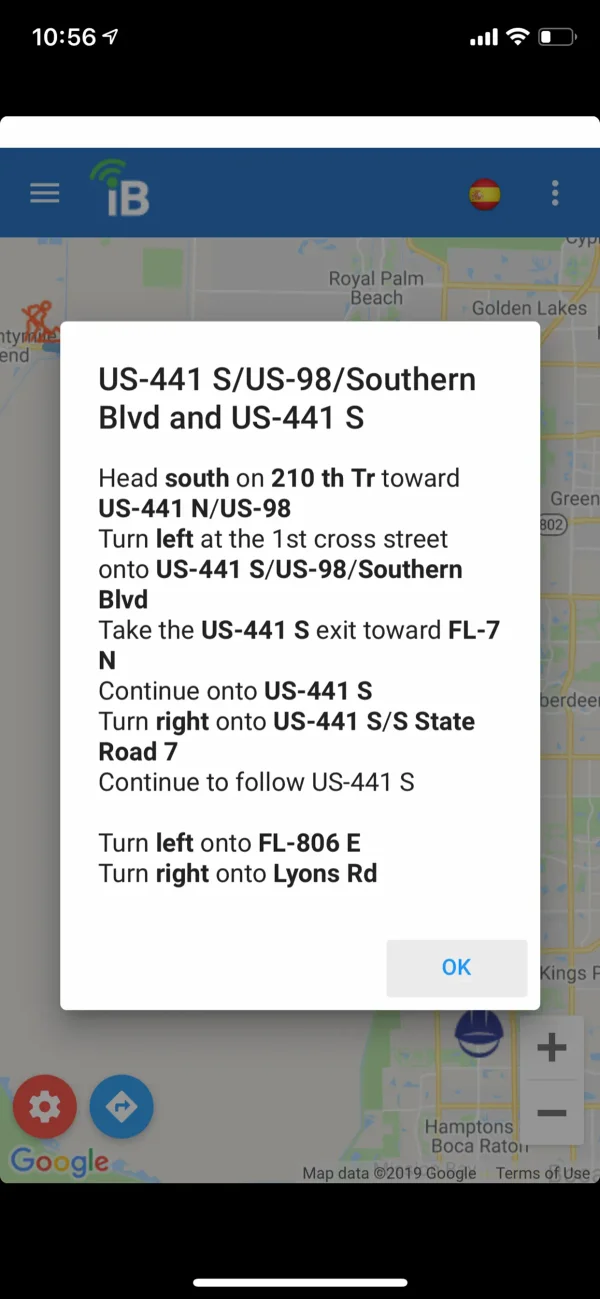
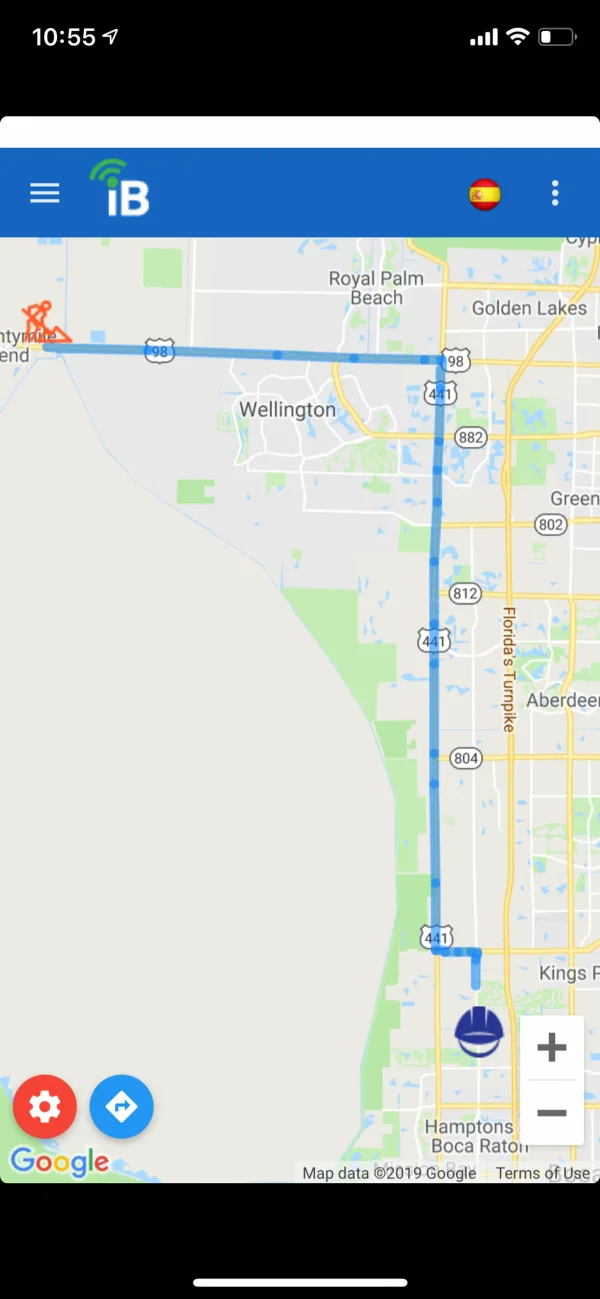
Dispatch: Get push notifications on your phone when you are dispatched for a job. iBulk shows the date and time for the trip, pay rate, and directions to the quarry or job site. You can even get real time traffic conditions! Use the app to find the shortest route from your current location to the job site, and avoid traffic congestion while hauling your load to the job site.
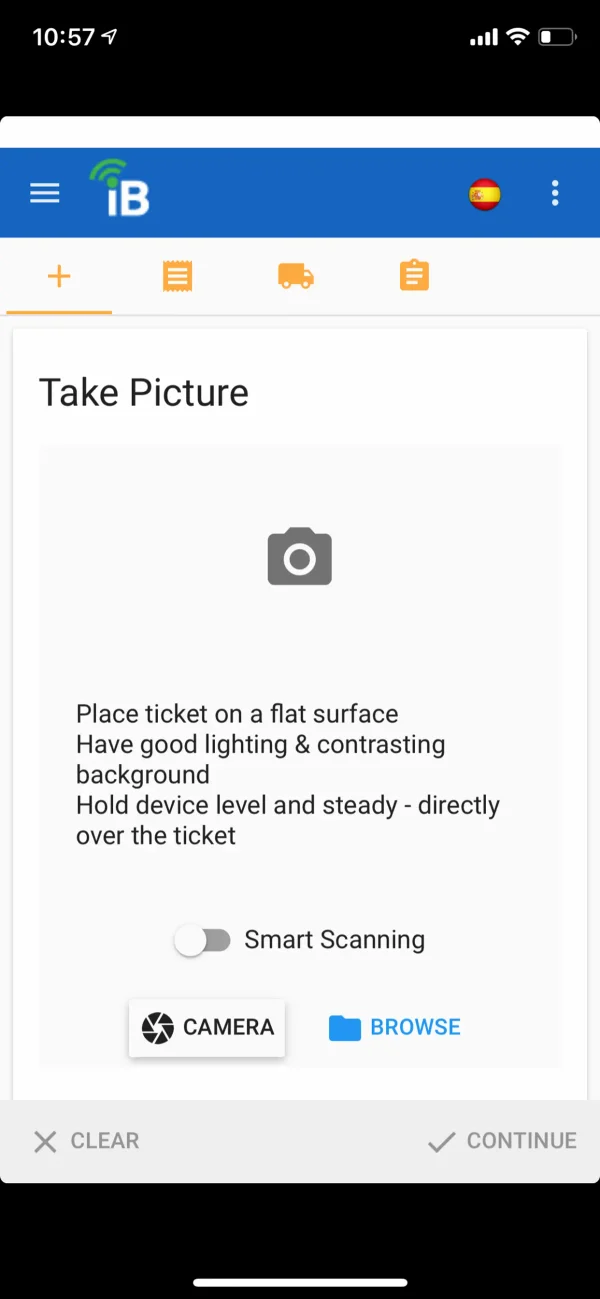
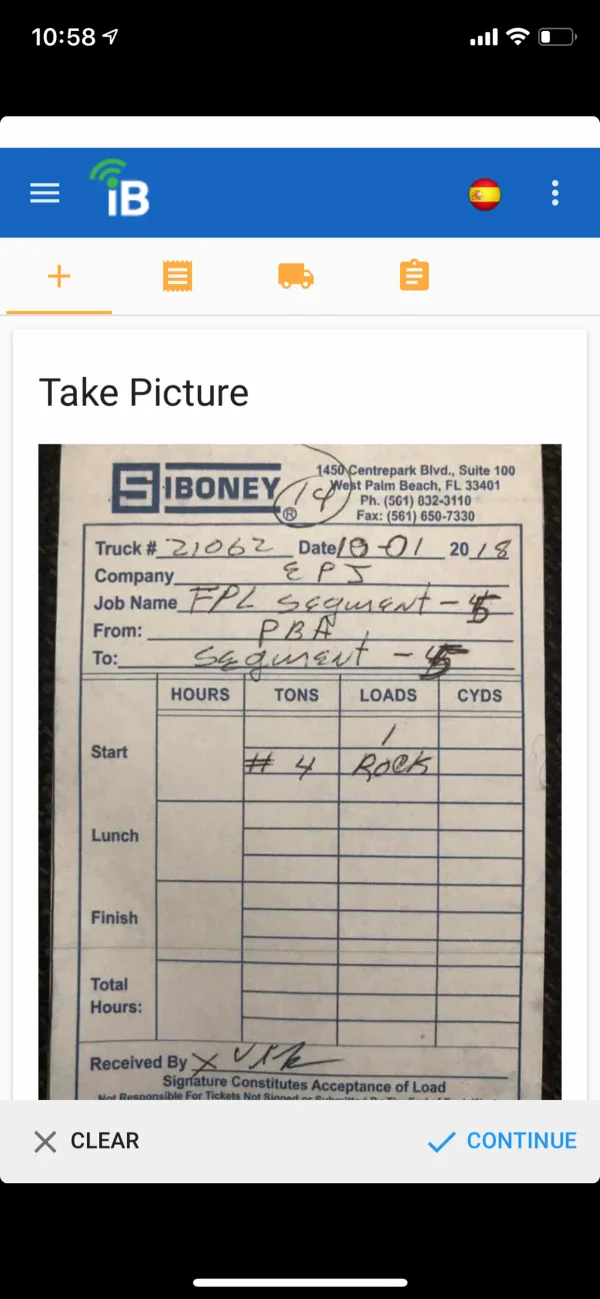
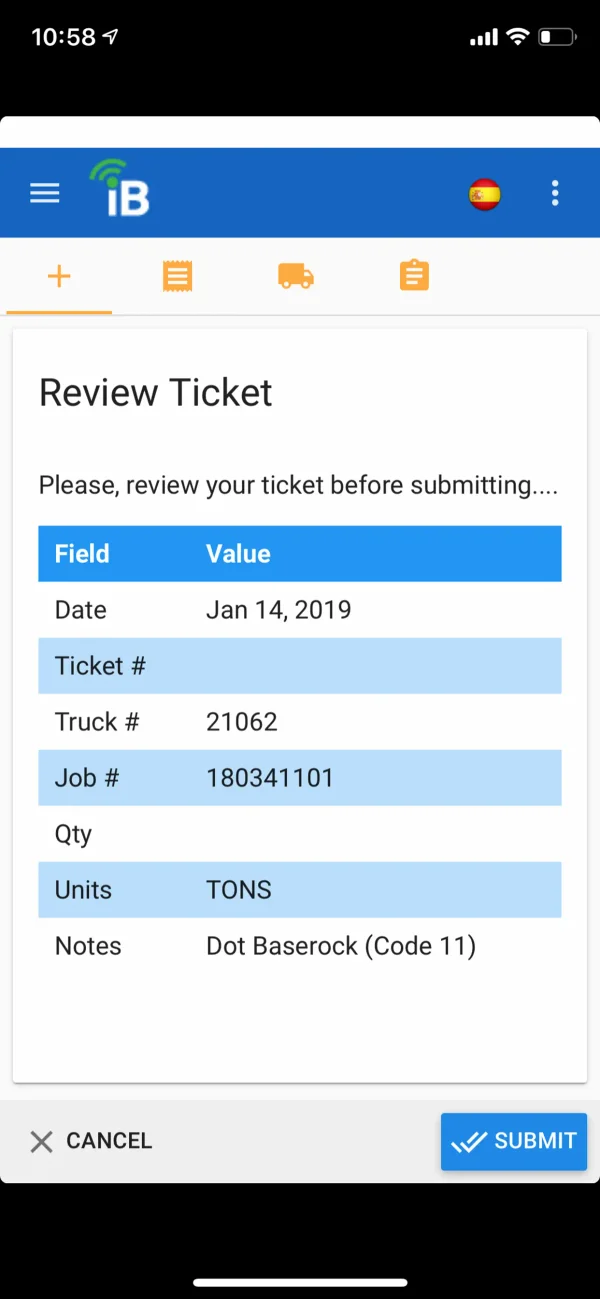
Add Tickets: Submit load tickets electronically through the iBulk app using the camera on your smart phone. Simply Scan the ticket using the Smart Scan feature in the app, optionally enter any additional ticket details, and submit the ticket for processing. No more weekly trips to the office or drop box to deliver your tickets.
My Trucks: Review truck details such as the tag number, insurance expiration date, vehicle registration date, and VIN number to make sure that your truck is ready to go to work!
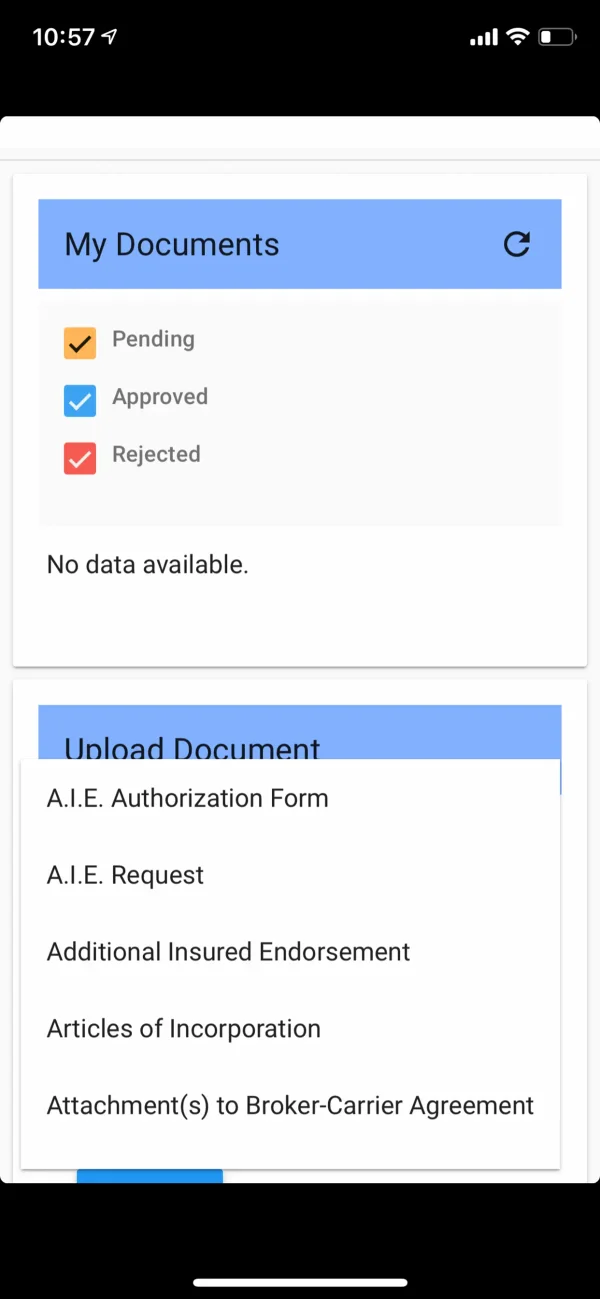
Documents: You can submit required documents and contracts such as signed broker / carrier agreements, insurance documentation, driver license, and vehicle registrations. The documents go directly to our truck management department for immediate processing, helping you get to work faster.
Multi-Truck Management: If you run multiple trucks, you can set up your drivers to use a light version of the iBulk app that only allows them to see dispatch for only the truck they are assigned to and not see tickets hauled by other drivers. As the manager, you can see all trucks dispatch and tickets, as well as re-assign drivers to alternate trucks if necessary.
The iBulk app requires an active internet connection over cellular or WiFi networks for operation. Operator is responsible for any data usage charges incurred while using the iBulk app.
The iBulk app utilizes proprietary image scanning technology licensed from Scanbot Scanner App - PDF Document and Photo Scan Technologies, Inc.
iBulk is intended for use by motor carriers pre-registered with Siboney Transport Co. or it's affiliate companies for use in hauling jobs managed by Siboney Contracting Co. or it's affiliates. Contact our motor carrier registration department at (888) 388-3110 to get registered.
What’s new
Version 3.6.1 · Oct 2, 2026
Fix for IOS 27.0 status bar placement.
App privacy
What Transportation Financial Services, Inc. declares on the App Store about how this app handles data.
-
Data linked to you
May be collected and linked to your identity.
- Location
- Contact info
- User content
- Identifiers
- Diagnostics
- Other data
Privacy practices may vary, for example with the features you use or your age.
Information
- Seller
- Transportation Financial Services, Inc.
- Category
- Productivity
- Version
- 3.6.1
- Updated
- Oct 2, 2026
- Released
- Feb 7, 2019
- Size
- 40.4 MB
- Requires
- iOS 15.0 or later
- Age rating
- 4+
- Price
- Free
- Languages
- English
- Copyright
- © 2018-2026 Transportation Financial Services, Inc.
You might also like
-
 NewMileProductivity
-
 DumpTruckItOn-time deliveries, simplified
-
 DumpTekDump Truck Ticketing Software
-
 Axis Truck ReadyProductivity
-
 Next Fleet ELDProductivity
-
 Fastweigh MobileProductivity
-
 2BRO ELD PROProductivity
-
 2BRO ELDProductivity
-
 305 HOSStay FMCSA Compliant
-
 Rose Rocket MobileMobile App for Rose Rocket TMS