- Age rating4+
- CategoryProductivity
- DeveloperRoberto Panetta
- LanguagesEnglish
- Size682.0 KB
Links to the official App Store page
Download.org hosts no file of iCalcline. The button opens its official App Store page, published by Roberto Panetta. Listing last checked on Nov 14, 2026.
Screenshots




About
iCalcline is a modern algebra calculator for iOS
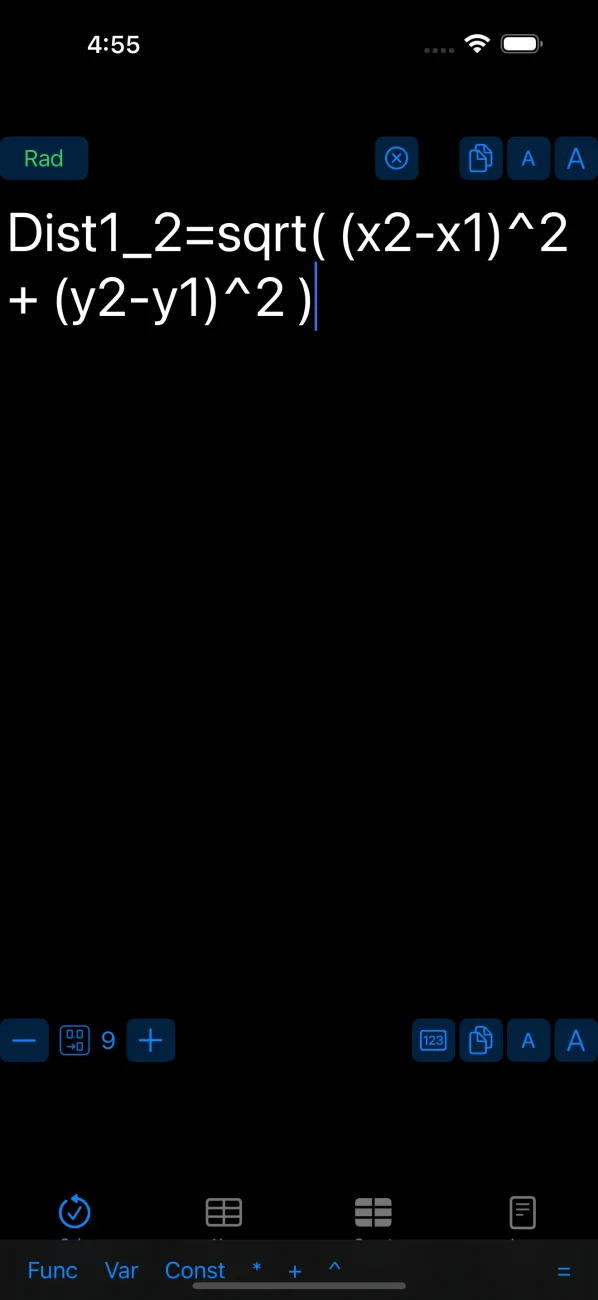
It can solve math expression with any level of parenthesis and functions
You can use algebraic expression with numeric values and or variables constant names
You can use in expression the variables and constants you created in the internal tables: 'alpha=bravo+K_1' (bravo will be taken from the variable table, K_1 from the const table and alpha will be assigned or created in the variable table)
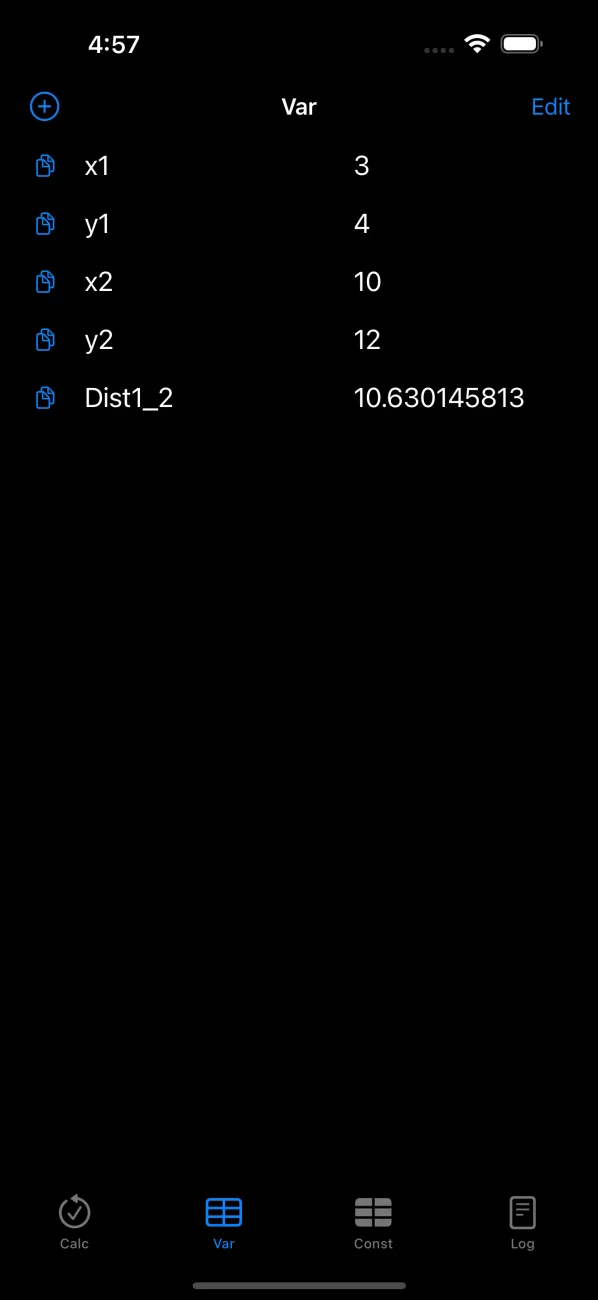
You can create, manipulate, delete and use how many variables you like inside the app.
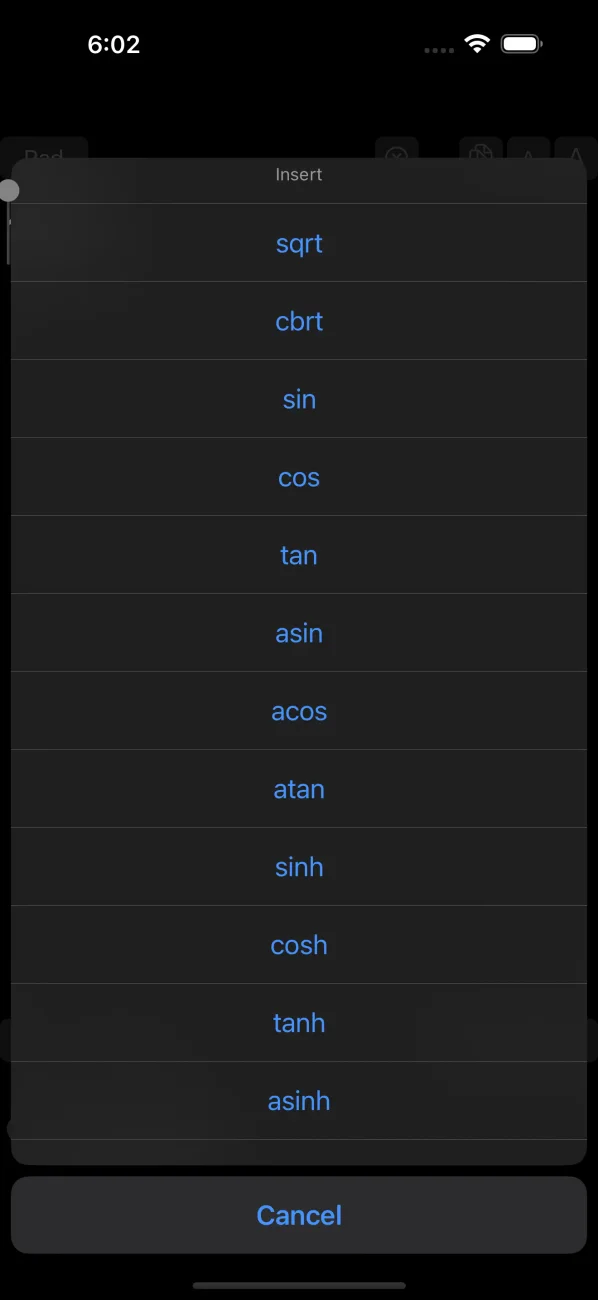
The internal iOS keyboard provides helpers to insert available functions, variables, constants, operators.
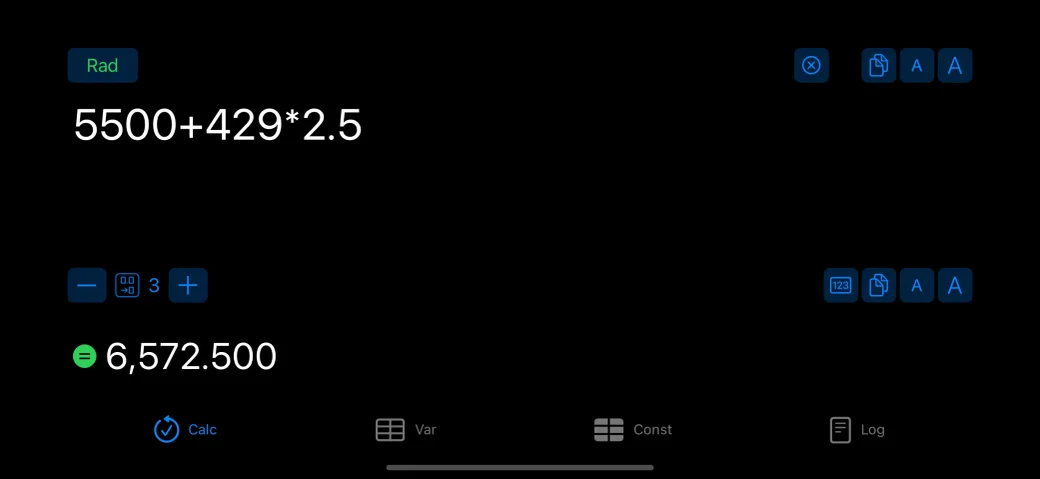
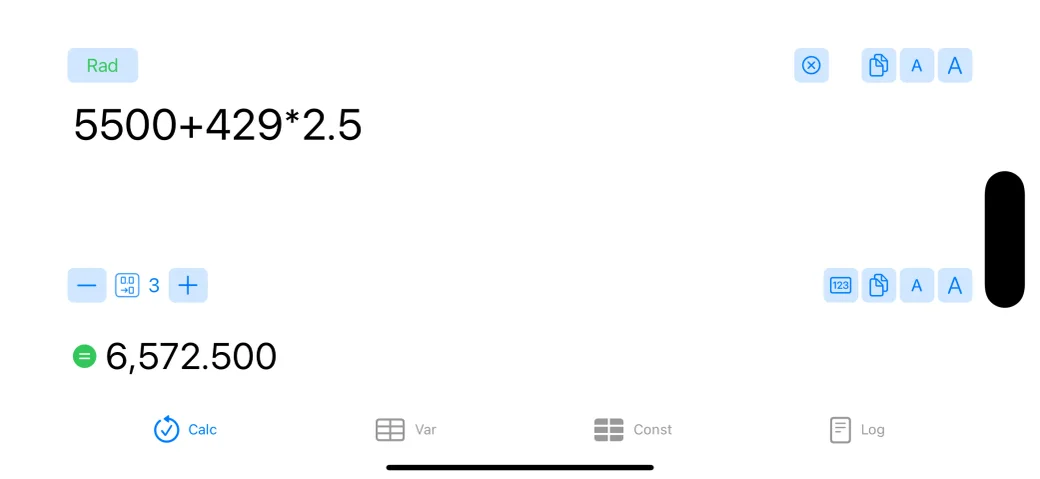
Result is displayed immediatly.
KEY POINTS
• Evaluates mathematical expressions with parentheses, nested functions, variables and constants
• Easy to use
• The user simply inserts an expression and iCalcline displays the result
• Variable creation and reference inside expressions are very easy using an interactive list.
FEATURES
• Algebra made easy and simple
• Manages any nested level of parentheses using the correct precedence
• Check your expression syntax in advance signaling errors
• Can use an internal variable and constant table with editable values
• You can manages unlimited numbers of variables and constant you like in the internal tables.
• You can use in expression the variables and constants you created in the internal tables: 'alpha=bravo+K_1' (bravo will be taken from the variable table, K_1 from the const table and alpha will be assigned or created in the variable table)
• Customized keyboard with Functions, variables table, constants table and frequent used symbols available to insert with a single touch
• Can change on the fly calculation precision (up to 9 decimals thanks to use of long double calculation)
• Variable font sizes
• Select a variable or a value and inserting a function will wrap it inside the function parenthesys
• Uses decimal and group separator in accordance with your local settings
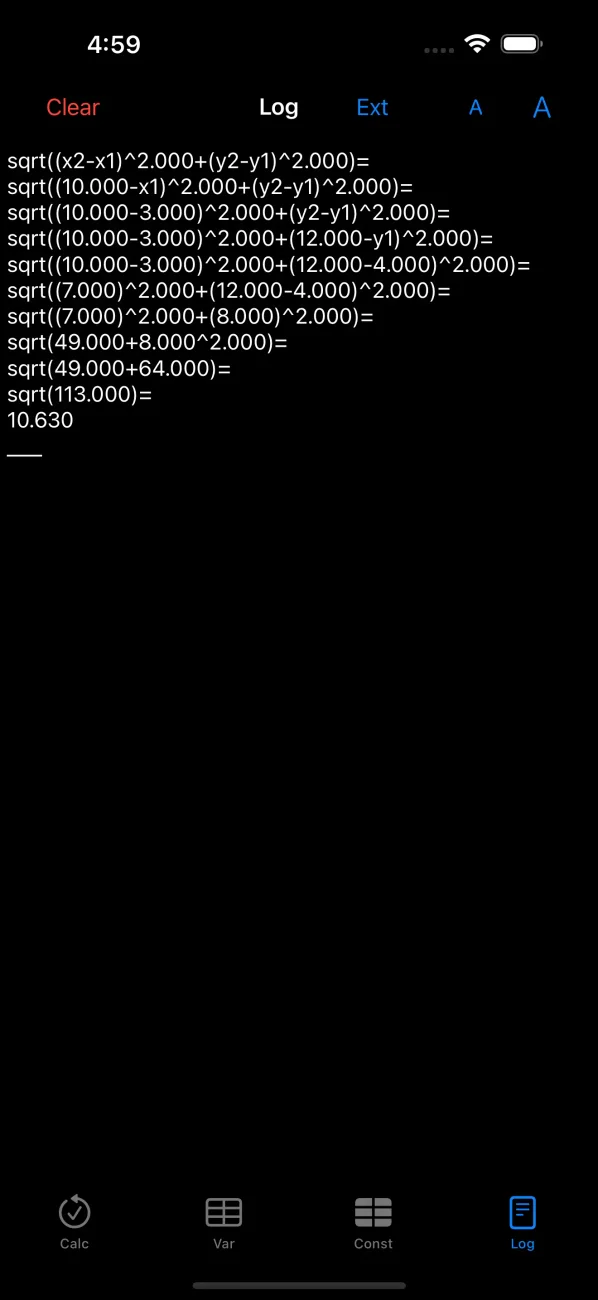
• Full log of executed calculations
• Optional step by step solving showing all the mathematical passages in the log.
• Retains values over successive re-launch
• DEG° and RAD calculation for trigonometric functions
• Based on a custom fast calculation engine and used also on macOS in Calcline and TS Calc (available on the Mac App Store).
• Uses long double calculation (High precision with up to 9 decimal digit precision)
• Works great in Portrait and Landscape mode
• Works great on iPad as SlideOver
FACILITIES:
• A calculation area where you can insert algebraic expressions and immediatly see the result as you type
• A Variable table where you can insert infinite variables with custom values, Variables can be created as result of calculations (x=1+1) will create automatically the variable x inside the table assigning the value = 2
• A constant table with constant value usable in calculations. Off course constant can't be assigned by calculation
• A log with all the result , available step by step or in concise format
AVAILABLE FUNCTIONS
sqrt
cbrt
sin
cos
tan
asin
acos
atan
sinh
cosh
tanh
asinh
acosh
atanh
log
log10
exp,
exp2
expm1
abs
ceil
floor
pow
What’s new
Version 2.0 · Jul 8, 2025
Totally rewritten
Totally new modern interface with a new modern layout
Improved custom keyboard with all more used math symbol handy
Available function list in keyboard
Available variable list in keyboard
Available constant list in keyboard
Better management of variables and constant
New calc log management
Variable font sizes
Works great also on iPad
App privacy
What Roberto Panetta declares on the App Store about how this app handles data.
-
Data not collected
The developer does not collect any data from this app.
Privacy practices may vary, for example with the features you use or your age.
Information
- Seller
- Roberto Panetta
- Category
- Productivity
- Version
- 2.0
- Updated
- Jul 8, 2025
- Released
- Apr 24, 2011
- Size
- 682.0 KB
- Requires
- iOS 15.6 or later
- Age rating
- 4+
- Price
- $0.99
- Languages
- English
- Copyright
- © 2011-2025 Ecleti - Roberto Panetta
You might also like
-
 MathDown - Markdown LaTeX DocsCalculate and evaluate notes
-
 The No ListA Thousand No's for Every Yes.
-
 iA Presenter: Fast SlidesWrite your presentations
-
 Mellel MobileA Real Word Processor
-
 Notelane - Markdown EditorYour notes, your own storage
-
 Deckset: Your Notes to SlidesPresentations Made Simple
-
 Rlytic R Programming EditorRun R & Create Plots
-
 Noteflow: Simple NotesPhoto sketch doodle paint
-
 Tot PocketYour tiny text companion.
-
 Inkflow Visual NotebookSketch Notes, Mind Maps, Ideas